

Field-day home
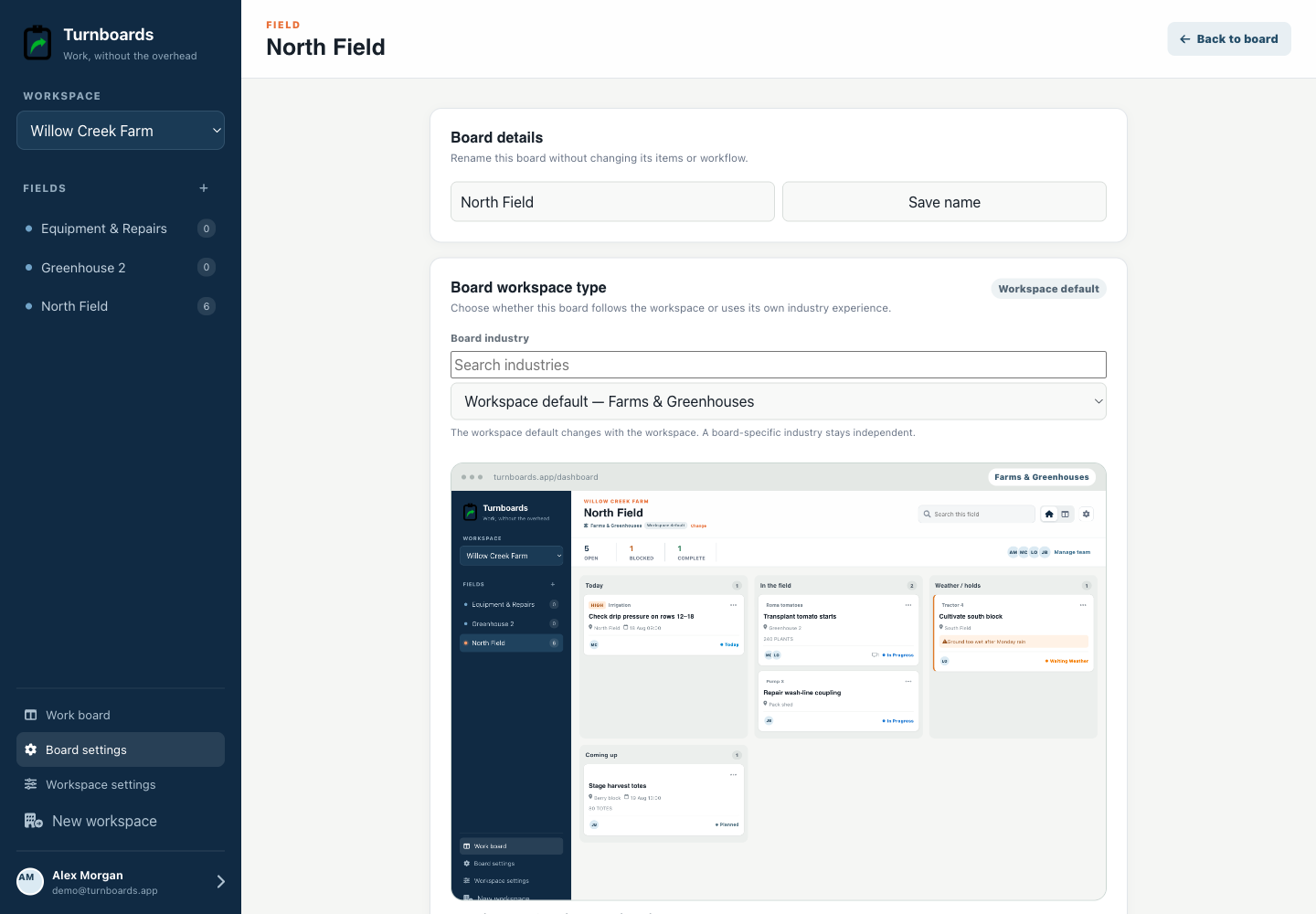
Start with Today, In the field, Weather / holds, and Coming up.
Farm and homestead work
Turnboards gives farms and greenhouses a focused field-day view for work across fields, barns, equipment, crops, livestock, and seasonal projects.
Create a board for each field, crop, herd, building, or work area. Text-only capture sends new work into Planned, then the crew can move it through Today, In Progress, Waiting Weather, and Complete. Mobile updates can be entered without a signal and sync after reconnecting.
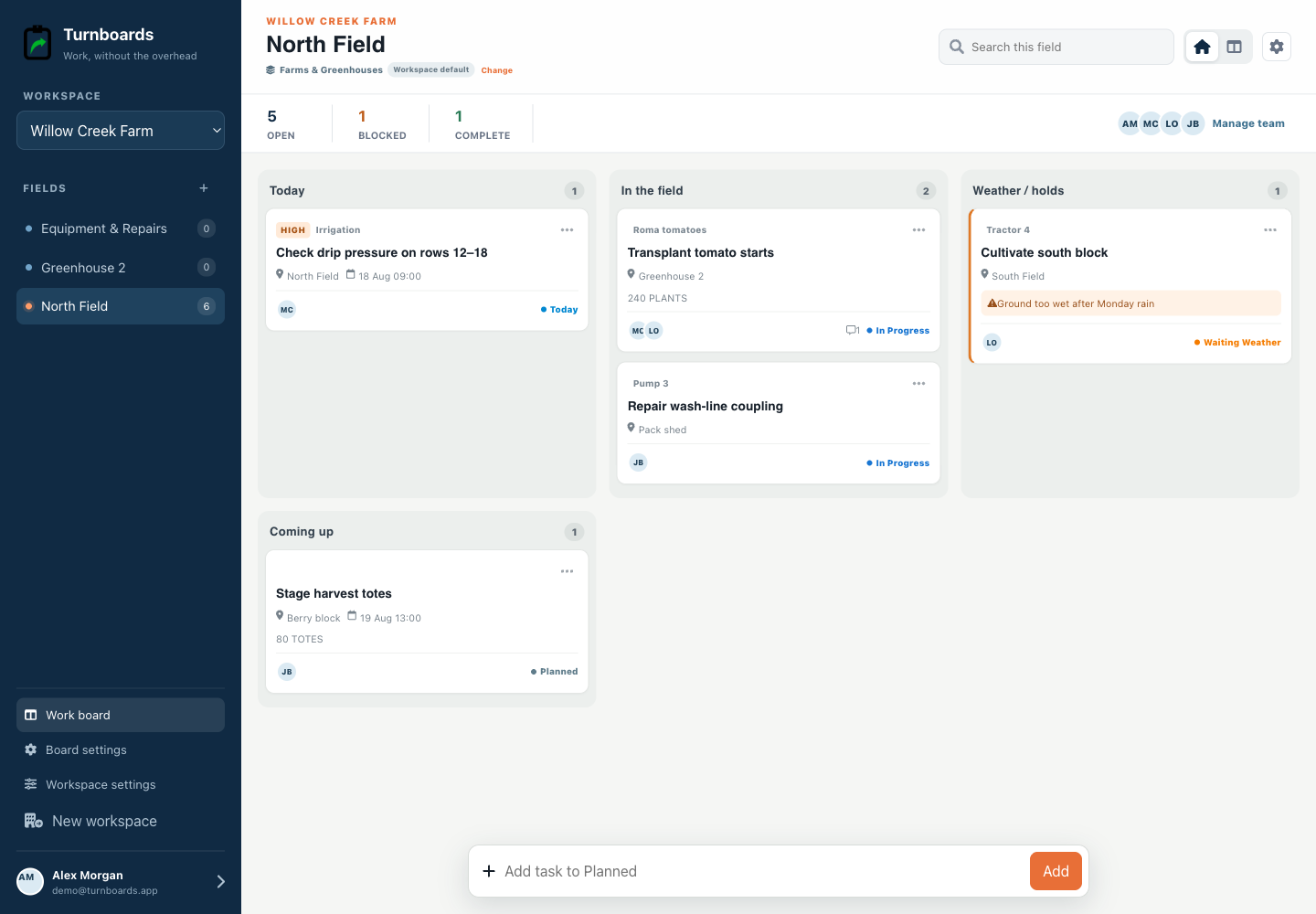
Built for the field day
Agriculture workspaces keep field, schedule, equipment or crop reference, quantity, ownership, and weather holds visible—even when the mobile crew works offline.
Start with Today, In the field, Weather / holds, and Coming up.
Show field, equipment or crop, quantity, schedule, and owner.
Capture and complete work away from reliable service, then sync after reconnecting.
Example workflow
This sample field-day board shows the next action, its owner, and what can move. Replace the names and jobs with your own work.
| Task and location | Owner | Stage | Handoff note |
|---|---|---|---|
| Check irrigation at the north greenhouse | Alex | Today | Note any blocked emitters before watering. |
| Repair the latch at the east pasture gate | Sam | In Progress | Replacement latch is in the shop; record what remains. |
| Prepare the west field for planting | Lee | Waiting Weather | Review field conditions before moving this work to Today. |
Open the mobile app and sync the board while connected before heading out. Enter task updates without a signal, then reconnect to sync them with the crew. Other people see those changes after synchronization; offline updates are not live shared updates.
Start with a ready-made work list, then add each task's field, owner, and blocker.
Review the farm field-day work planThe mobile app in action
These are real screens from the same industry workspace shown above, using realistic fictional work. Scroll through the complete App Store screenshot set.
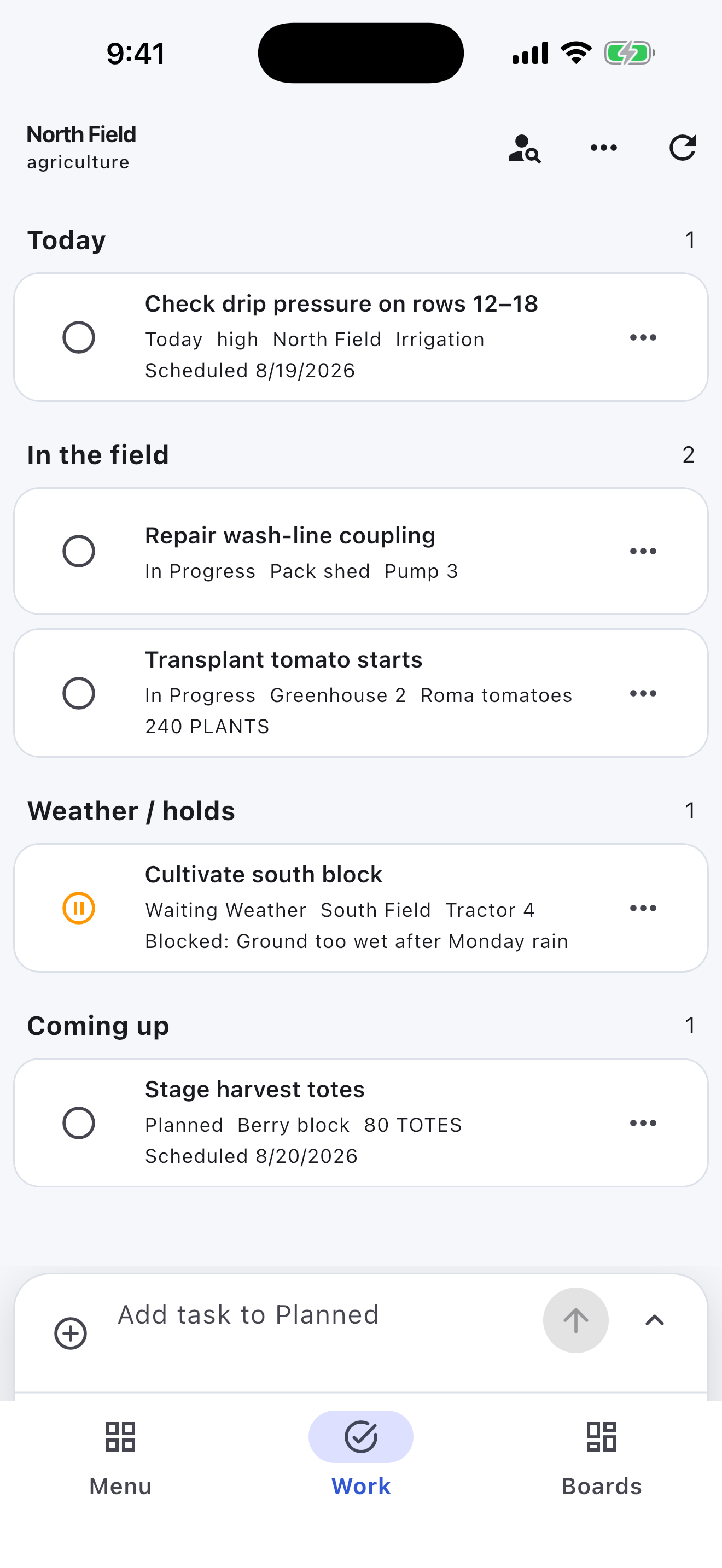
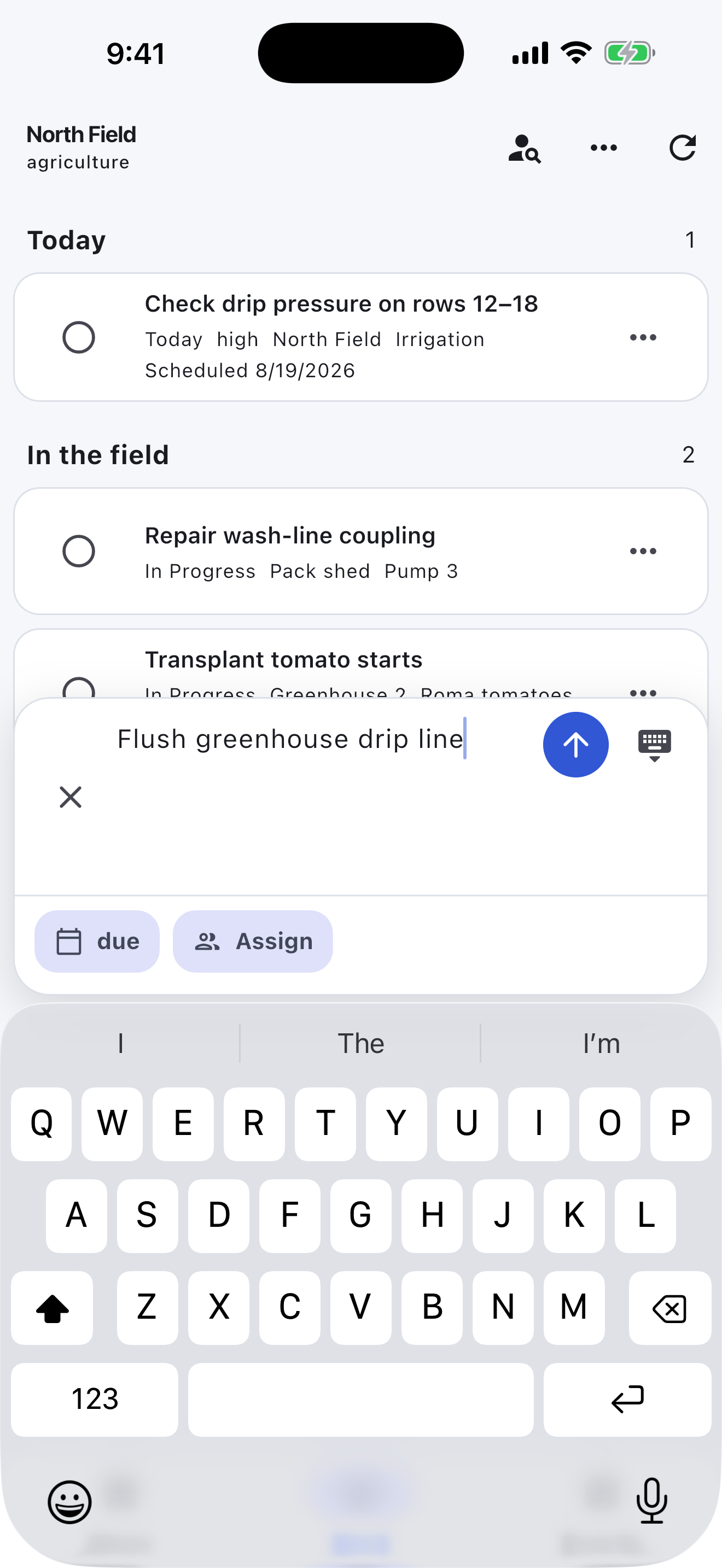
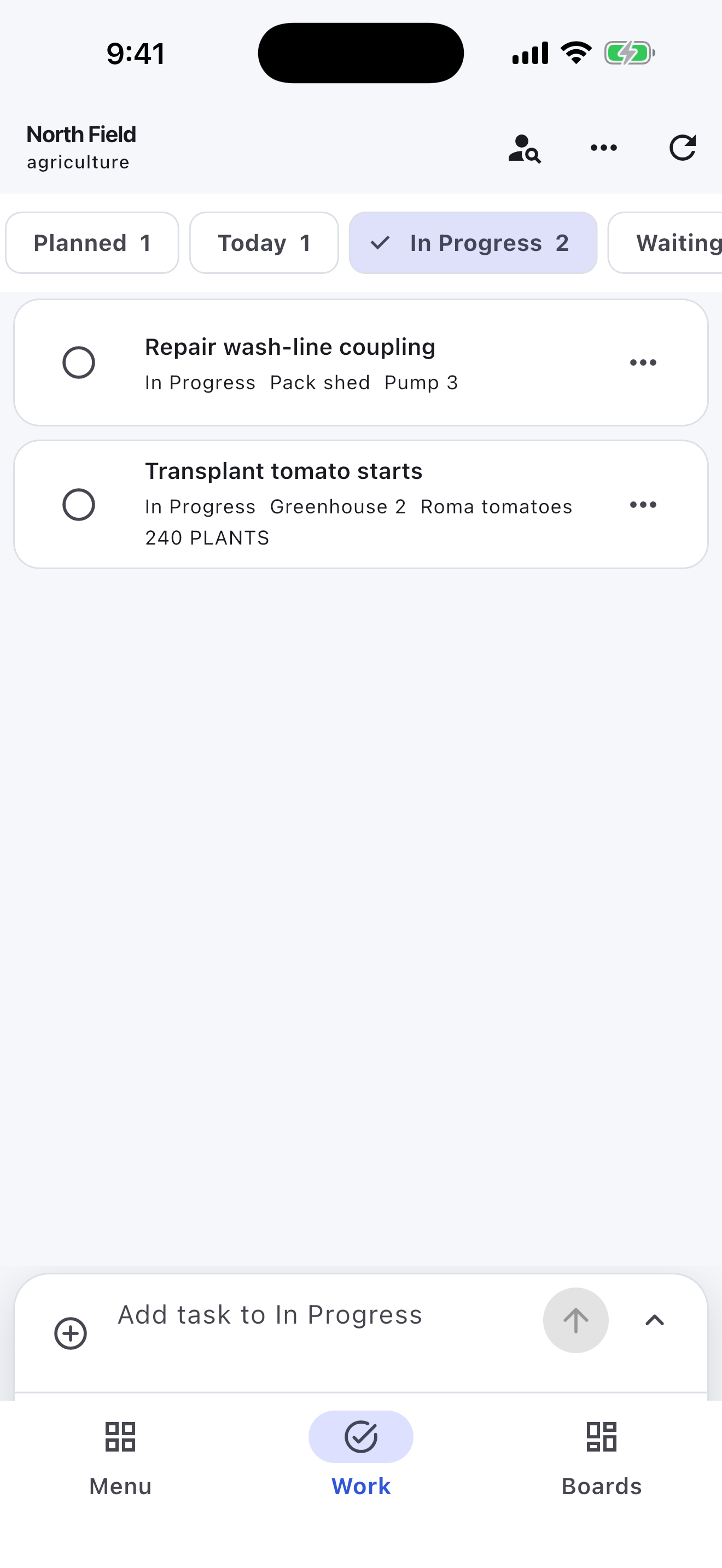
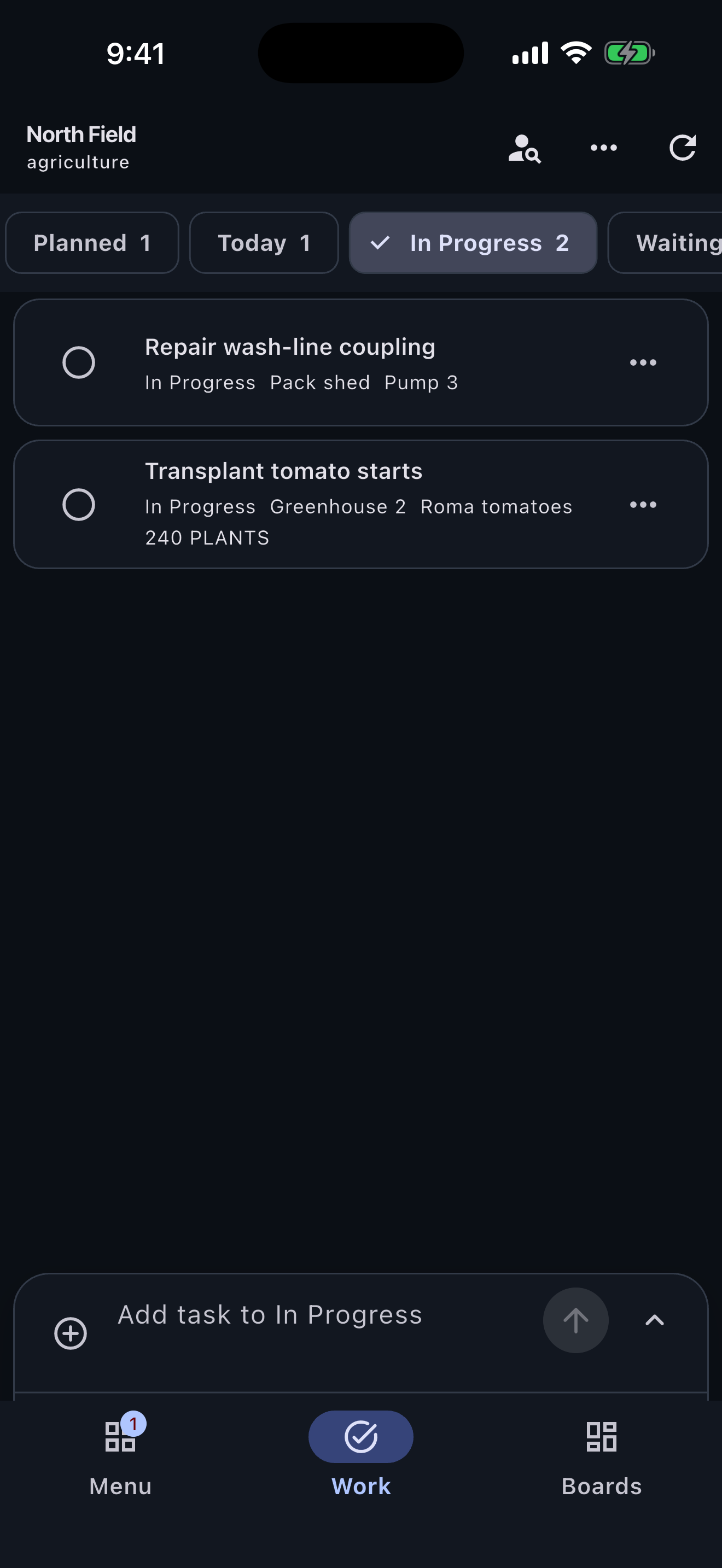
Farm work gets scattered quickly when every reminder lives in a text thread, notebook, tractor cab, or someone's memory. In Turnboards, each area of the farm can have its own board so the right tasks stay with the right place.
Turnboards works like a lightweight farm chore app. Add repeat and one-off work when it is needed, then let family members, employees, or seasonal help update tasks as they move.
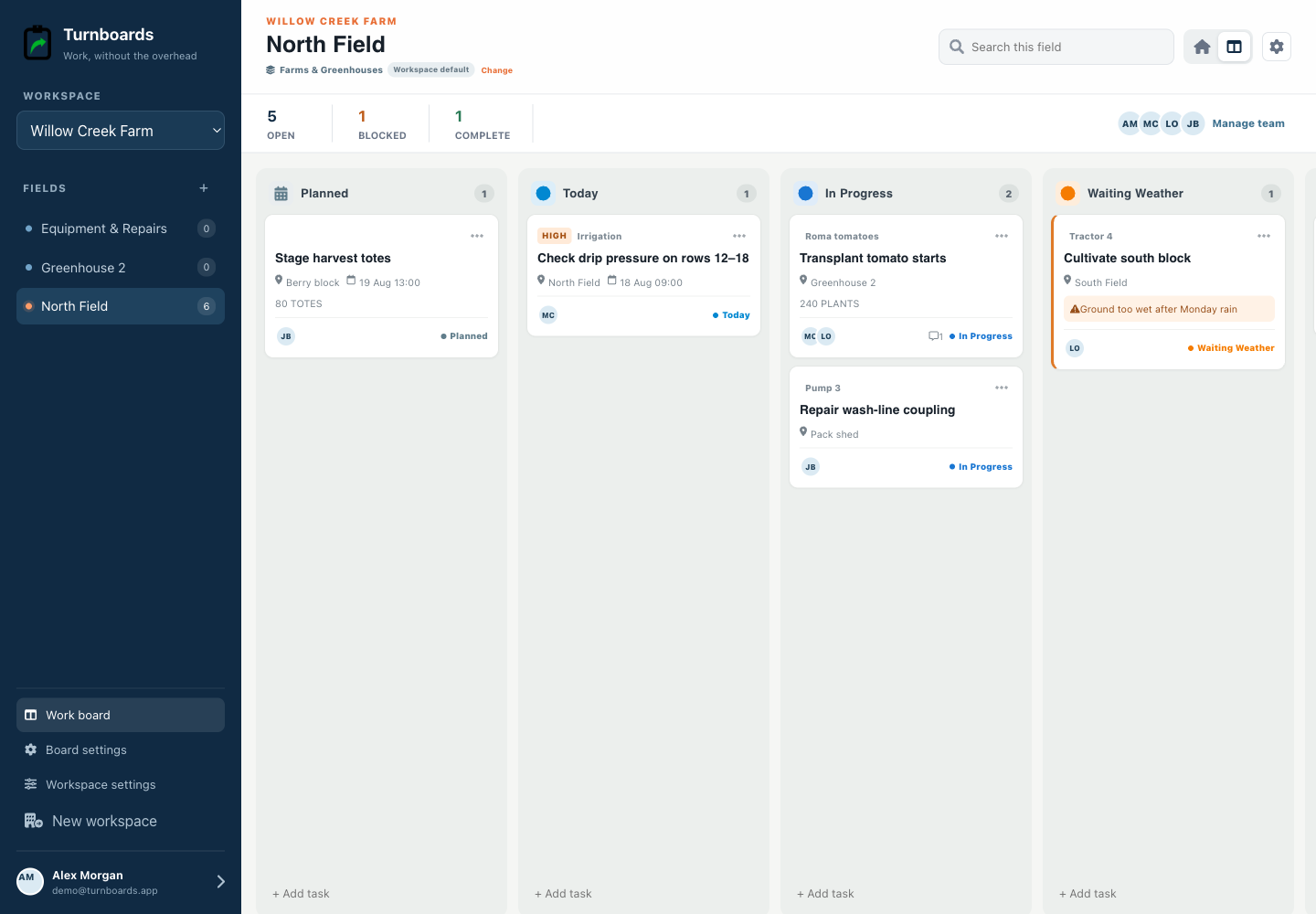
When several people are working across the same farm, small jobs can slip because everyone assumes someone else handled them. Turnboards lets you assign tasks so each person can see what belongs to them.
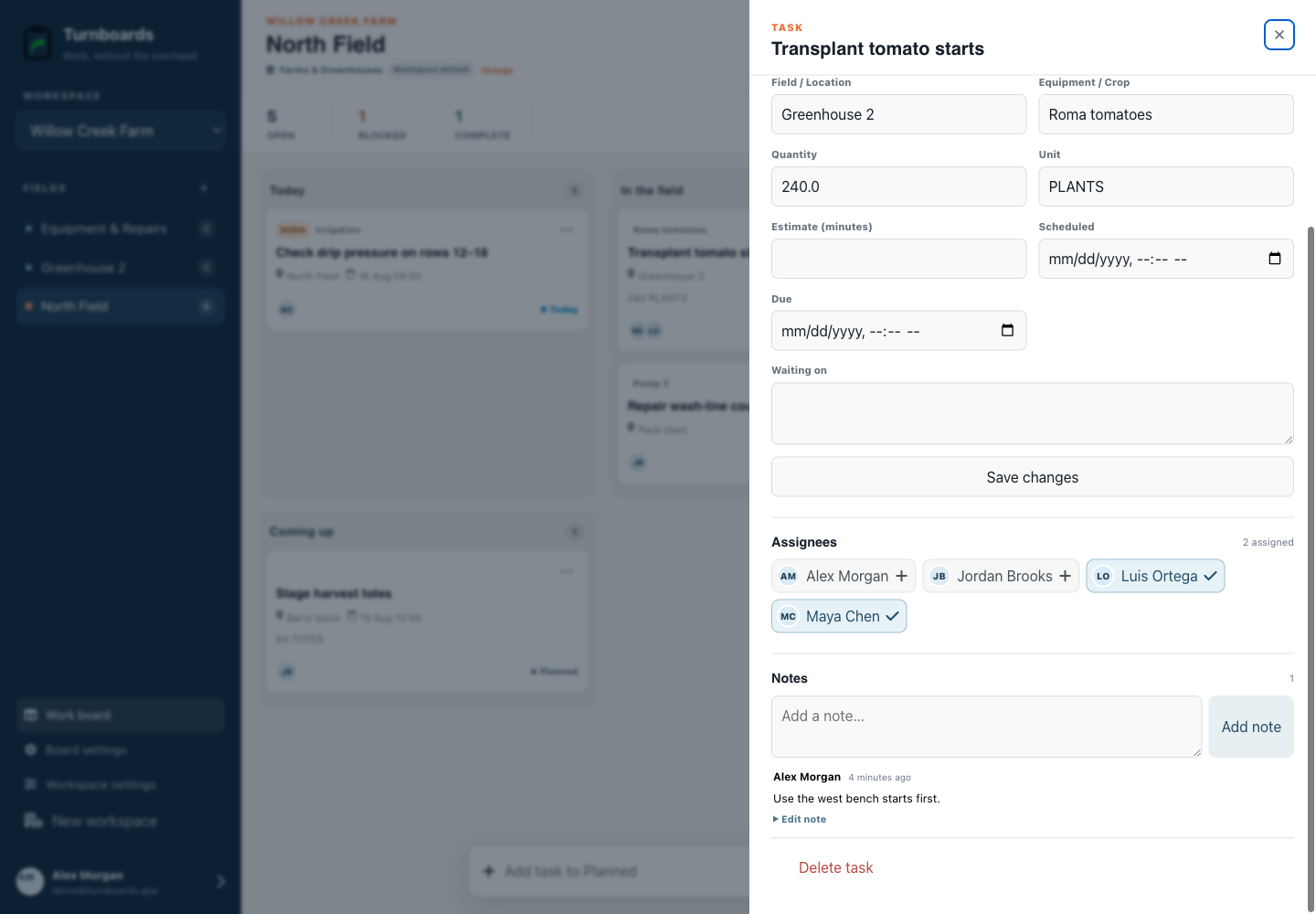
Farm plans change with weather, breakdowns, deliveries, animal needs, labor, and daylight. The Agriculture workflow separates Planned, Today, In Progress, Waiting Weather, and Complete so a hold does not disappear into a generic list.
The field-day home emphasizes the field, schedule, equipment or crop reference, quantity, owner, and blocker. Administrators can rename or reorder stages while preserving the same fast item capture.
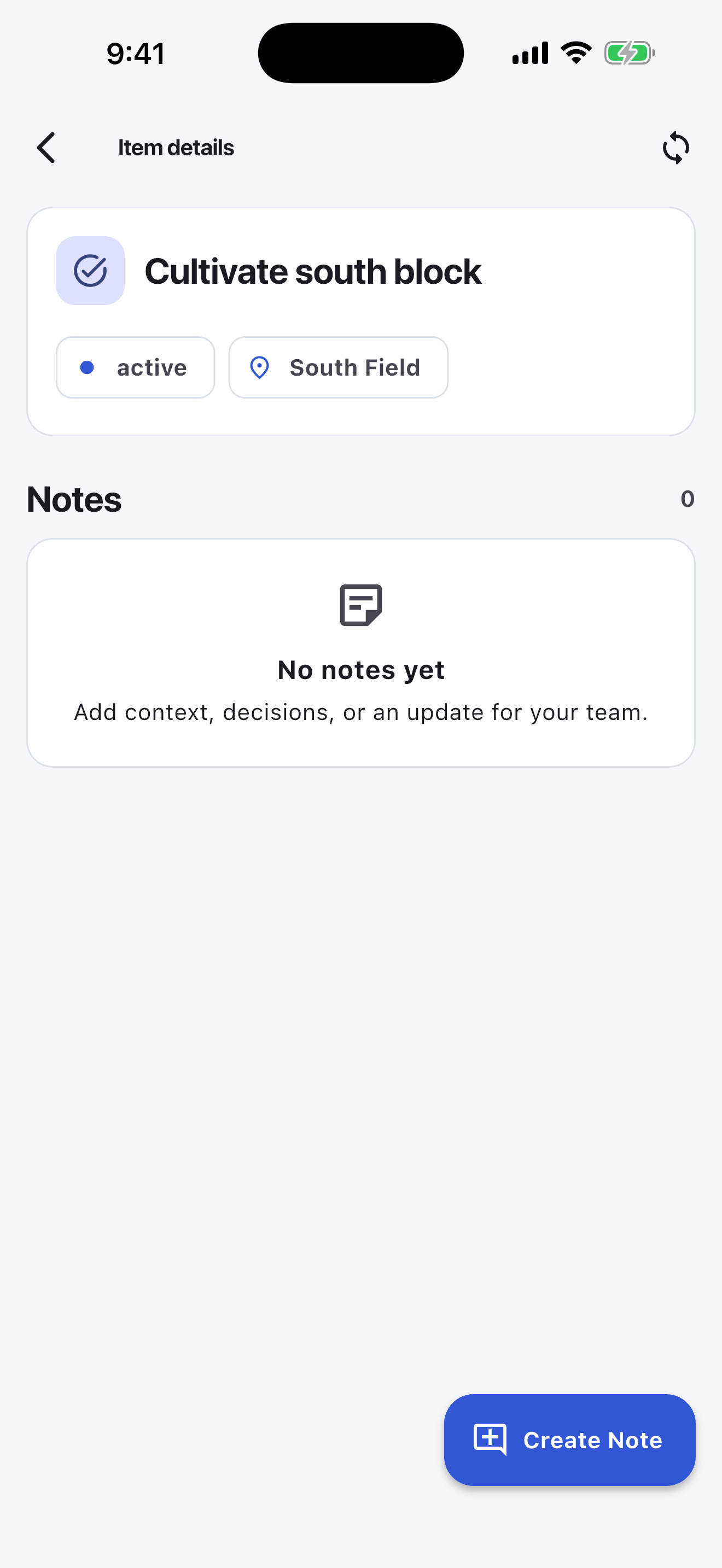
Some tasks need context: which gate sticks, which pump needs watching, where a part is stored, which field is too wet, or which animal needs another check. Notes in Turnboards keep those details attached to the task instead of buried in messages.
Turnboards is useful when the missing answer is “who is doing the next job?” It is not a livestock record, crop-planning, chemical-compliance, machinery telematics, mapping, timecard, or farm-accounting system.
It also does not automatically recreate recurring chores. Add repeat work when it is needed, or choose a purpose-built farm chore scheduler when automatic daily, weekly, or seasonal recurrence is essential.
Create one board, add three real jobs, and invite the next person working with you.