

Dispatch home
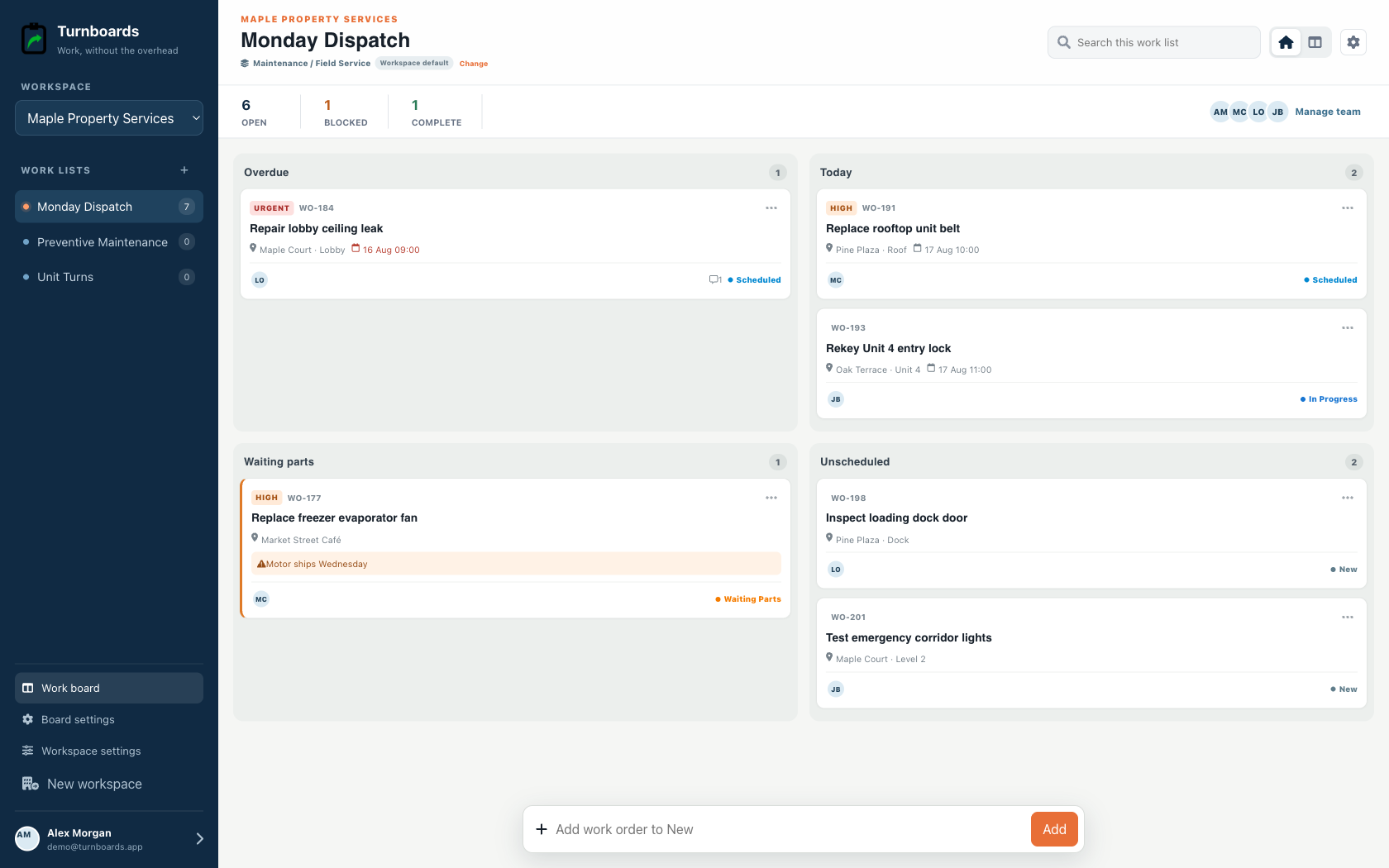
Start with Overdue, Today, Waiting Parts, and Unscheduled.
Two-to-ten-person field crews
Turnboards gives lawn maintenance businesses a simple way to organize what needs to happen at every property, from mowing routes to one-off cleanup jobs.
Create a board for each job site, add work in one line, and use the Maintenance dispatch view to separate overdue, today, waiting-parts, and unscheduled work without a heavy project-management setup.
Built for dispatch
Maintenance workspaces put schedule, urgency, location, work-order number, and parts holds at the center of the day.
Start with Overdue, Today, Waiting Parts, and Unscheduled.
See location, schedule, urgency, owner, and reference without opening the record.
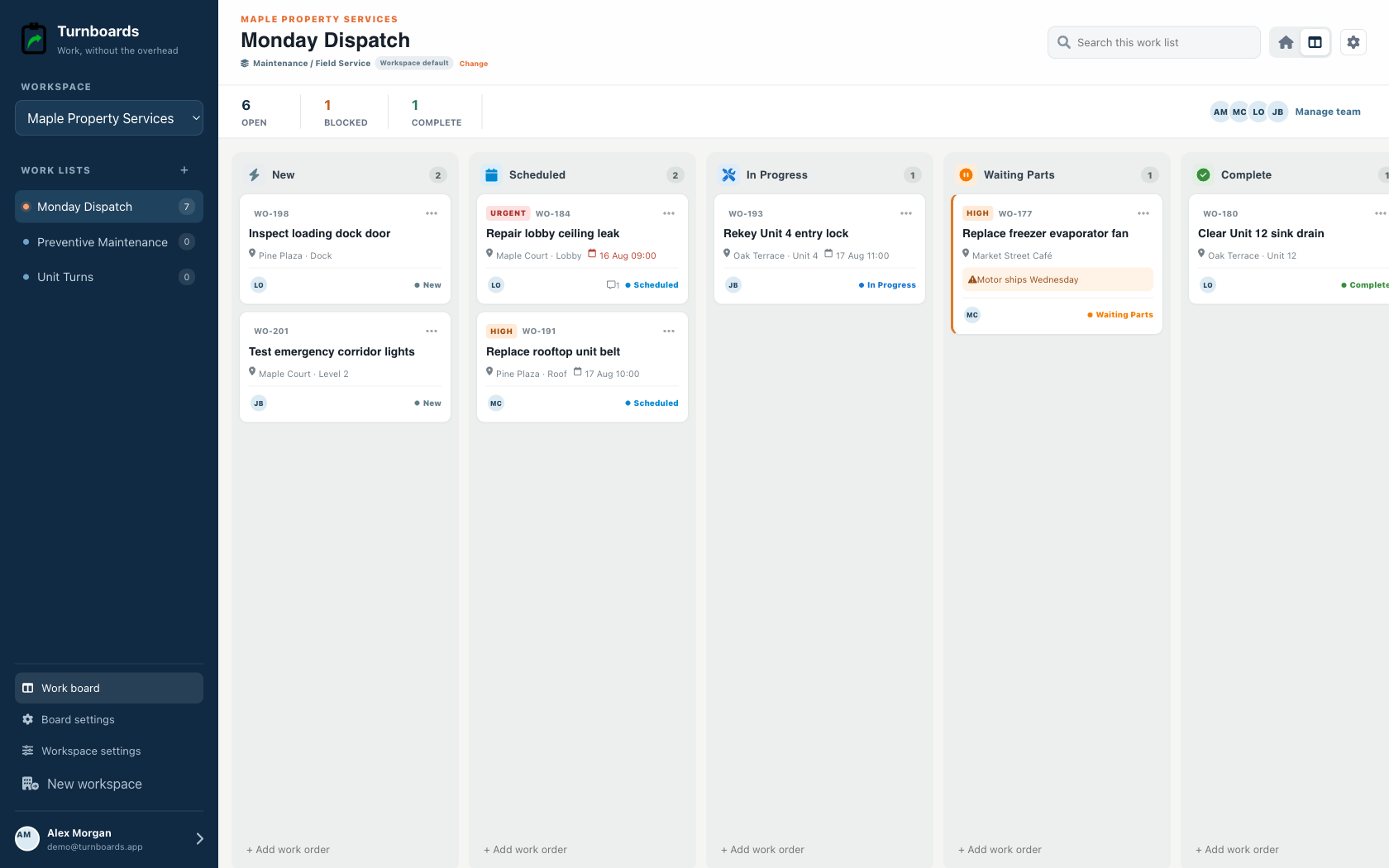
Move work from New to Scheduled, In Progress, Waiting Parts, and Complete.
Lawn maintenance work gets messy when notes for every property live in the same text thread or notebook. In Turnboards, each job site can have its own board so the mowing, edging, trimming, cleanup, and follow-up items stay with the right customer property.
Turnboards works like a lightweight lawn crew checklist app. Add the tasks that matter for the visit, then let the crew check them off as the work moves forward.
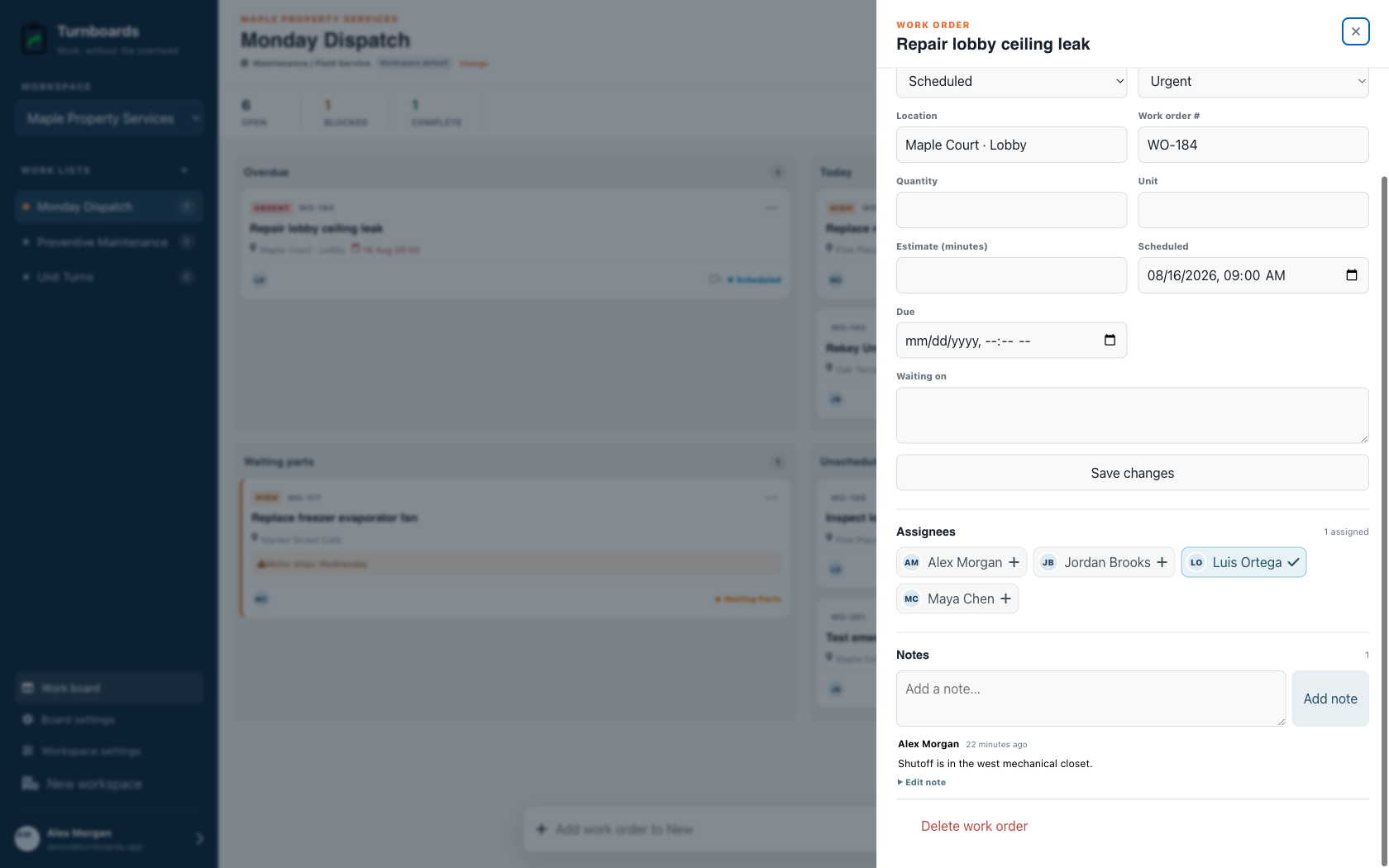
When two or three people are working the same property, small details can fall through the cracks. Turnboards lets you assign tasks so each person can focus on the work they are responsible for.
Lawn care schedules change all day because weather, equipment, traffic, and customer requests do not wait politely. The Maintenance workflow starts with New, Scheduled, In Progress, Waiting Parts, and Complete while the dispatch home groups work by urgency.
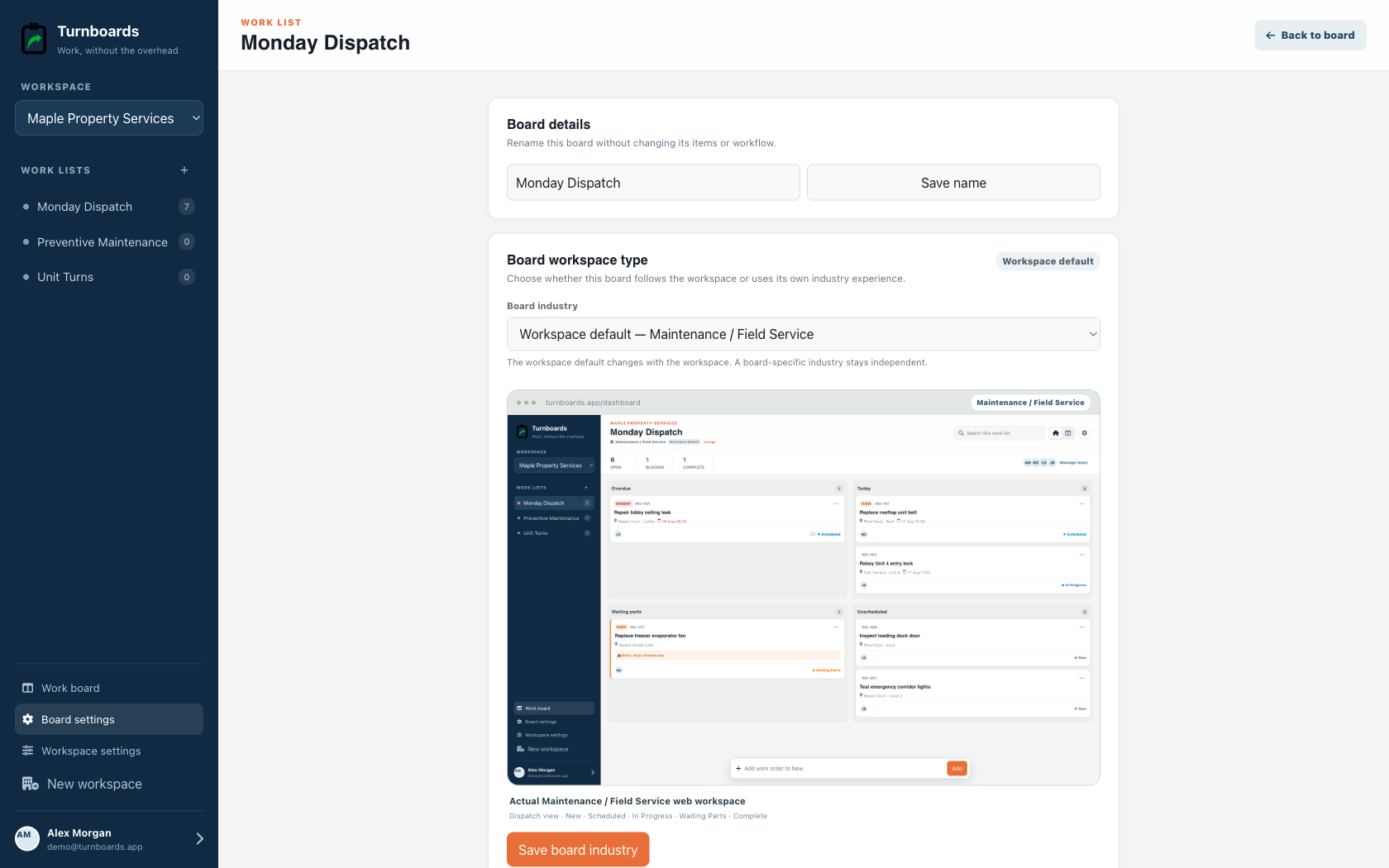
Administrators can tailor the stages to the crew. General boards still offer Backlog, Active, and Complete when that smaller workflow fits the job.
Some lawn maintenance tasks need context: a gate code, a sprinkler warning, a customer request, a low branch, or a reminder to avoid a soft area after rain. Notes in Turnboards keep that information attached to the task instead of buried in a message thread.
Turnboards does not route crews, book customers, send estimates, track GPS or labor hours, generate invoices, or automatically recreate the checklist for every visit. Use dedicated lawn-care or field-service software when those business workflows are the main problem.
Use Turnboards when the problem is simpler: the crew needs one fast list of what to do next and the notes needed to do it.
Create the job-site board, add three next actions, and invite the next person on the crew.