Dispatch home
Start with Overdue, Today, Waiting Parts, and Unscheduled.
Offline-capable crew task lists
A useful crew task list cannot stop working when a job takes the team into a basement, rural property, metal building, or weak-service area.
Turnboards stores changes locally while the app is offline. Crew members can add and update work without waiting on a signal, and queued changes sync after the app reconnects.
No credit card. Create your first board in minutes.
Prefer the mobile app?


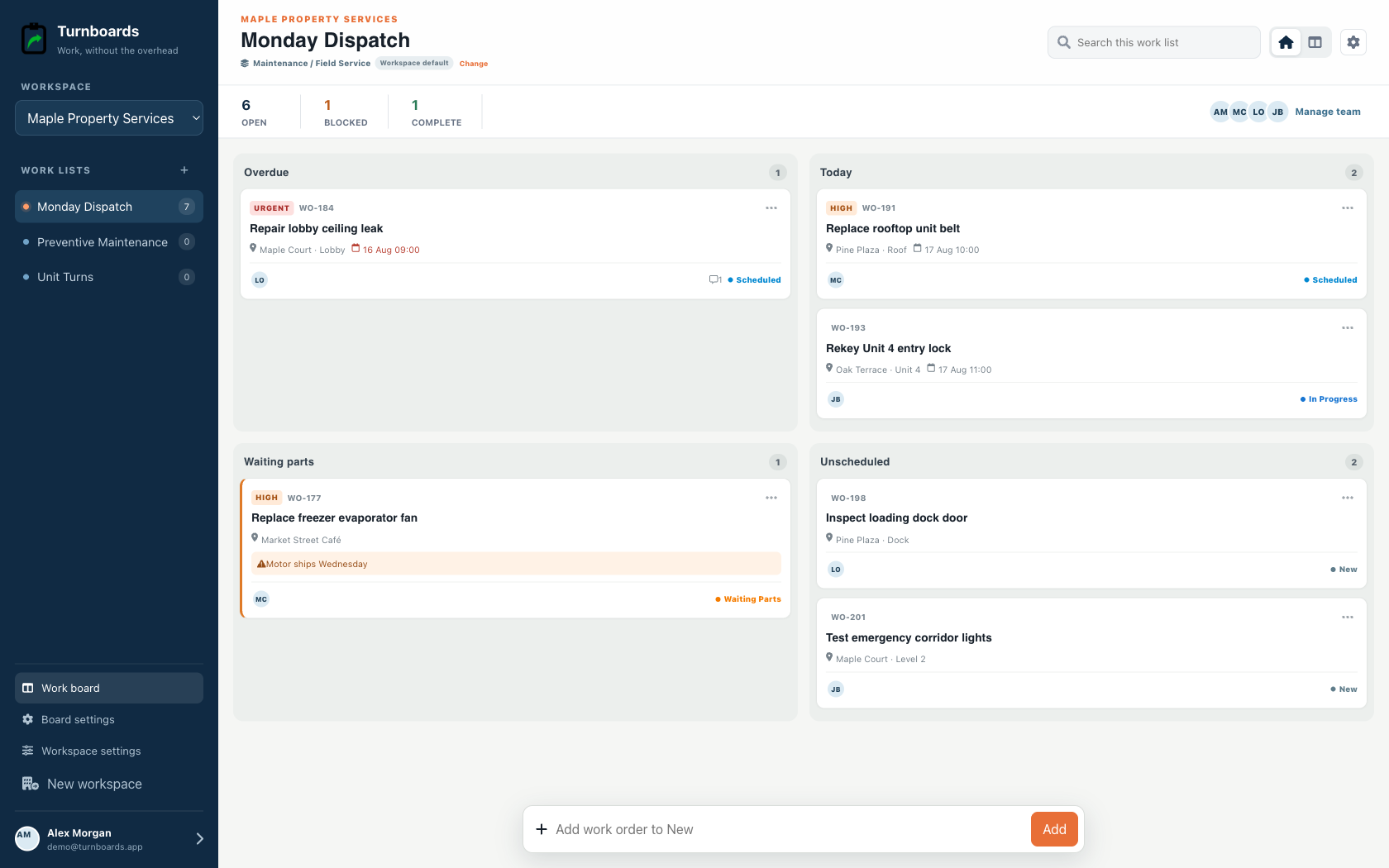
Built for dispatch
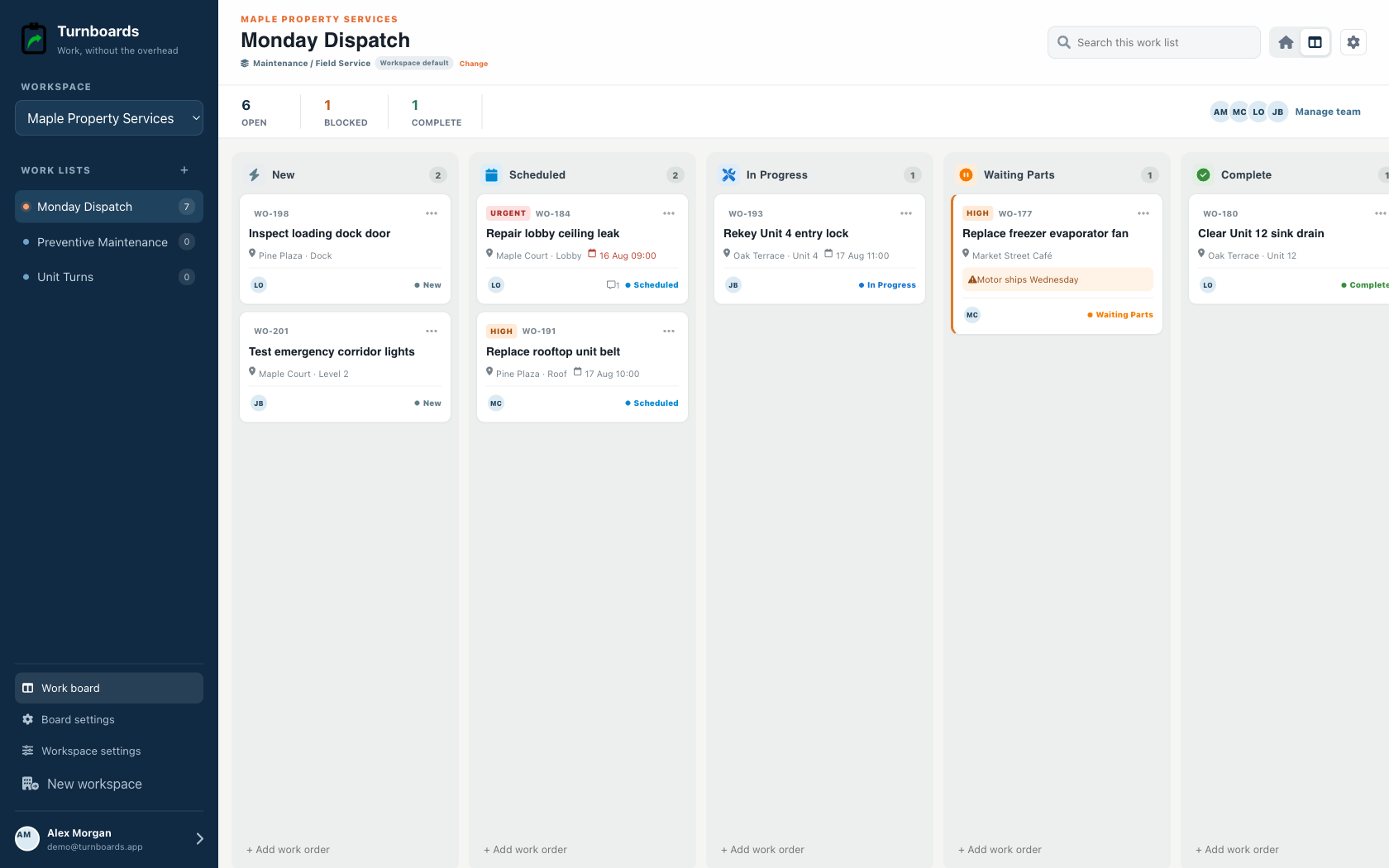
Maintenance workspaces put schedule, urgency, location, work-order number, and parts holds at the center of the day.
Start with Overdue, Today, Waiting Parts, and Unscheduled.
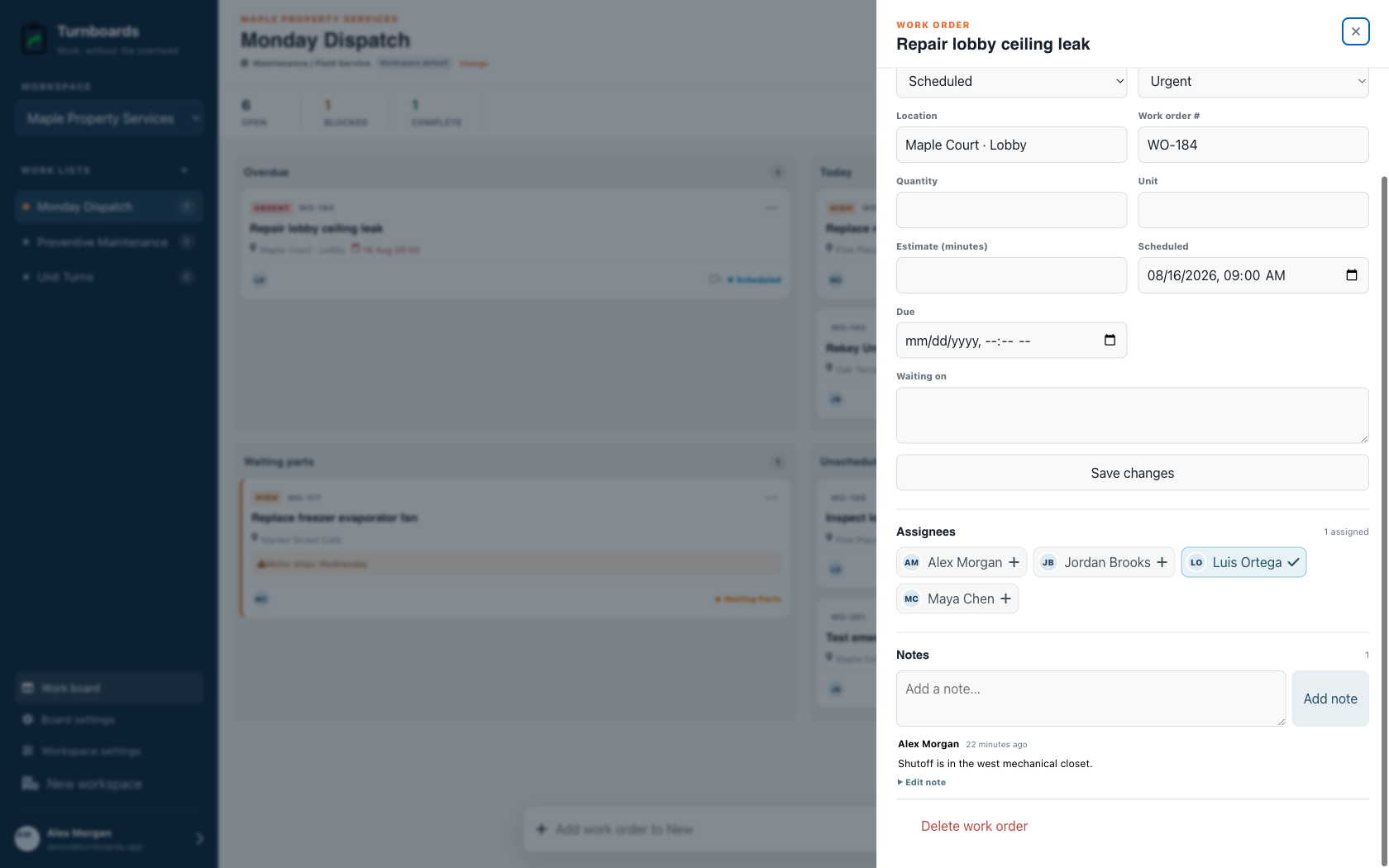
See location, schedule, urgency, owner, and reference without opening the record.
Move work from New to Scheduled, In Progress, Waiting Parts, and Complete.
The mobile app in action
These are real screens from the same industry workspace shown above, using realistic fictional work. Scroll through the complete App Store screenshot set.
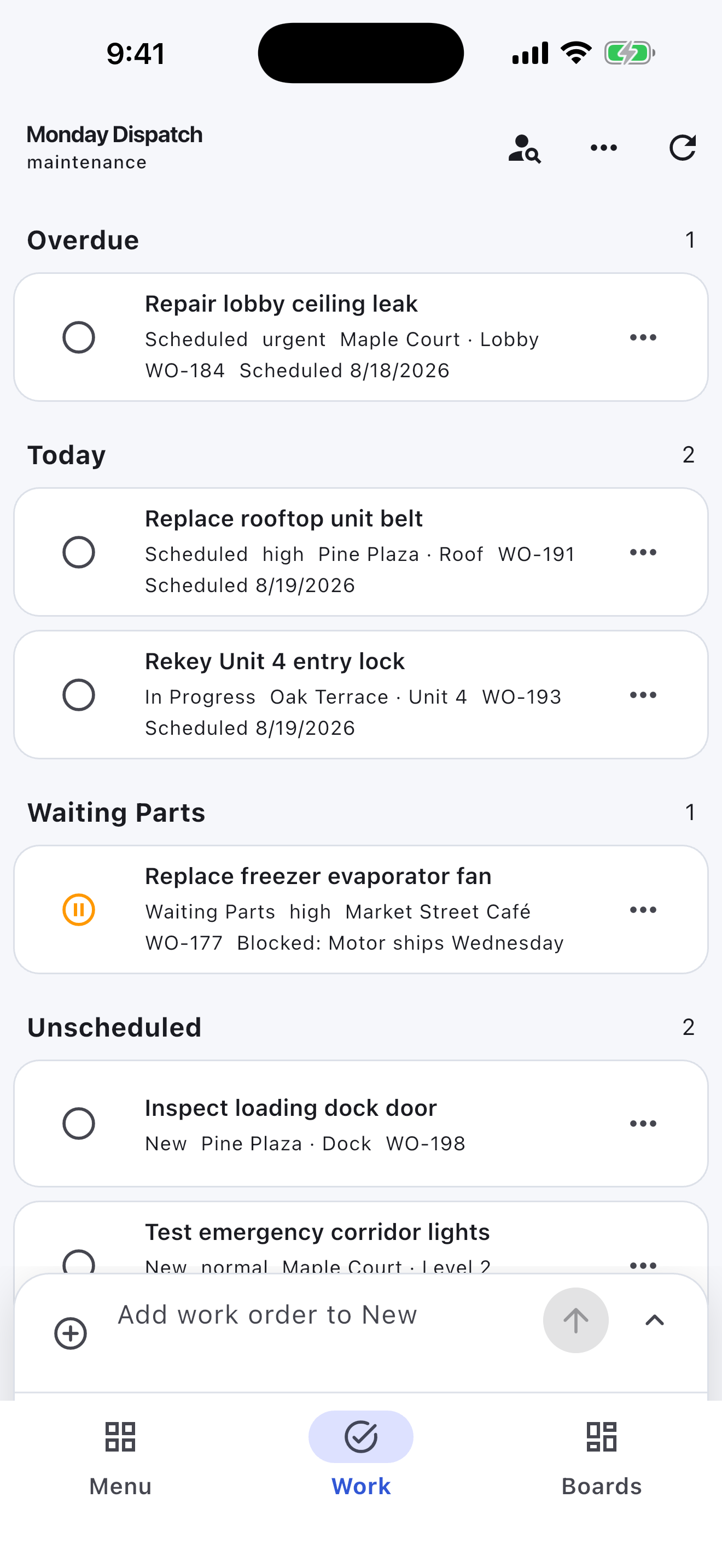
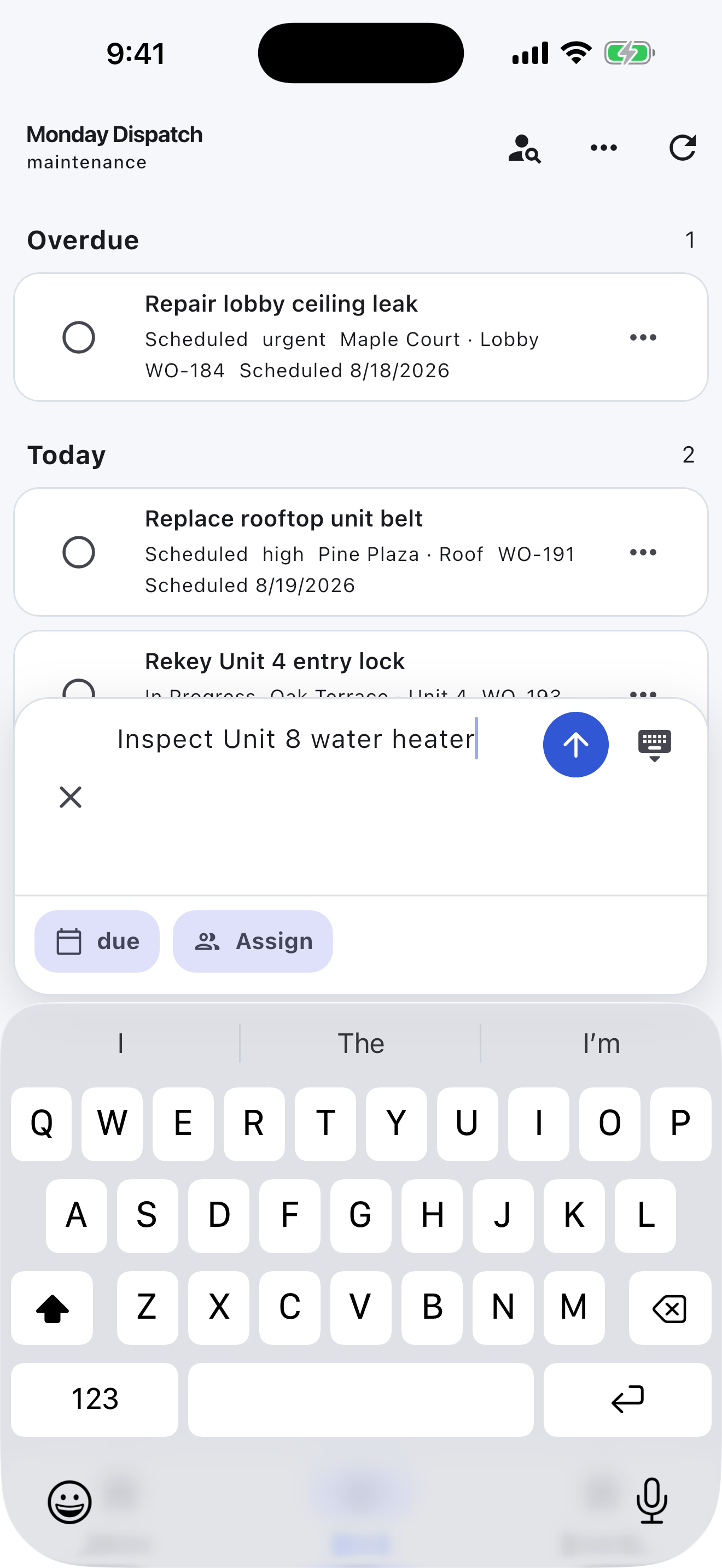
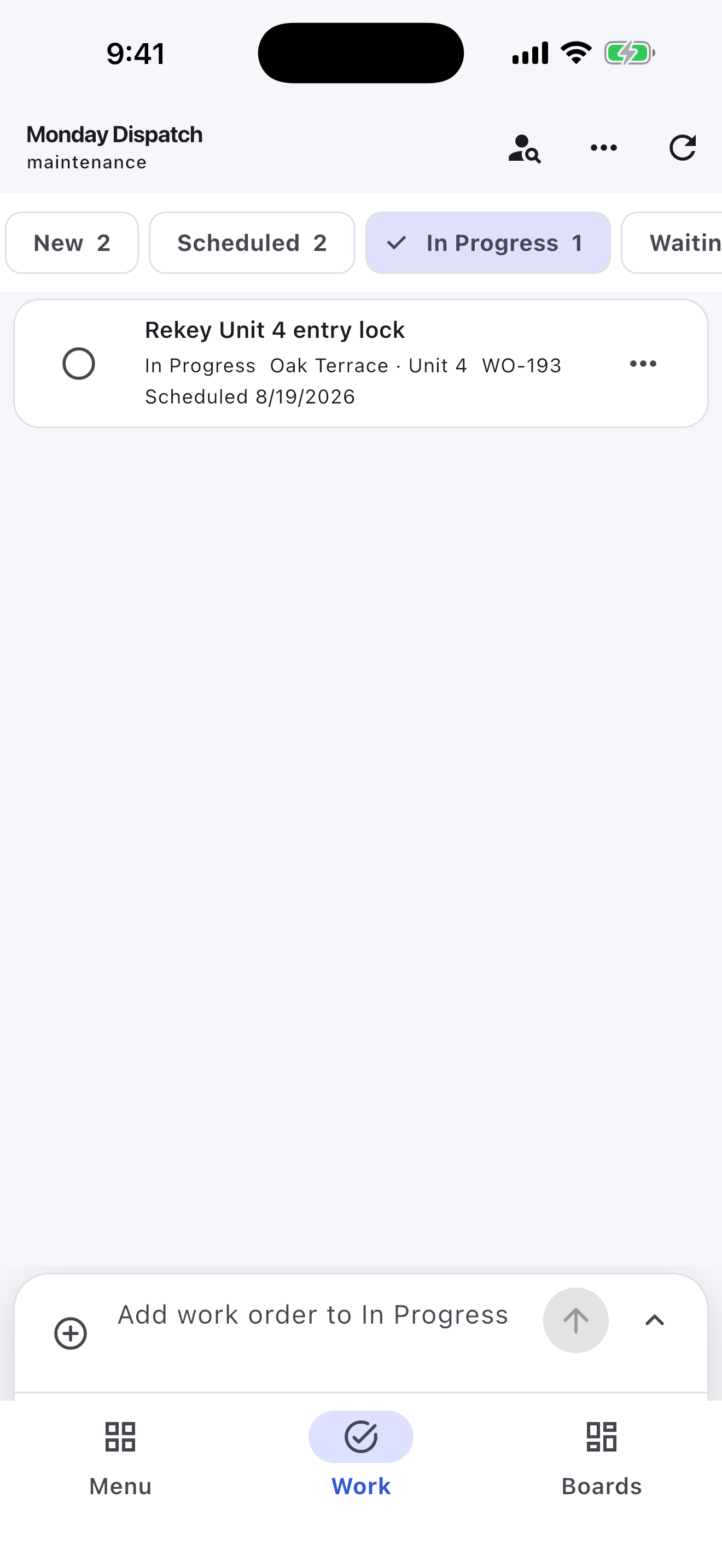
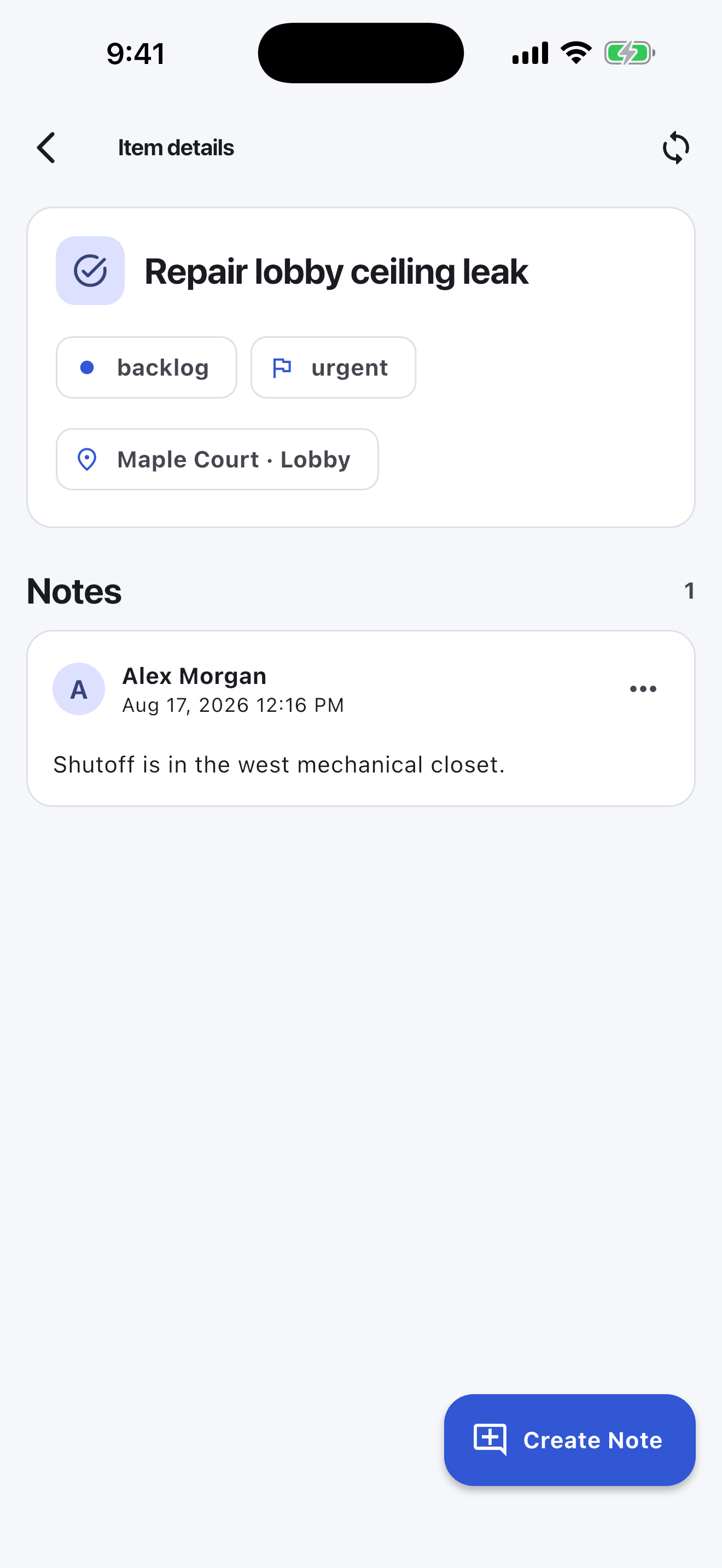
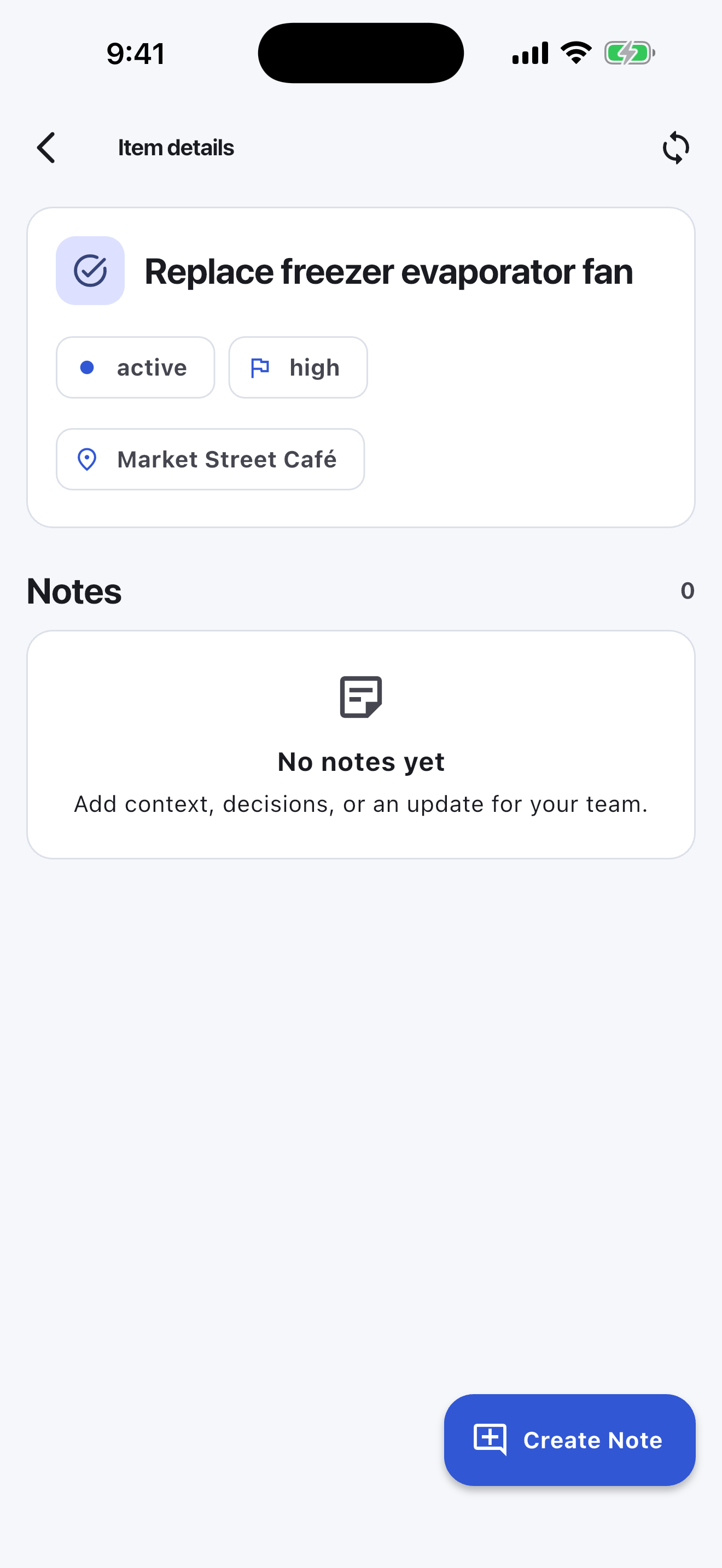
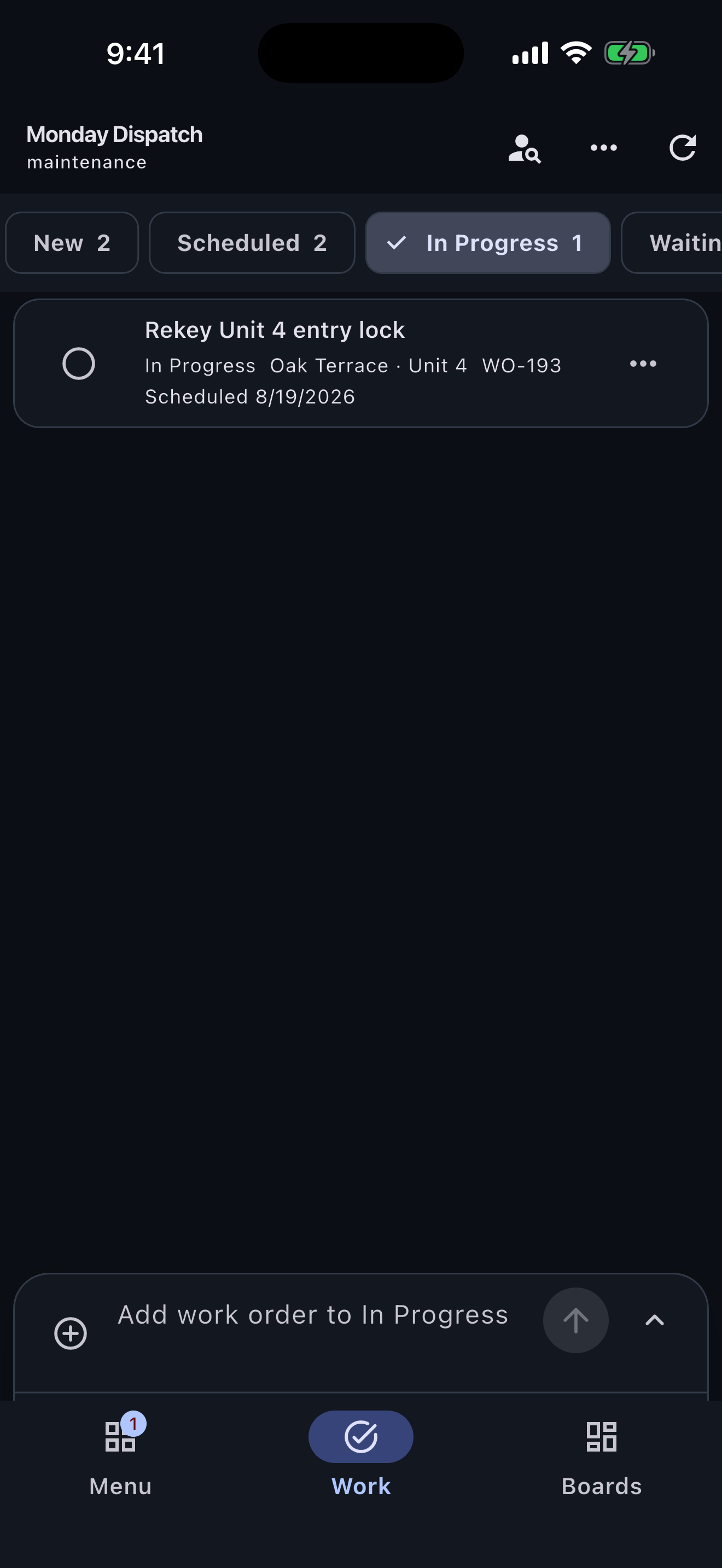
Write down the next action while standing where the work is happening. The app does not need to wait for a network response before saving the change locally.
Boards keep jobs, properties, routes, or projects separate. Assignments help each person focus on their work without turning the list into a full dispatch or project-management system.
Backlog holds work that is waiting or planned, Active shows what can move now, and Complete keeps finished items out of the way. The same small workflow works online and during temporary connection loss.
A concrete starting point
Use the wording your team already understands. A useful first board can be this small:
Turnboards does not provide GPS tracking, route optimization, employee time clocks, photo-proof requirements, dispatch, inspections, or emergency communication. Offline changes are queued locally and sync after connectivity returns.
Create one board before the crew leaves, add three real tasks, and make one update from a weak-service area.
Turnboards is a lightweight shared list, not a replacement for dispatch, GPS, photo-proof, inspection, or timekeeping software.
No credit card. Create your first board in minutes.
Prefer the mobile app?