My crew won’t register for another app.
Assign Tasks Without Registration for Crew Members
A temporary helper or subcontractor should not need a new account just to finish their assigned checklist. Plan the people by name, then give them a direct way to open the work.
Turnboards lets admins assign a shared work list to a crew and email a personal completion link to an assigned person without creating an account for them.
Create your workspace and start with one job.
Prefer the mobile app?


A practical example
Oak Street: include a helper in the installation handoff
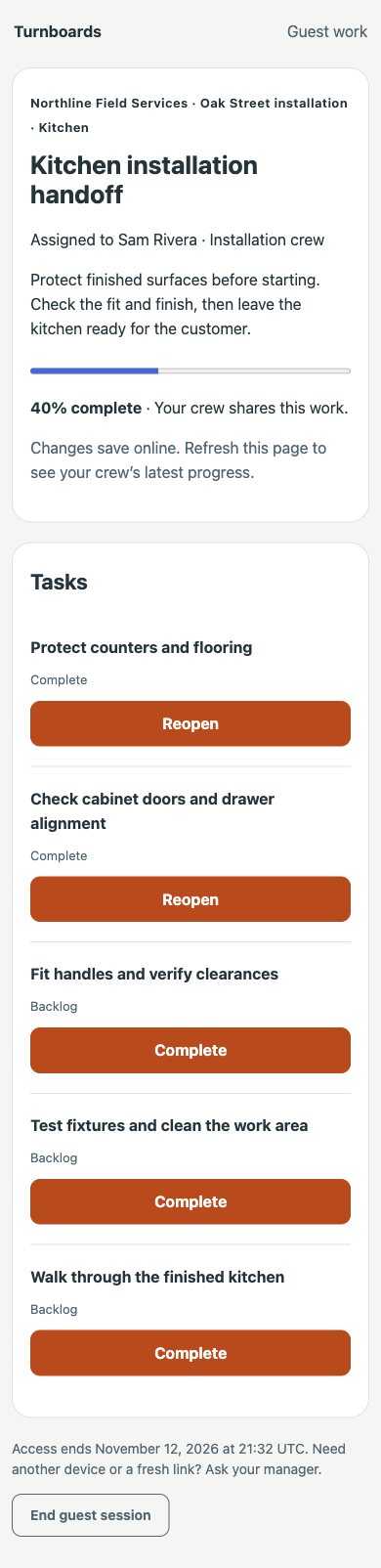
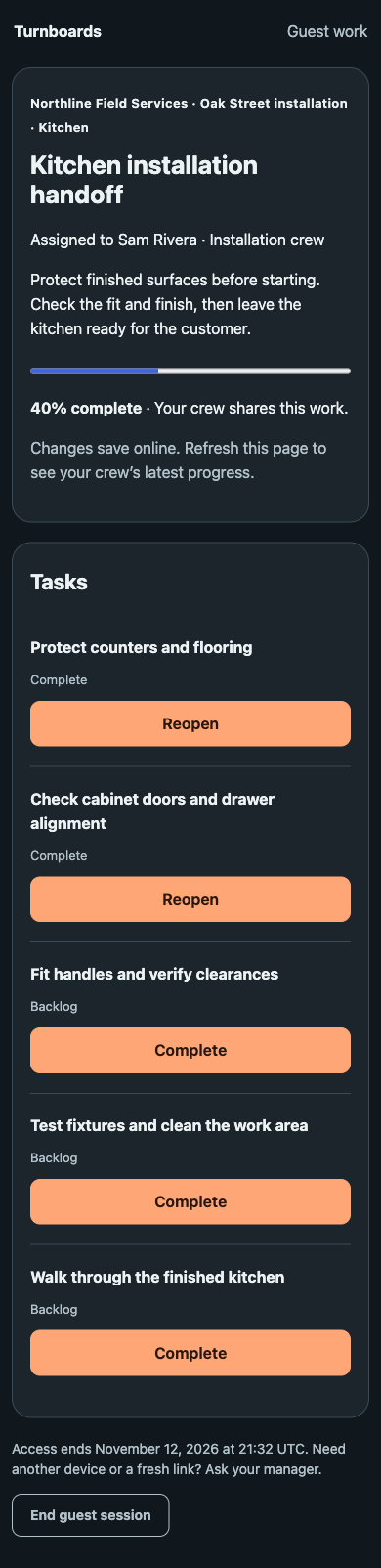
Sam helps the Installation crew finish the kitchen. The manager needs Sam on the work list even though Sam has no Turnboards account.
- Roster
- Add Sam by name and include Sam in the crew’s assignment. No invitation or login is required just to plan a person.
- Access
- From the assigned list, choose Email work without an account and send Sam a personal link.
- Completion
- Sam opens only that list and completes or reopens tasks in a browser. Signed-in members see the same work through normal sync.
Start with one job
Create your account and a job board, add people to the roster by name, and assign a work list before emailing a guest link.
Put it into practice
A workflow your team can follow
Plan your whole crew by name
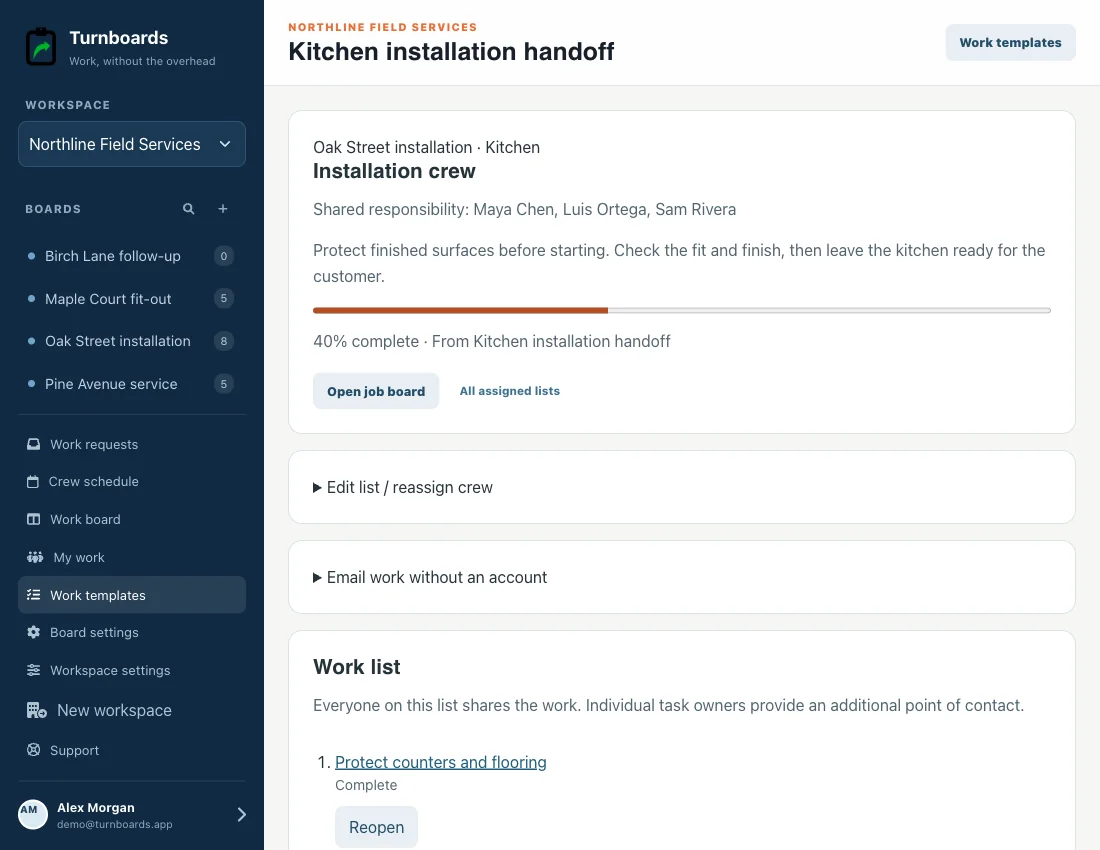
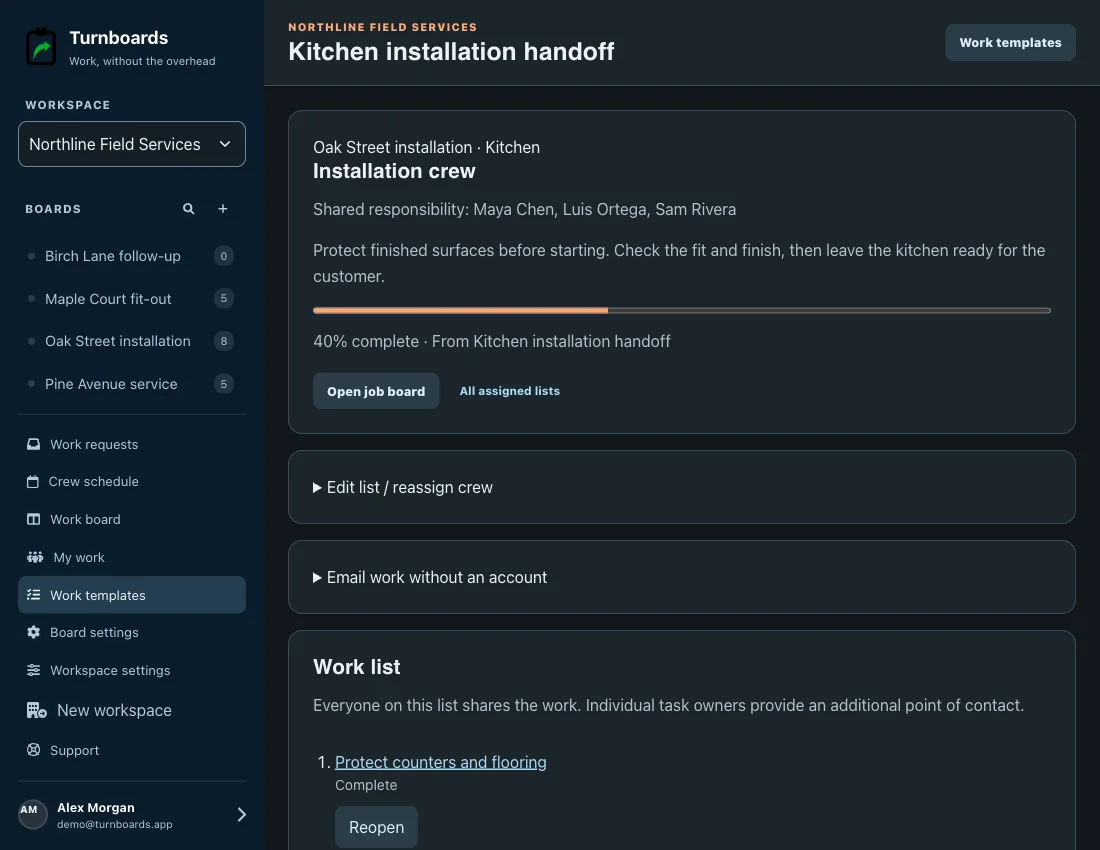
Create schedule people and named crews. Account links are optional. Selecting a crew fills its roster; review the people on this particular work list before saving.
Send access to the work they share
An admin emails a personal guest work link to someone already assigned to the list. A name in the roster alone does not grant app or workspace access.
Follow the shared checklist
The whole assigned crew shares responsibility. An individual task owner can provide an extra point of contact without removing the rest of the crew from the work.
What to expect
Guest work requires internet access. Guest links expire after seven days and can be revoked. Guests cannot browse the workspace or other job boards. Signed-in mobile members can use supported offline completion after syncing.
Questions before you start
Who needs to create an account?
The manager needs an account to create boards, assign crews, and send links. A guest recipient can complete their assigned list without registering.
Can a guest complete tasks?
Yes. The limited guest session allows completion and reopening of tasks on that assigned work list. It does not allow general task editing or access to the whole board.
What happens if I remove someone from the assignment?
Their guest access stops. Sending a replacement guest link also revokes their previous link and guest session for that list.
Connect the next part of the job
Put the workflow to work
Make the next job easier to hand off.
Create your account and a job board, add people to the roster by name, and assign a work list before emailing a guest link.