

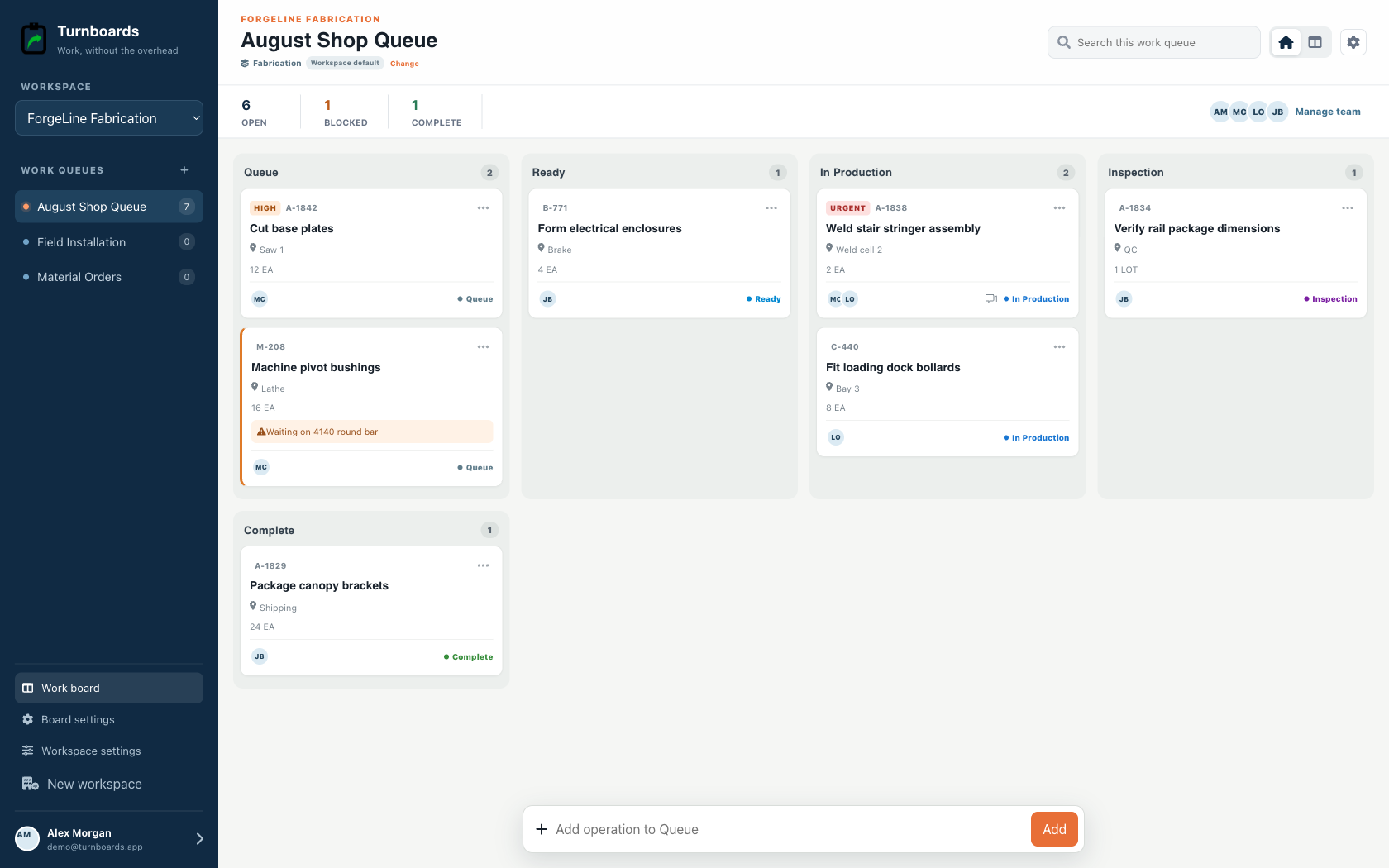
Shop queue view
Scan Queue, Ready, In Production, Inspection, and Complete.
Fabrication shop work lists
Turnboards gives welders, metal fabricators, and small shops a production queue for seeing what is ready, in production, blocked, waiting for inspection, or complete.
Create boards for jobs, customers, or shop areas. Capture operations in one line, then add the job reference, work center, quantity, assignee, and blocker only when they help the handoff.
Built for the shop floor
Fabrication workspaces emphasize the references and quantities a shop needs for a useful morning huddle without pretending to replace an ERP or quality system.
Scan Queue, Ready, In Production, Inspection, and Complete.
Show job or part number, work center, quantity, unit, and blocker.
Assign operations and carry notes from cutting through inspection.
The mobile app in action
These are real screens from the same industry workspace shown above, using realistic fictional work. Scroll through the complete App Store screenshot set.
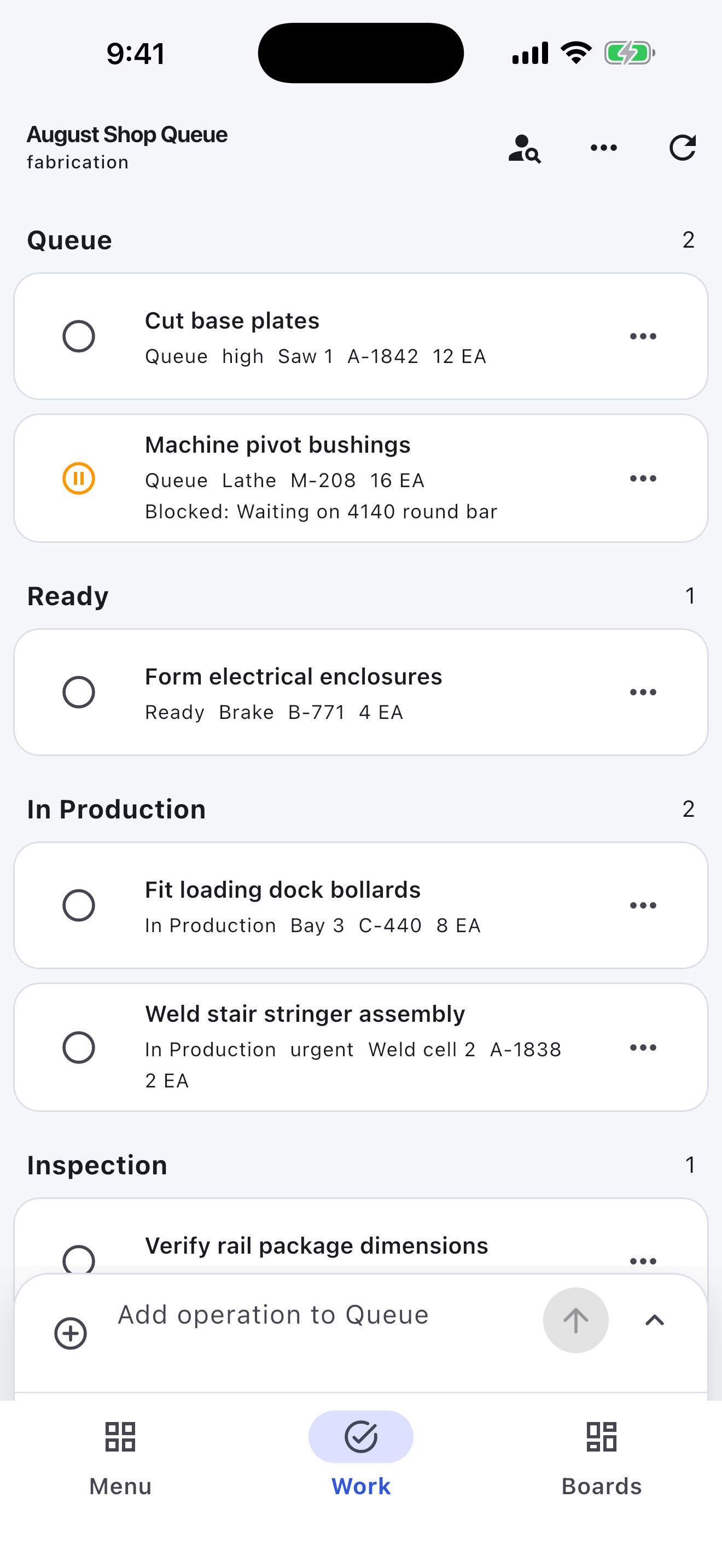
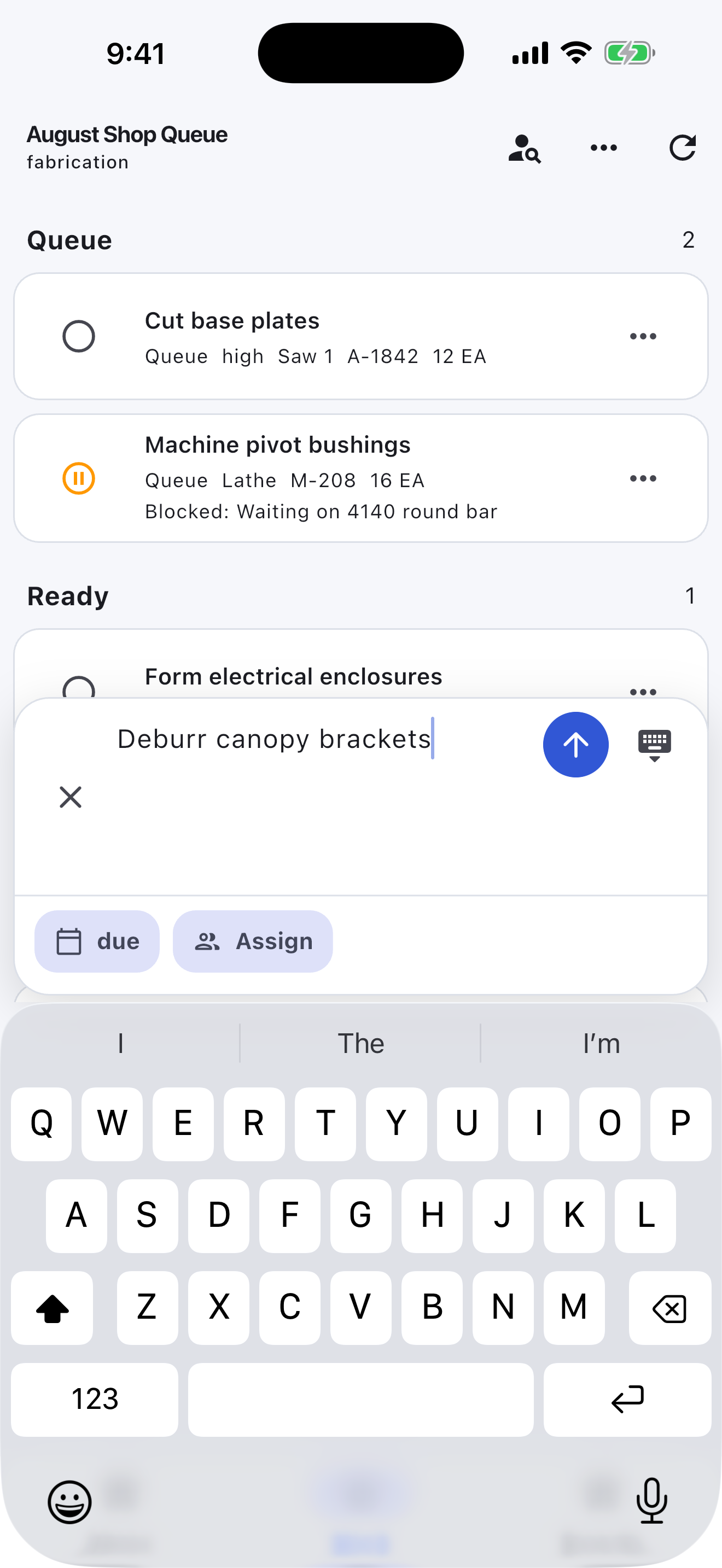
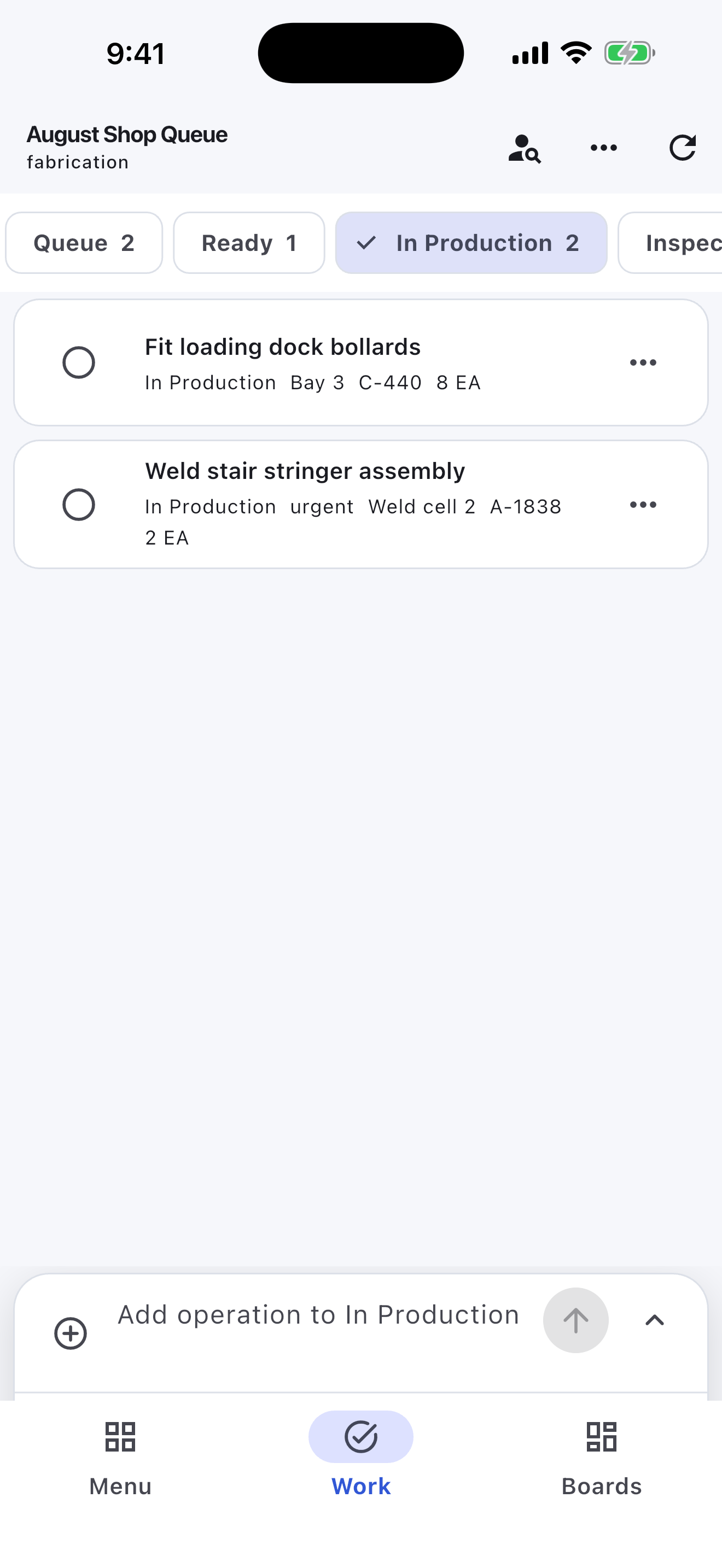
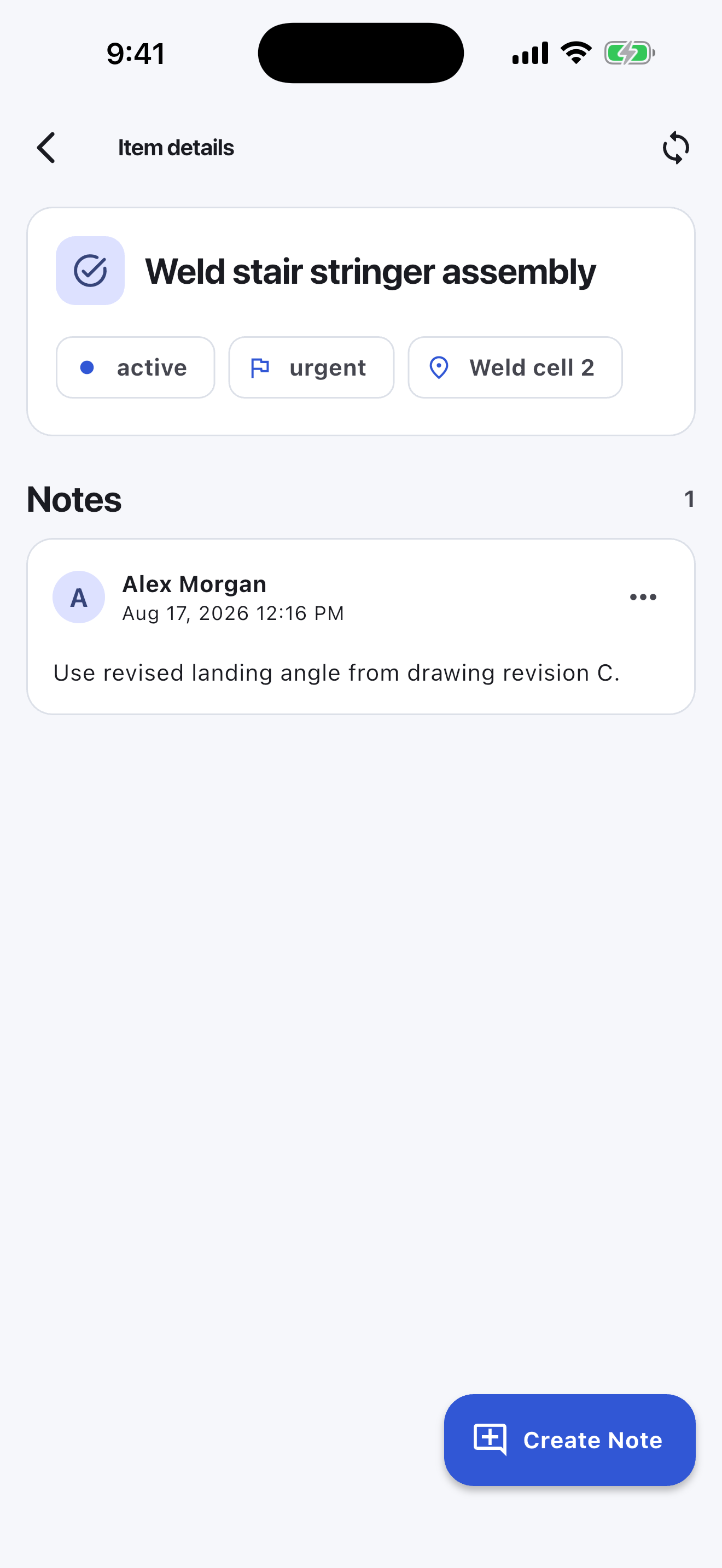
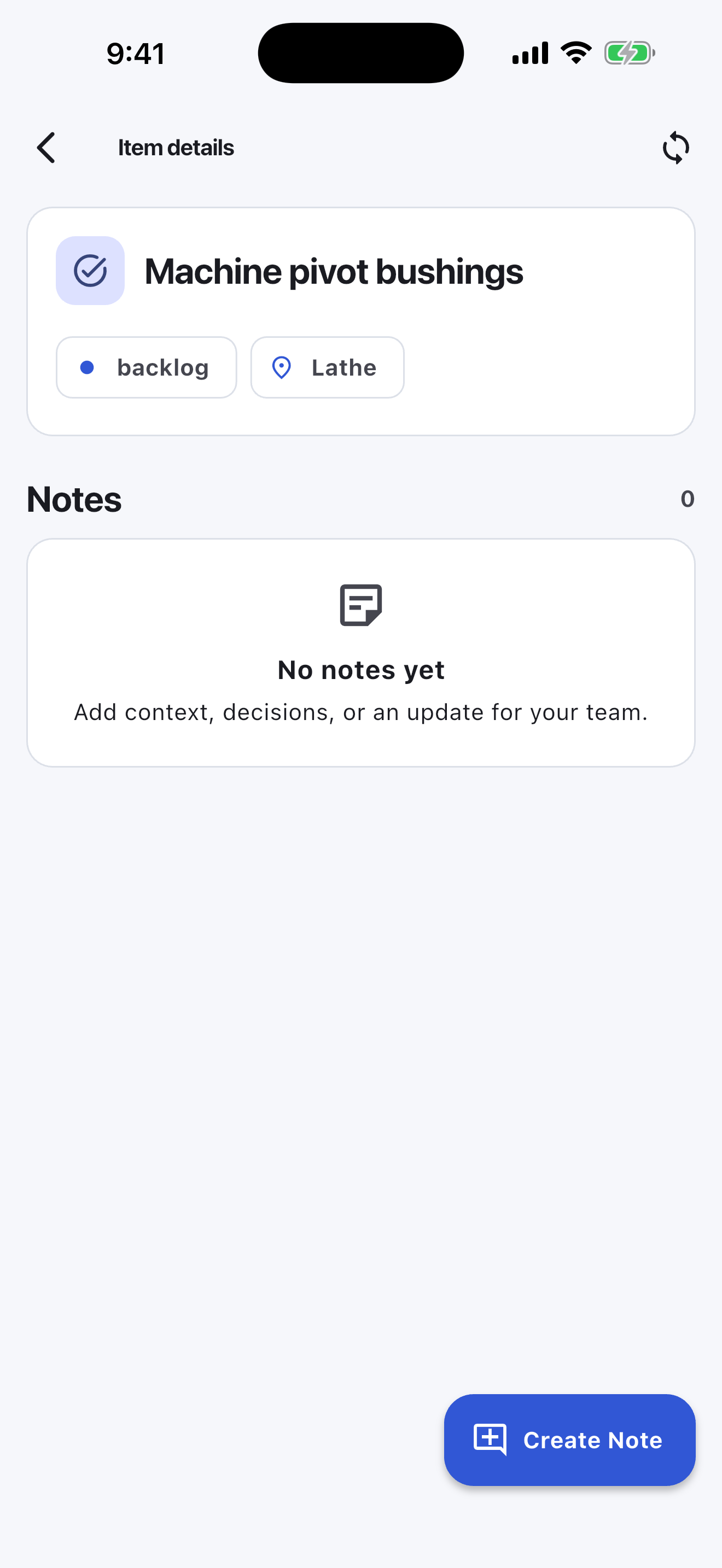
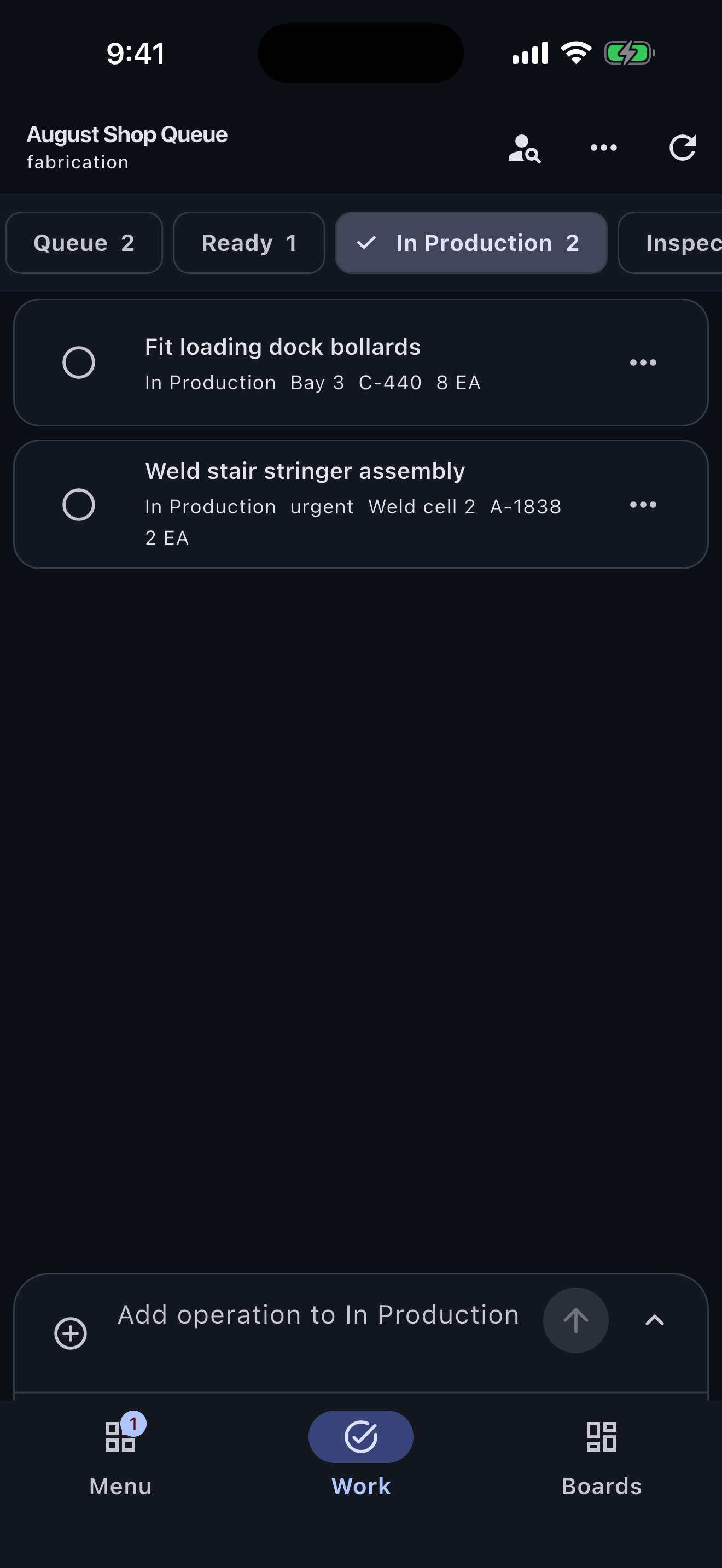
Welding and fabrication work gets hard to manage when every cut list, fixture note, repair, and delivery reminder lives in a text thread. Turnboards lets each job or shop area have its own board so the right work stays together.
Turnboards works like a lightweight work item tracker for welders and fabricators. Add the steps that keep a project moving, then update each item as the team cuts, fits, welds, grinds, paints, inspects, and ships.
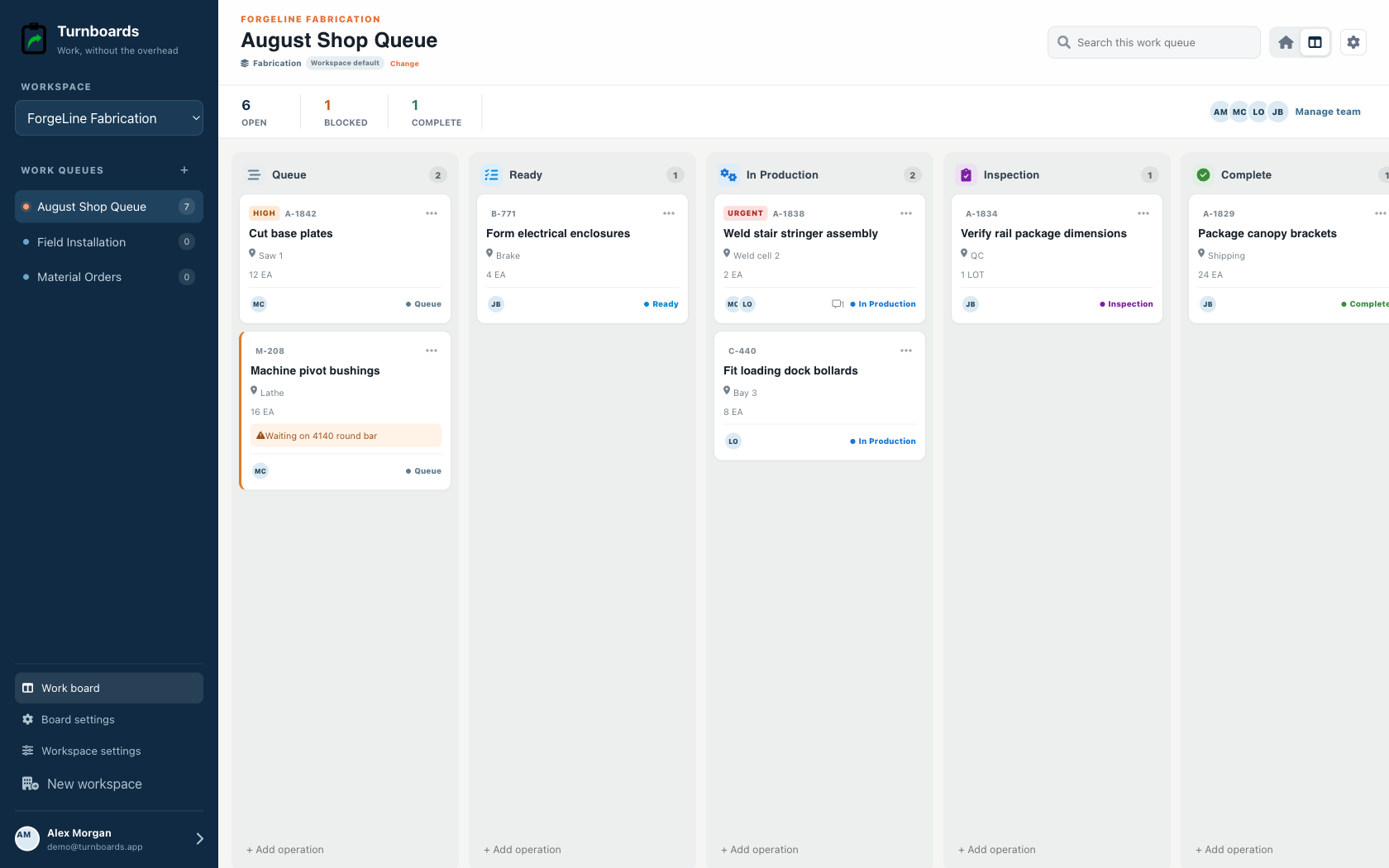
A fabrication shop usually has work moving through several hands at once. Turnboards helps you group related work items so shop tasks, field tasks, customer requests, and follow-up items do not blur together.
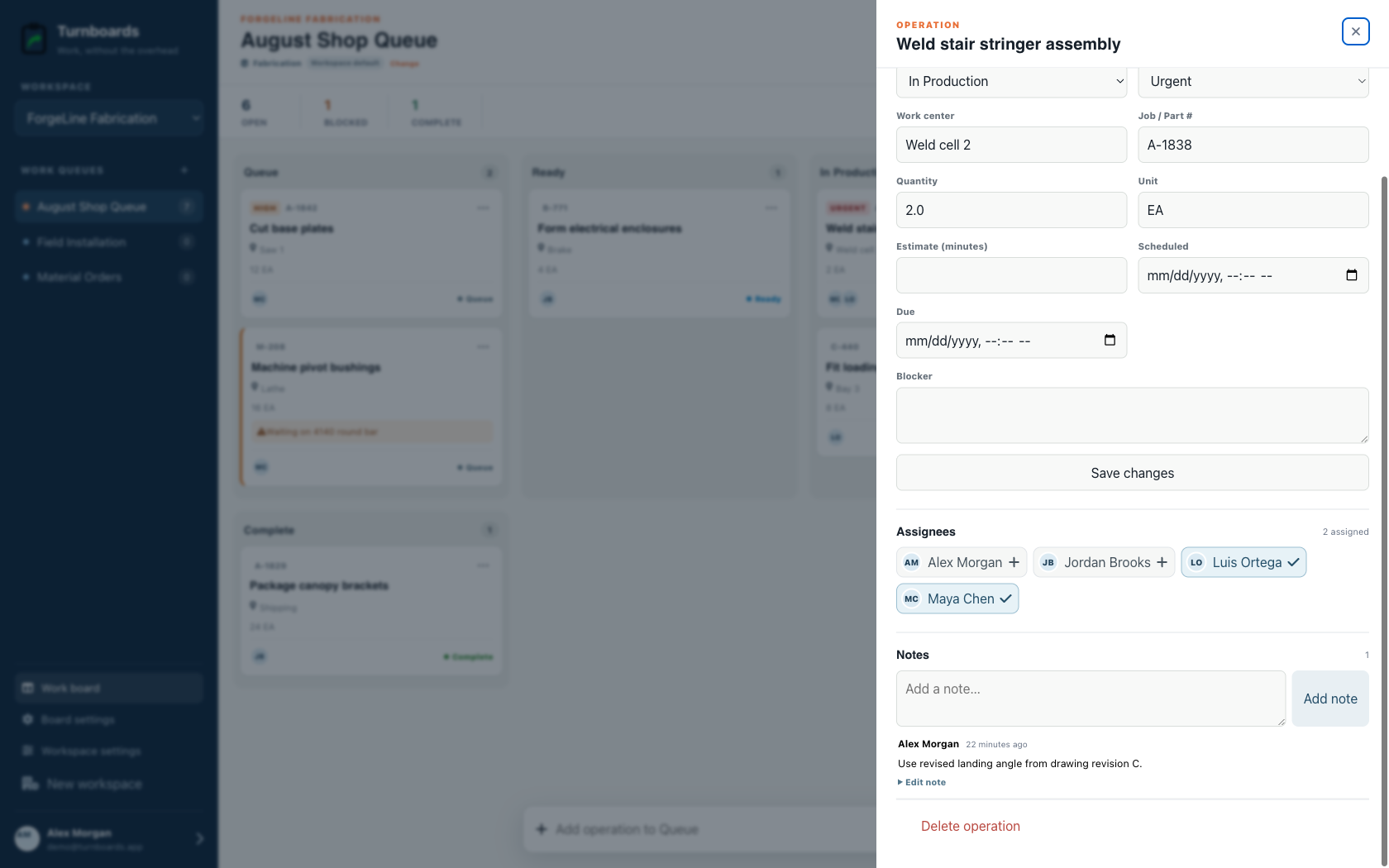
When work is passed from layout to cutting to welding to finishing, ownership matters. Turnboards makes it easy to share tasks with employees so each person can see the work they are responsible for.
Shop priorities change when material arrives late, a customer adds a change, a machine goes down, or field work moves forward. The Fabrication workflow starts with Queue, Ready, In Production, Inspection, and Complete, with blockers visible on the affected operation.
Administrators can tailor those stages to the real shop while workers keep the same one-line capture and direct stage movement. General boards remain available when Backlog, Active, and Complete are enough.
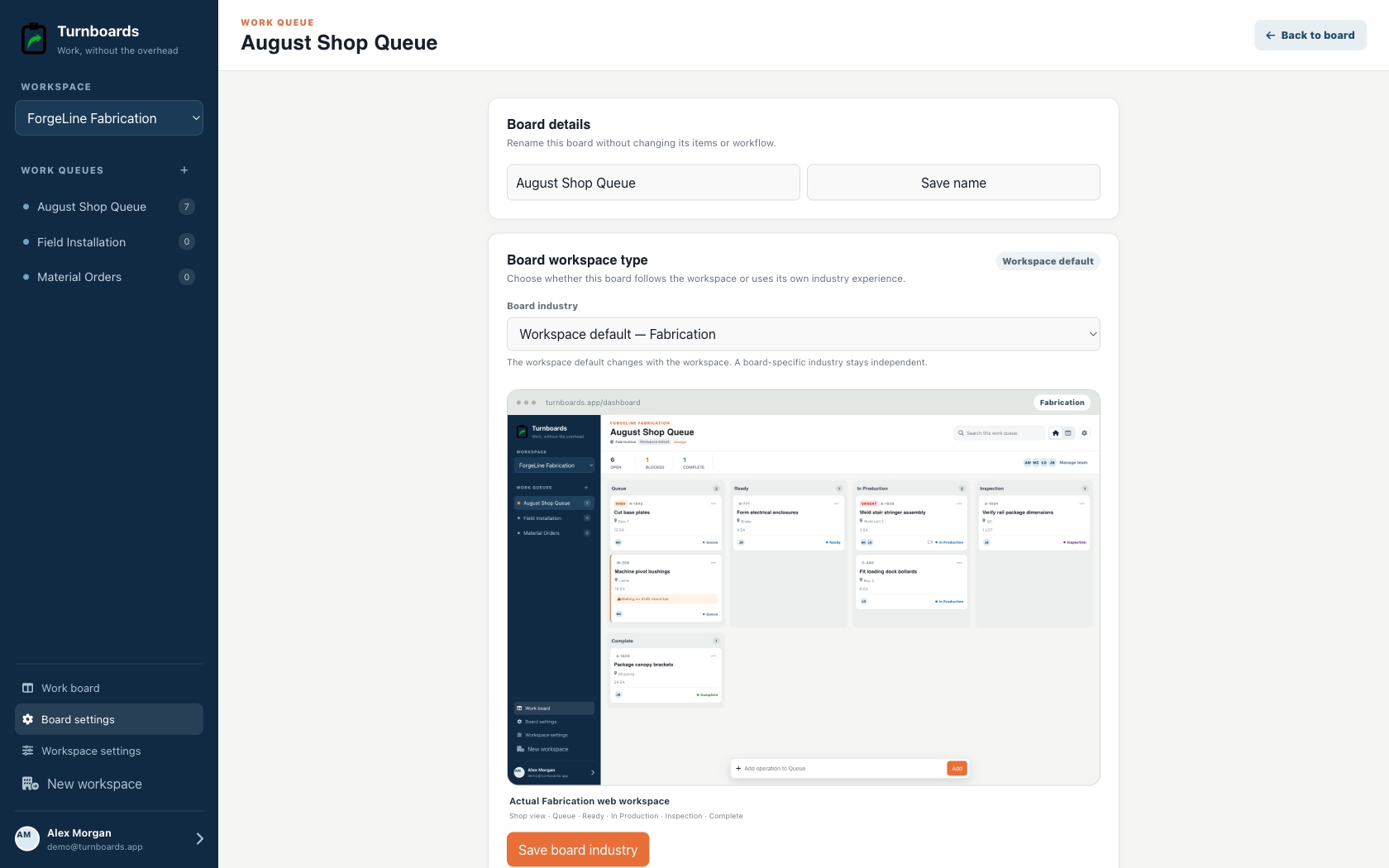
Some fabrication work needs context: a measurement, material size, weld process, finish requirement, customer preference, field dimension, or reminder about what changed. Notes in Turnboards keep that information attached to the work item.
Turnboards does not manage estimates, quotes, drawings, revision control, material inventory, weld procedures, quality records, labor time, or shipping paperwork. Use a dedicated welding or fabrication platform when those records are the problem you need to solve.
Create the job board, add three next actions, and invite the person who needs the list.