Schedule people across jobs
Book named crews or individuals in a weekly planner. Review warnings when someone is booked on overlapping visits.
Explore crew scheduling →Property turnover and crew coordination
Schedule make-ready crews and assign saved work to buildings and units. Keep each crew list independent and follow progress through the property turnover.
Start with the next job and the people doing it. Plan the visit, hand out the work, and keep each assignment’s progress visible.
Create your workspace and start with one job.


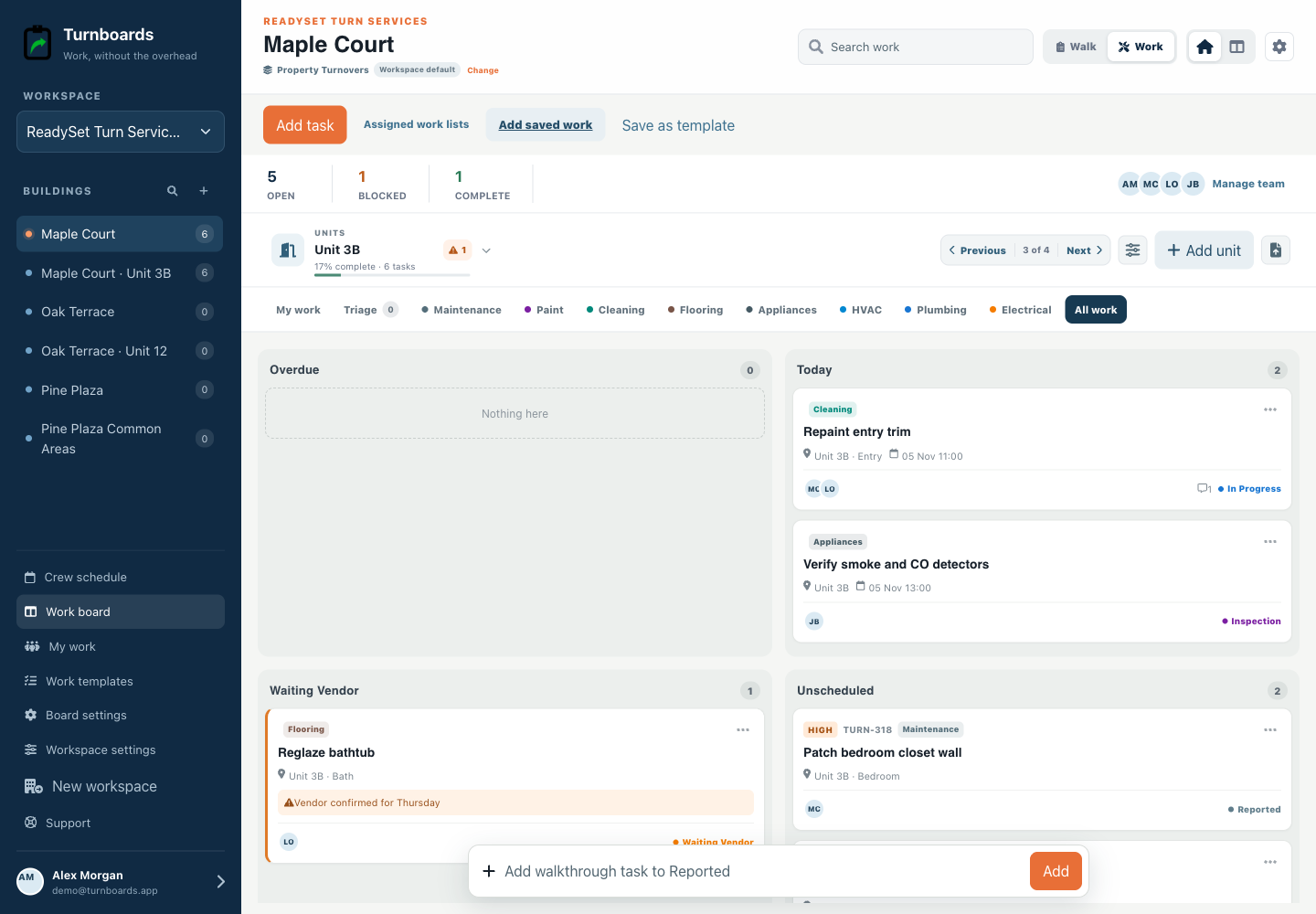
One plan for the visit and the work
See who is going to each job, give them a work list, and follow its progress through the handoff.
Book named crews or individuals in a weekly planner. Review warnings when someone is booked on overlapping visits.
Explore crew scheduling →Choose a reusable template and assign independent work lists to different jobs and crews. Each list has its own people and progress.
See reusable work templates →Add everyone to the roster by name. Email a personal work-list link when someone needs to complete assigned work without signing up.
See email work links →Start with the work you already have
Add the next few tasks, give them an owner, and keep the details beside the work. You can add more as the job moves forward.
Plan your next job →Illustrative tasks. Choose stages that fit your work.
Built for dispatch
Maintenance workspaces put schedule, urgency, location, work-order number, and parts holds at the center of the day.
Start with Overdue, Today, Waiting Parts, and Unscheduled.
See location, schedule, urgency, owner, and reference without opening the record.
Move work from New to Scheduled, In Progress, Waiting Parts, and Complete.
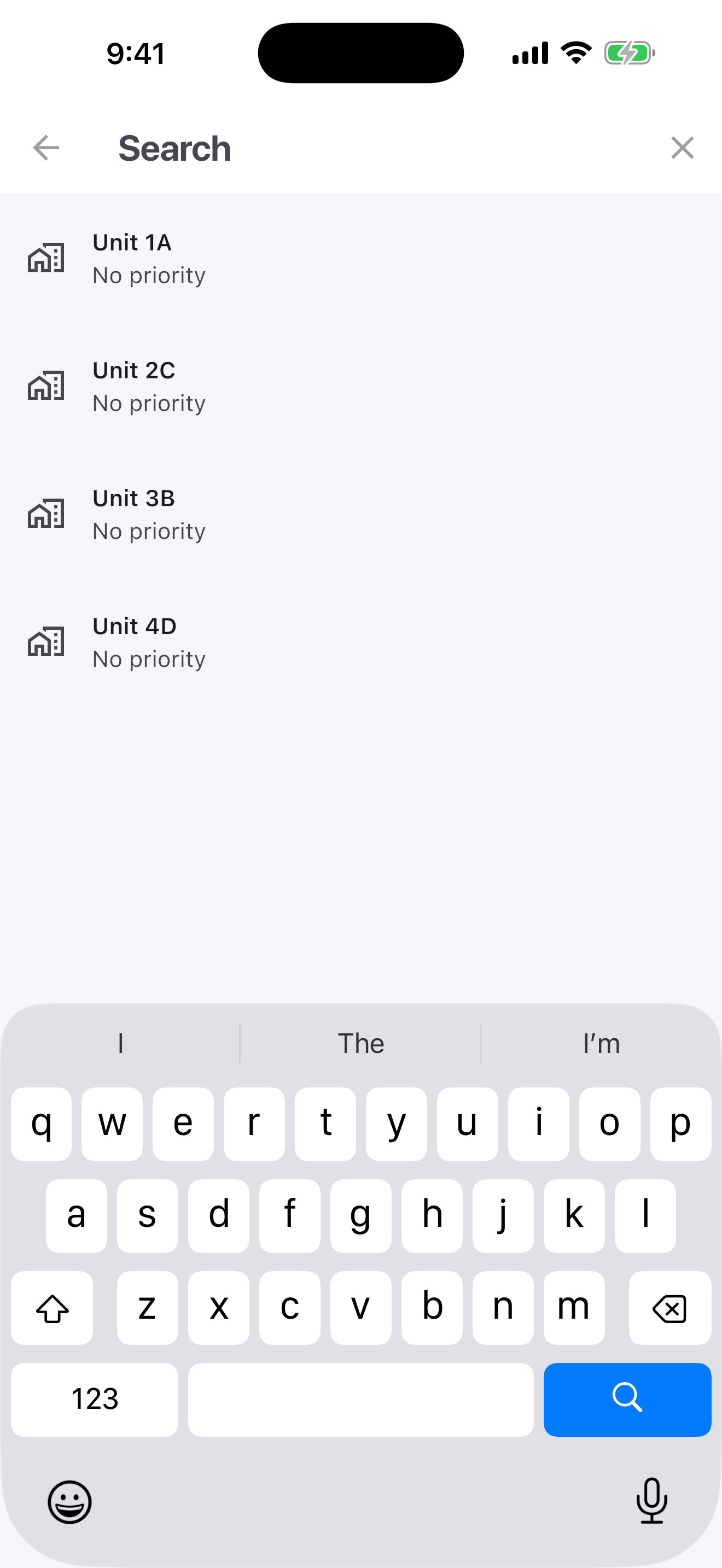
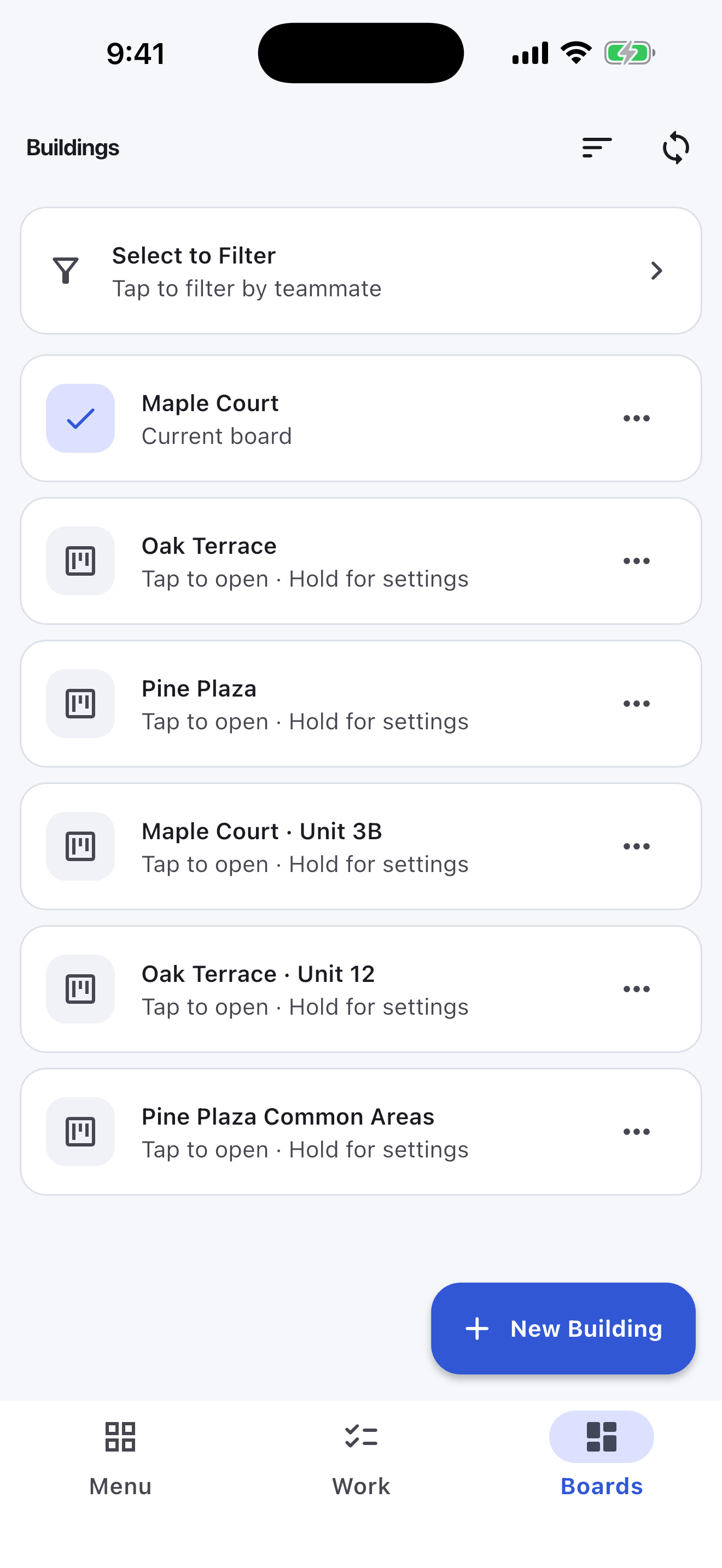
Upload a CSV containing building and unit identifiers. Turnboards creates building boards and searchable unit groups while keeping re-imports matched through stable external IDs.
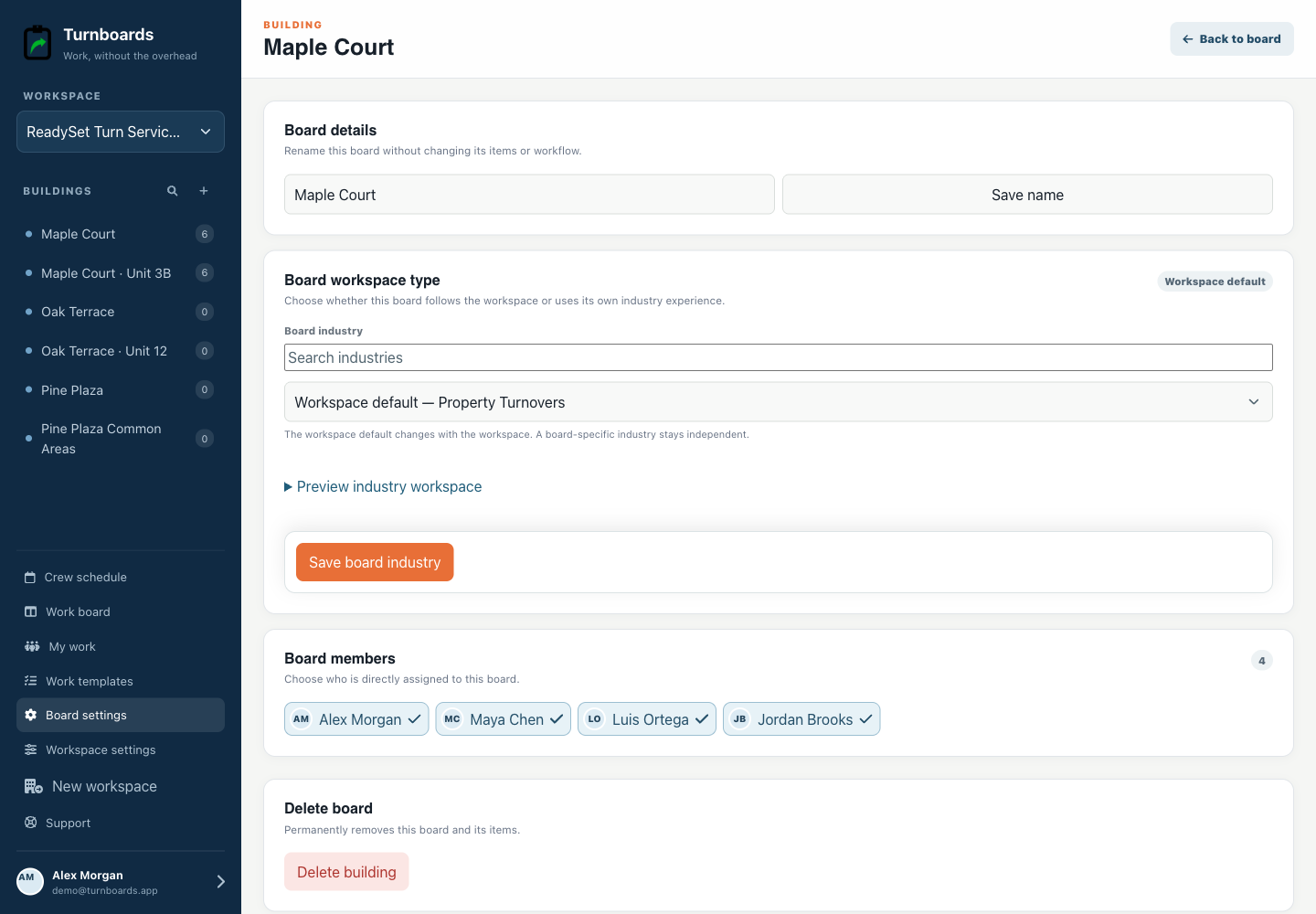
Start or join a walk, type the issue, and submit. Trade, assignment, priority, and notes remain optional, so recording a loose handle or damaged wall never becomes a form-filling exercise.
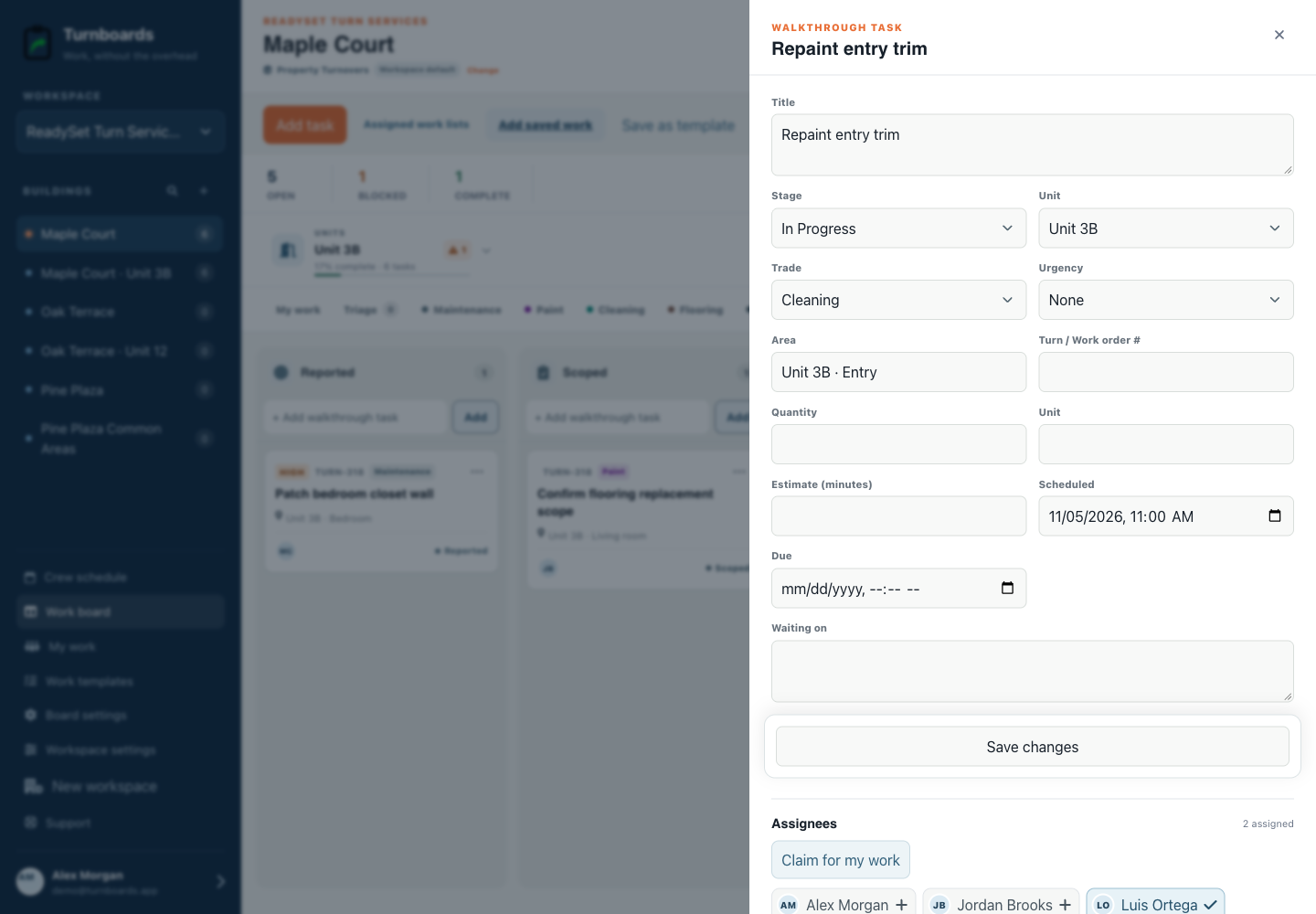
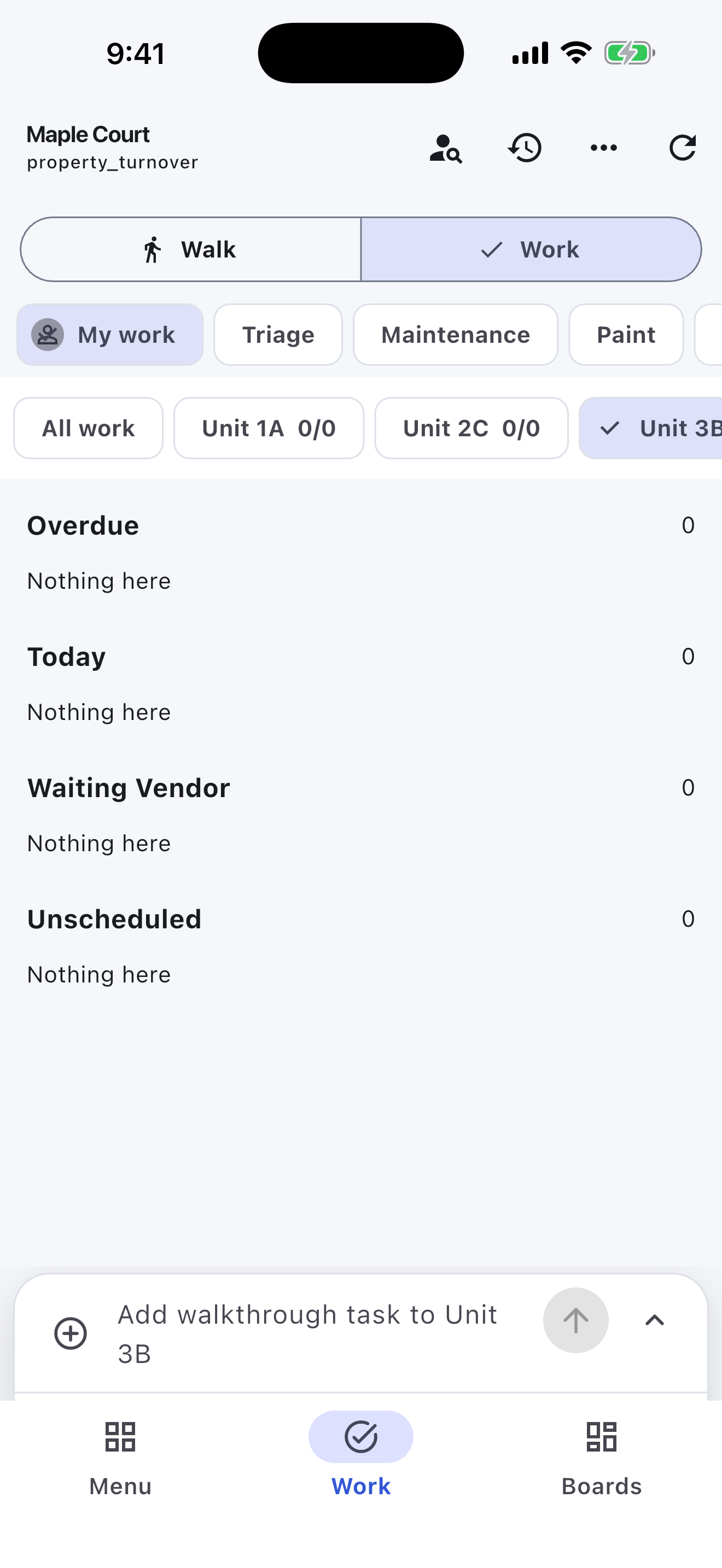
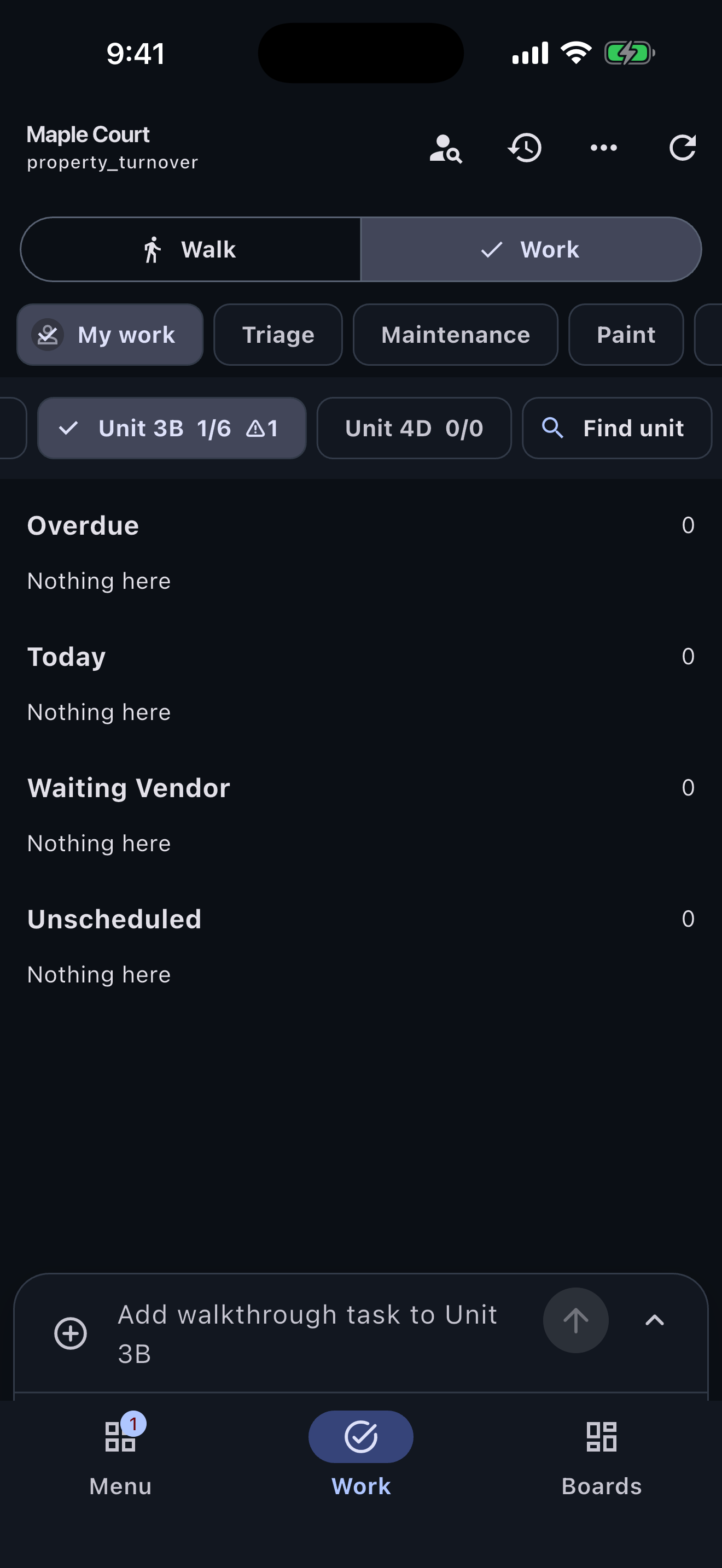
Work mode turns walkthrough captures into an execution list across units. Crew members can open My Work, choose a trade queue, claim an item, add a handoff note, and move it through the make-ready workflow.
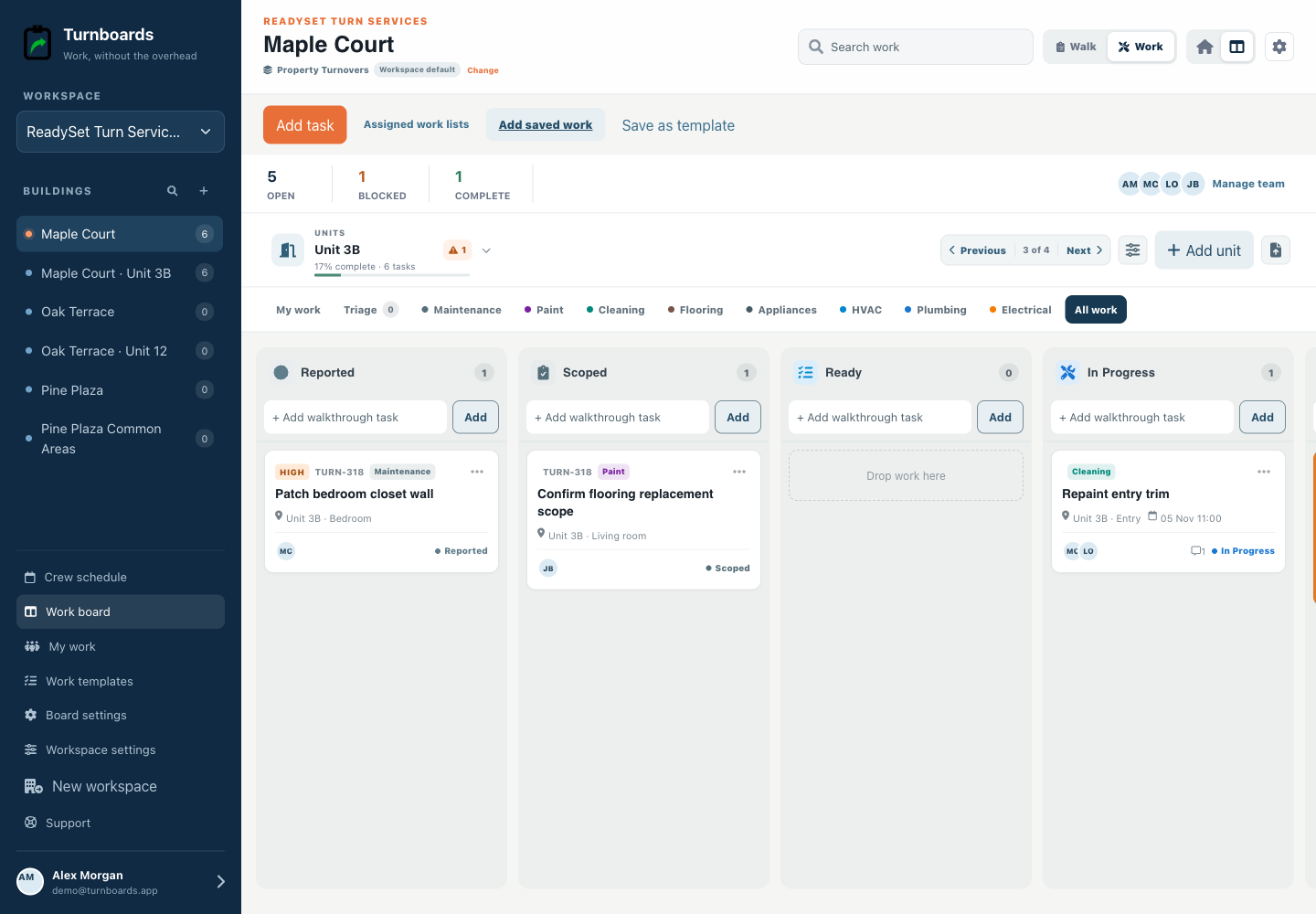
Reported, Scoped, Ready, In Progress, Waiting Vendor, Inspection, and Complete make the handoff visible without replacing the systems that handle rent, leases, purchasing, or accounting.
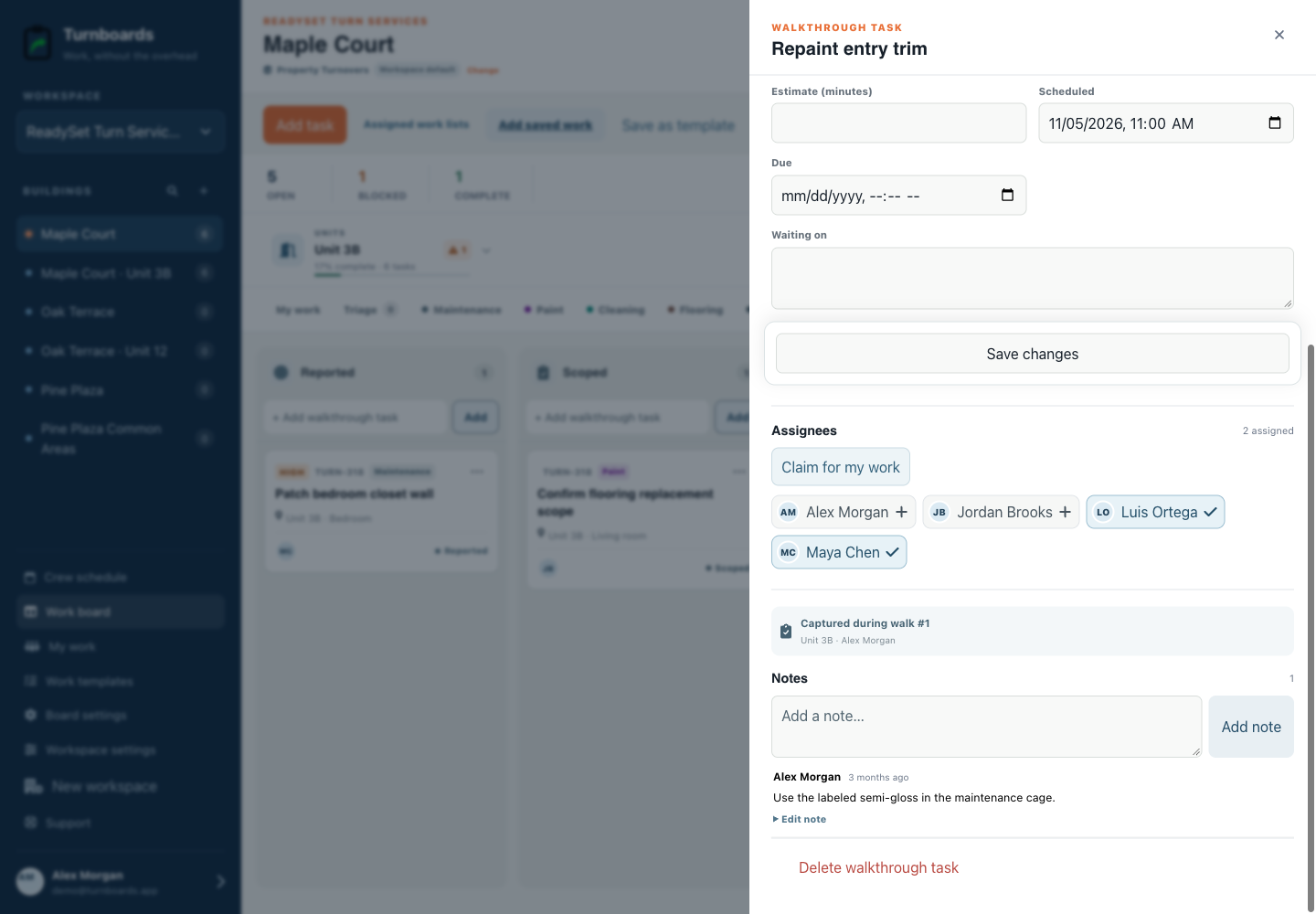
The mobile app in action
These are real screens from the same industry workspace shown above, using realistic fictional work. Scroll through the complete App Store screenshot set.
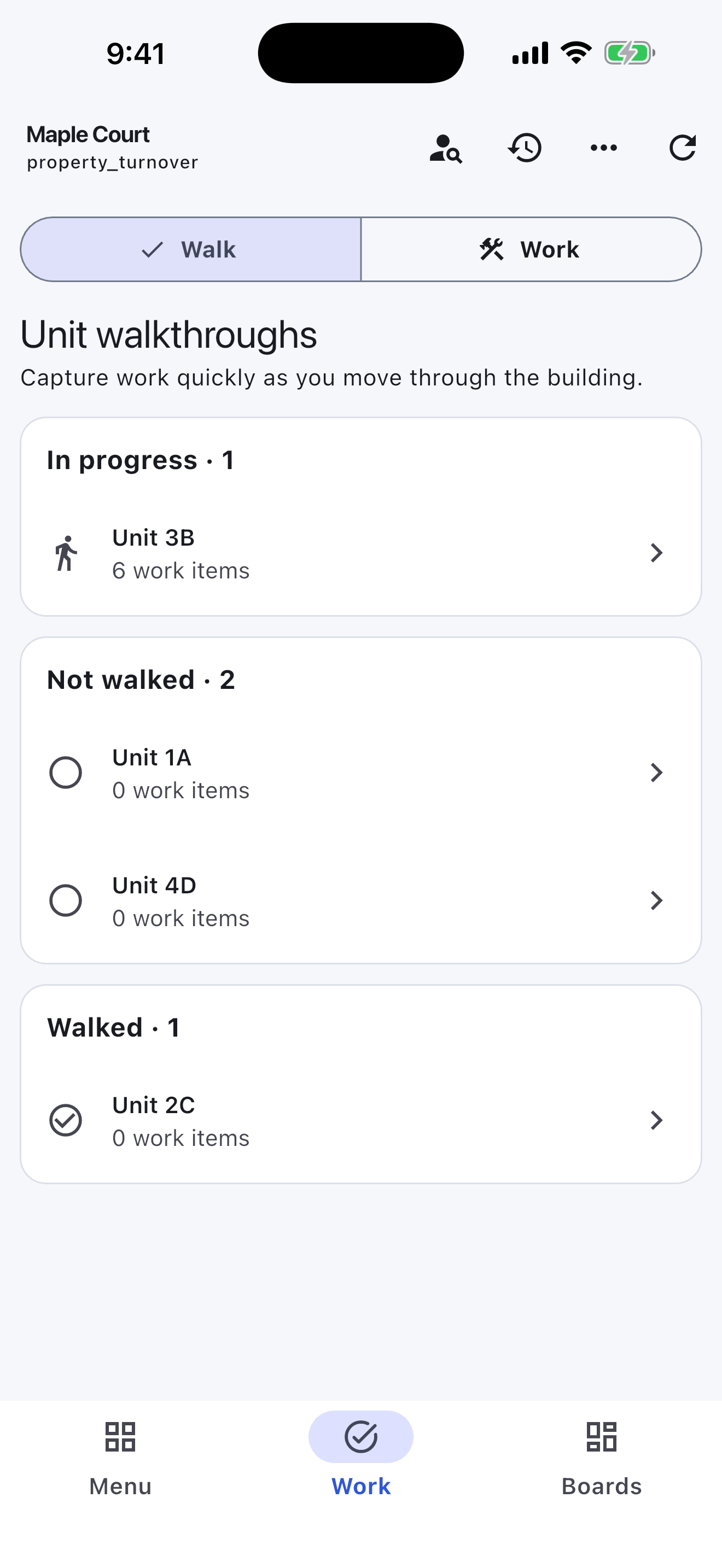
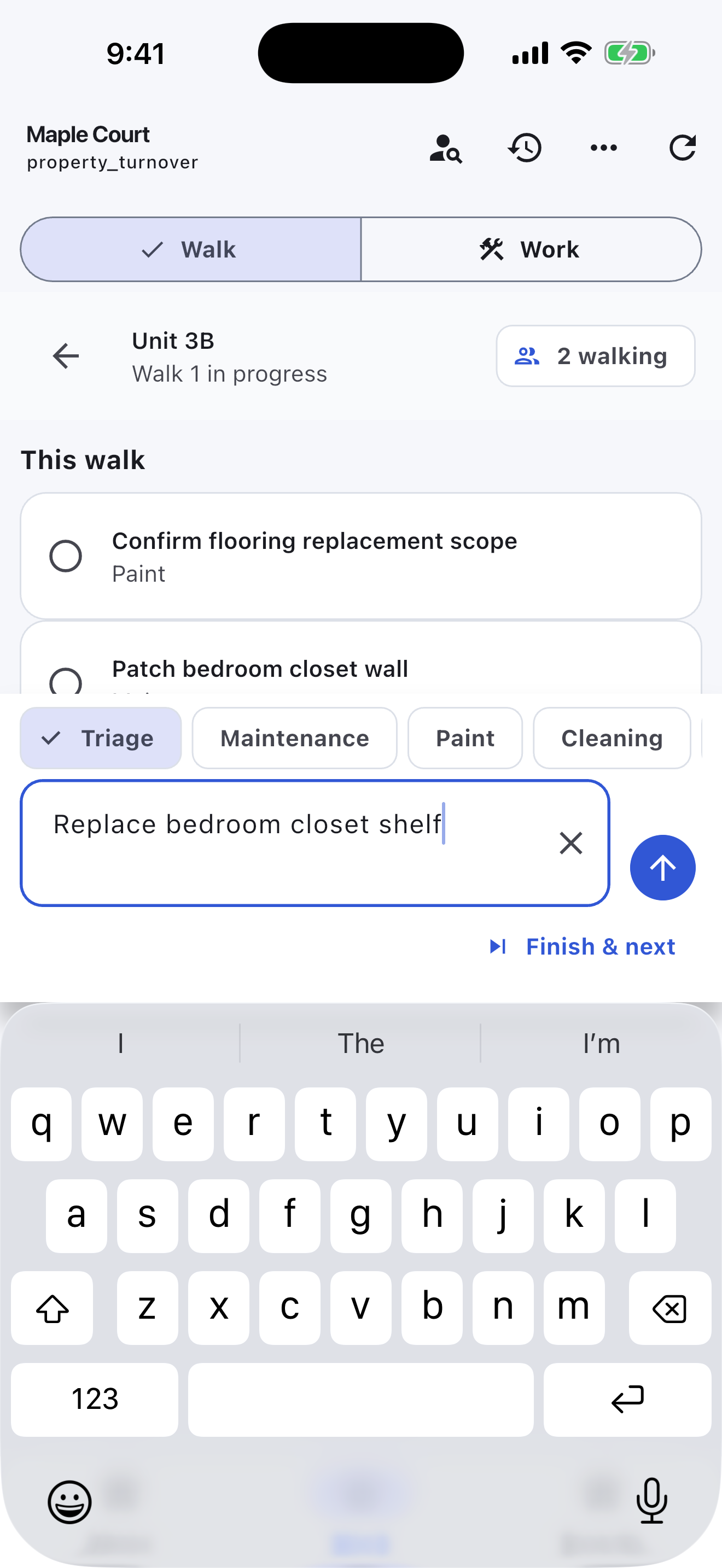
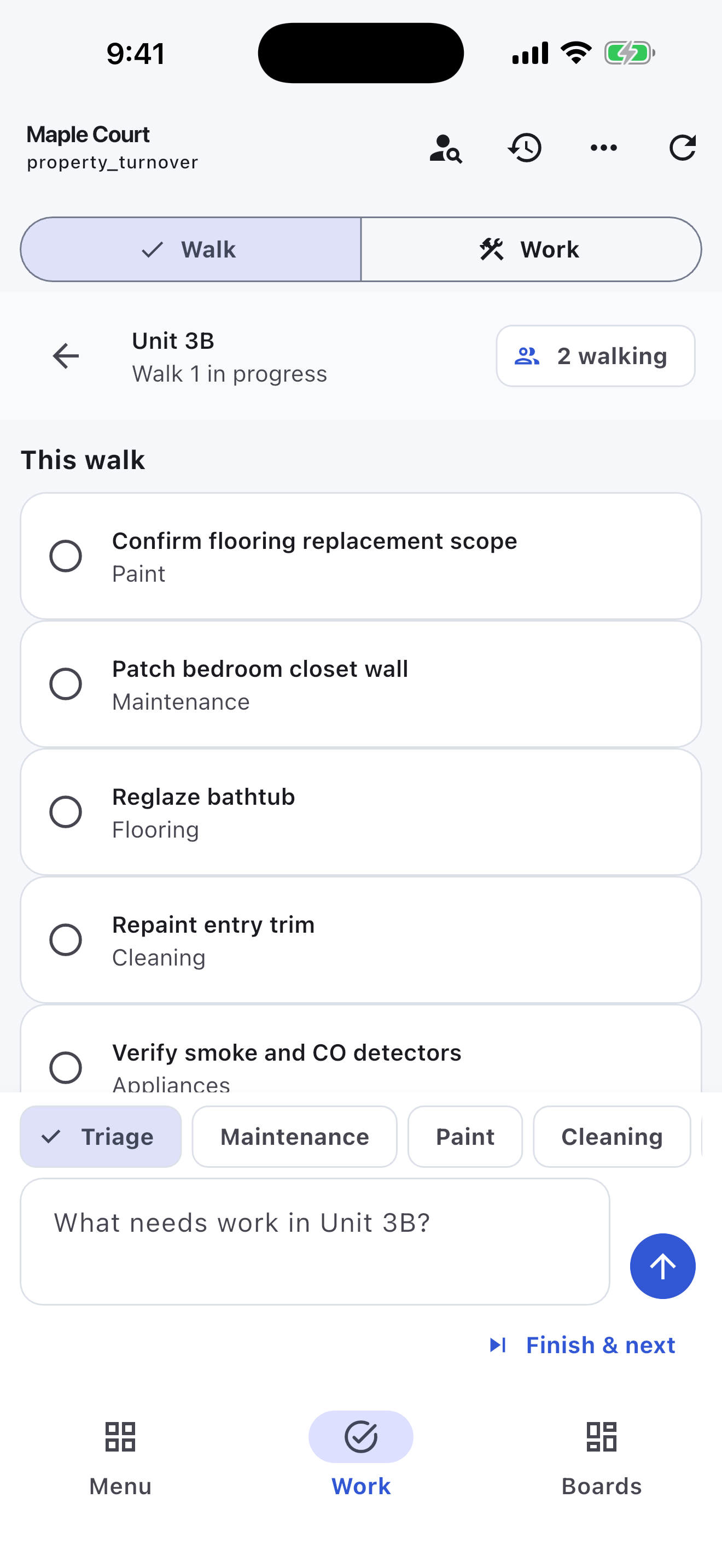
Turnboards does not replace leasing, tenant portals, vendor accounting, photo-based inspection evidence, purchasing, or preventive-maintenance systems.
No. Turnboards coordinates the physical unit-turn work. Leasing, accounting, tenant communication, purchasing, and formal inspection records remain in the systems designed for them.
Yes. An organization administrator can map and preview a CSV containing building and unit identifiers before confirming the import.
Yes. The mobile app stores supported work locally and syncs it after connectivity returns.
No. The import creates building boards and unit groups. Workers capture the actual work found during each walkthrough.
Create your workspace, add the people you schedule, and start with one job. Reuse a work template when the next crew needs the same checks.