Field-first home
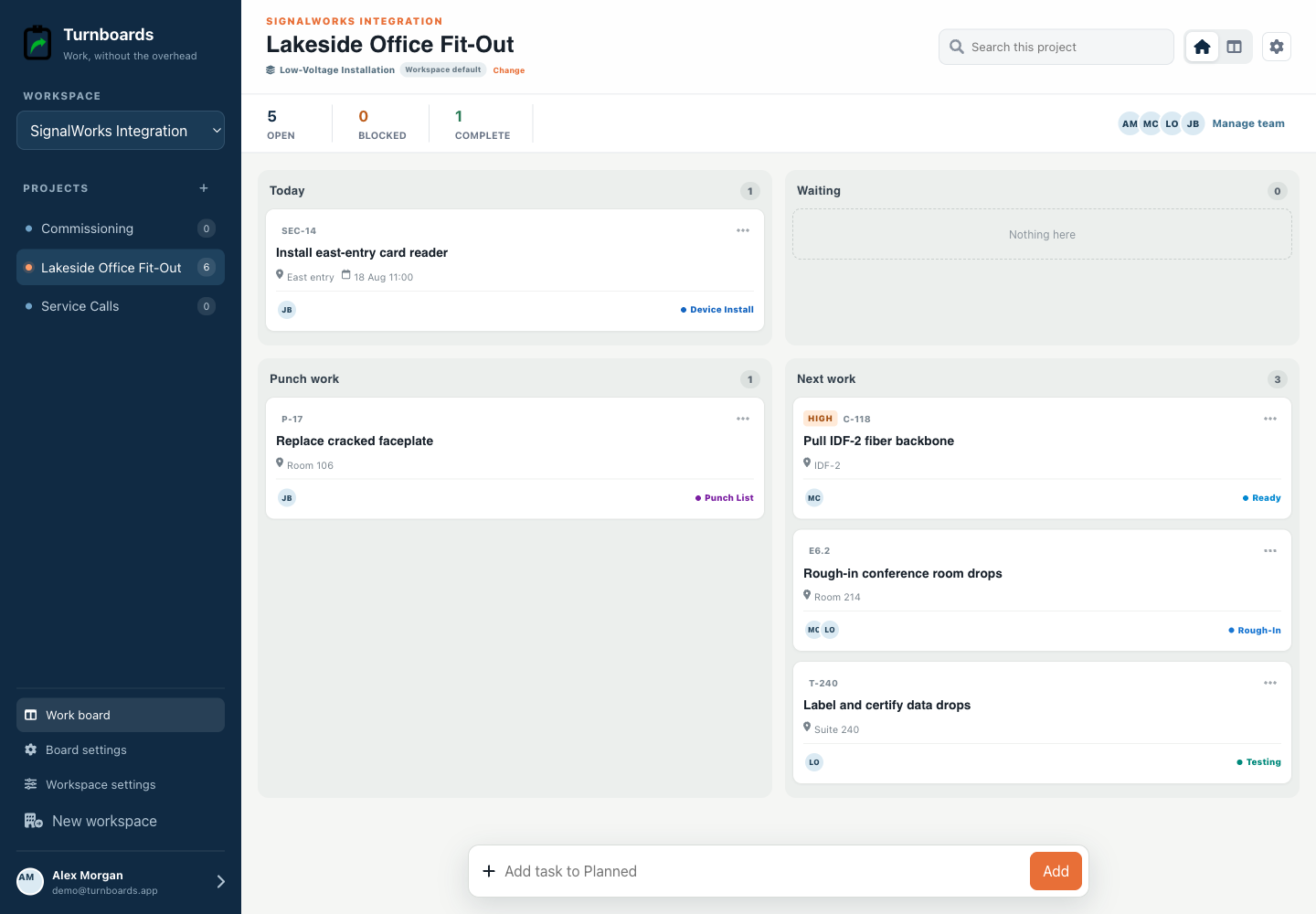
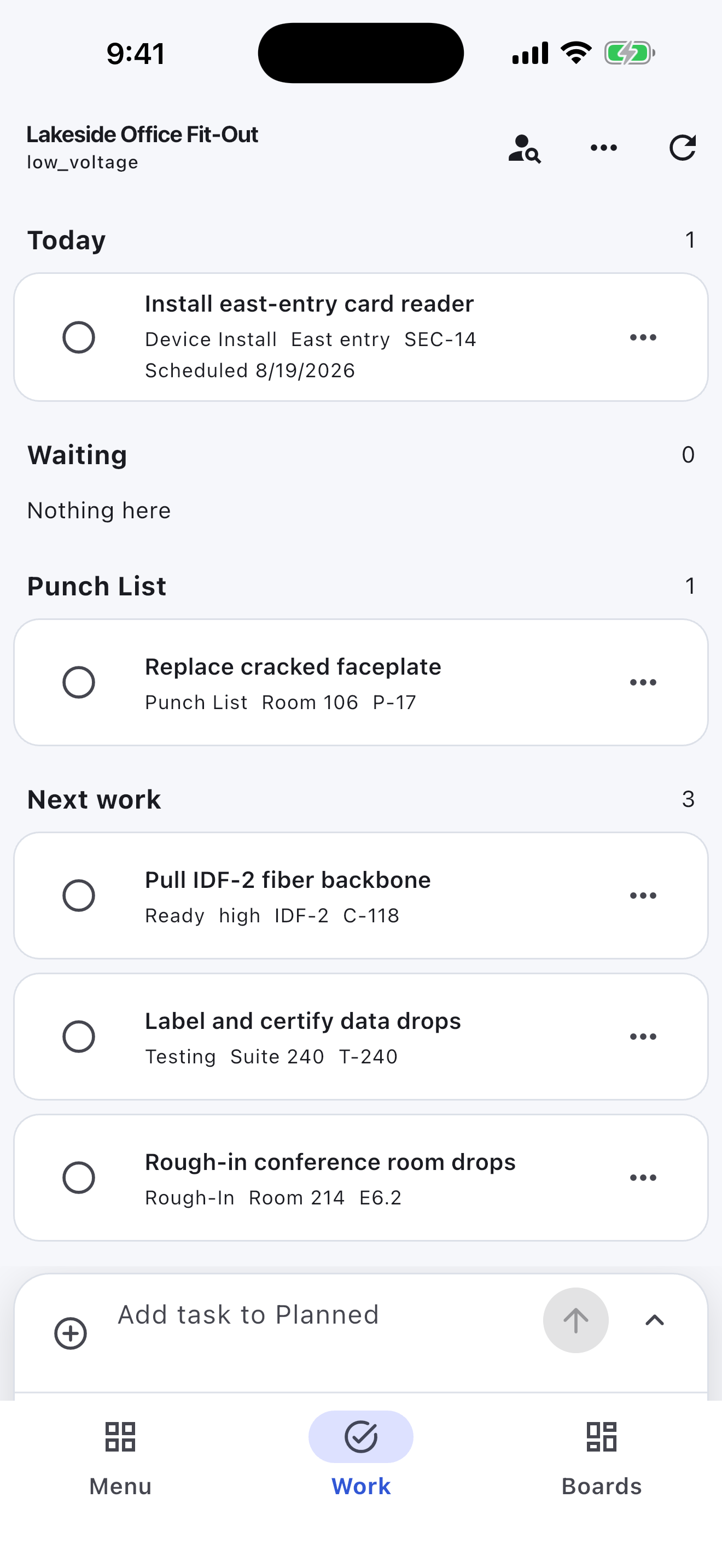
See Today, Waiting, Punch work, and Next work at a glance.
Built for low-voltage installation
Turnboards keeps rooms, cable references, device installation, testing, and punch work clear for small low-voltage crews.
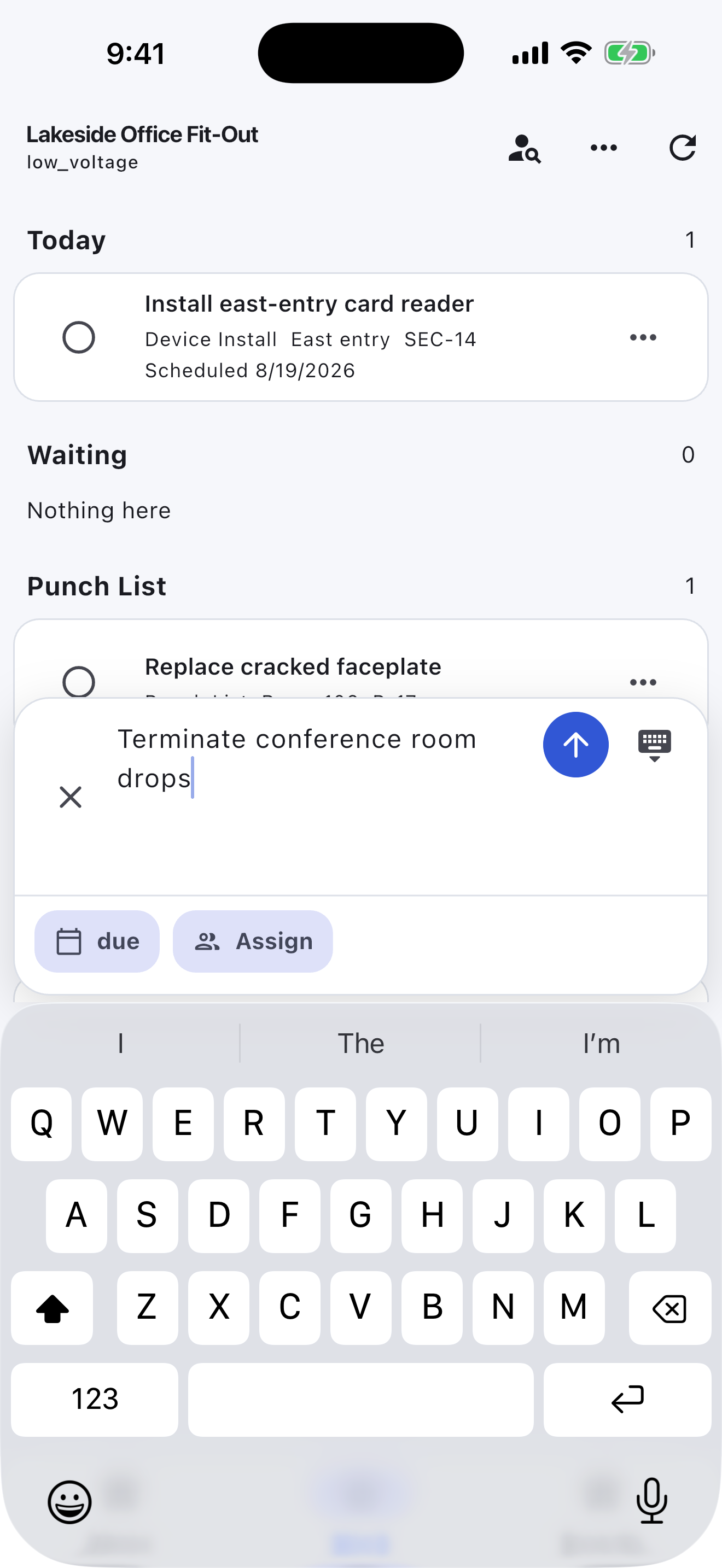
Create tasks in one line, then add room or device, drawing or cable reference, schedule, priority, assignee, and blocker only when the work needs it.
No credit card. Create your first board in minutes.


Start with the work you already have
Add the next few tasks, give them an owner, and keep the details beside the work. You can add more as the job moves forward.
Try your own board →Illustrative tasks. Choose stages that fit your work.
Built for the field
Construction workspaces surface location, urgency, job references, blockers, and punch work instead of forcing a crew into a generic task board.
See Today, Waiting, Punch work, and Next work at a glance.
Keep room, phase, due state, and crew ownership on every task.
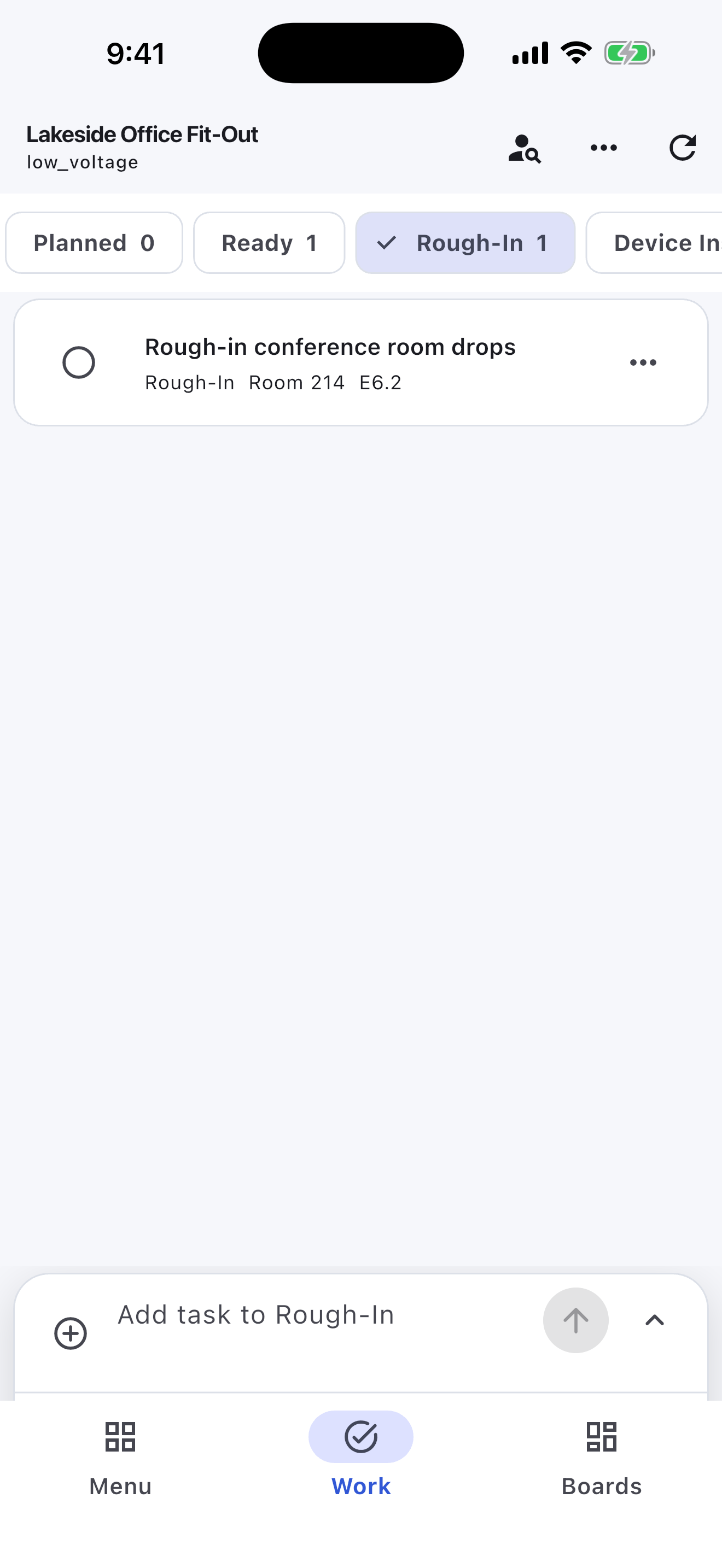
Move through Planned, Ready, In Progress, Waiting, Punch List, and Complete.
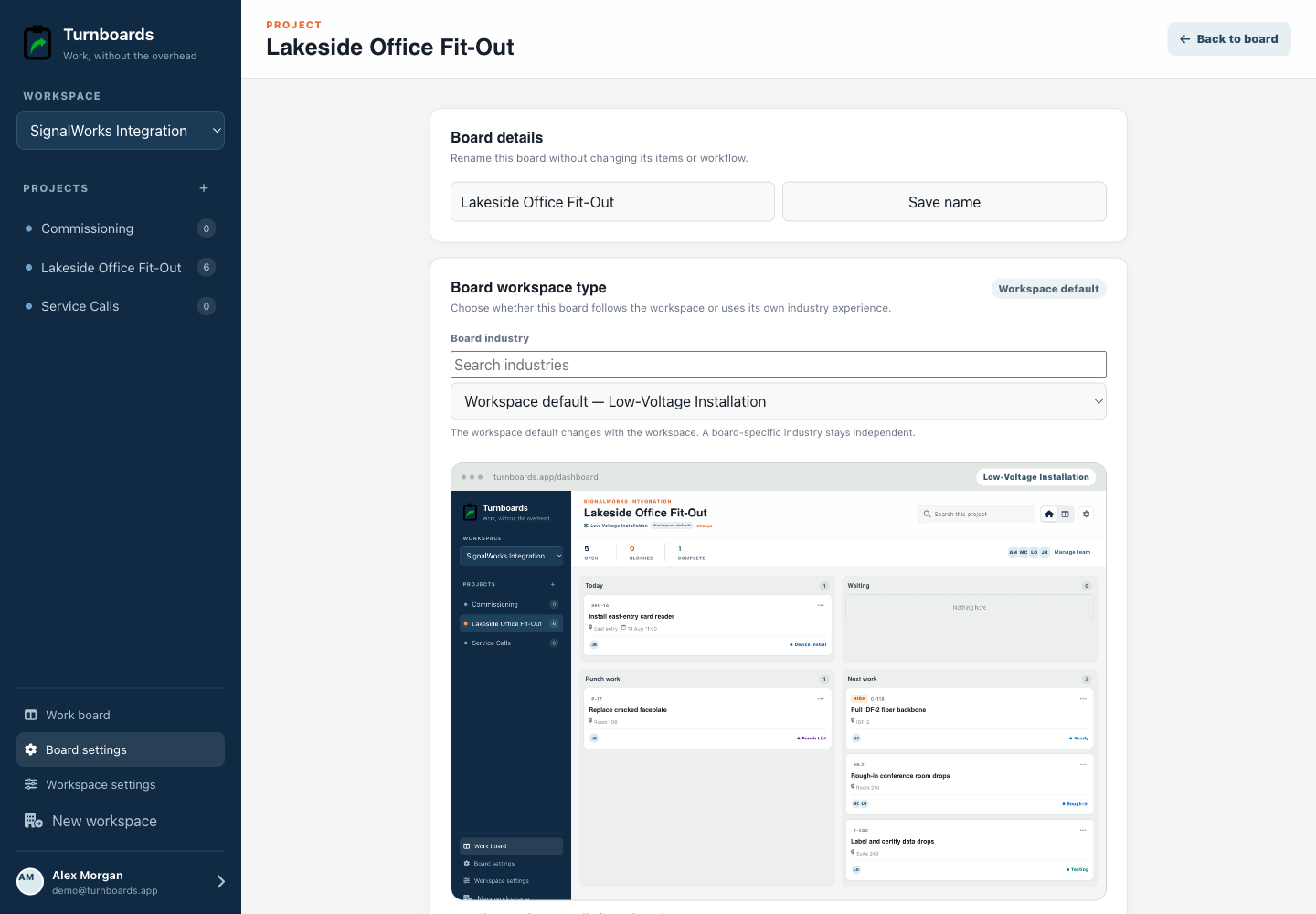
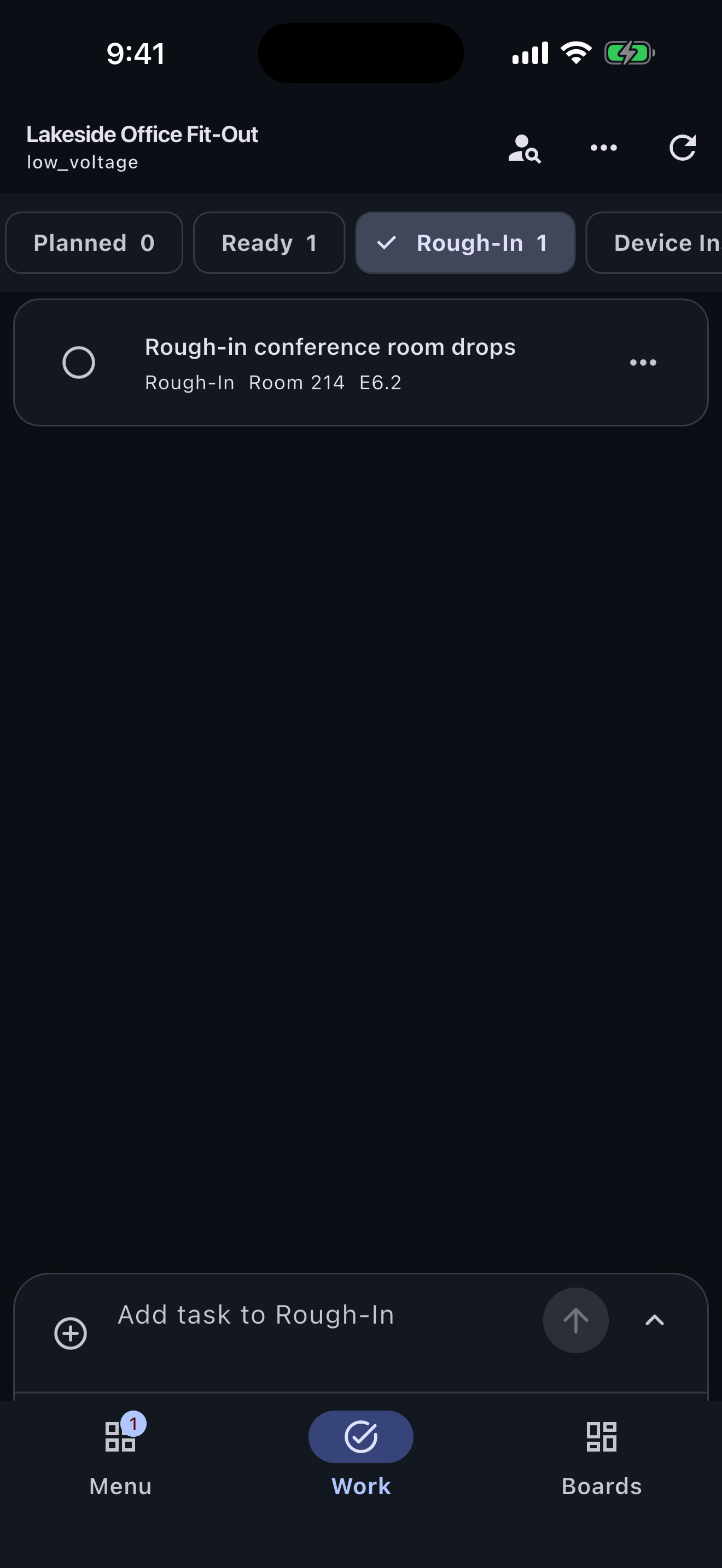
The Low-Voltage Installation workspace opens with Planned, Ready, Rough-In, Device Install, Testing, Punch List, and Complete rather than a generic three-column board.
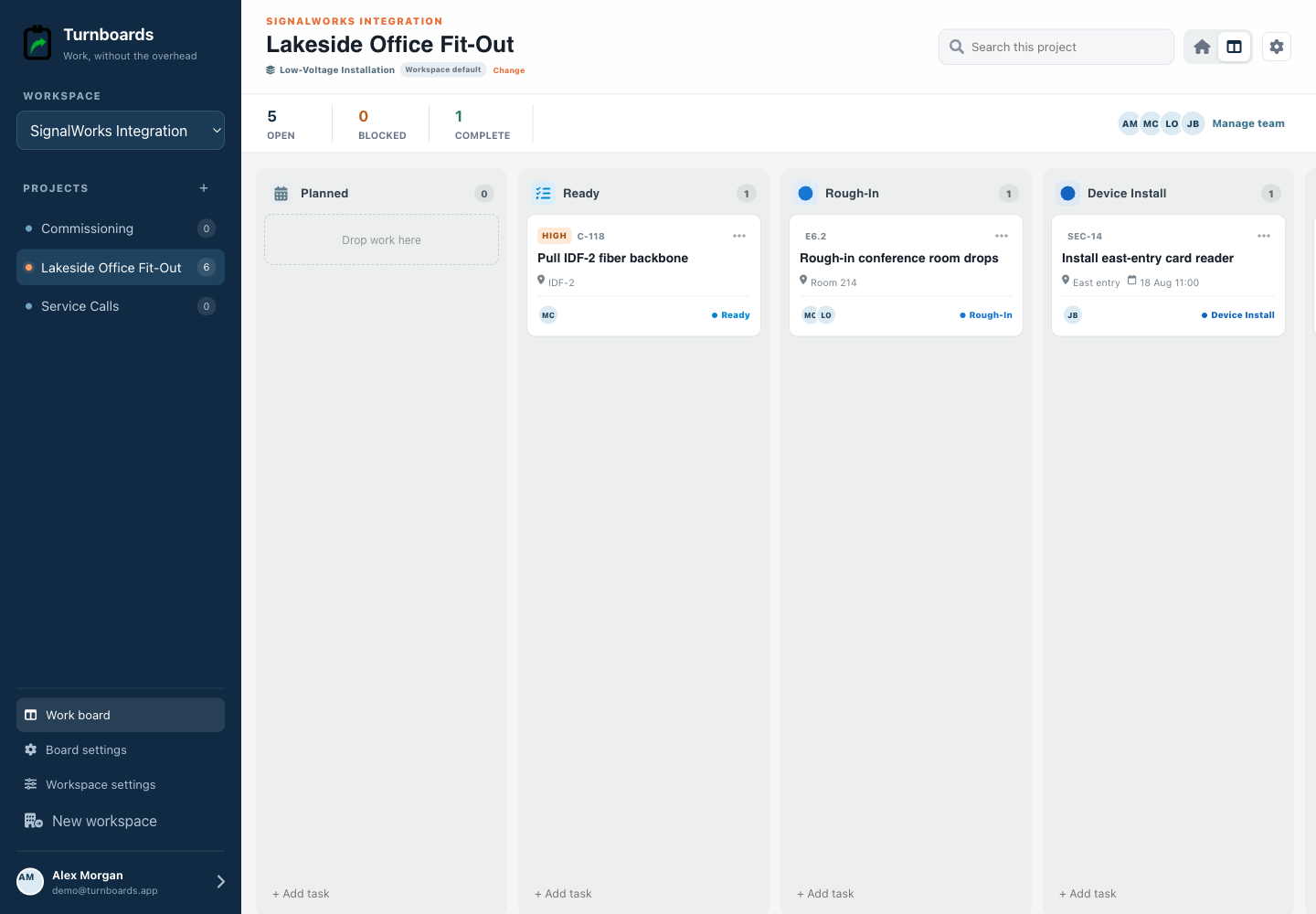
The persistent composer creates a task immediately. Details stay optional so field and production teams do not have to complete a form before recording work.
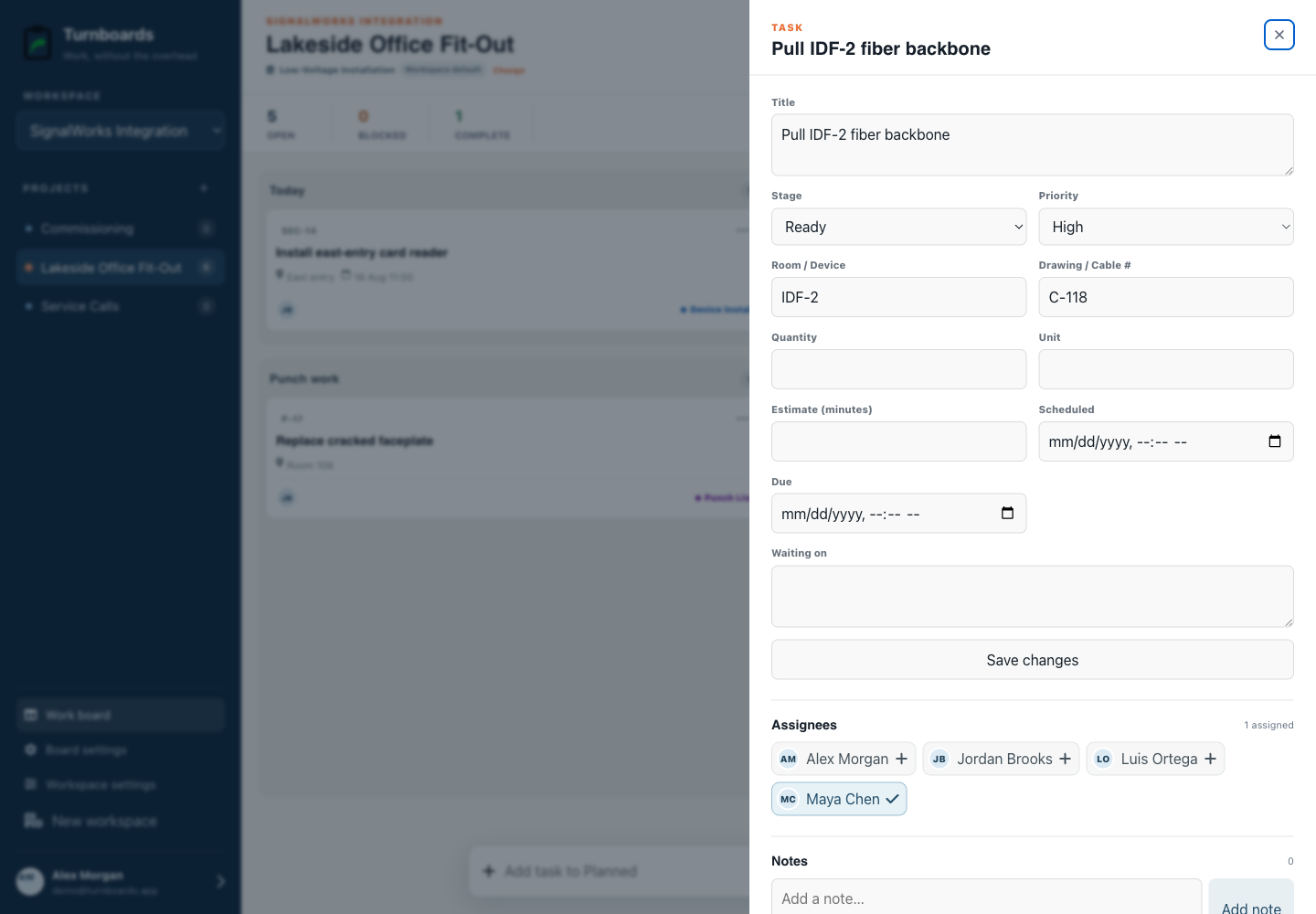
Assignments, notes, holds, and the current stage stay attached to each task, giving the next person one place to look.
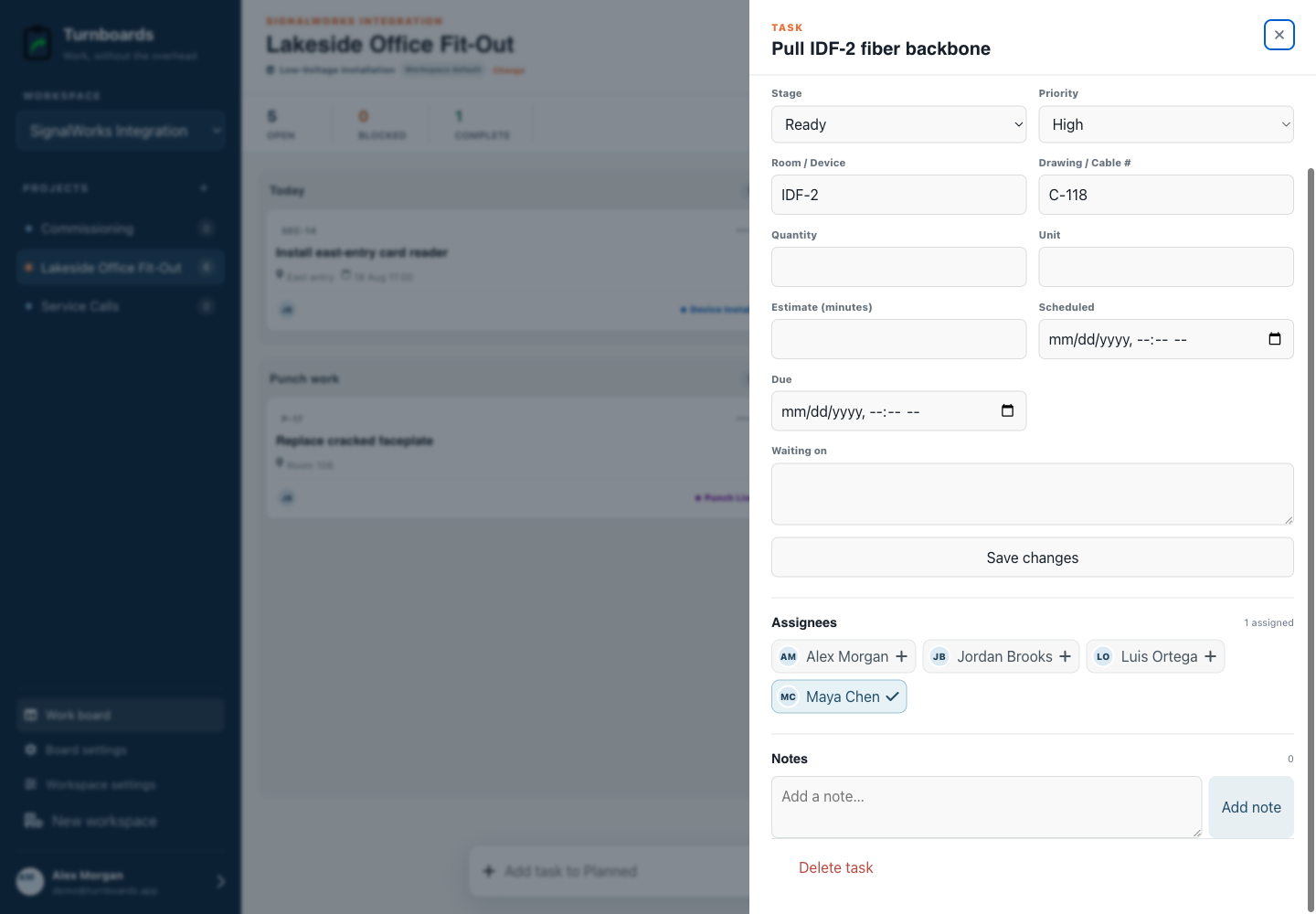
Administrators can use this workflow for the whole workspace or apply it only to Lakeside office fit-out.
The mobile app in action
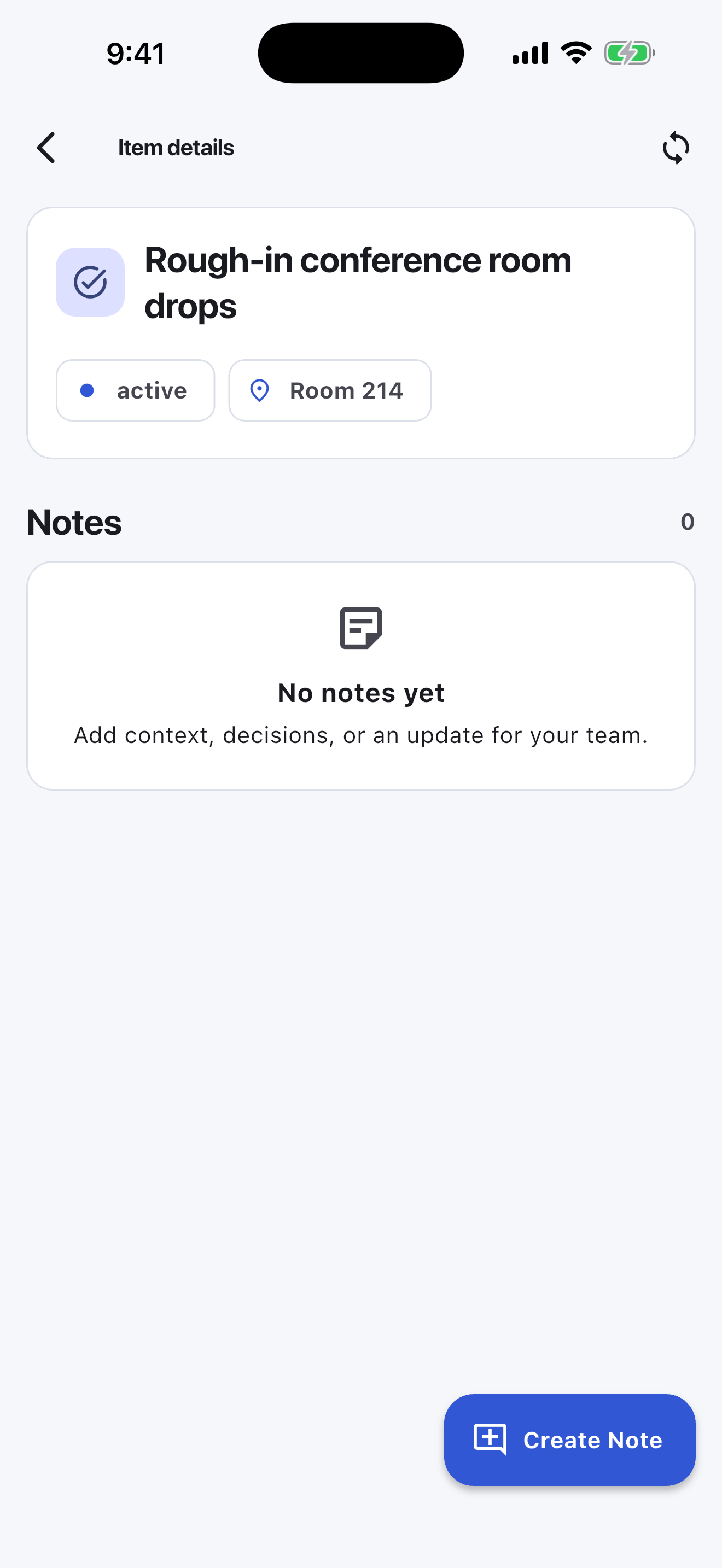
These are real screens from the same industry workspace shown above, using realistic fictional work. Scroll through the complete App Store screenshot set.
Turnboards does not create drawings, cable-test records, commissioning reports, inventory, labor reports, submittals, RFIs, or compliance documentation.
Start free on the web, choose Low-Voltage Installation, and add the next three actions.