

Review weather, field conditions, and today's priorities
Starts in the board's intake stage
Loadable agriculture template
Set up a practical day of field or greenhouse work without building a crop-management system. Load the opening and close sequence, attach the real field, equipment, quantity, schedule, and owner, and update it even where service is unreliable.
Included in the Turnboards web dashboard and mobile app. Load the whole template or choose individual items.
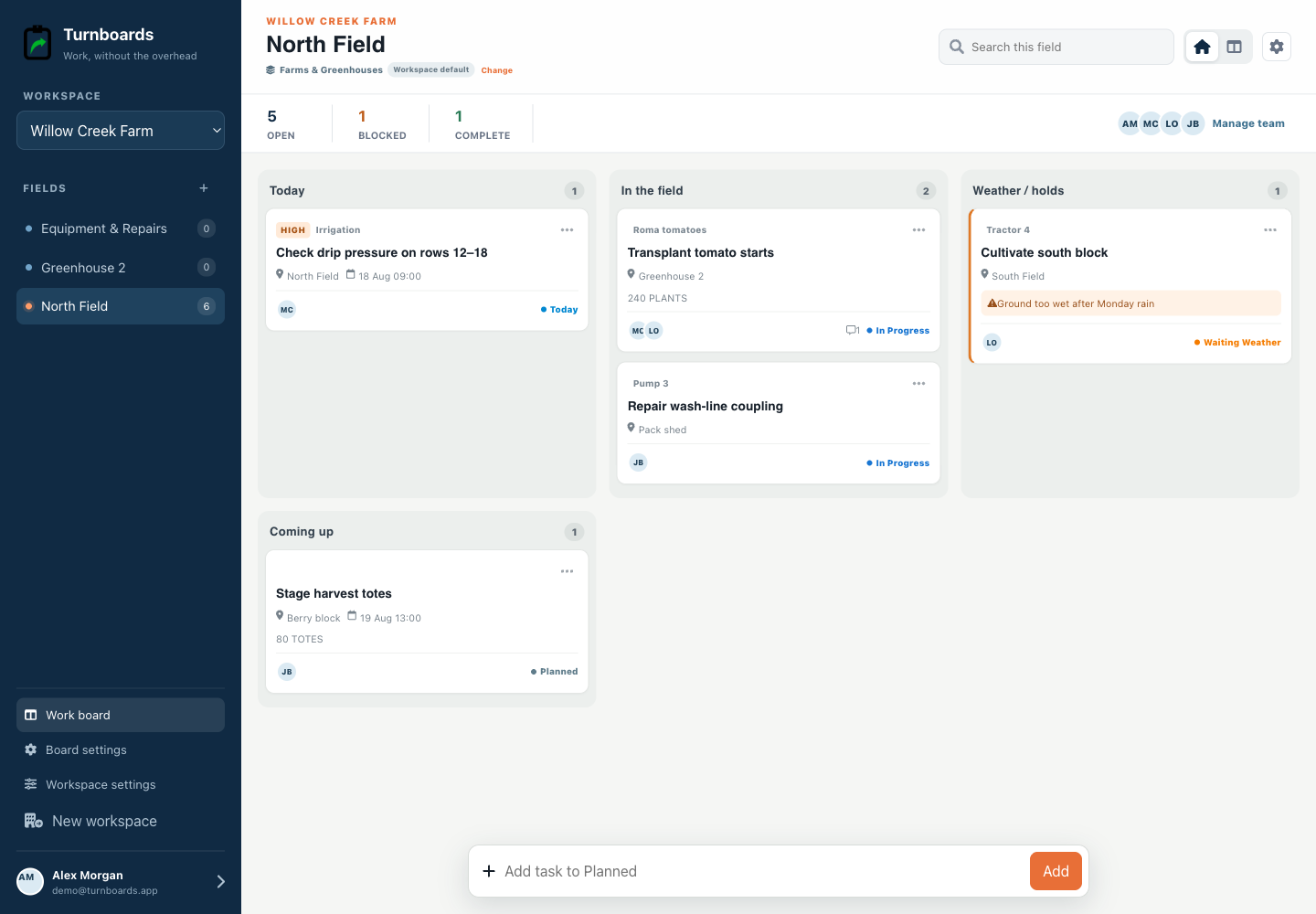
Exact template contents
Review every item before loading. Existing board settings stay in place, and every loaded entry becomes an ordinary item.
Starts in the board's intake stage
Starts in the board's intake stage
Starts in the board's intake stage
Starts in the board's intake stage
Starts in the board's intake stage
In progress
In progress
From template to live work
Templates add work to a board. They do not silently switch the board's industry, rename its stages, or move existing items.
Select only the tasks that apply. Turnboards identifies matching items already on the target board or group.
If the workflow differs, map template stages and categories to the board. Admins can create a missing category or use Uncategorized.
The selected tasks appear immediately as editable work with the same assignments, notes, offline sync, and quick creation used everywhere else.
Weather, soil or greenhouse conditions, equipment availability, materials, and crew capacity change what is executable. Review them before committing the day to a stale list.
Add the field or area, equipment or crop reference, quantity, schedule, assignee, and blocker only where useful. The one-line composer remains available for findings that emerge during the day.
Clean down equipment, secure the work area, review what was completed, and turn unresolved needs into clear actions for the next field day.
This is a farm work-coordination template. It does not provide crop planning, chemical records, compliance logs, worker-safety programs, equipment maintenance systems, inventory, timekeeping, payroll, routing, or agronomic recommendations.
Turnboards supports optimistic offline work and syncs changes when connectivity returns.
Yes. Templates map into the board's current stages rather than replacing its workflow.
No. Recurring scheduling is outside this release; load the template when it is useful.
Start in the web dashboard
Create a free workspace, open Work templates, review the mapping, and load only the items your team needs.