Field-first home
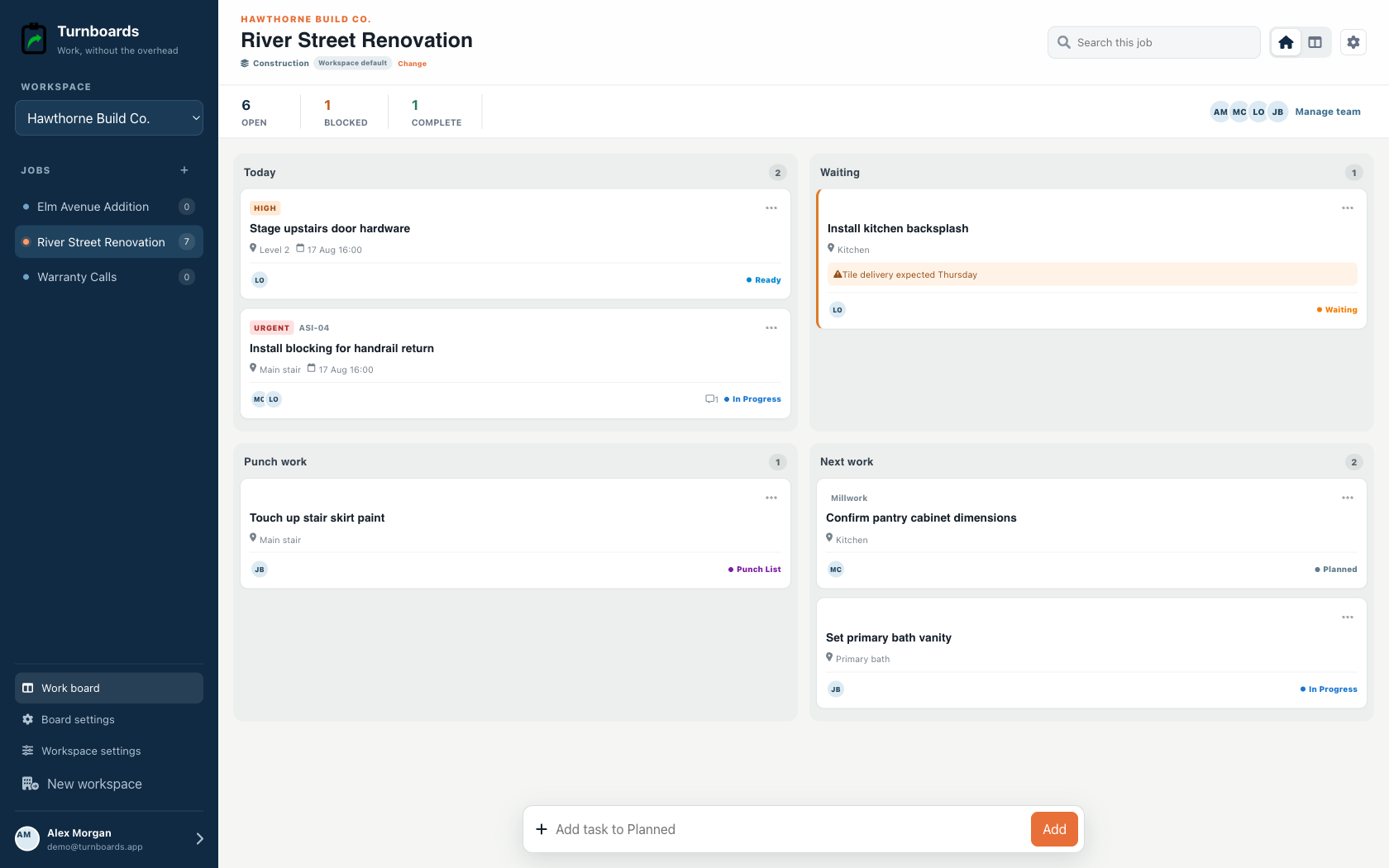
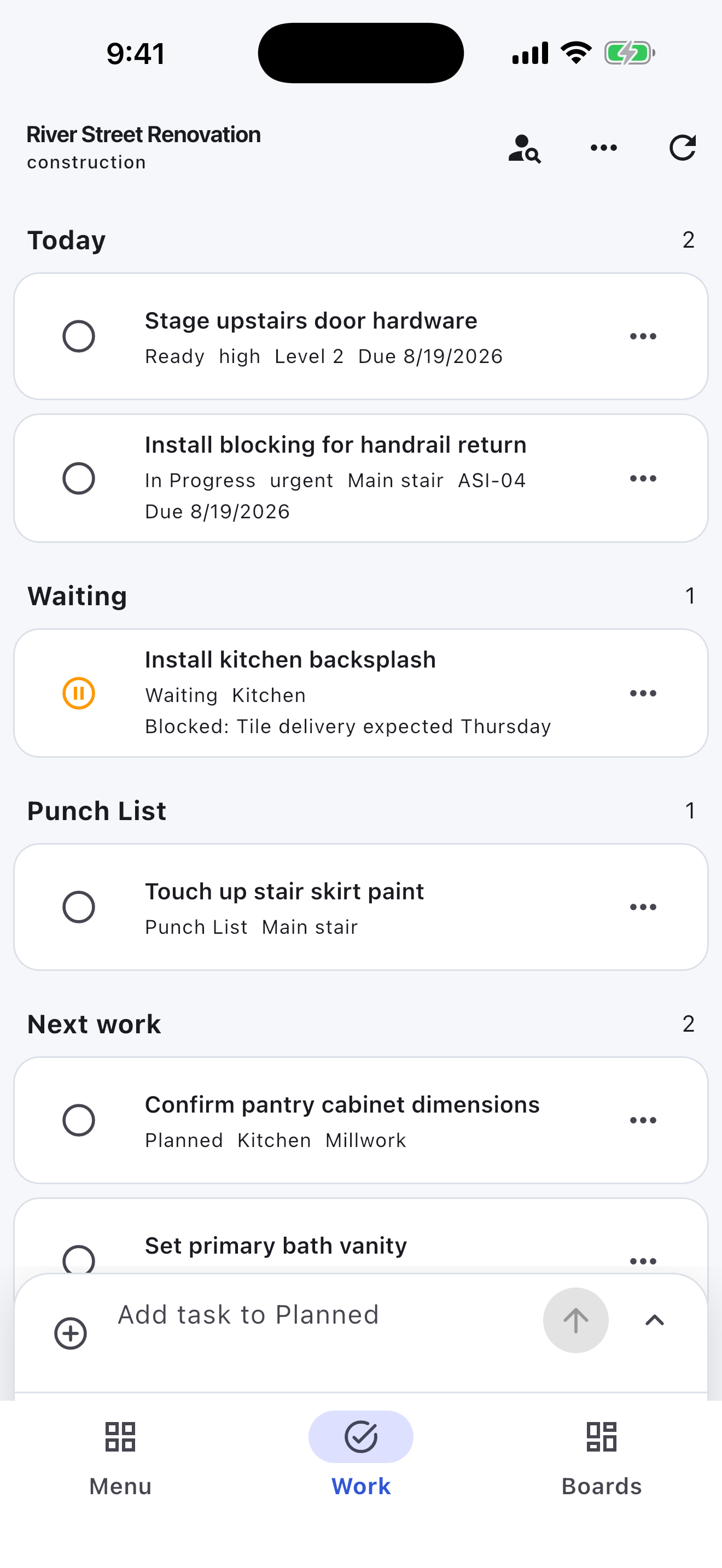
See Today, Waiting, Punch work, and Next work at a glance.
Lightweight contractor closeout lists
Turnboards gives small contractors a simple way to organize punch items, job-site tasks, crew follow-up, walkthrough notes, and closeout work.
Create a board for each job, room, phase, or customer. Add the work that needs attention, assign it to the right person, and move items from Backlog to Active to Complete as the project moves forward.
No credit card. Create your first board in minutes.


Start with the work you already have
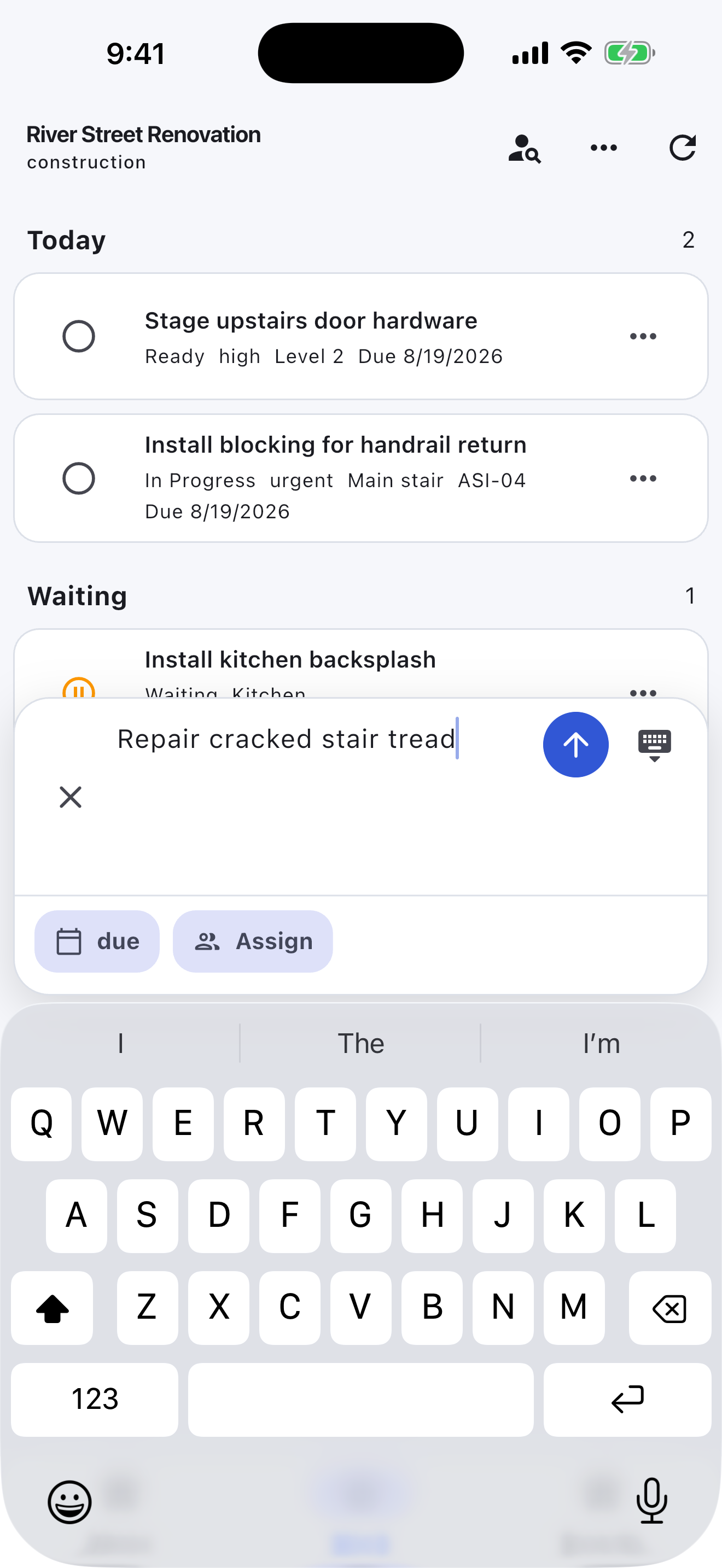
Add the next few tasks, give them an owner, and keep the details beside the work. You can add more as the job moves forward.
Try your own board →Illustrative tasks. Choose stages that fit your work.
Built for the field
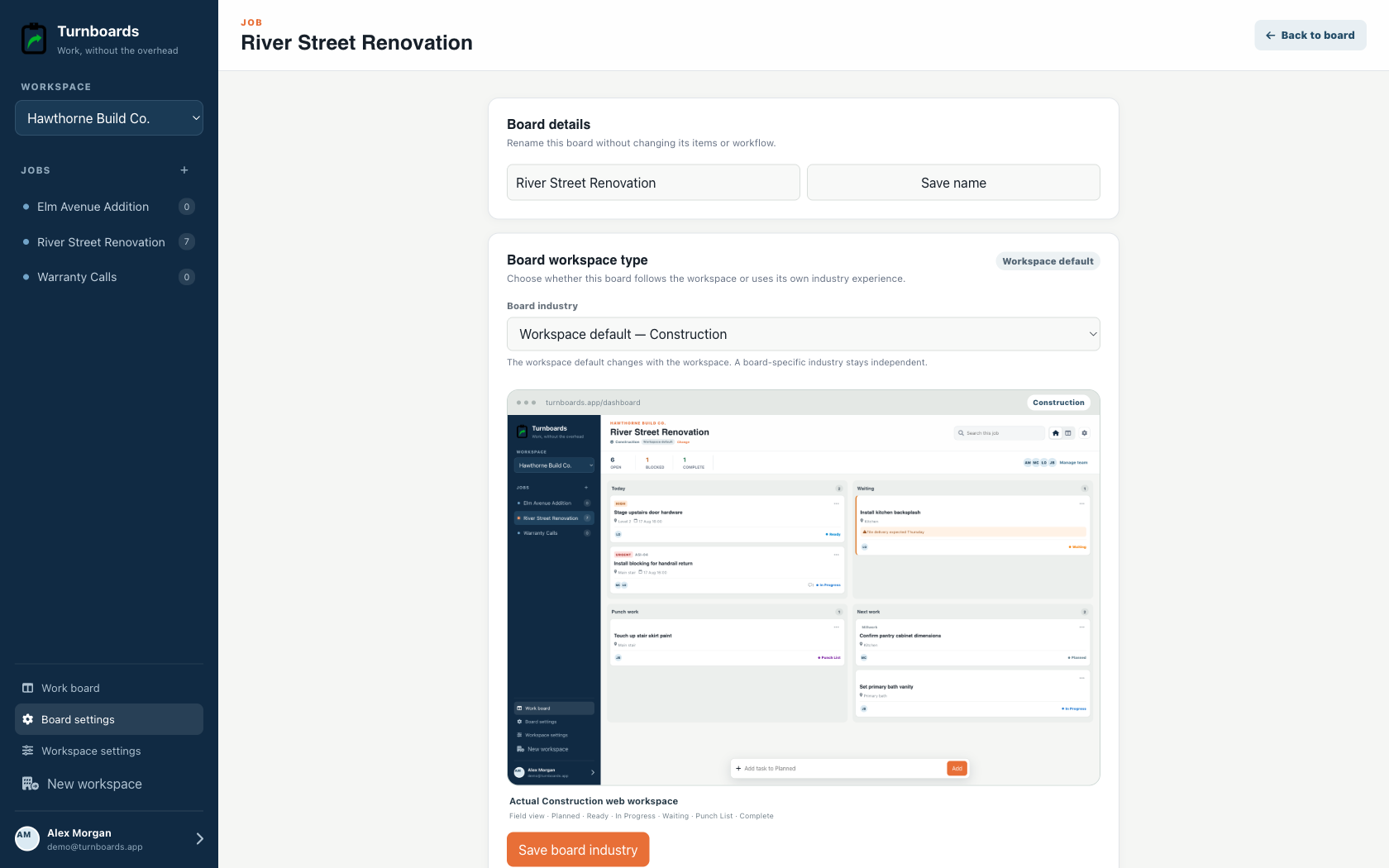
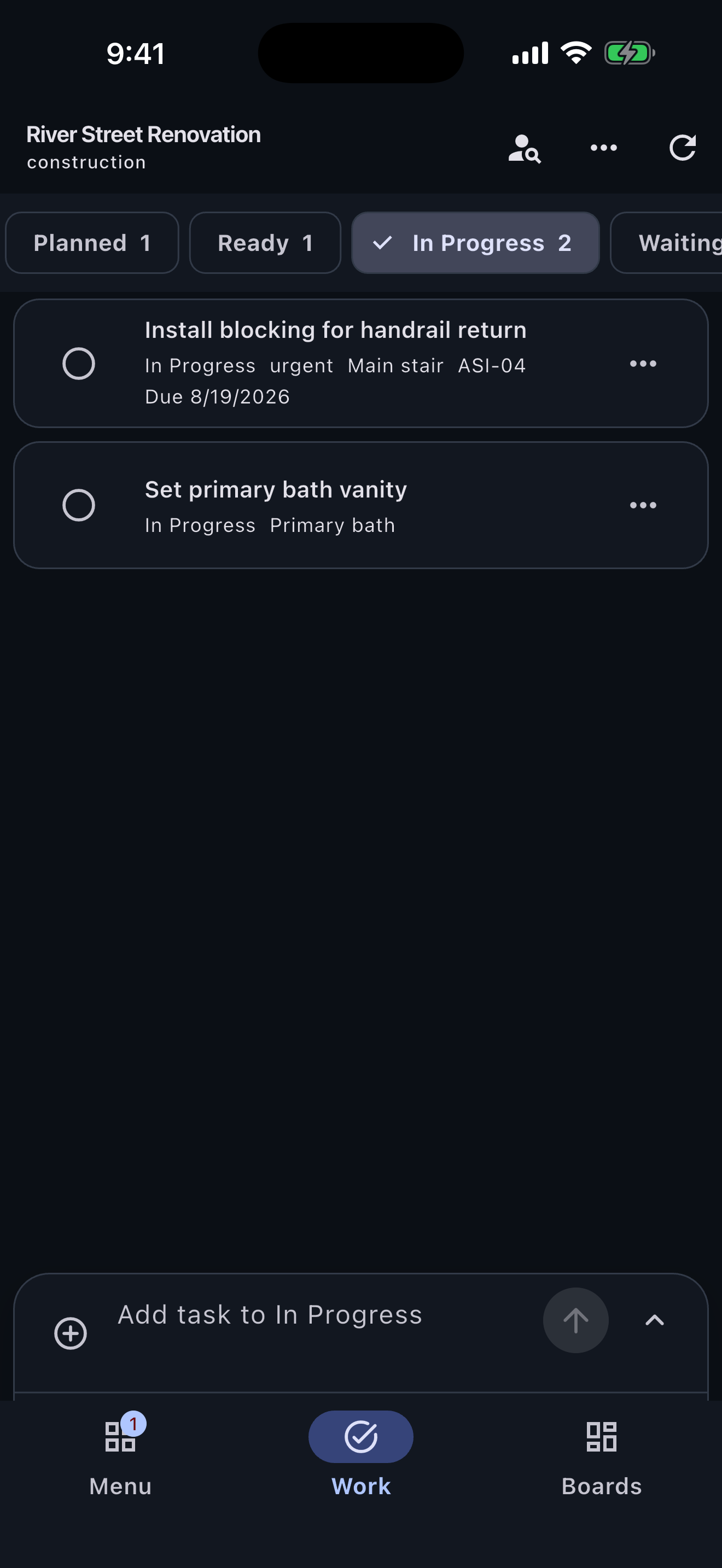
Construction workspaces surface location, urgency, job references, blockers, and punch work instead of forcing a crew into a generic task board.
See Today, Waiting, Punch work, and Next work at a glance.
Keep room, phase, due state, and crew ownership on every task.
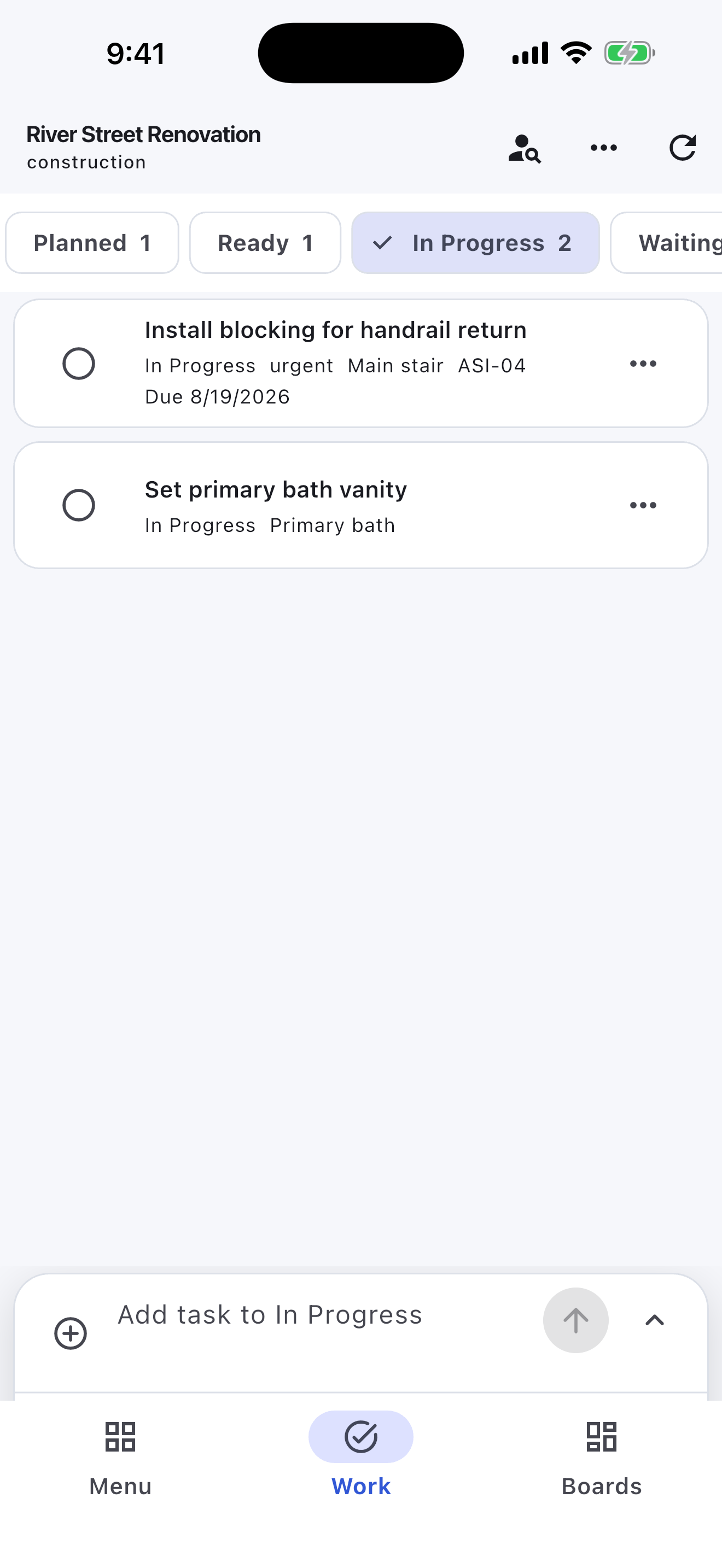
Move through Planned, Ready, In Progress, Waiting, Punch List, and Complete.
Construction details get scattered quickly when punch list items live in texts, photos, notebooks, and memory. In Turnboards, each job or project phase can have its own board so the right tasks stay together.
Turnboards works like a lightweight punch list app for contractors. Add the small jobs that make or break closeout, then update them as work gets assigned and finished.
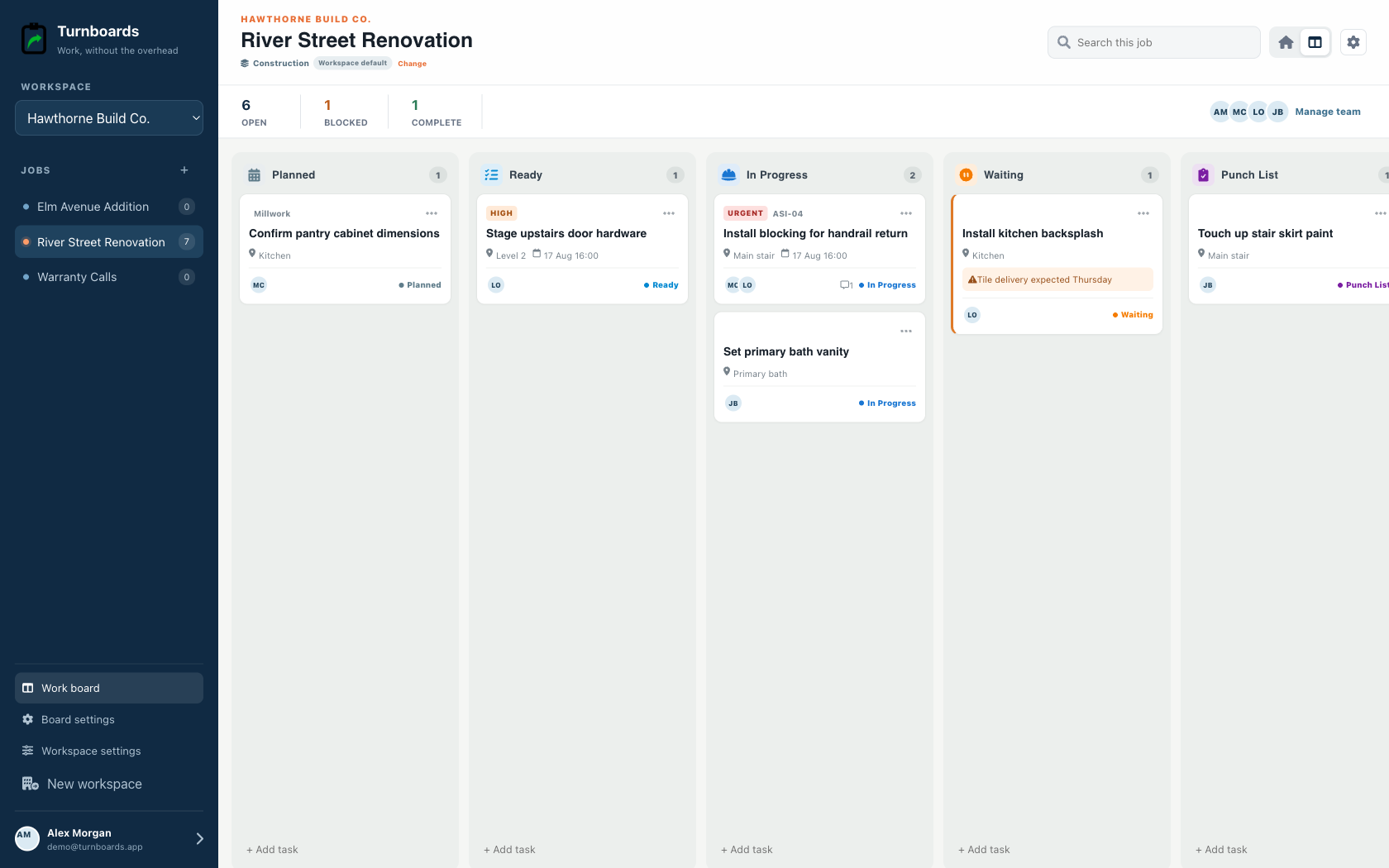
When a project has several people moving through the same space, ownership needs to be obvious. Turnboards lets you assign tasks so each person can see what belongs to them.
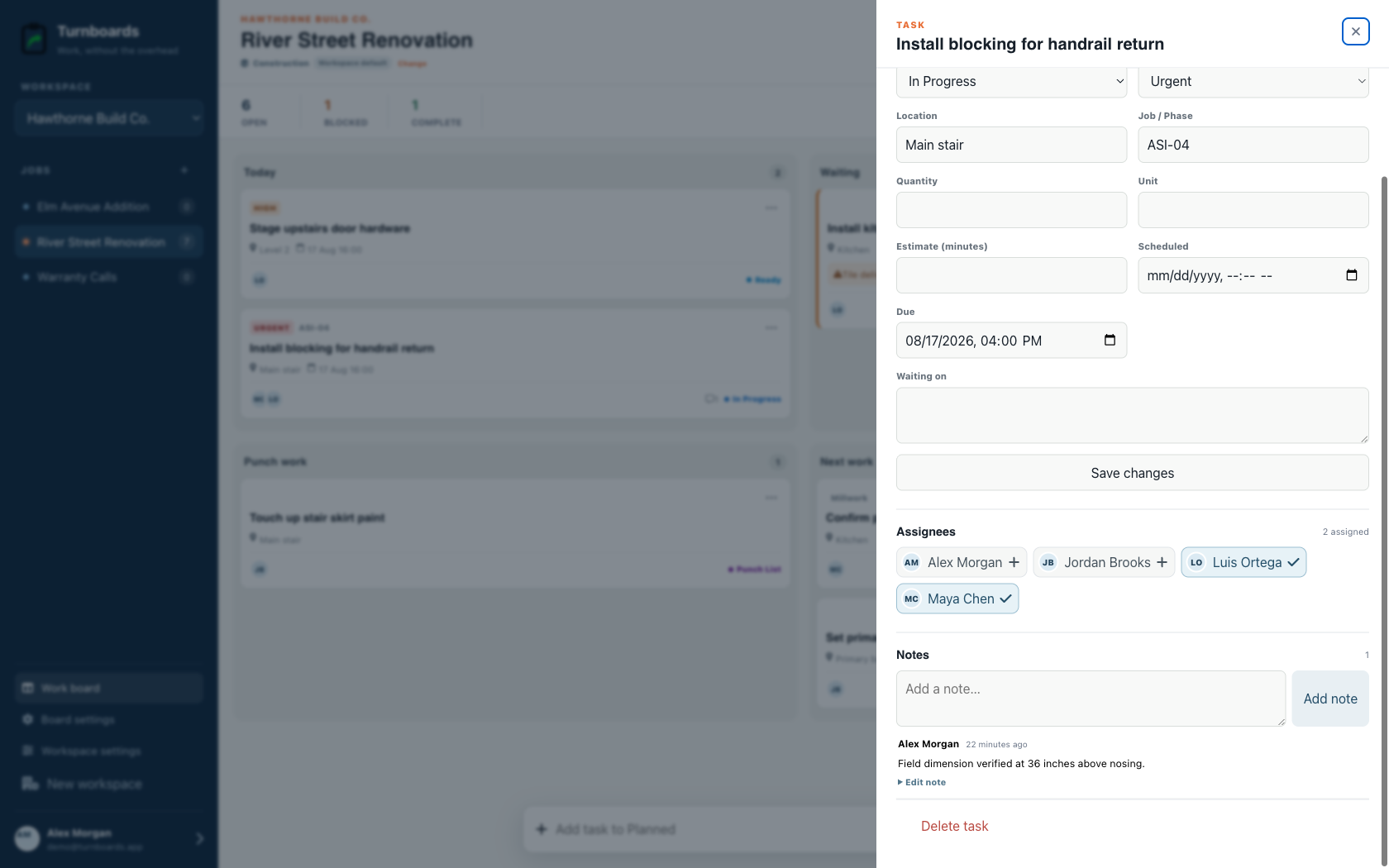
Job site priorities change when materials arrive late, inspections add new items, or a customer changes direction. Turnboards keeps entry simple while using a construction workflow for planned, active, waiting, punch-list, and completed work.
Put future work in Backlog, move this week's punch list into Active, and mark finished items Complete so everyone can see progress without chasing a long message thread.
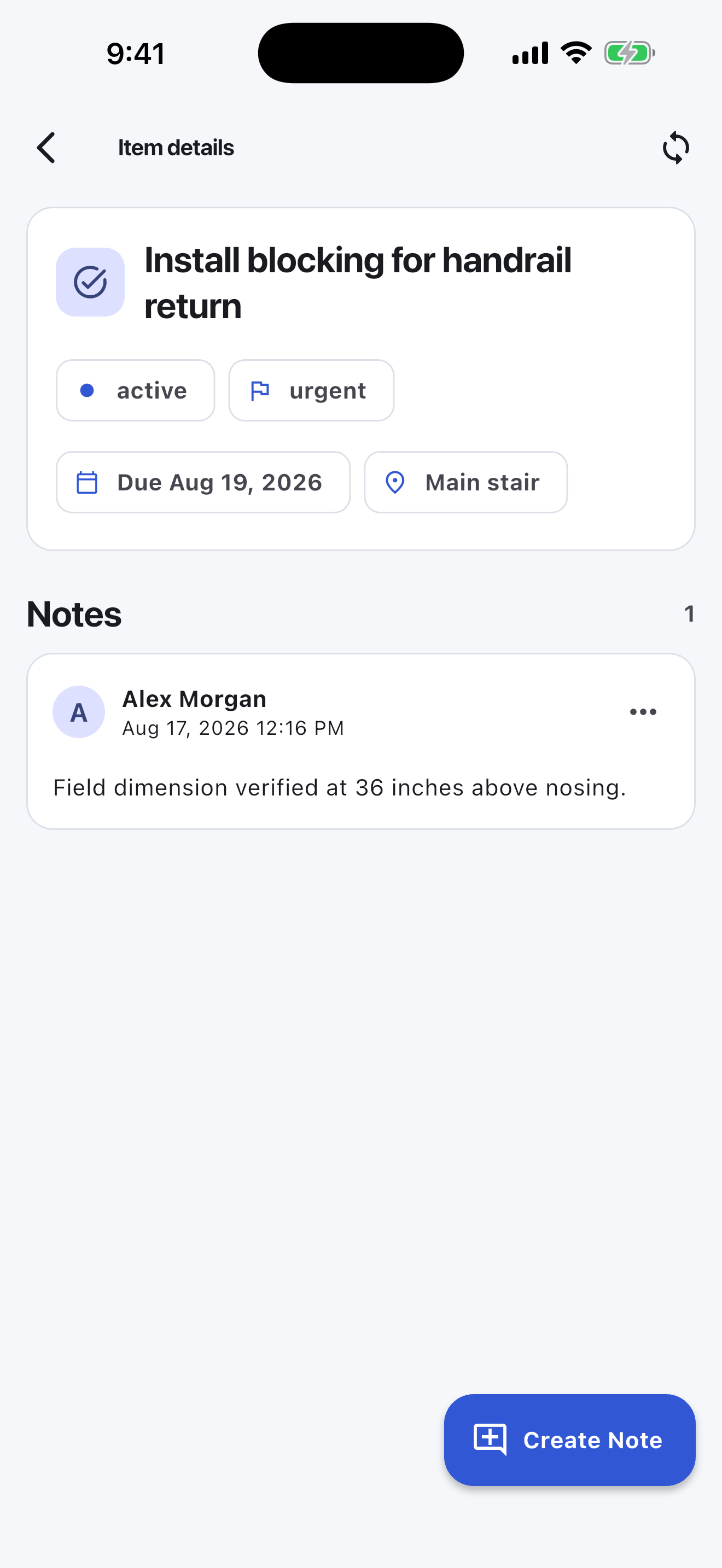
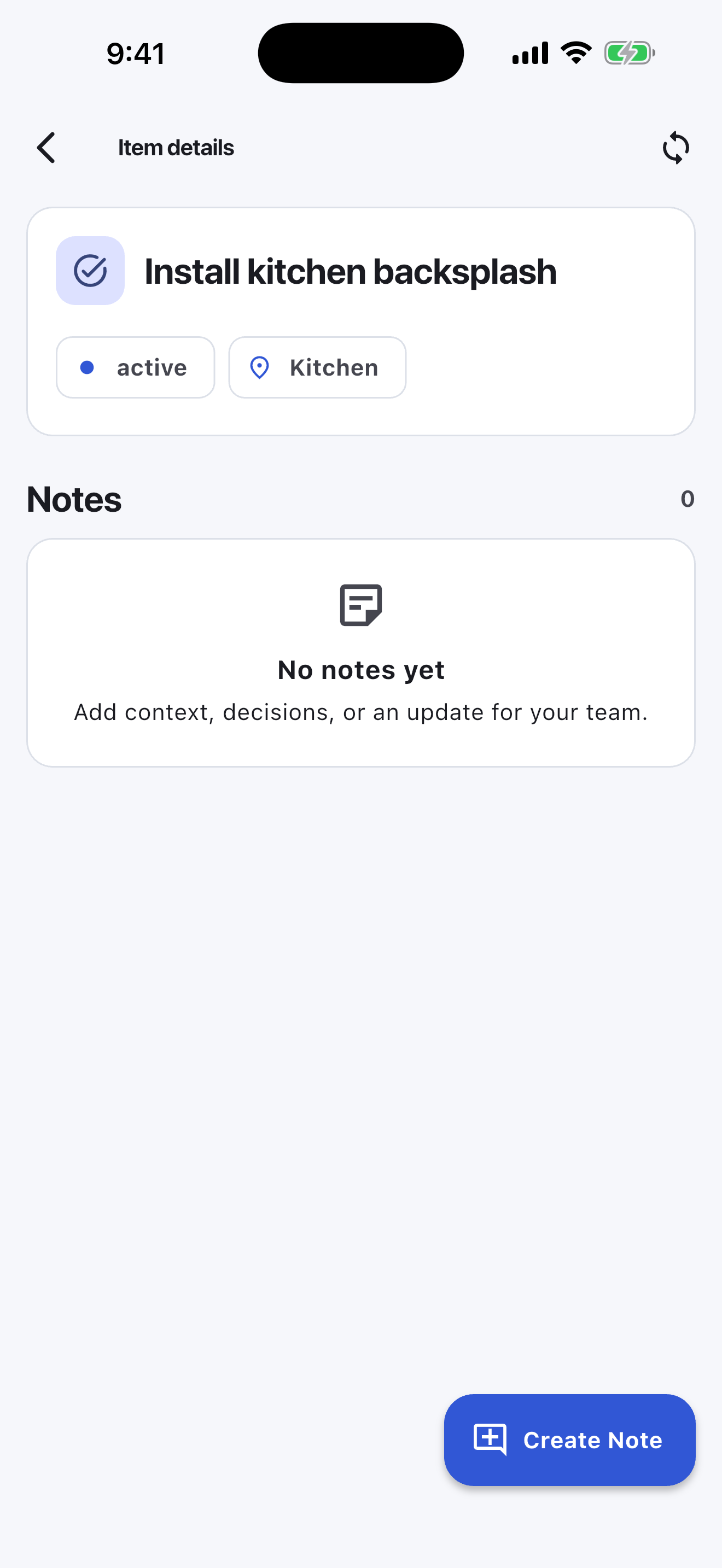
Some construction tasks need context: a measurement, photo reminder, material size, room location, customer preference, or inspection detail. Notes in Turnboards keep that information attached to the task.
The mobile app in action
These are real screens from the same industry workspace shown above, using realistic fictional work. Scroll through the complete App Store screenshot set.
Turnboards does not capture required photo proof, annotated plans, inspection reports, signatures, RFIs, submittals, budgets, or subcontractor portals. Use dedicated construction software when closeout documentation is part of the contract.
Turnboards is not built to replace full construction management software. It is for small contractors who need a fast way to capture job site work, assign tasks, and see what is done.
If your punch list is spread across texts, notebooks, photos, and memory, Turnboards gives your crew one simple place to keep closeout moving.