Book the people and the visit
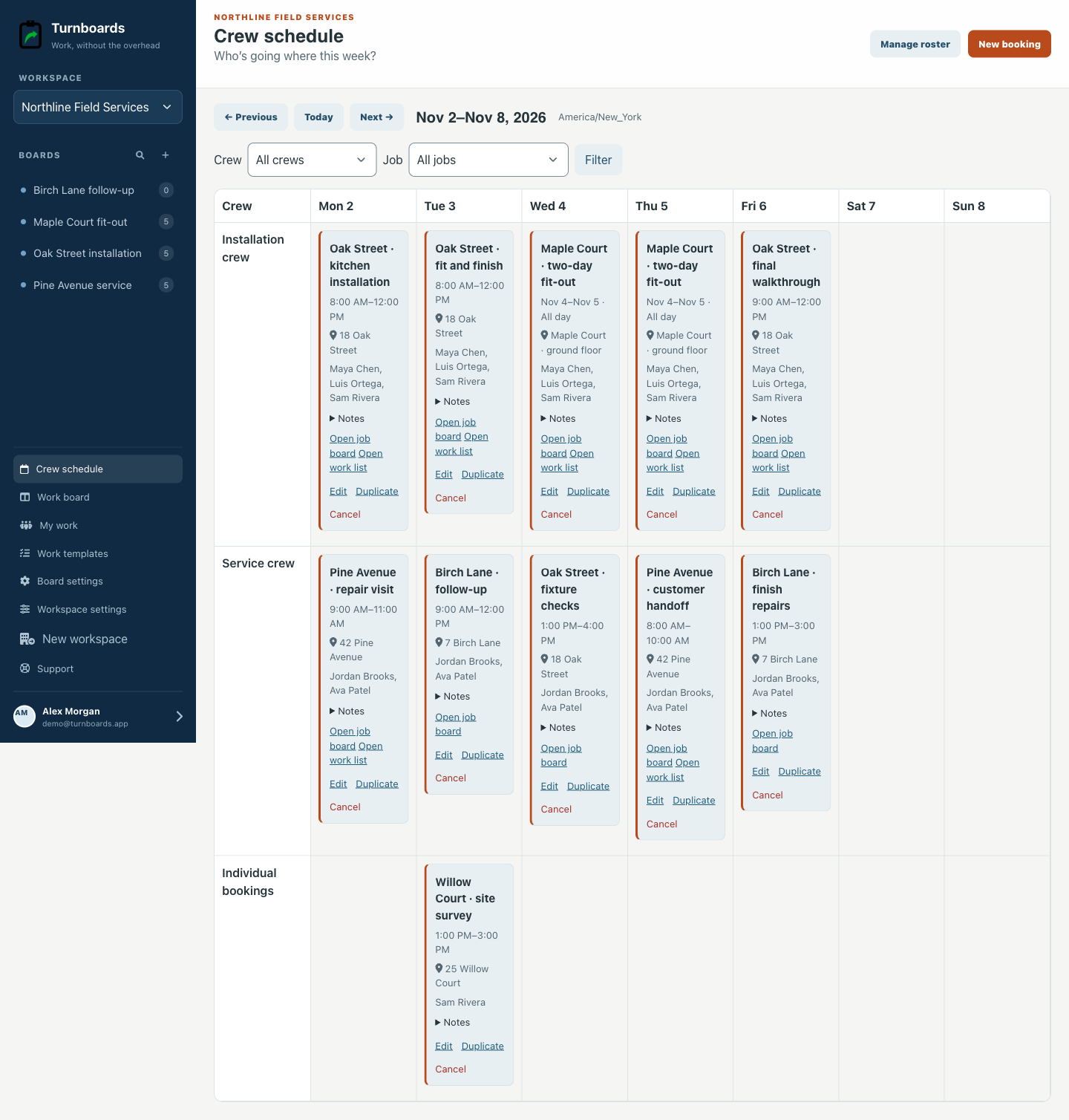
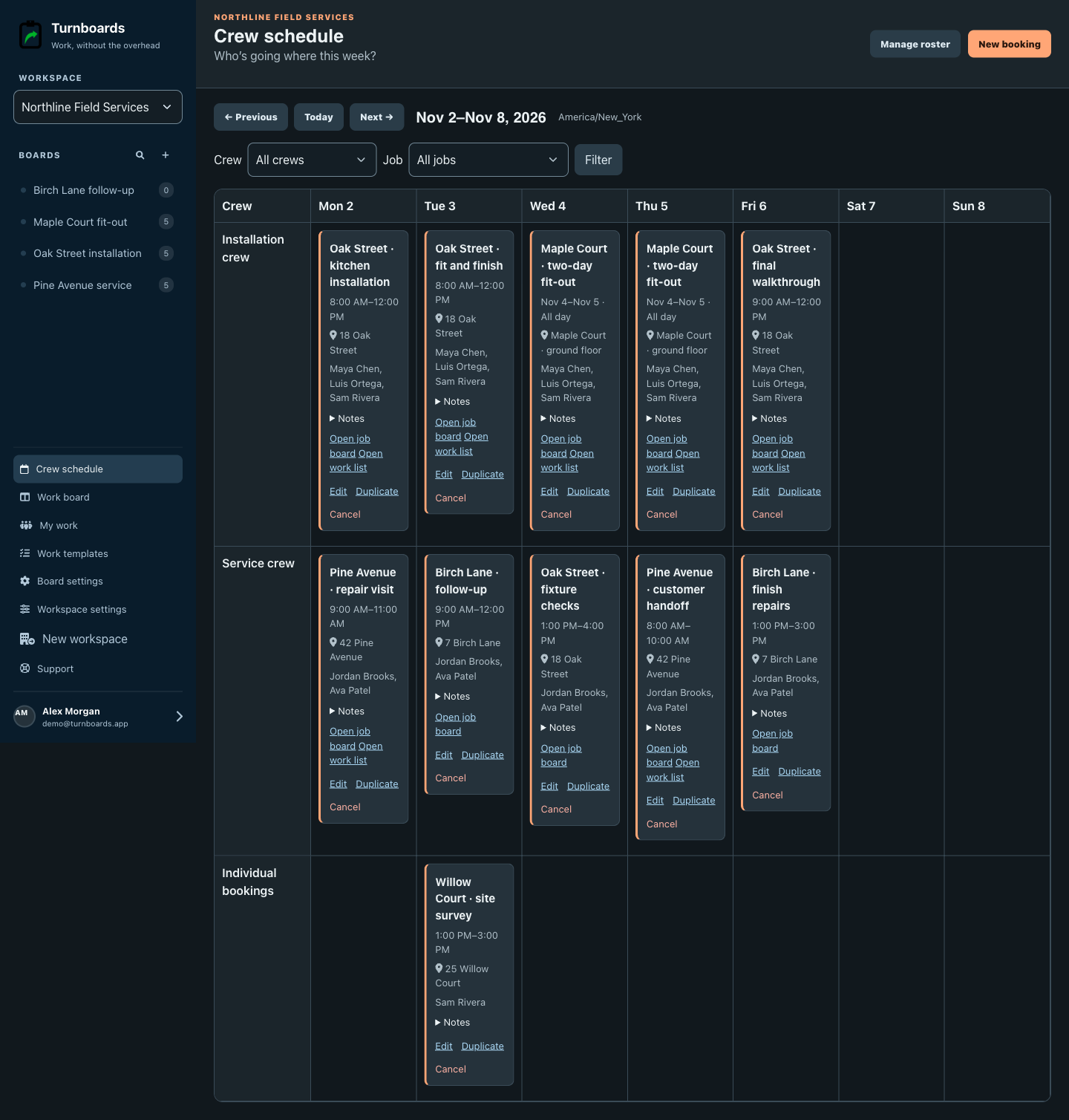
Choose a job, crew, time, and location. See the week together and review any overlapping bookings before saving.
Crew scheduling and job coordination
Schedule your crews. Keep every job moving. Know who’s going where, give each crew the work they need, and see what’s finished. Turnboards connects your weekly crew schedule to the jobs, checklists, and people doing the work.
Create your workspace and start with one job.


From the plan to the handoff
For small contractors, installers, maintenance businesses, and service teams coordinating work across jobs.
Choose a job, crew, time, and location. See the week together and review any overlapping bookings before saving.
Choose a template, keep the tasks this job needs, and assign a separate work list to each job and crew. Add a visit when it helps.
The crew shares responsibility for the list. Signed-in members use My work; people without accounts can complete it through a personal email link.
Practical help for small service teams
Start with the problem slowing down your next job. See the workflow, then put it to work in your own workspace.
Collect the work before you plan the crew
Send a private link for a job. Customers add work items, locations, notes, and a preferred date without signing up. Review their requests, then create a work list and assign a crew when you’re ready.
Explore customer work request forms →Who’s going where this week?
Put crews on jobs in one weekly view. Keep the location, visit notes, people, and job-board link together so the plan leads to the work.
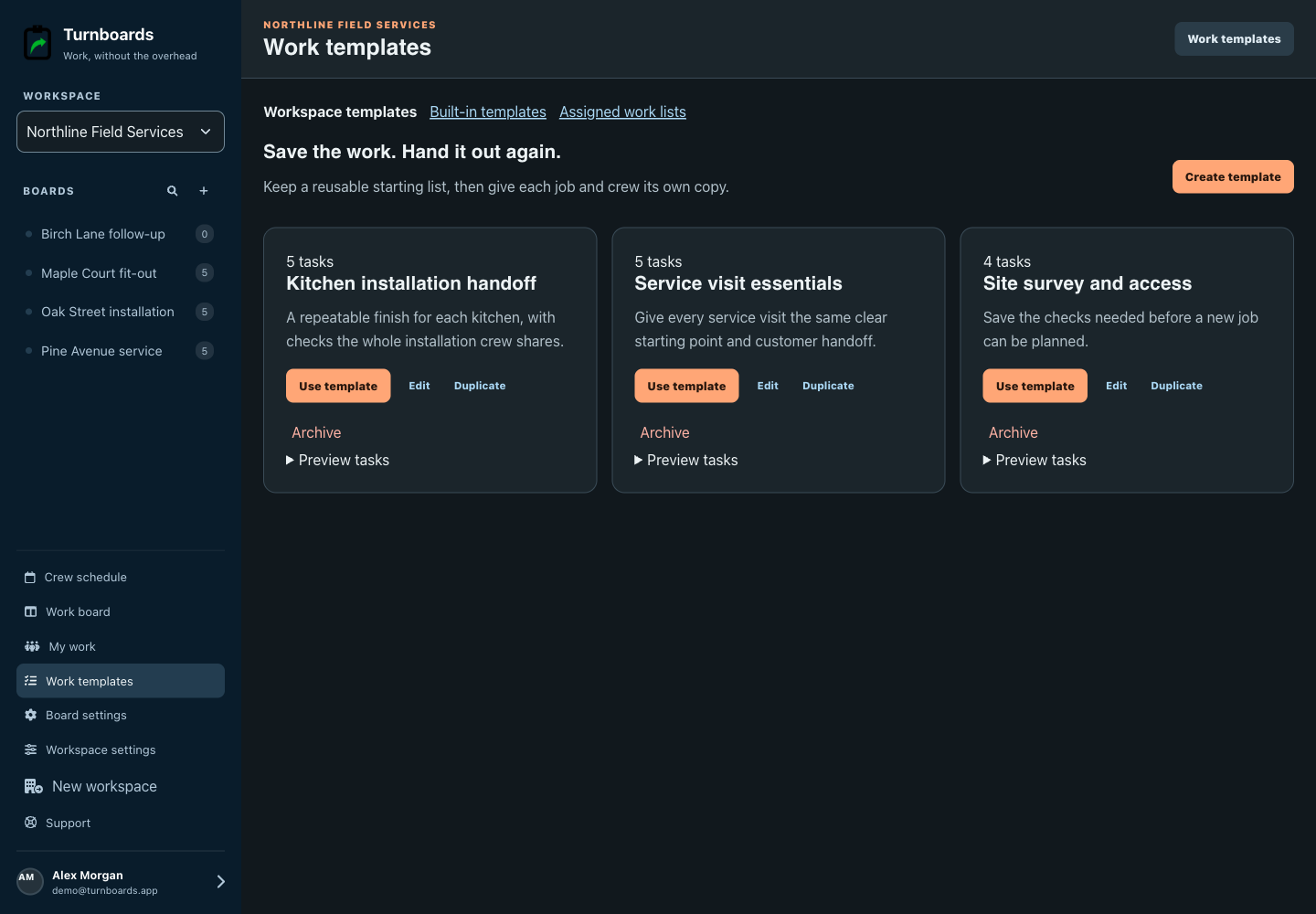
Save the work. Hand it out again.
Save a good work list as a workspace template. Next time, choose the template, add jobs and crews, and hand out the work in one flow.
Template edits affect future copies. Work already assigned stays intact.
See the assignment workflow →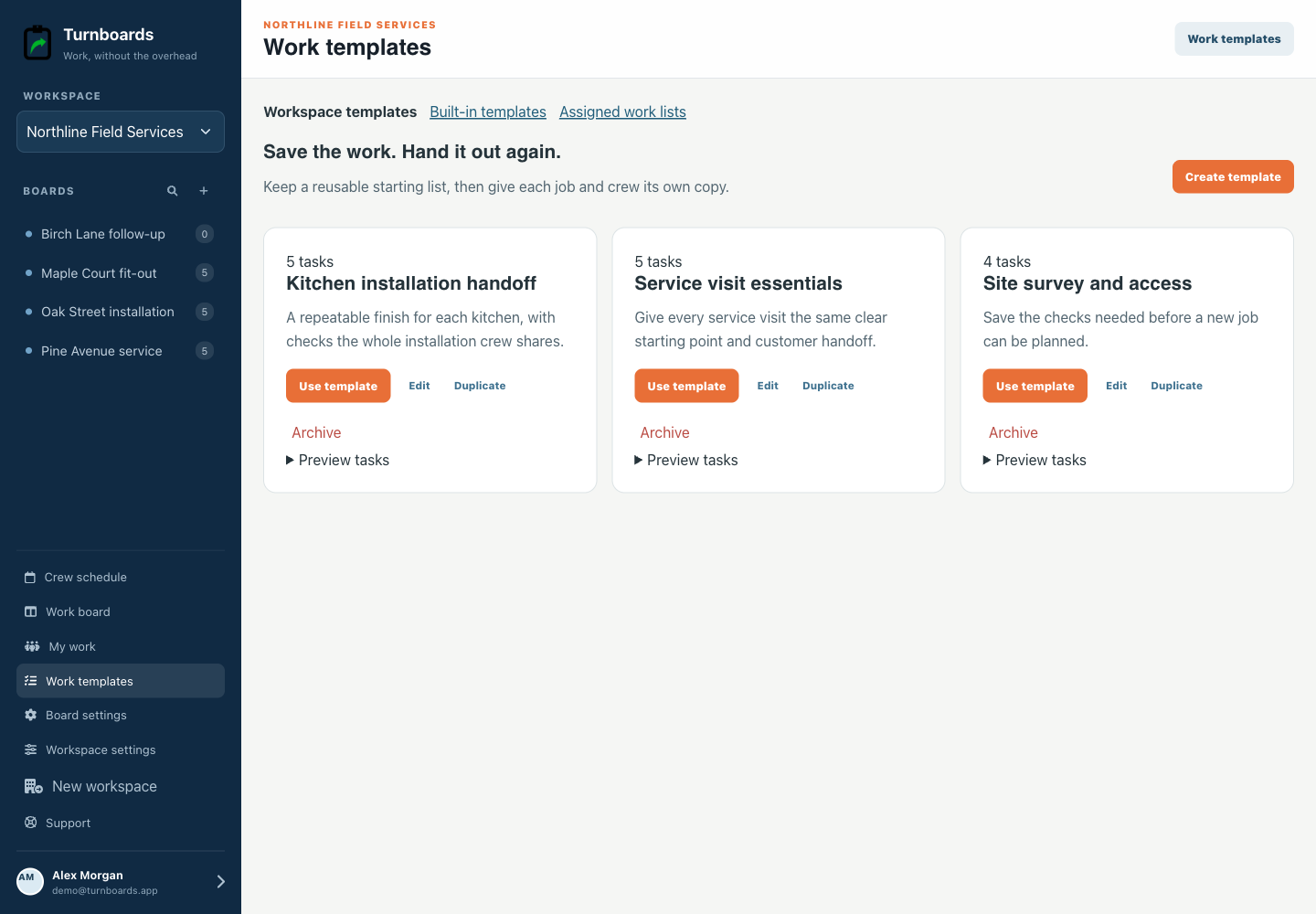
One crew. One shared work list.
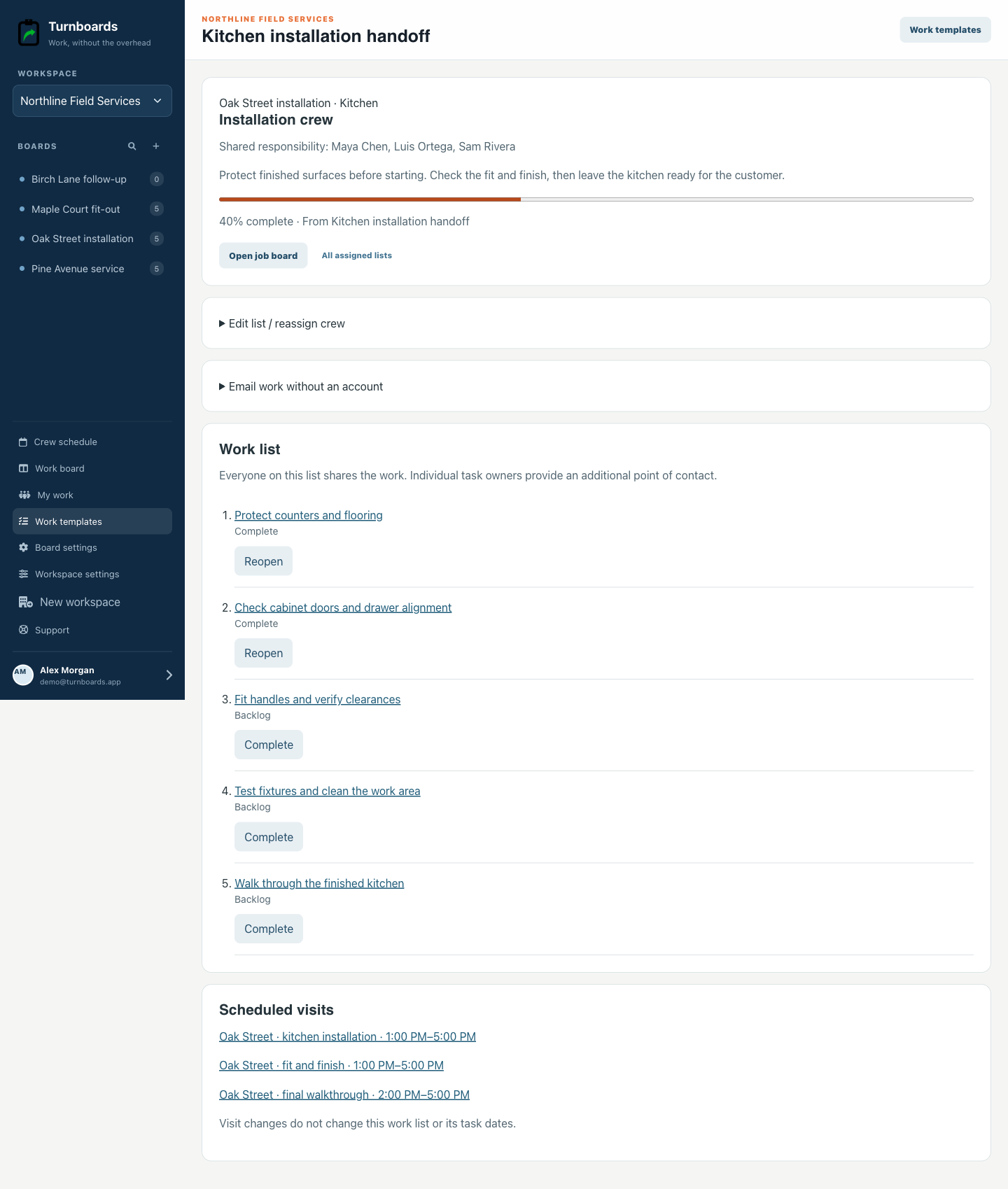
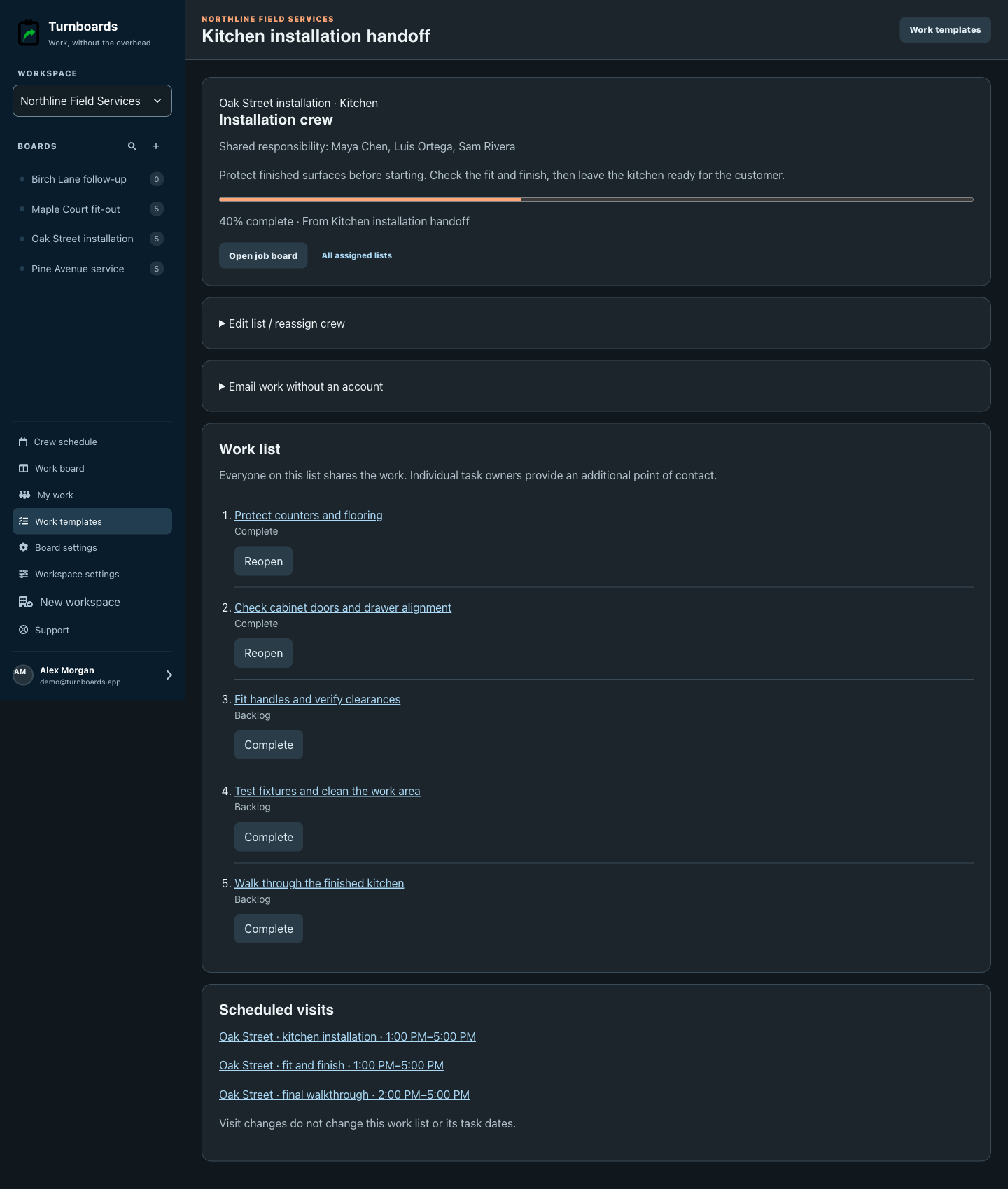
Every assigned copy belongs to a job, with an optional unit or group. The crew can see its instructions and tasks, while the manager sees how much is finished.
Work together without making everyone register
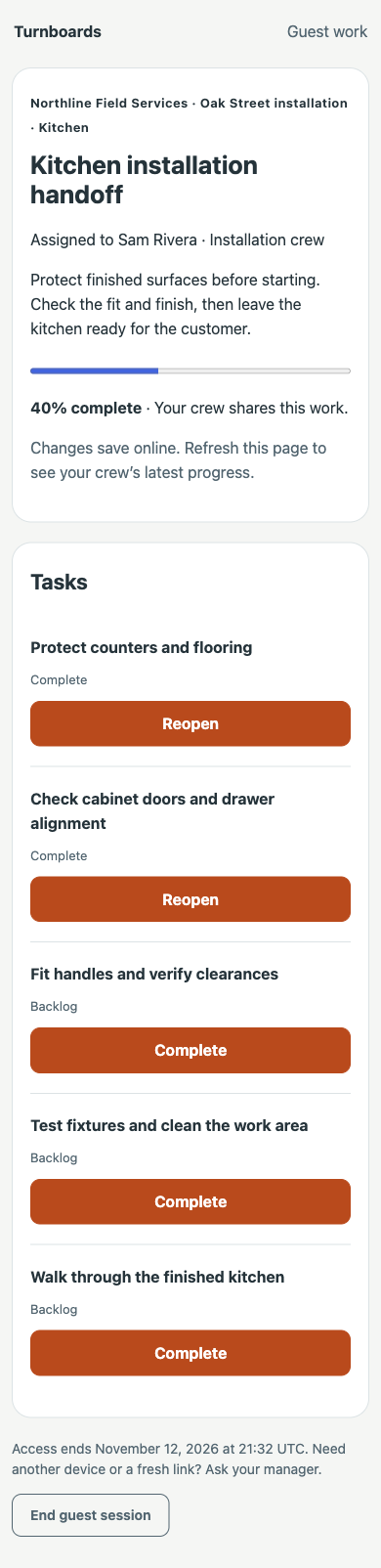
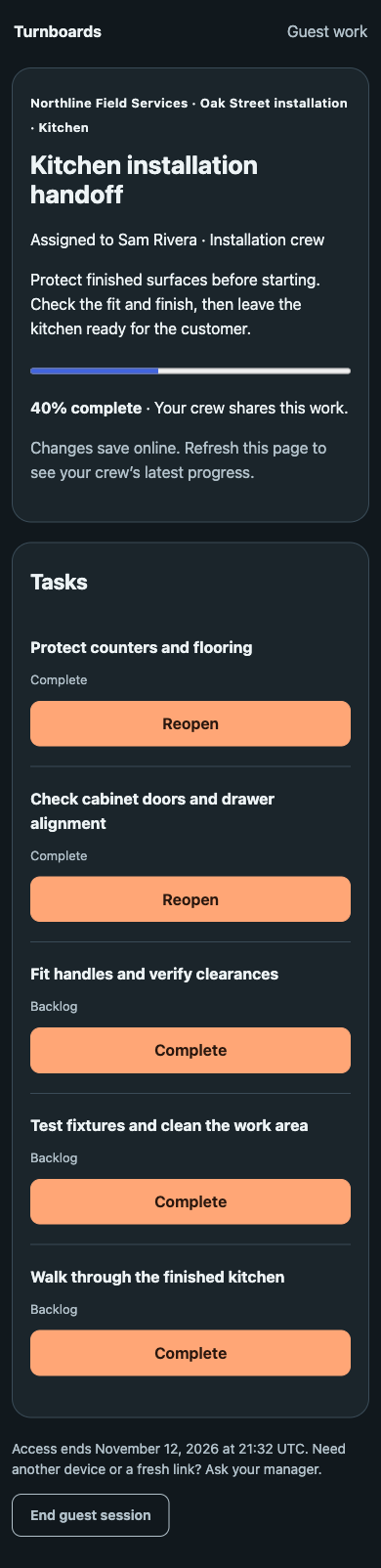
A subcontractor, temporary helper, or crew member doesn’t need a Turnboards account to complete assigned work. Add them by name and send a personal work-list link to their email.
The guest link only opens that assigned list. Guest work needs an internet connection; it does not grant general workspace access.
From the office to the job site
Signed-in crew members can use the iPhone, iPad, or Android app to find their next job and complete assigned work.
Linked crew members see today and upcoming visits, location, crew details, and the job’s work link.
Shared crew lists and ordinary task ownership lead to the work each signed-in member is responsible for.
The app retains the last synced schedule and supports offline task completion. Refresh before heading out and check the last-sync status.
Bookings and templates are managed on the web. Mobile schedule views are read-only.
Built around the job
Use familiar stages and job details alongside the same crew schedule and work-assignment tools.
Before your first job
No. Add people to the roster by name, including people without a Turnboards account. When someone needs to complete assigned work, an admin can email a personal work-list link. That link only opens their assigned list and expires after seven days.
Yes. Choose a workspace template, review the tasks, then add one or more jobs and crews. Each destination gets an independent work list with its own progress. Later template or crew-roster changes do not rewrite existing assignments.
Signed-in mobile members can view their schedule and complete assigned work, including supported task changes offline. The app keeps the last successfully synced schedule. Guest email links work in a browser and require an internet connection. Managers plan bookings and templates on the web.
Managers choose the jobs, people and dates. Turnboards warns about overlapping assignments so you can review them before saving. Recurrence, route optimization, payroll, time tracking and automatic booking notifications are not included.
Yes. Start with one job, a few roster names and the work the crew needs next. You can create a booking without a job board, then link the work when it is ready.
Start with the next job
Create your workspace, add the people you schedule, and start with one job. You can build out the rest as you go.
Create your workspace and start with one job.