Free printable template
Move-Out to Move-In Unit-Turn Checklist
Use this checklist as a starting point for a rental make-ready. Local codes, lease requirements, property standards, and licensed-trade rules still apply; customize the list before the walkthrough.
No account needed. Downloads as a print-ready US Letter PDF.
What you will get
- Walk the unit once and capture the work
- Assign each next step
- Separate waiting work from active work
- Complete a final safety and readiness check
Preview before you download
What's inside the PDF
Fill-in lines are for notes; square boxes are tasks to check off.
Initial walkthrough and safety
- Record keys and access status
- Remove abandoned property according to local requirements
- Check doors, windows, and locks
- Test smoke and carbon-monoxide alarms
- Note water leaks, electrical hazards, pests, or visible damage
Kitchen and bath
- Check faucets, drains, supply lines, and toilets
- Test appliances and note model or part needs
- Inspect cabinets, counters, caulk, and hardware
- Clean fixtures, appliances, floors, and ventilation
Walls, floors, and rooms
- Patch and prepare walls
- Confirm paint color and complete touchups
- Repair doors, trim, blinds, and hardware
- Clean or repair flooring
- Replace failed bulbs and test outlets as appropriate
Systems and final handoff
- Check HVAC operation and filter
- Complete approved repairs by qualified personnel
- Finish pest treatment and vendor work
- Perform final cleaning
- Verify utilities, locks, keys, and rent-ready standard
Use the sheet during the first walkthrough
Move room by room and record the work that is actually present rather than assuming every unit needs the same scope. Treat local codes, lease requirements, property standards, and licensed-trade rules as authoritative.
- Identify the building and unit
- Record the walkthrough date and person walking
- Mark issues that need immediate safety escalation
- Separate observed damage from ordinary make-ready work
Turn findings into an active work plan
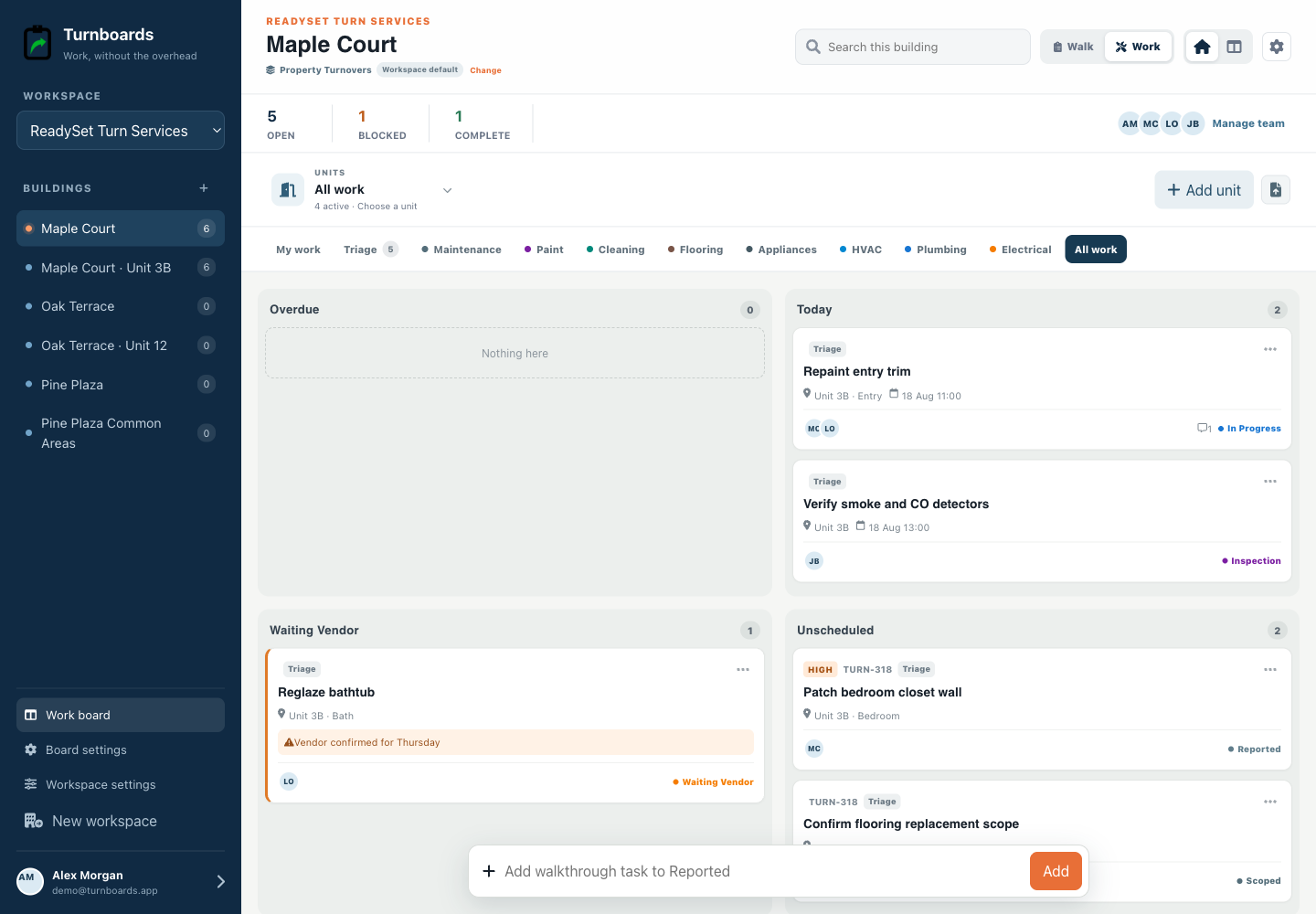
A checklist captures scope; it does not establish ownership or sequence. Put findings into Reported, scope the work, move ready items forward, and keep anything dependent on approval, parts, or a vendor visibly waiting.
Use notes for practical handoffs
Keep paint colors, appliance models, part references, and vendor arrival windows with the relevant task. Do not store sensitive resident or access information beyond what your team is authorized to share.
What Turnboards does—and does not do
This checklist is a customizable operational starting point, not a lease form, safety program, inspection record, damage assessment, deposit document, or statement of local legal requirements.
Put the next job on one clear board
Try Turnboards free. Create a board, add three real work items, and invite the person who needs the list next.

