Three clear stages
Start immediately without configuring a process.
Shared lists without project overhead
Keep your team's tasks, notes and next steps in one place. Assign work to an owner and see what is active or finished.
Use a board for each project, customer or area of the business. Start in your browser; add the optional mobile app when your work takes you away from your desk.
No credit card. Create your first board in minutes.


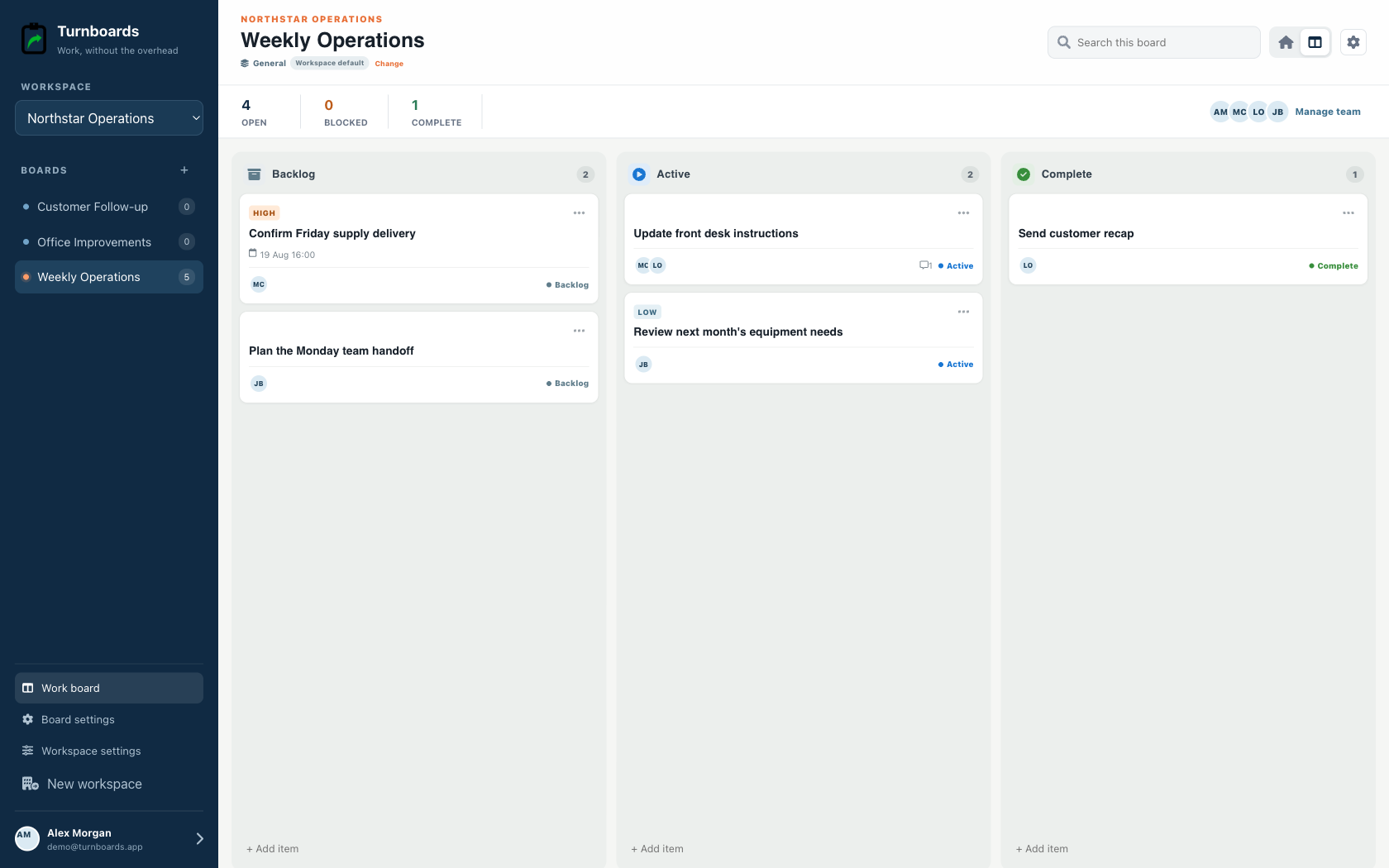
Start with the work you already have
Add the next few tasks, give them an owner, and keep the details beside the work. You can add more as the job moves forward.
Try your own board →Illustrative tasks. Choose stages that fit your work.
A flexible starting point
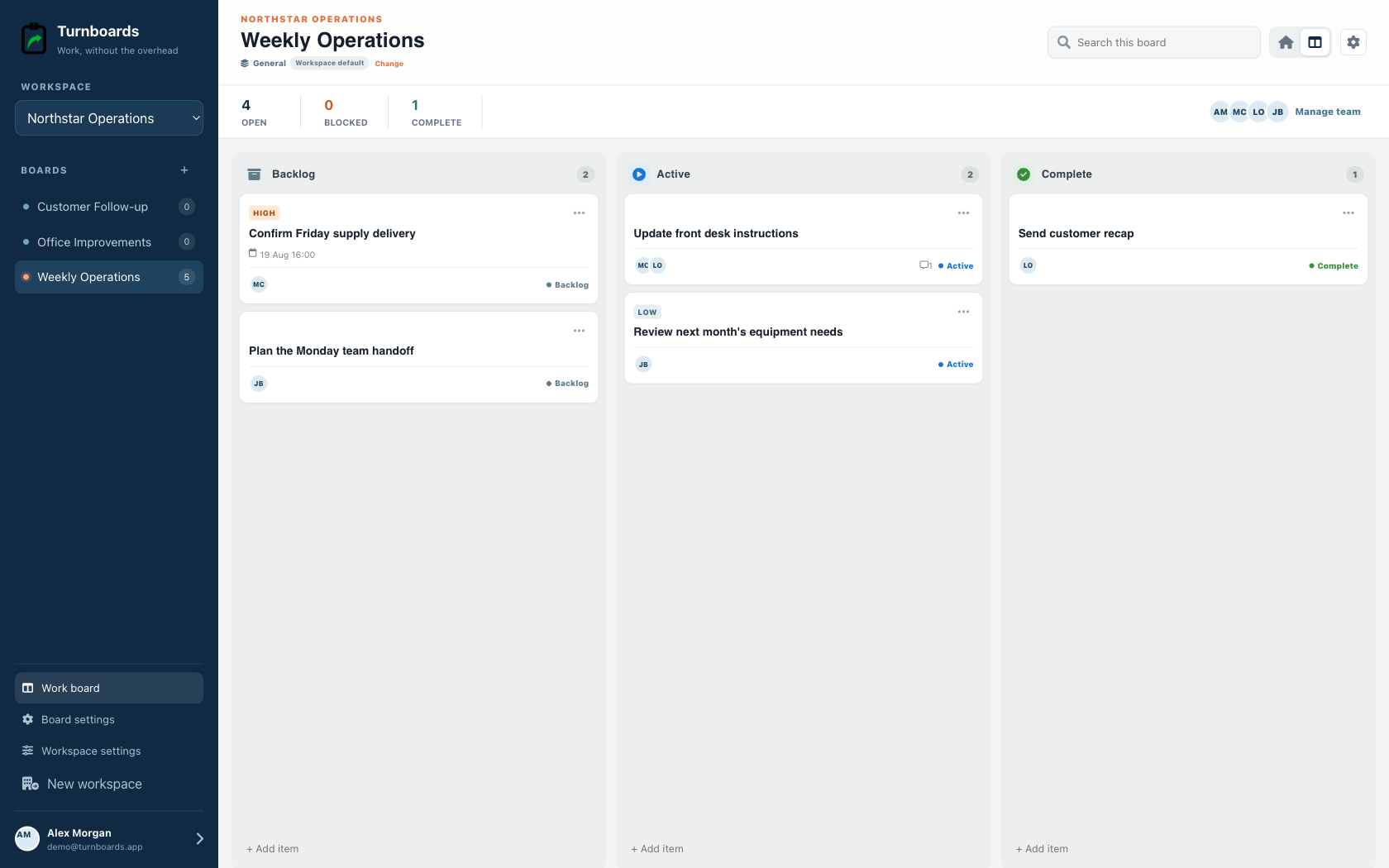
General workspaces keep the familiar Backlog, Active, and Complete flow while adding assignments, notes, due dates, and instant web access.
Start immediately without configuring a process.
Add the next item from any stage in one line.
Use boards for operations, customers, or internal projects.
A shared todo list is most useful when the team can tell which list belongs to which area of work. Boards keep team tasks grouped by project, customer, department, or weekly priority.
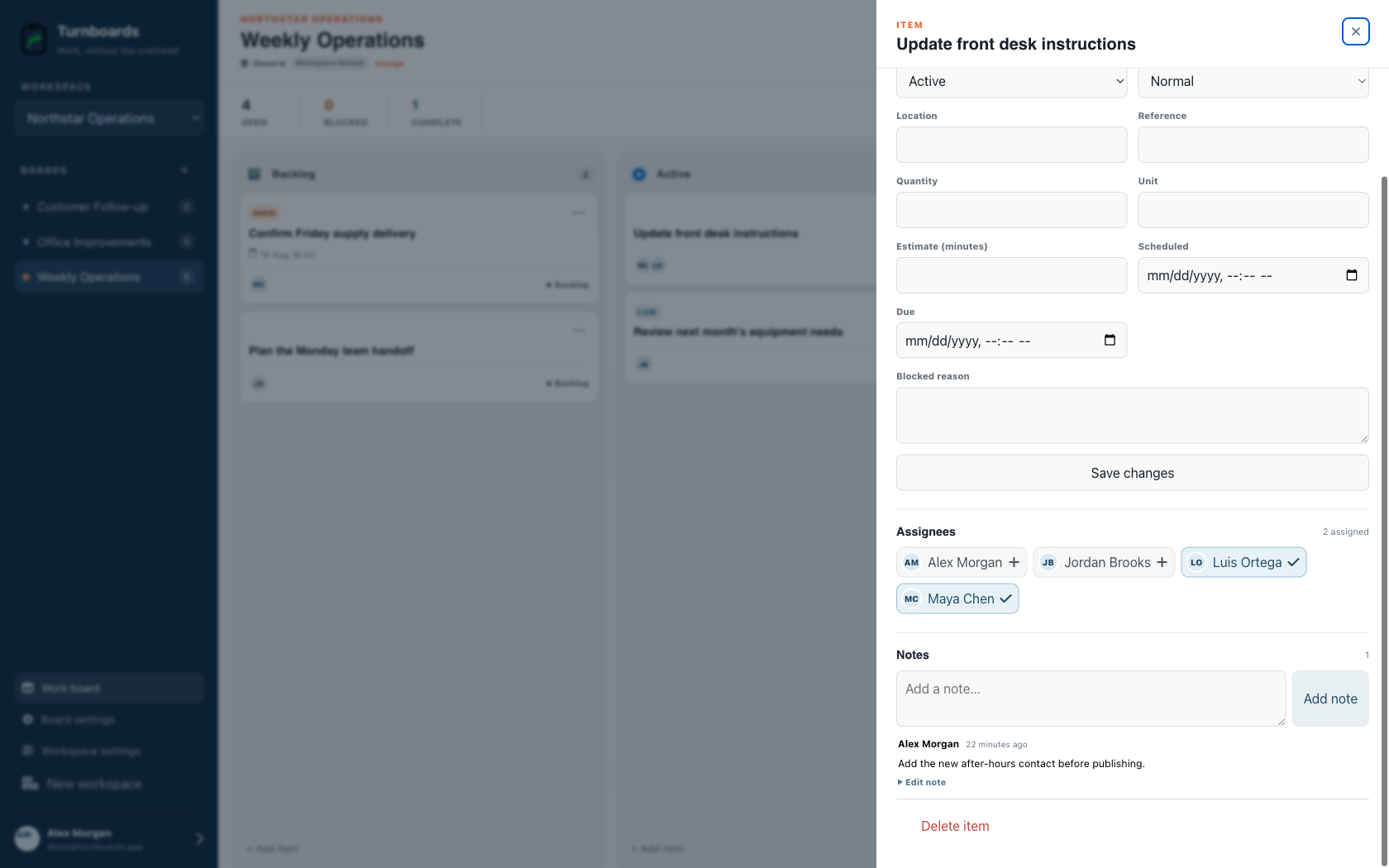
When a task has an owner, the next step is easier to see. Turnboards lets teams assign boards and individual tasks without adding process for process's sake.
Small team productivity breaks down when task details live in one person's memory. Notes in Turnboards keep important context beside the task.
Turnboards does not offer timelines, dependencies, arbitrary custom fields, time tracking, chat, or complex automation. It fits teams that want fast shared work entry with focused industry workflows.
Turnboards helps small teams simplify shared todo lists with boards, ownership, notes, and clear status.
It is a practical fit when your team needs more structure than a shared note, but less overhead than a full project management system.