Dispatch home
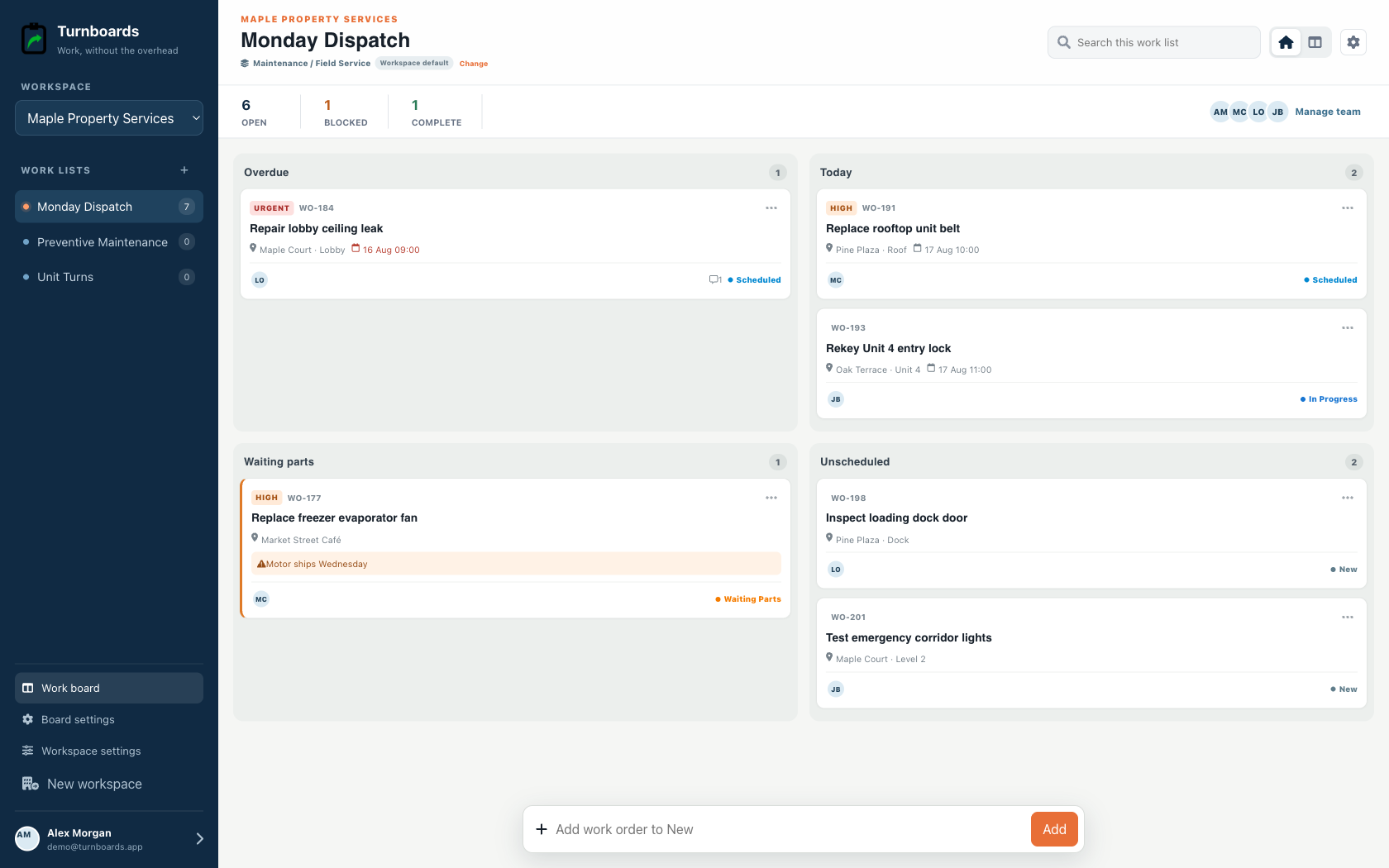
Start with Overdue, Today, Waiting Parts, and Unscheduled.
Daily field-work priorities
Field teams need a daily plan that can change when customers reschedule, supplies run short, weather shifts, or a job takes longer than expected.
Turnboards helps teams keep future work in Backlog, move today's field priorities into Active, and mark tasks Complete as the day moves forward.
No credit card. Create your first board in minutes.


Start with the work you already have
Add the next few tasks, give them an owner, and keep the details beside the work. You can add more as the job moves forward.
Try your own board →Illustrative tasks. Choose stages that fit your work.
Built for dispatch
Maintenance workspaces put schedule, urgency, location, work-order number, and parts holds at the center of the day.
Start with Overdue, Today, Waiting Parts, and Unscheduled.
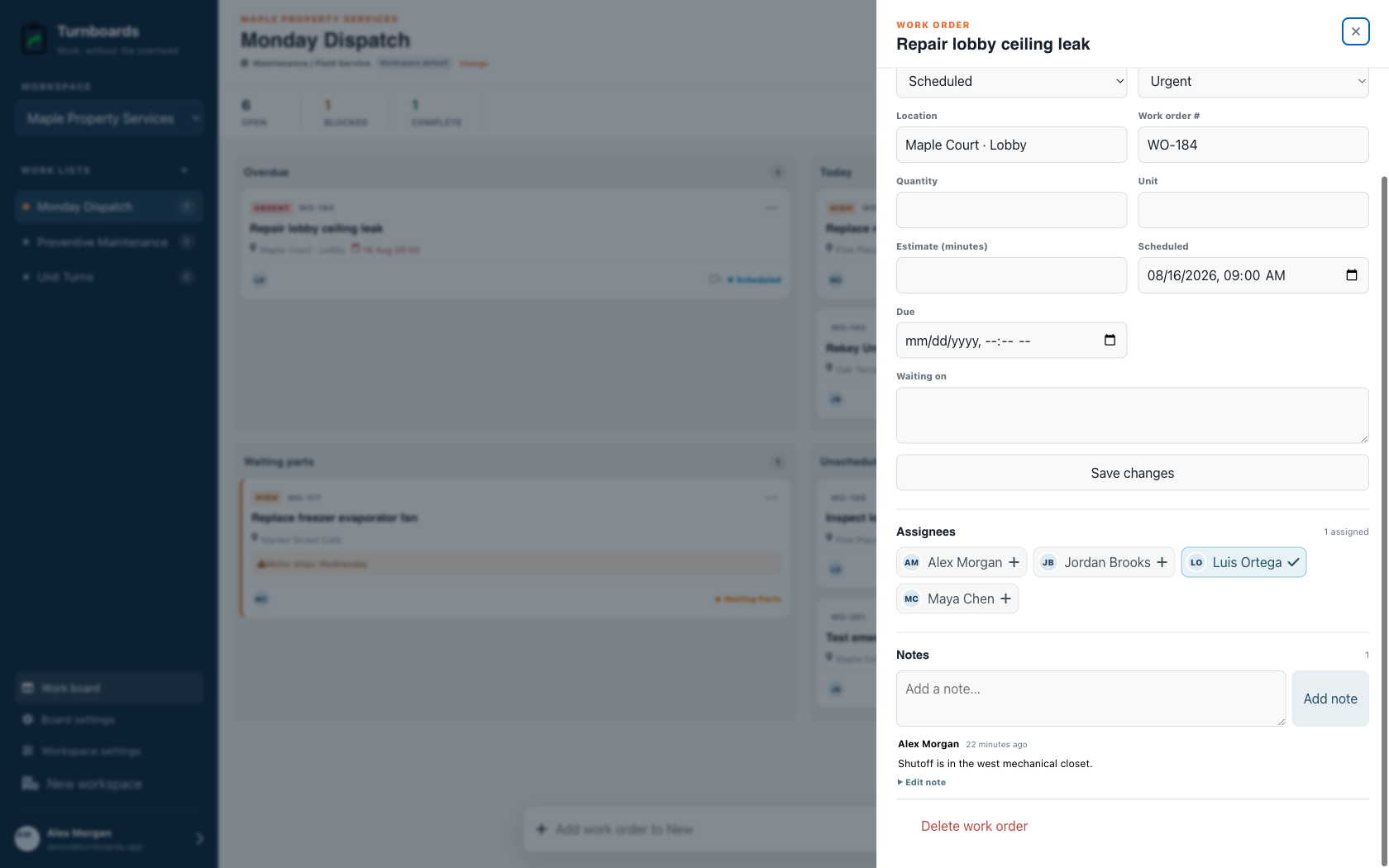
See location, schedule, urgency, owner, and reference without opening the record.
Move work from New to Scheduled, In Progress, Waiting Parts, and Complete.
Daily field planning gets harder when every future job and loose reminder competes with today's route. Turnboards lets the team work from a smaller Active list.
A field day may include scheduled work, customer follow-up, supply runs, callbacks, and cleanup. Boards help keep those lists separate while using the same workflow.
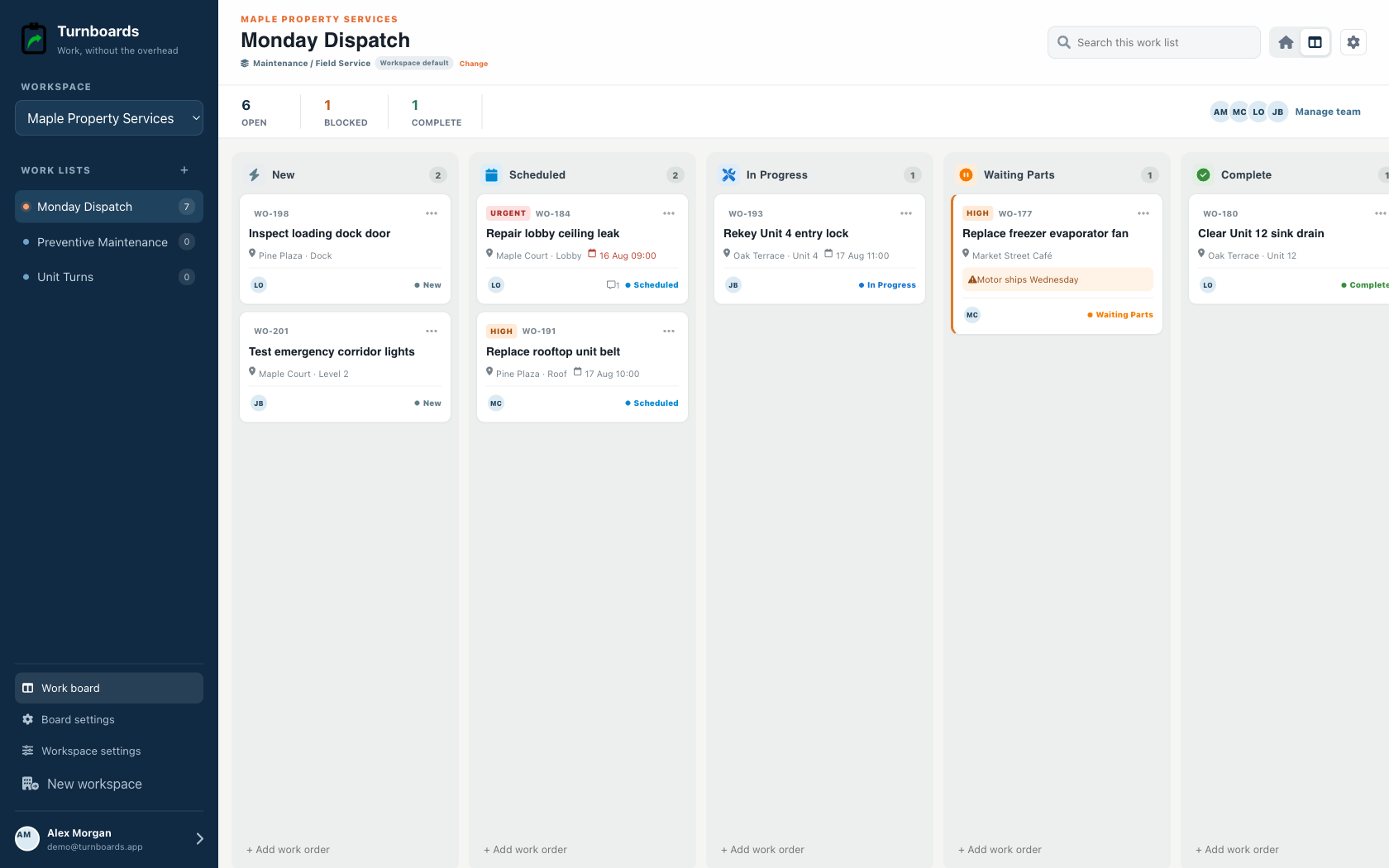
Field work changes quickly. Turnboards keeps the daily productivity routine practical: capture the task, choose the board, decide if it is active, and finish it.
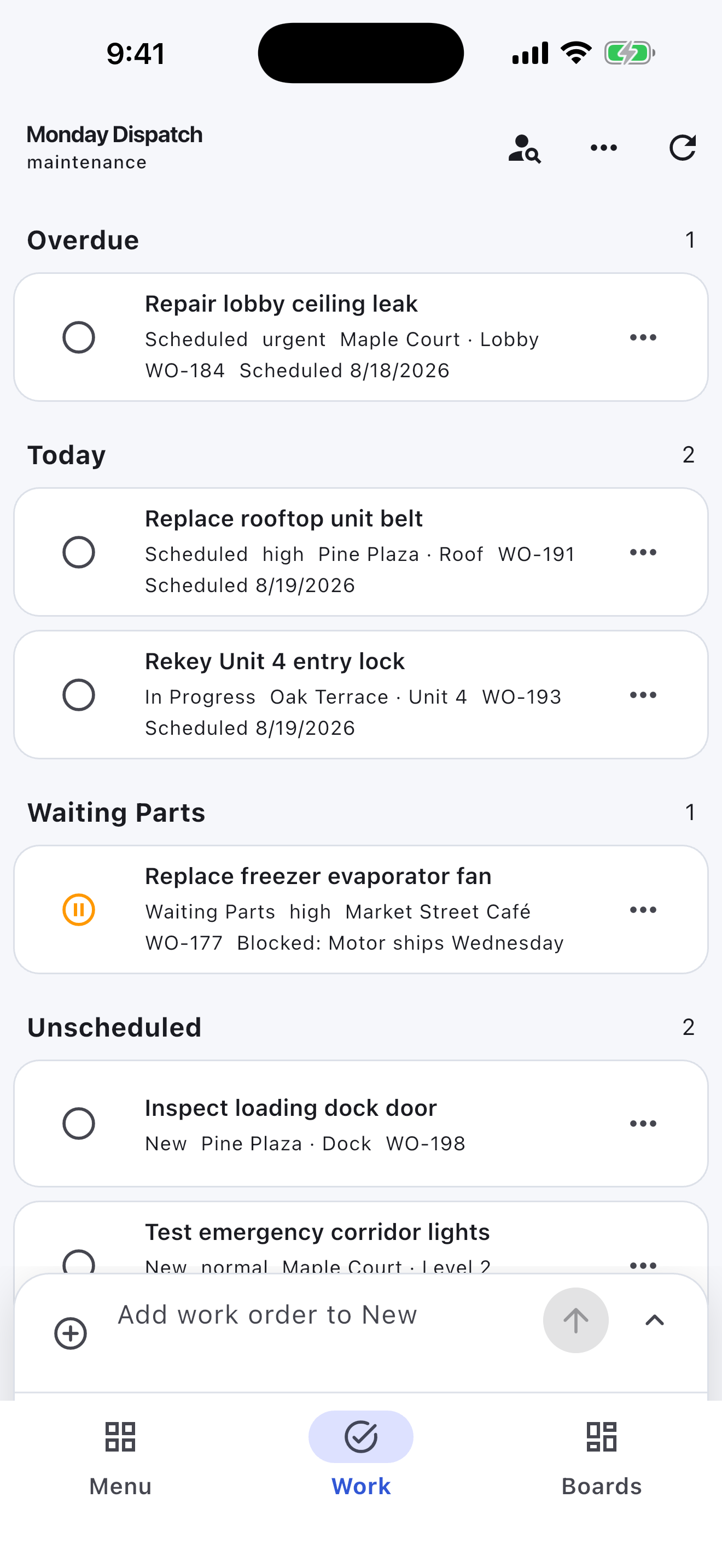
The mobile app in action
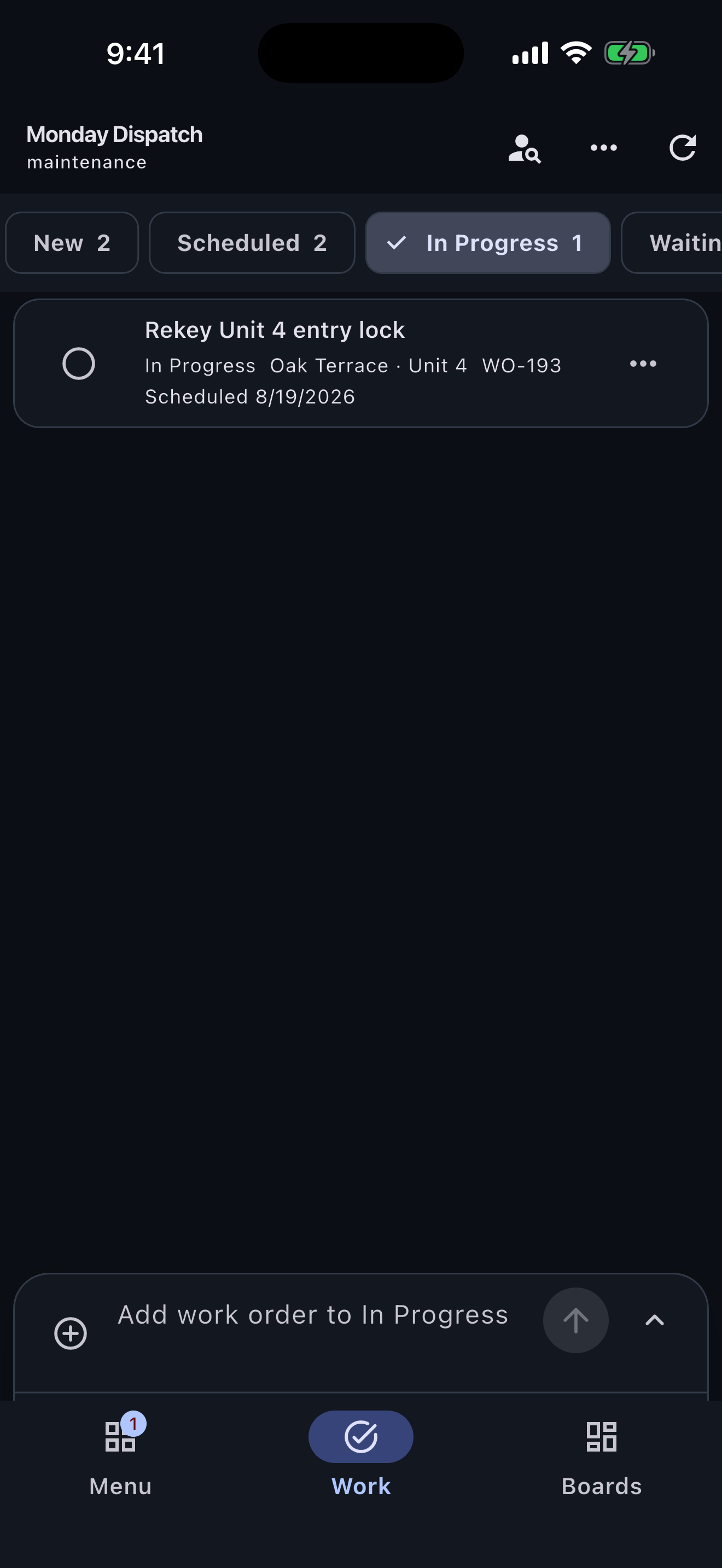
These are real screens from the same industry workspace shown above, using realistic fictional work. Scroll through the complete App Store screenshot set.
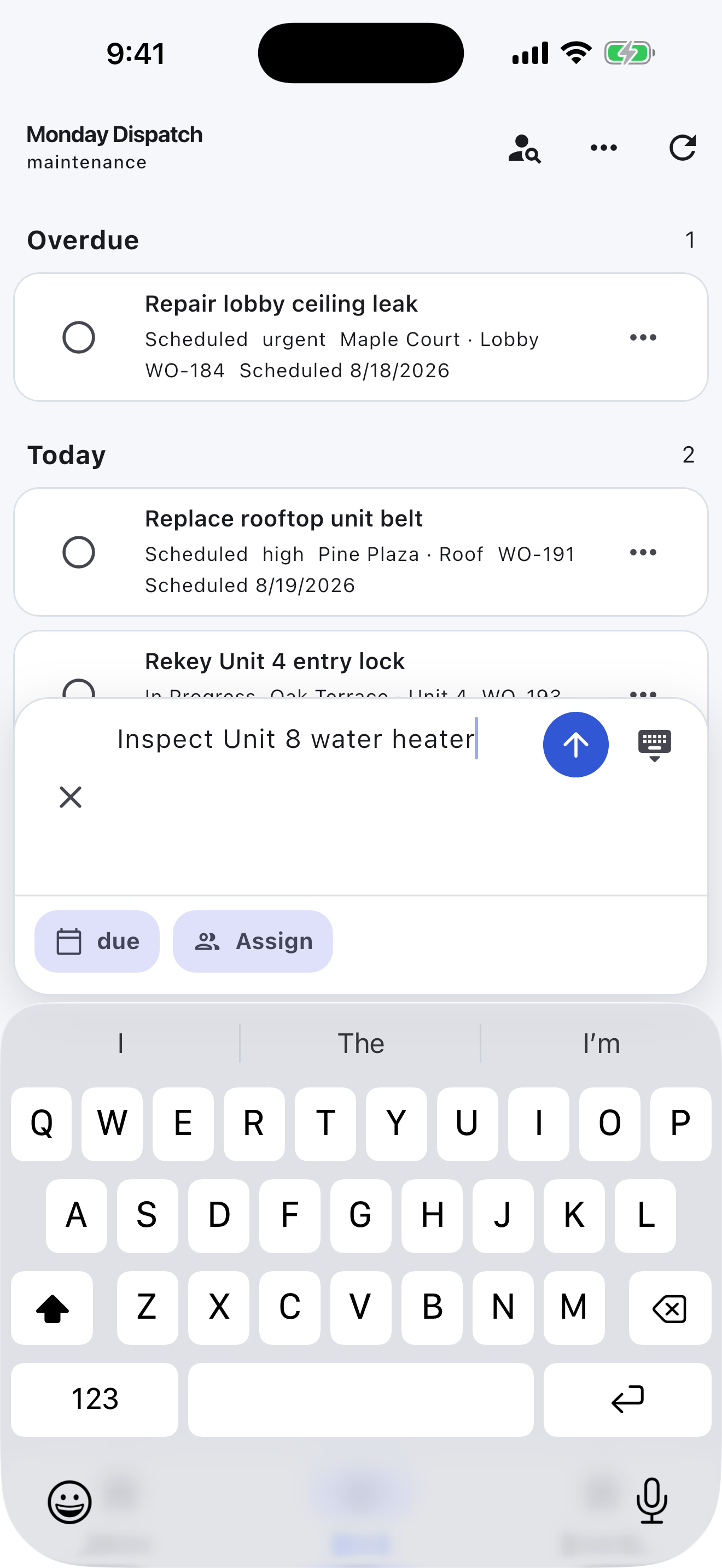
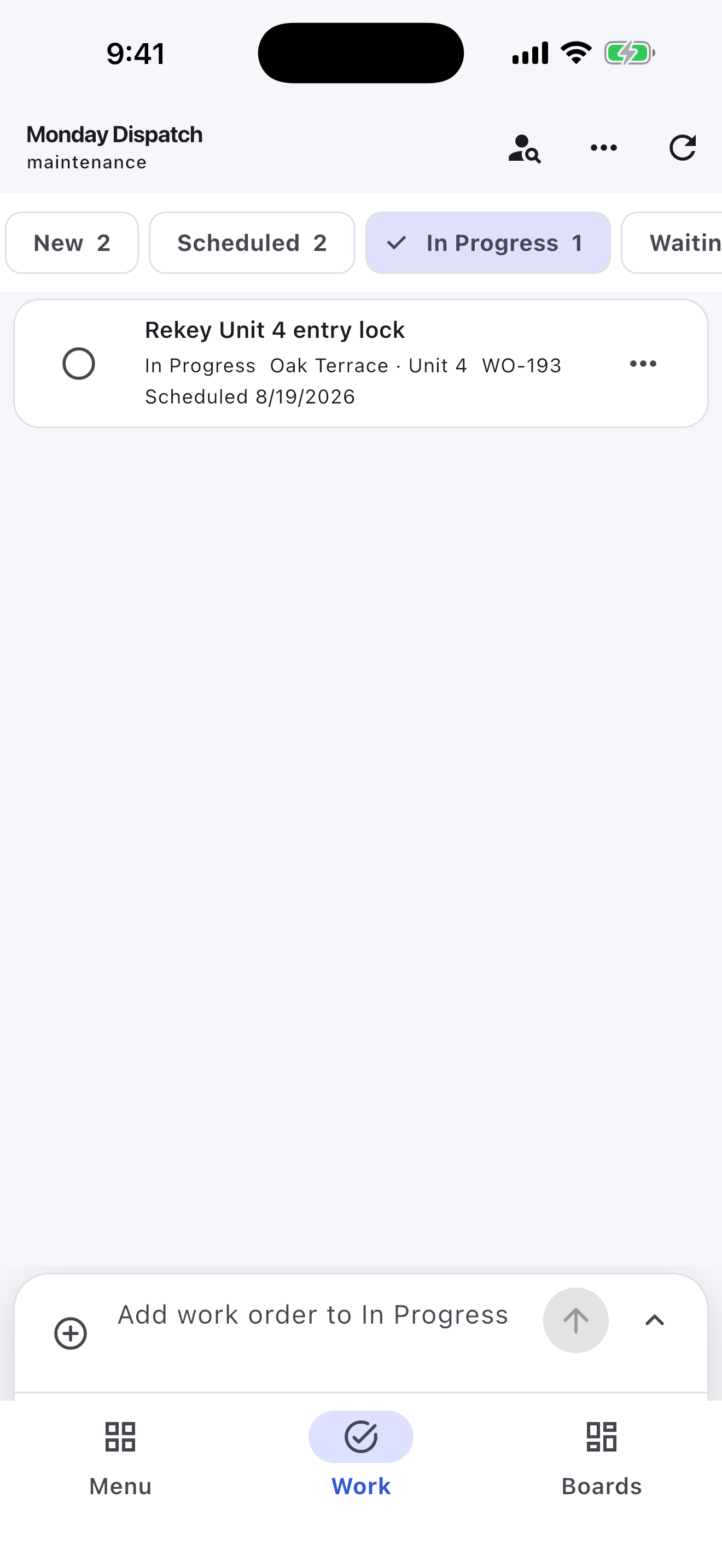
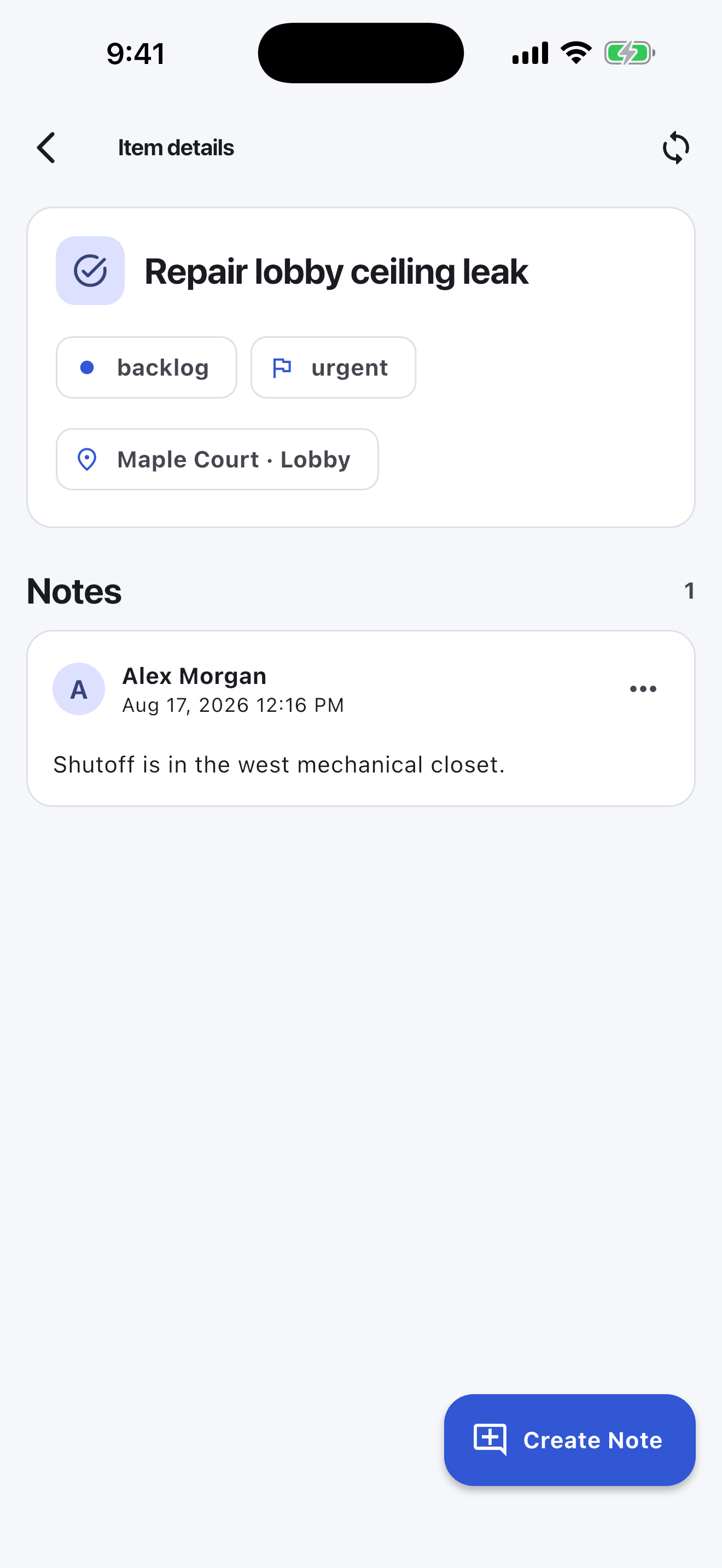
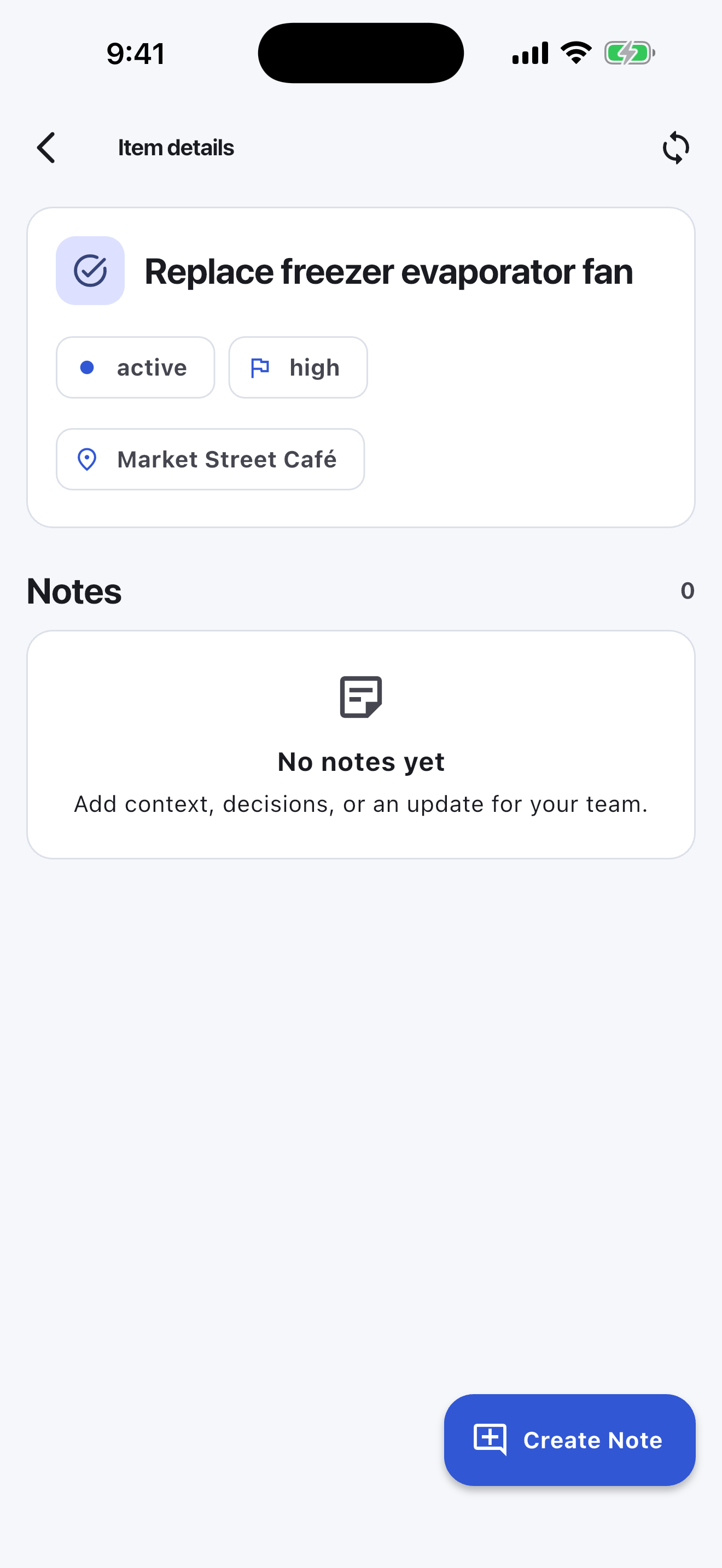
Turnboards does not optimize routes, book appointments, track GPS, clock time, notify customers, or invoice work. It keeps the crew's current tasks visible when those systems would be unnecessary.
Turnboards helps field teams simplify daily productivity by showing what is active now, what can wait, and what is already finished.
Use it when your team needs a practical daily work planner that can flex with real jobs.