Run-of-show home
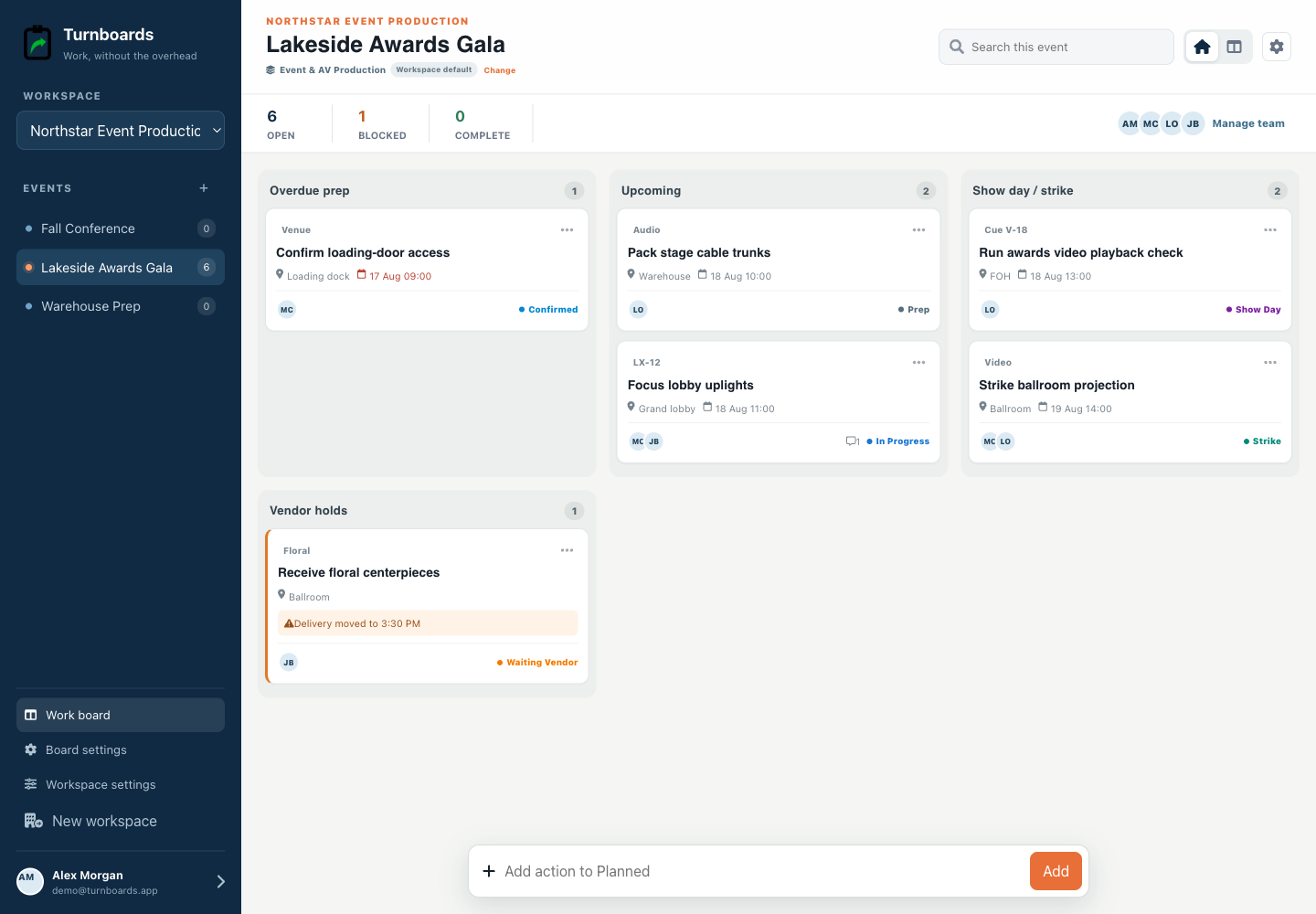
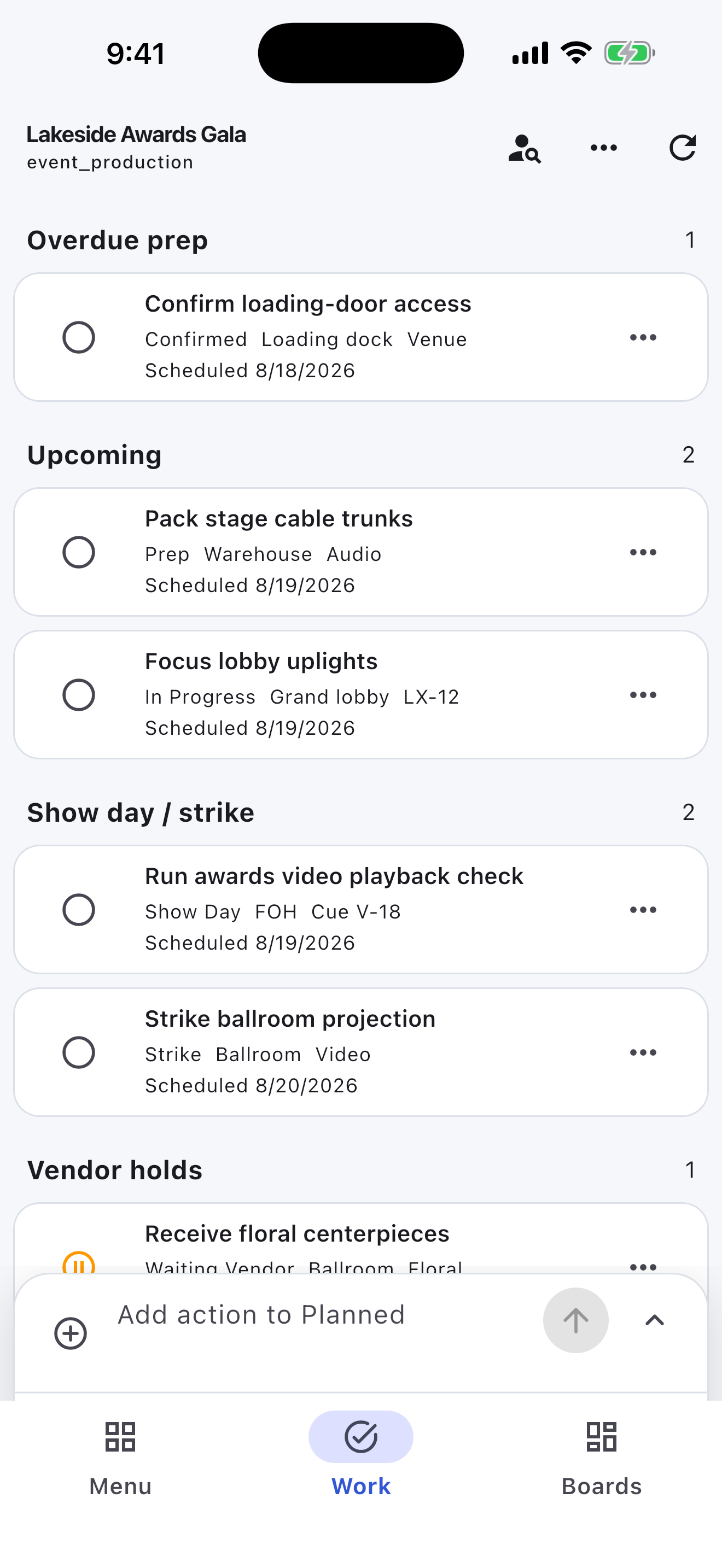
Group overdue prep, upcoming work, show day / strike, and vendor holds.
Event-day next-action lists
Turnboards gives event planners a simple way to organize vendor tasks, setup checklists, venue notes, client requests, assignments, and event-day follow-up.
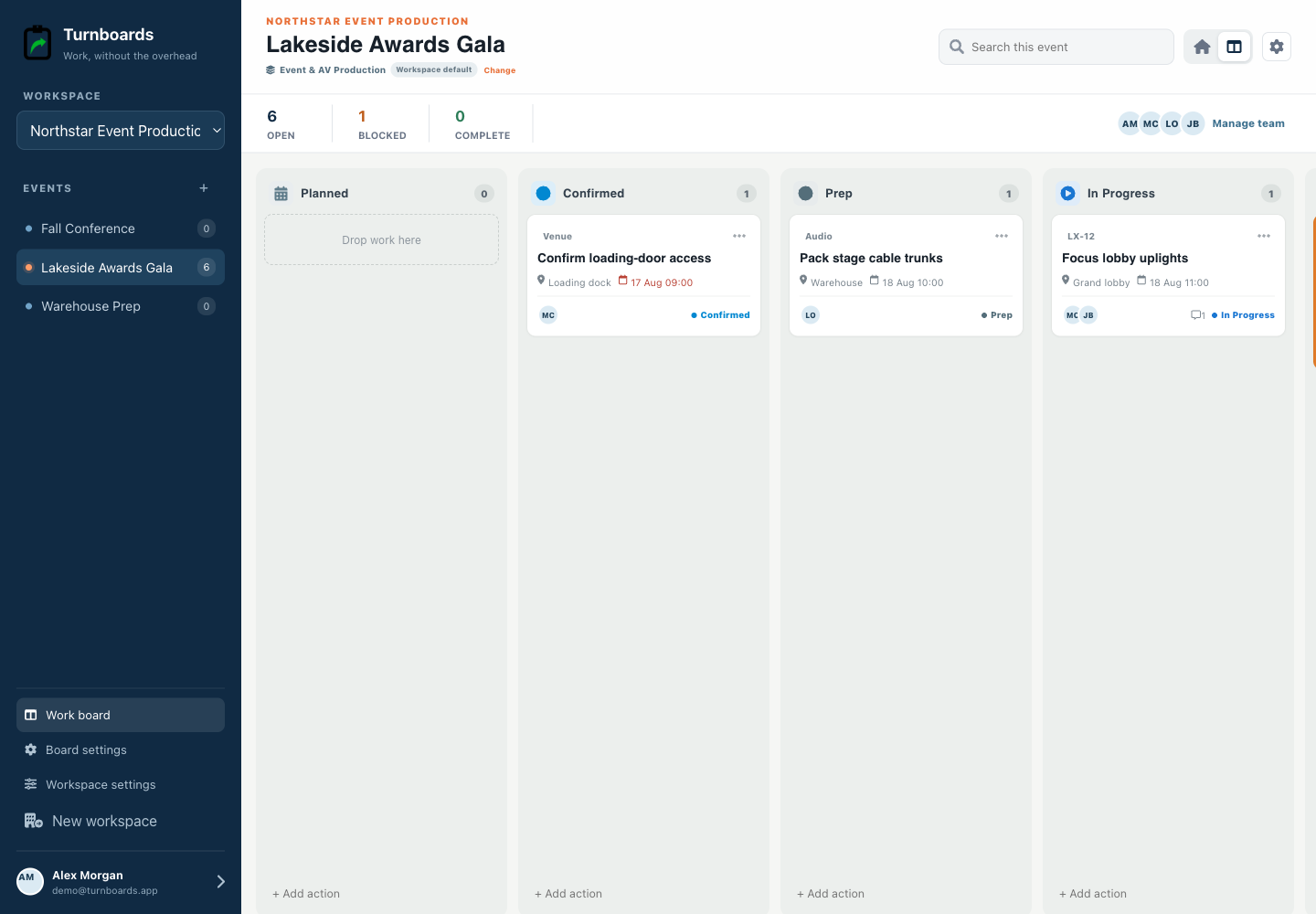
Create a board for each event, client, venue, phase, or vendor area. Add the tasks that need attention, assign work, and move items from Backlog to Active to Complete.
No credit card. Create your first board in minutes.


Start with the work you already have
Add the next few tasks, give them an owner, and keep the details beside the work. You can add more as the job moves forward.
Try your own board →Illustrative tasks. Choose stages that fit your work.
Built for show day
Event production workspaces emphasize call times, venue areas, vendors or cues, ownership, and the handoffs that become urgent as doors approach.
Group overdue prep, upcoming work, show day / strike, and vendor holds.
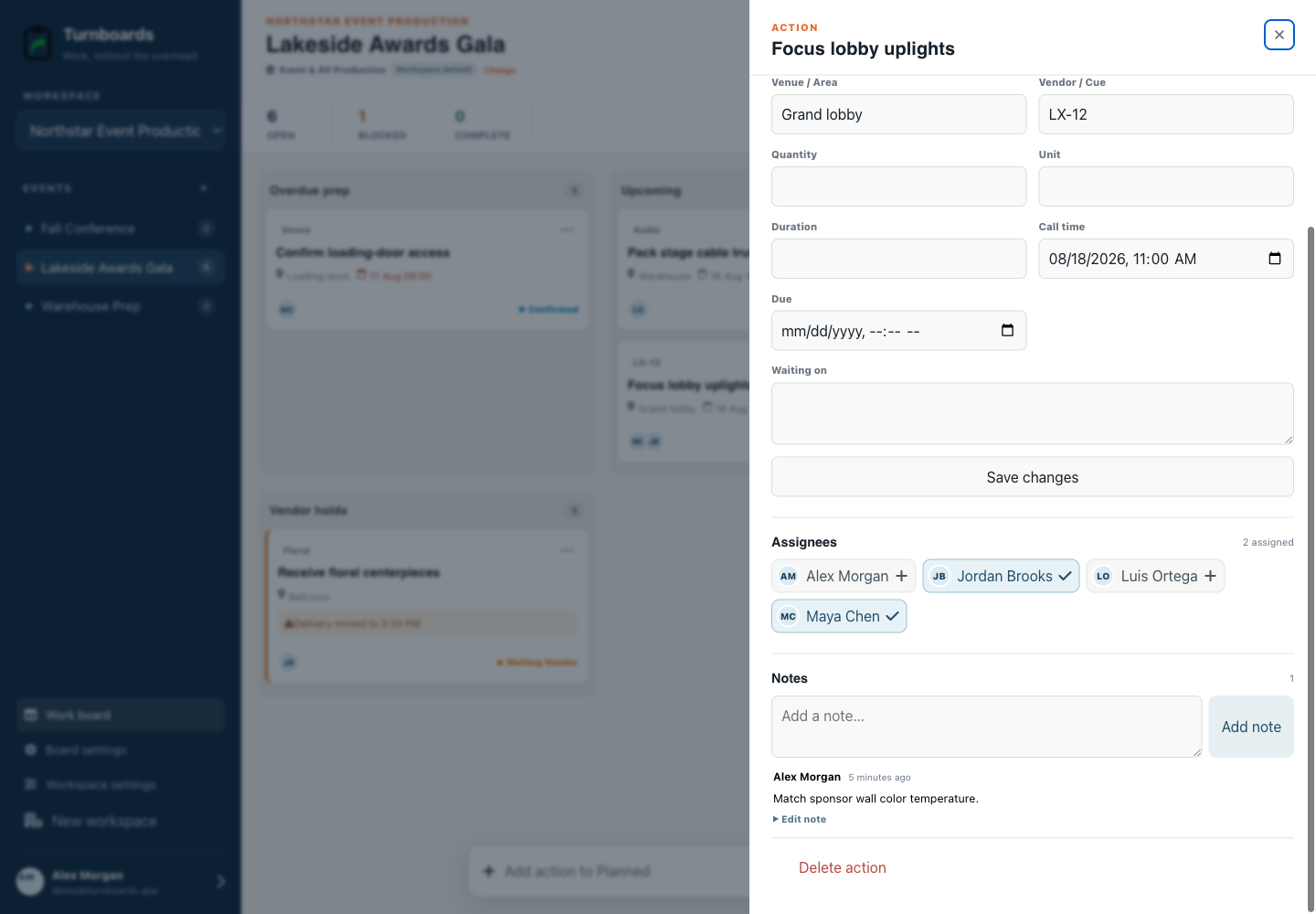
Keep venue, call time, cue, duration, and owner attached.
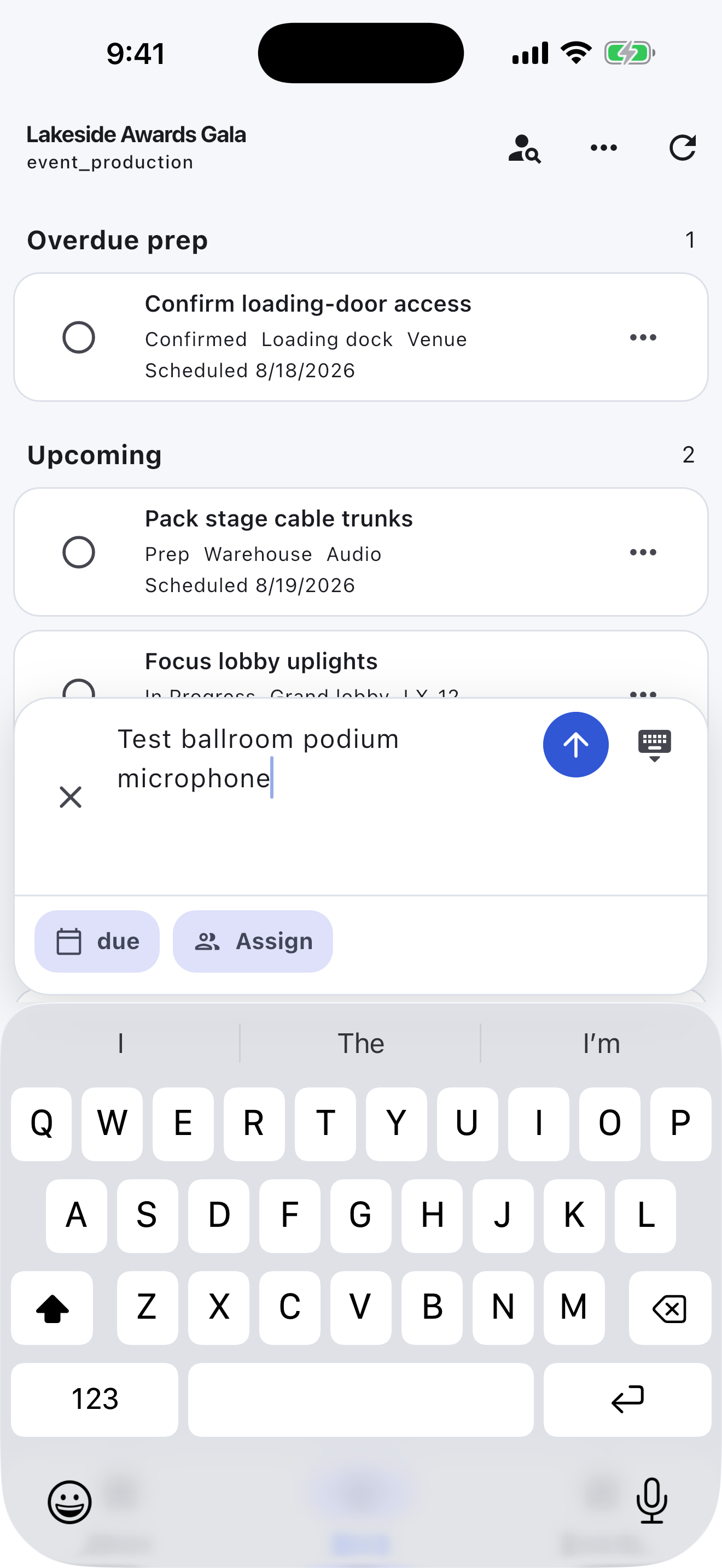
Add the next action immediately and fill in context afterward.
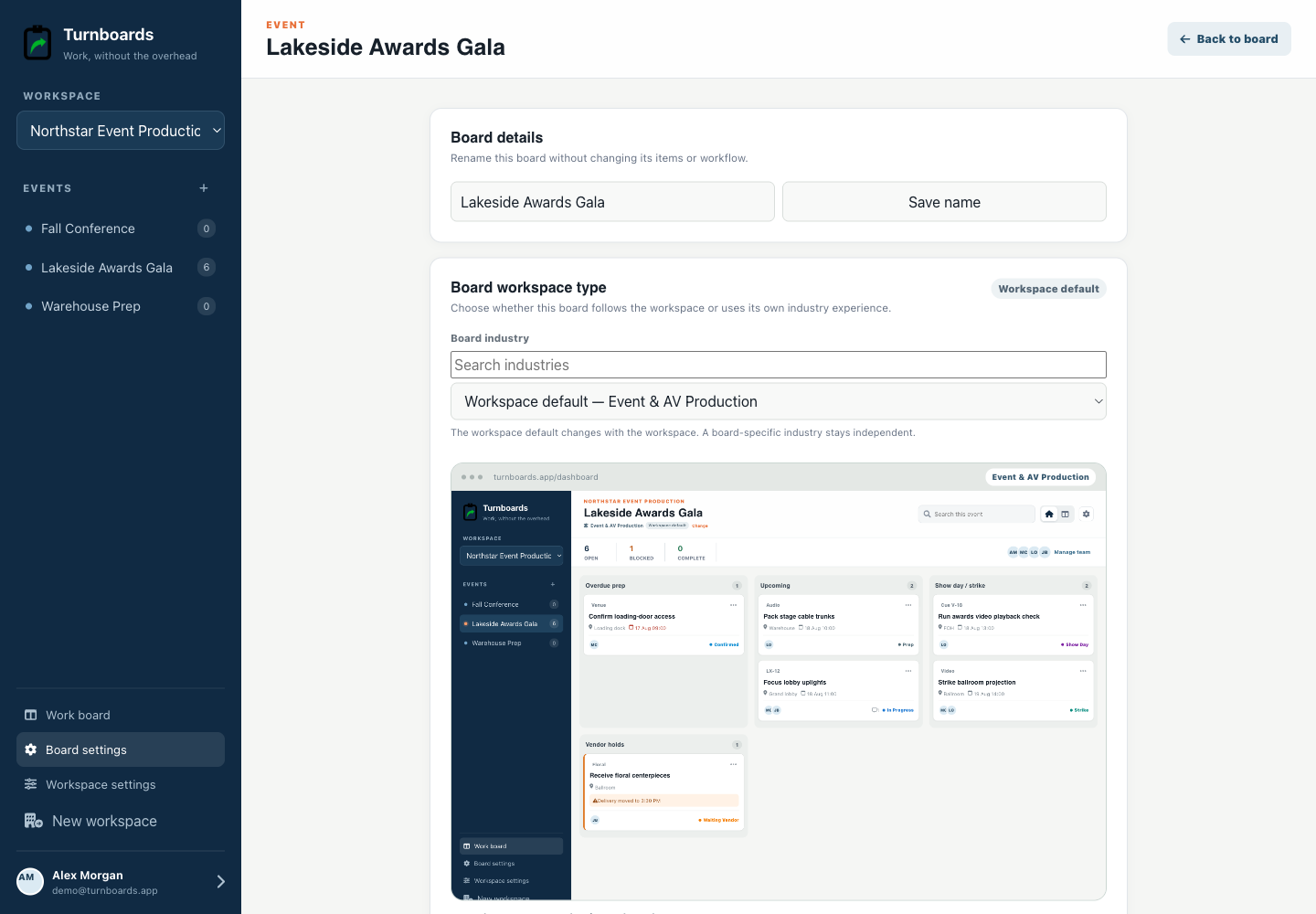
Event details get chaotic when vendor reminders, setup notes, client requests, and day-of tasks all live in the same thread. Turnboards lets each event or venue have its own board.
Turnboards works like a lightweight event checklist app. Add the small steps that keep planning on track, then update the list as vendors confirm and setup begins.
Events depend on lots of people doing small jobs at the right time. Turnboards makes ownership clearer.
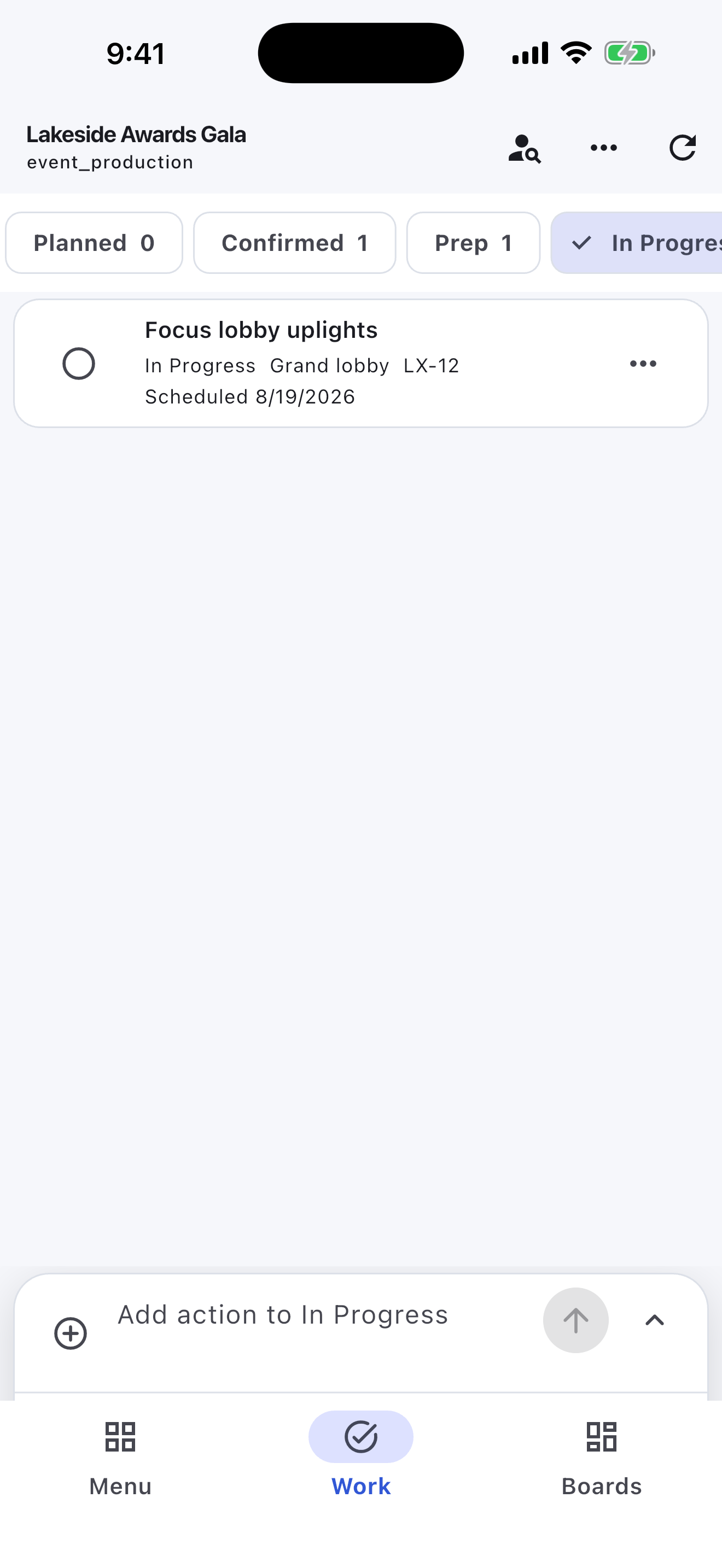
Event plans change when vendors update timing, clients add details, weather shifts, or supplies arrive late. Turnboards keeps the task list simple with Backlog, Active, and Complete.
Put future work in Backlog, move event-week tasks into Active, and mark finished items Complete so everyone can see what still needs attention.
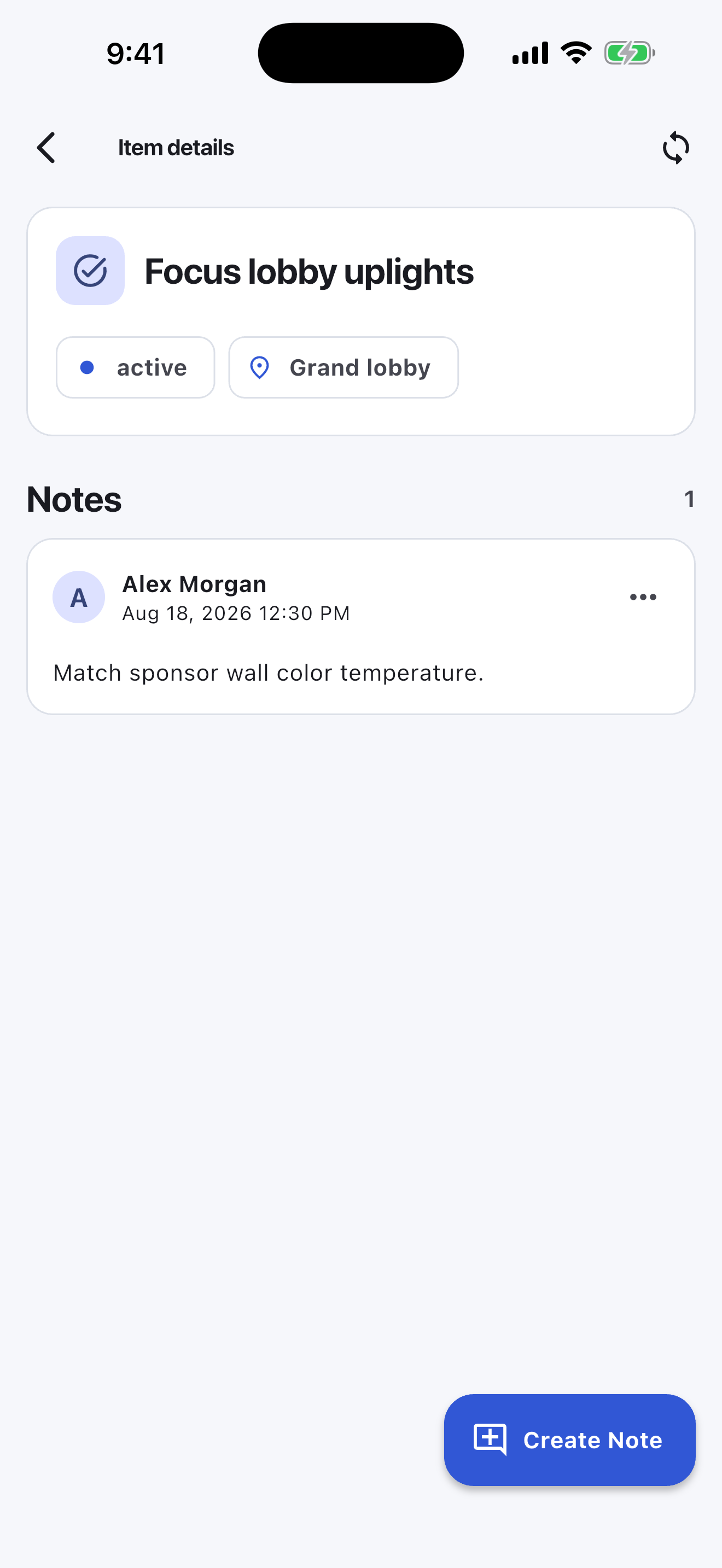
Some event tasks need context: a vendor contact, delivery window, venue rule, table count, client preference, or setup detail. Notes in Turnboards keep that information attached to the task.
The mobile app in action
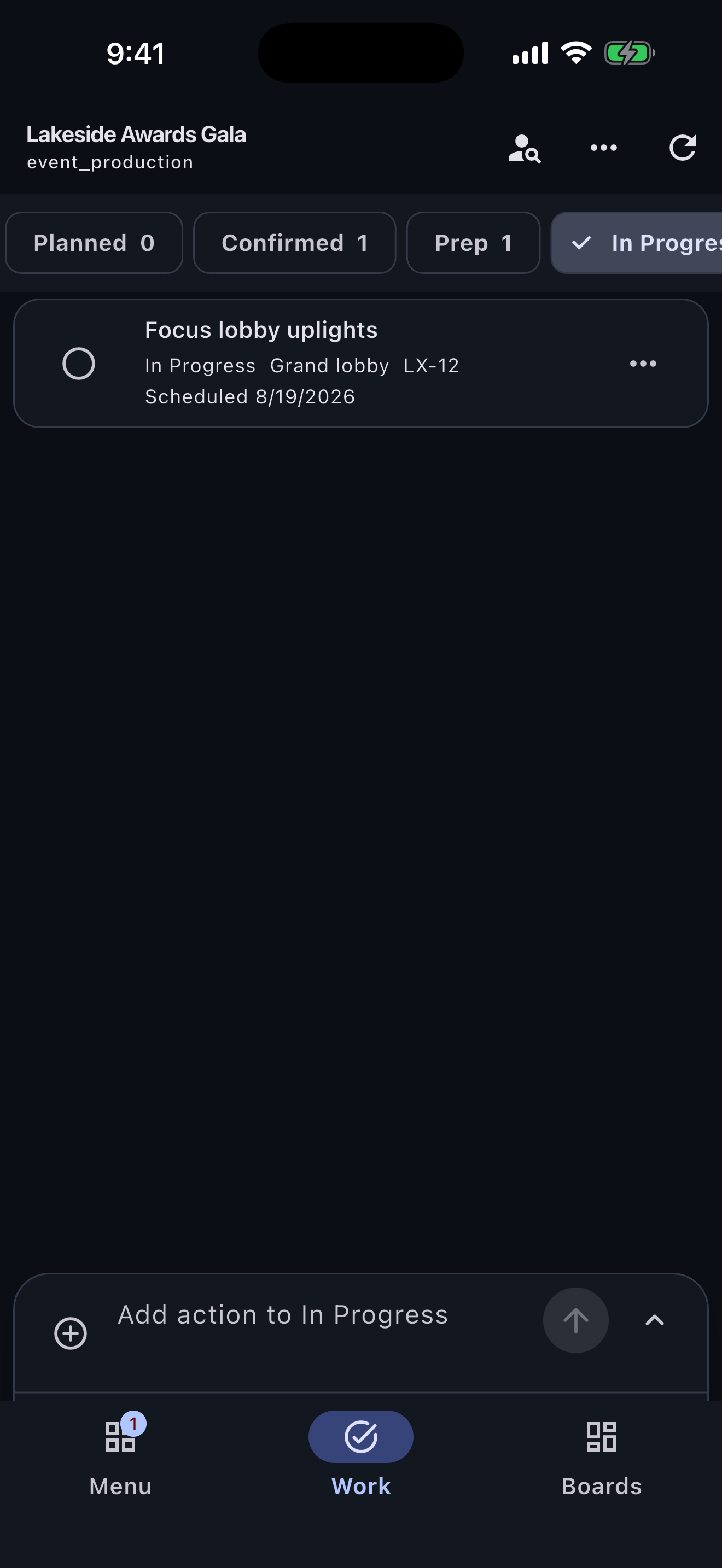
These are real screens from the same industry workspace shown above, using realistic fictional work. Scroll through the complete App Store screenshot set.
Turnboards does not manage guest lists, registration, seating, contracts, budgets, vendor portals, calendar automation, ticketing, or event-day messaging. It works best as a small team's shared next-action list.
Turnboards is not built to be complex event management software. It is for planners and small teams that need a practical way to organize tasks, assign work, and see what is done.
If your event details are spread across texts, notes, timelines, and vendor emails, Turnboards gives your team one simple place to work from.