One-off cleaning work lists
Give Your Cleaning Crew One Clear List
Turnboards gives a small cleaning crew one shared list for deep cleans, turnovers, special requests, supply runs, and job-site handoffs.
Create a board for the property or special job, add the tasks that need attention, and assign work to crew members who use Turnboards.
No credit card. Create your first board in minutes.
Prefer the mobile app?


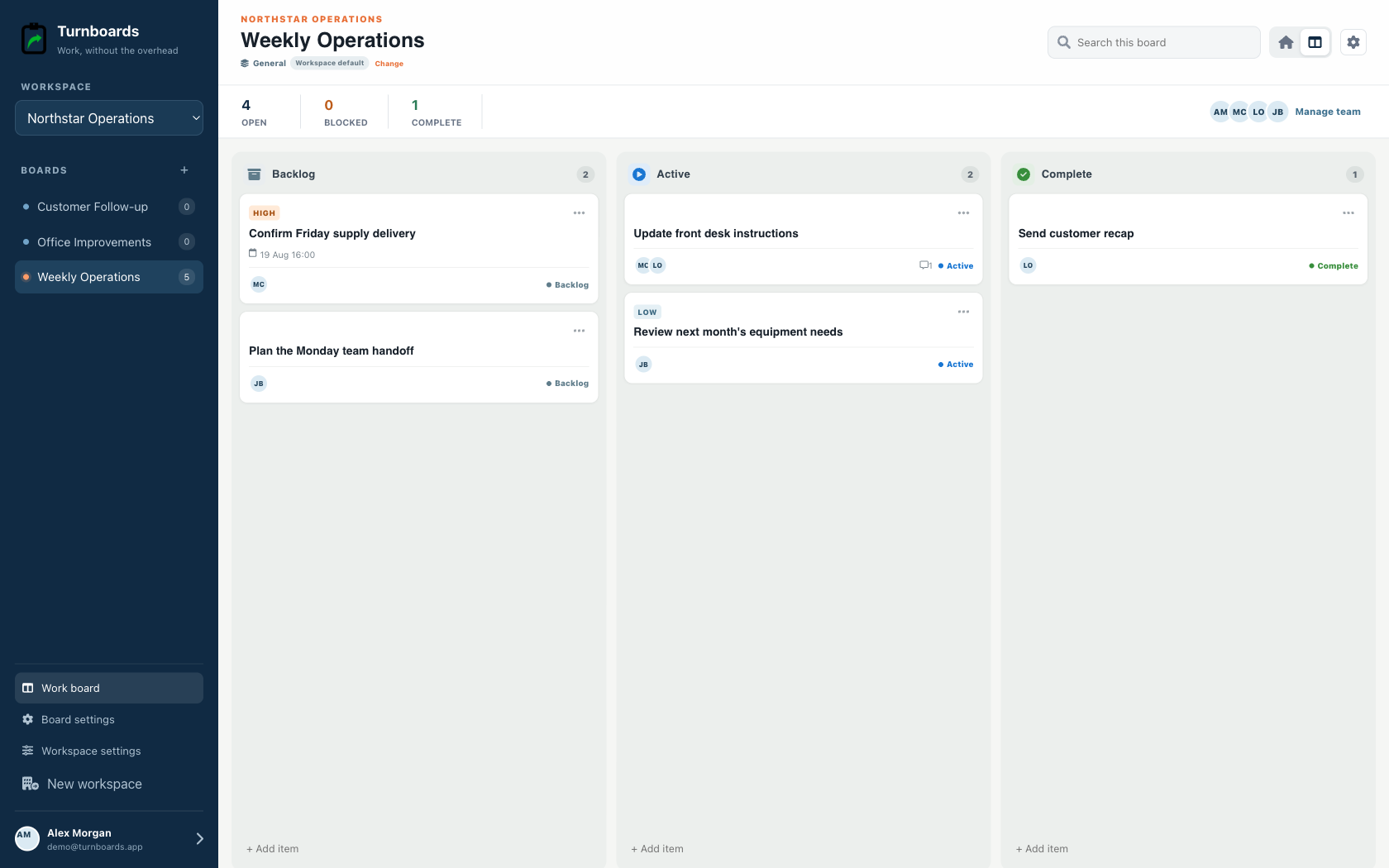
Start with the work you already have
Example board: Apartment 204 deep clean
Add the next few tasks, give them an owner, and keep the details beside the work. You can add more as the job moves forward.
Try your own board →Illustrative tasks. Choose stages that fit your work.
Keep Each Property or Account Separate
Cleaning details are easy to lose when every property has different rooms, preferences, supplies, and special requests. Turnboards lets each account have its own board.
- Create a board for a house, apartment turnover, office, medical suite, school area, or commercial account.
- Keep standard cleaning tasks separate from deep-clean extras, customer requests, and supply reminders.
- Open the board on-site and see only the tasks for that property.
Build Room-by-Room Cleaning Checklists
Turnboards works like a lightweight cleaning checklist app. Add the tasks that matter for each visit, then let the crew check off work as it gets done.
- Track bathrooms, kitchens, floors, dusting, trash, windows, appliances, and high-touch areas.
- Add deep-clean items, move-out cleaning tasks, and special requests.
- Break larger jobs into rooms, zones, floors, or work areas.
- Keep tomorrow's work separate from today's active route.
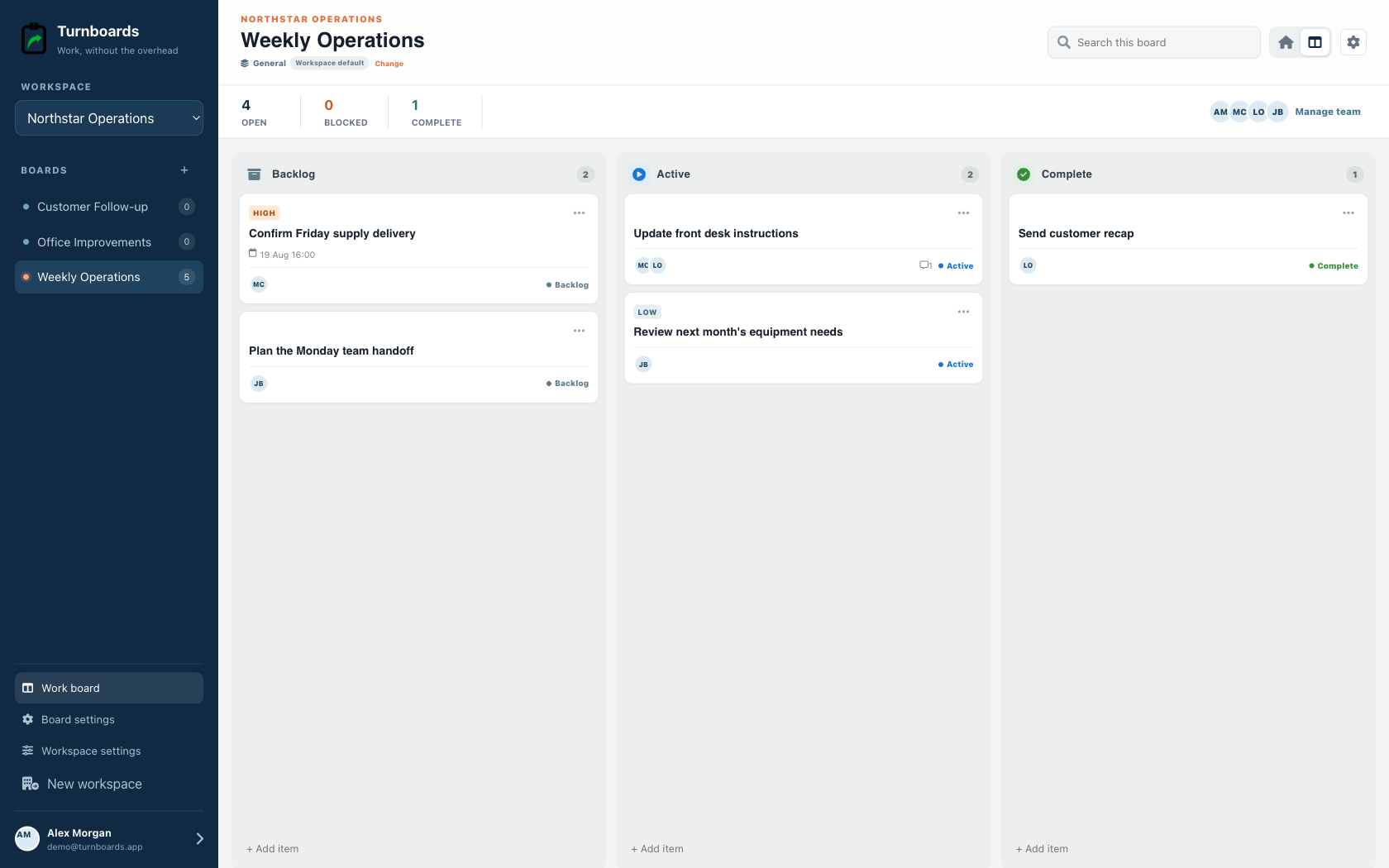
Assign Tasks to Cleaning Crew Members
When several people clean the same property, it helps to know who is handling each area. Turnboards makes task ownership simple.
- Assign a board to the crew working a property or route.
- Assign individual tasks when one person handles bathrooms, another handles floors, and another handles final checks.
- Let crew members filter to their assigned tasks before they start.
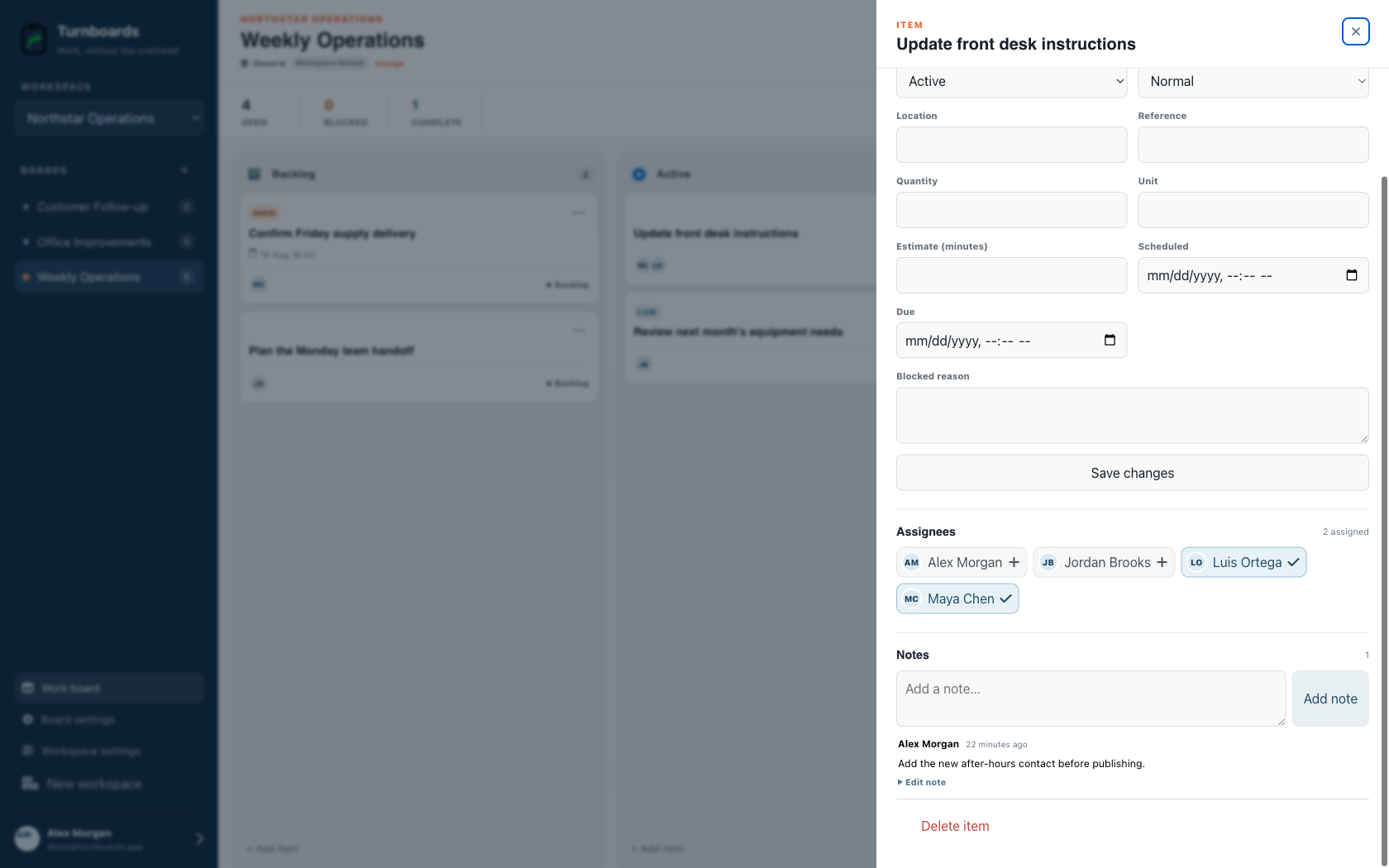
Track Scheduled, Active, and Completed Cleaning Work
Cleaning schedules shift when customers reschedule, a room needs extra time, or supplies run low. Turnboards keeps the work visible with Backlog, Active, and Complete.
Put future tasks in Backlog, move today's cleaning work into Active, and mark finished items Complete before the crew leaves.
Keep Customer Notes With the Task
Some cleaning tasks need context: a customer preference, alarm note, supply detail, fragile item, locked room, or follow-up reminder. Notes in Turnboards keep those details attached to the task.
- Add notes for access instructions, product preferences, hazards, supplies, and customer requests.
- Record follow-up work after inspections, complaints, or deep cleans.
- Keep property details where the crew can find them.
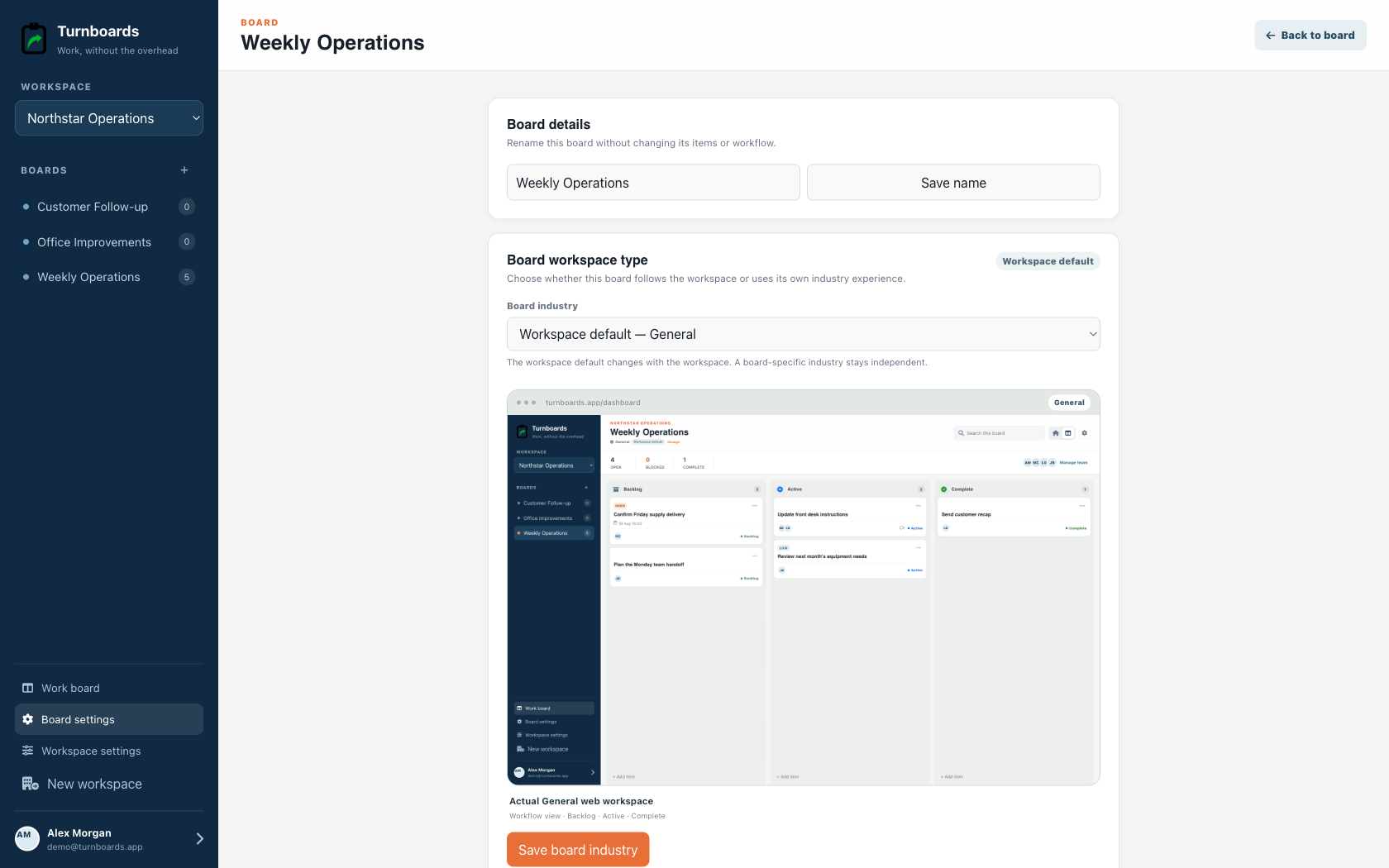
Turnboards is not cleaning-business management software
Turnboards does not schedule recurring visits, dispatch crews, clock employee time, verify location, capture required before-and-after photos, run inspections, invoice customers, or automatically regenerate checklists.
A Simple Task App for Cleaning Businesses
Turnboards is not heavy janitorial management software. It is for cleaning businesses that need a fast way to organize property tasks, assign work, and see what is complete.
If your cleaning checklists are scattered across paper, texts, and memory, Turnboards gives your crew one simple place to work from.