

Confirm approved scope and site contact
Starts in the board's intake stage
Loadable construction work template
Give a small field team a repeatable starting sequence from approved scope and site access through punch work and customer handoff. Load the checklist into a job board, tailor it to the site, and keep the real field work visible.
Included in the Turnboards web dashboard and mobile app. Load the whole template or choose individual items.
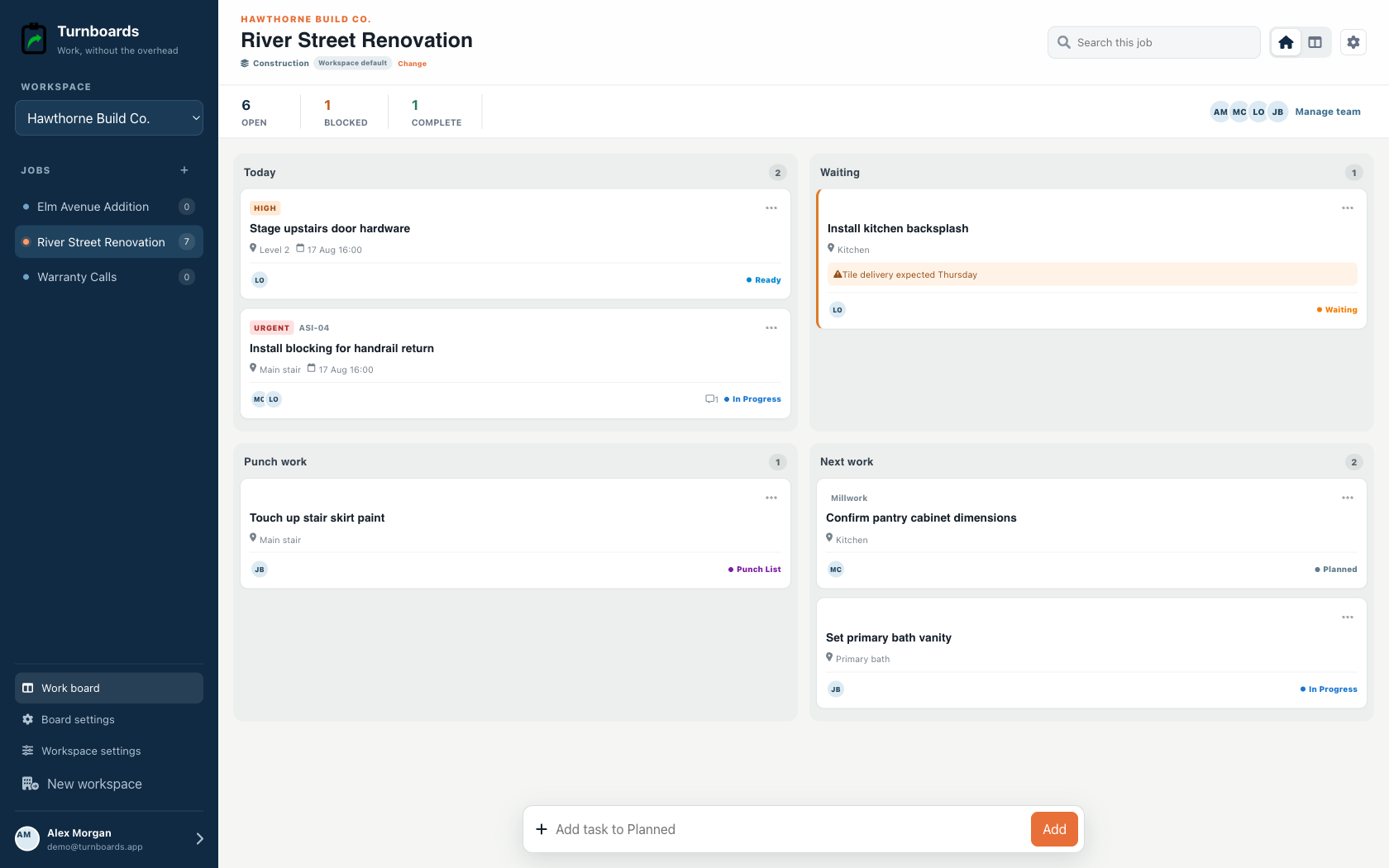
Exact template contents
Review every item before loading. Existing board settings stay in place, and every loaded entry becomes an ordinary item.
Starts in the board's intake stage
Starts in the board's intake stage
Starts in the board's intake stage
Starts in the board's intake stage
Starts in the board's intake stage
In progress
In progress
In progress
From template to live work
Templates add work to a board. They do not silently switch the board's industry, rename its stages, or move existing items.
Select only the tasks that apply. Turnboards identifies matching items already on the target board or group.
If the workflow differs, map template stages and categories to the board. Admins can create a missing category or use Uncategorized.
The selected tasks appear immediately as editable work with the same assignments, notes, offline sync, and quick creation used everywhere else.
Approved scope is only one part of readiness. Site access, contacts, work areas, materials, equipment, and crew handoffs all need an owner before field work begins.
Record an access issue, missing material, changed condition, or customer decision on the relevant item. Crews can see blockers without searching through a group text.
Use the quality walkthrough and punch items to separate nearly finished from truly complete. Confirm the final customer handoff instead of letting the board quietly stop at installation.
Turnboards coordinates field tasks and punch work. This template does not replace contracts, plans, RFIs, submittals, safety programs, inspections, permits, scheduling, estimating, timekeeping, or formal closeout records.
Yes. It is recommended for construction, restoration, low-voltage, and solar workflows, and every item can be tailored.
No. You can assign and date work, but Turnboards does not build a construction schedule.
Yes. The compatibility preview lets you map its starting and active work before loading.
Start in the web dashboard
Create a free workspace, open Work templates, review the mapping, and load only the items your team needs.