Dispatch home
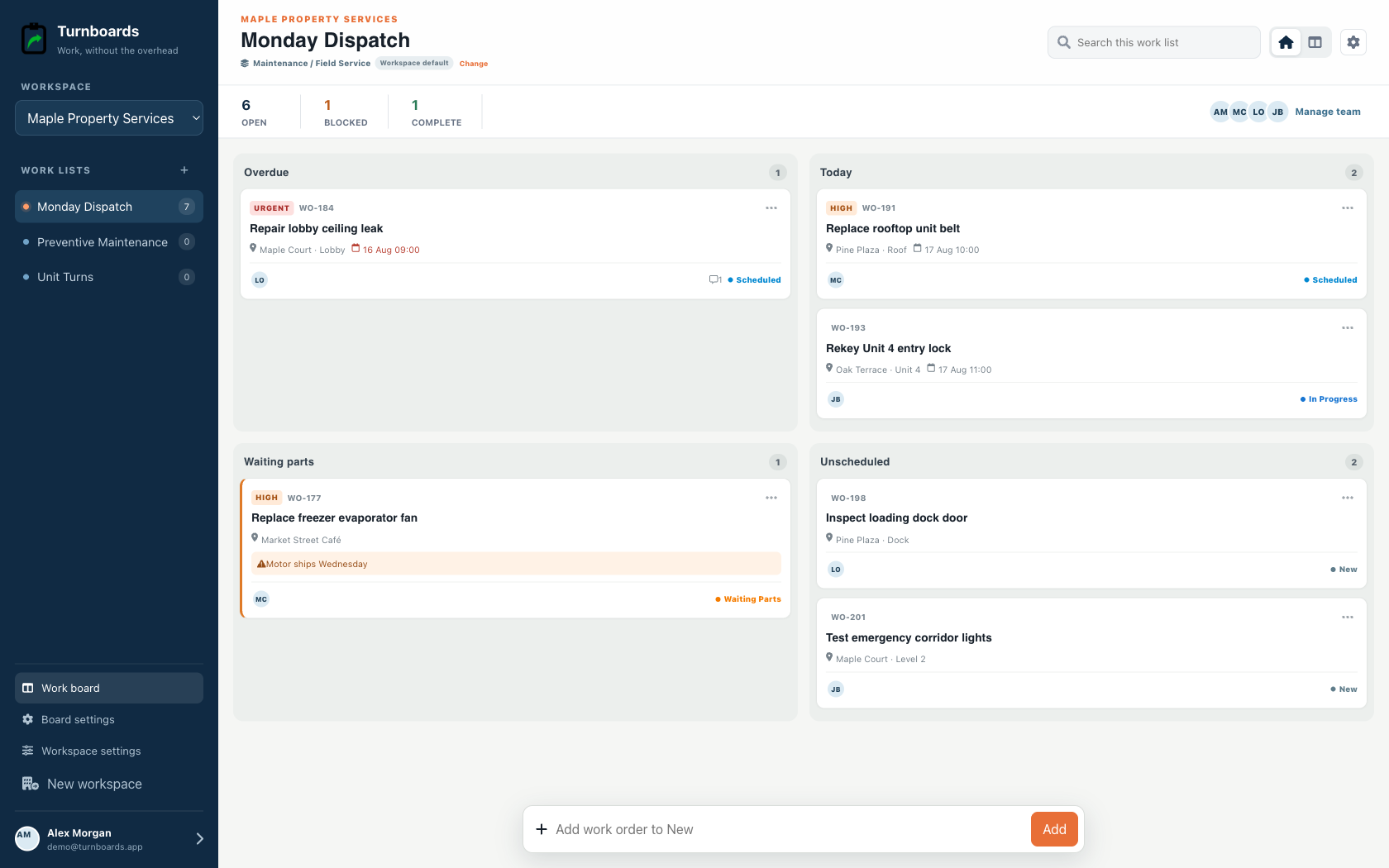
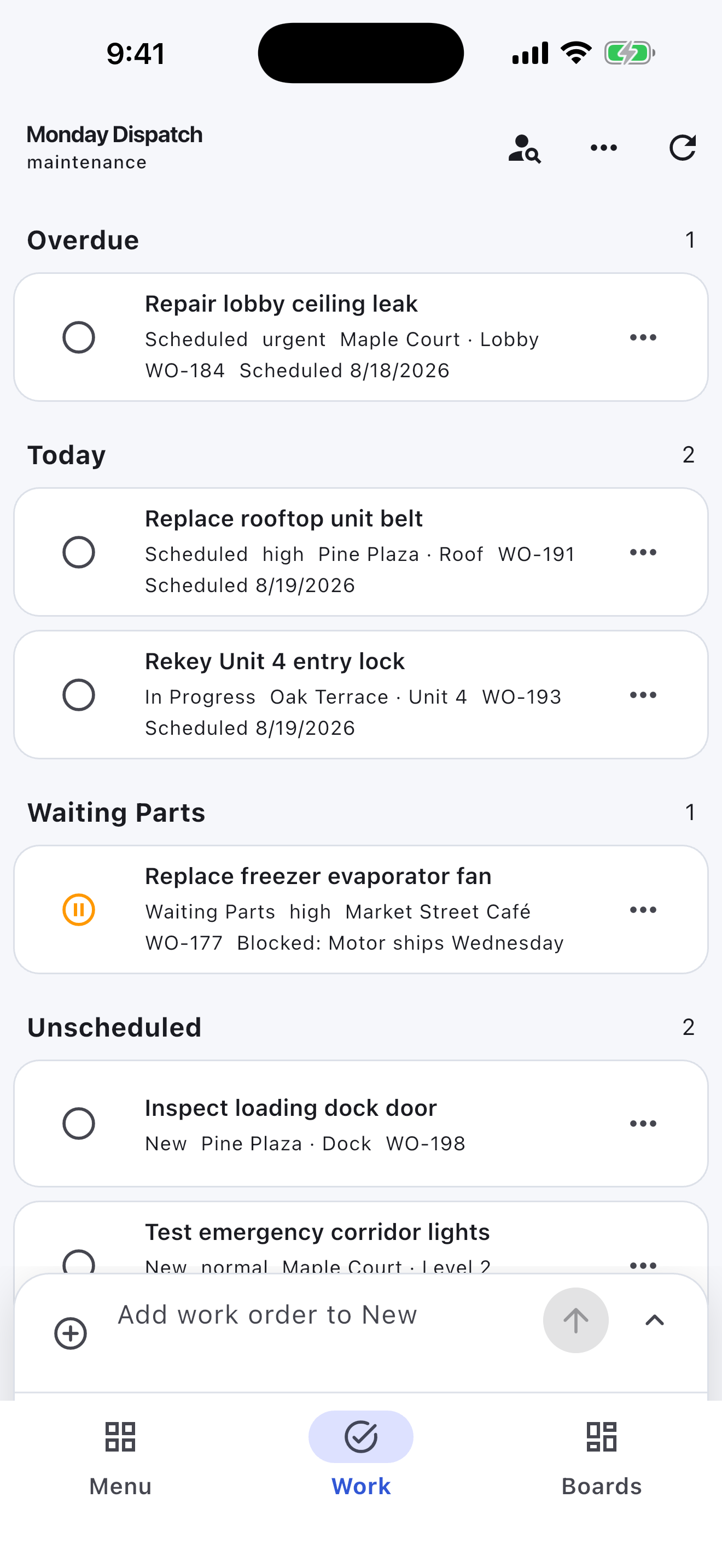
Start with Overdue, Today, Waiting Parts, and Unscheduled.
Shared property repair lists
Turnboards gives property managers a simple way to organize maintenance requests, unit turns, inspection items, vendor follow-up, and property task lists.
Create a board for each property, building, unit, turn, or maintenance project. Add the work that needs attention, assign tasks, and move items from Backlog to Active to Complete.
No credit card. Create your first board in minutes.


Start with the work you already have
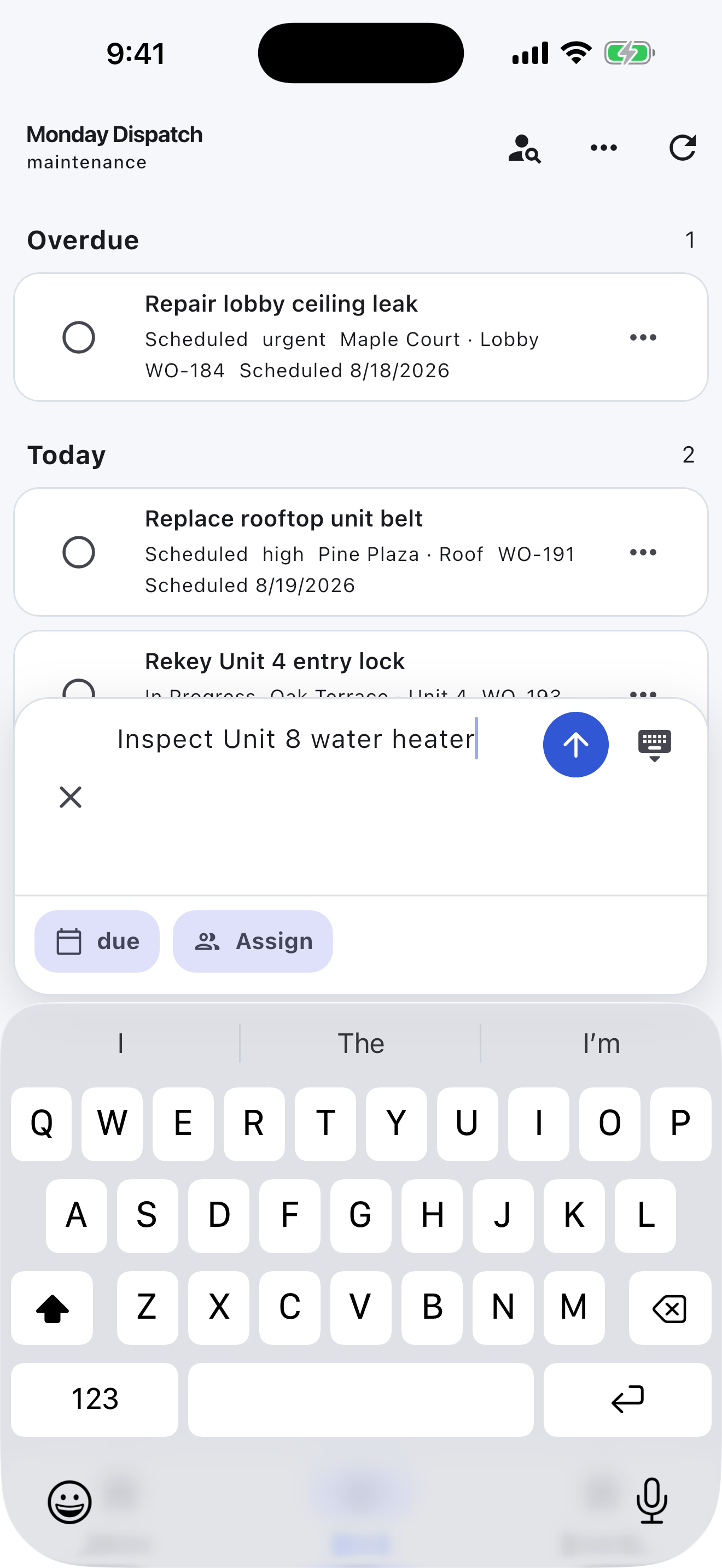
Add the next few tasks, give them an owner, and keep the details beside the work. You can add more as the job moves forward.
Try your own board →Illustrative tasks. Choose stages that fit your work.
Built for dispatch
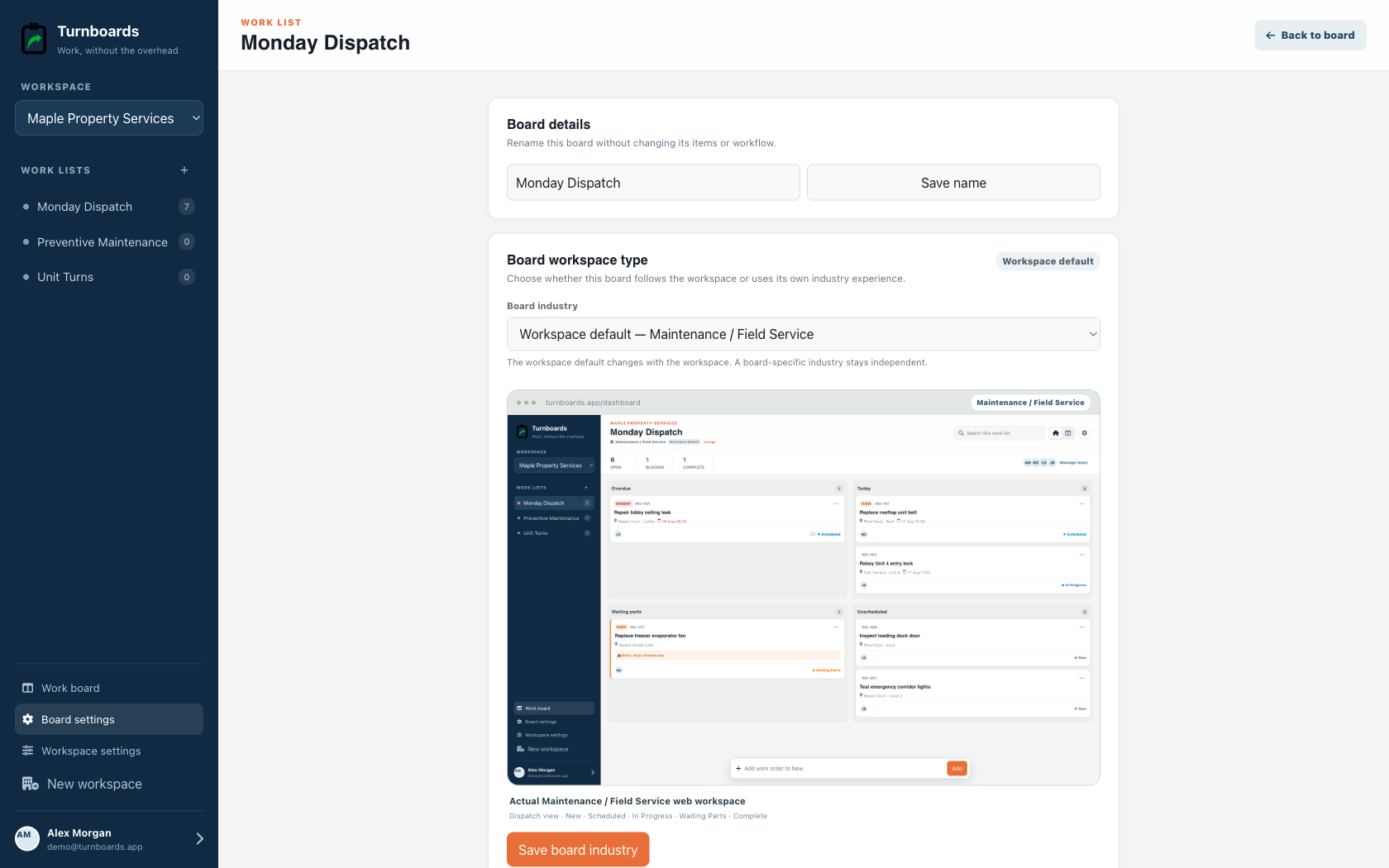
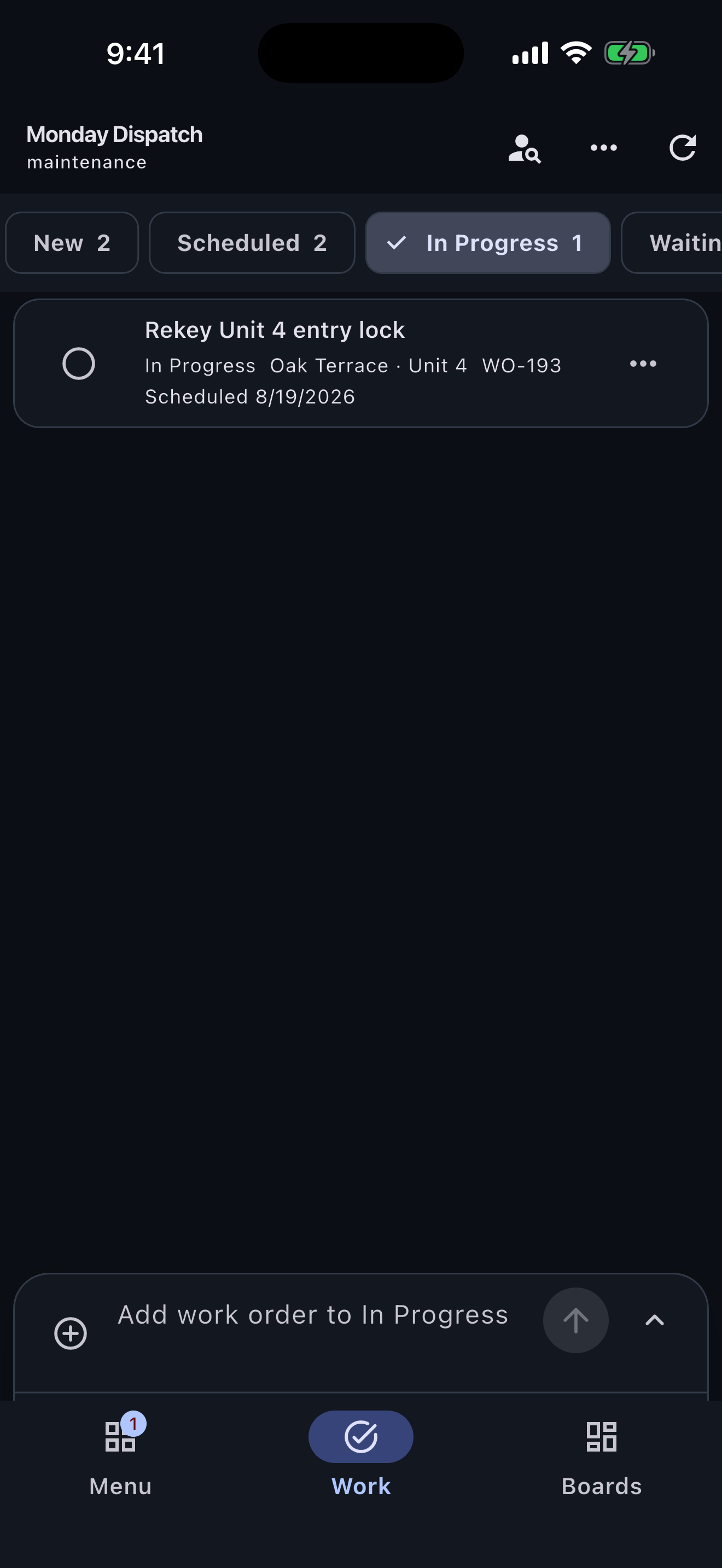
Maintenance workspaces put schedule, urgency, location, work-order number, and parts holds at the center of the day.
Start with Overdue, Today, Waiting Parts, and Unscheduled.
See location, schedule, urgency, owner, and reference without opening the record.
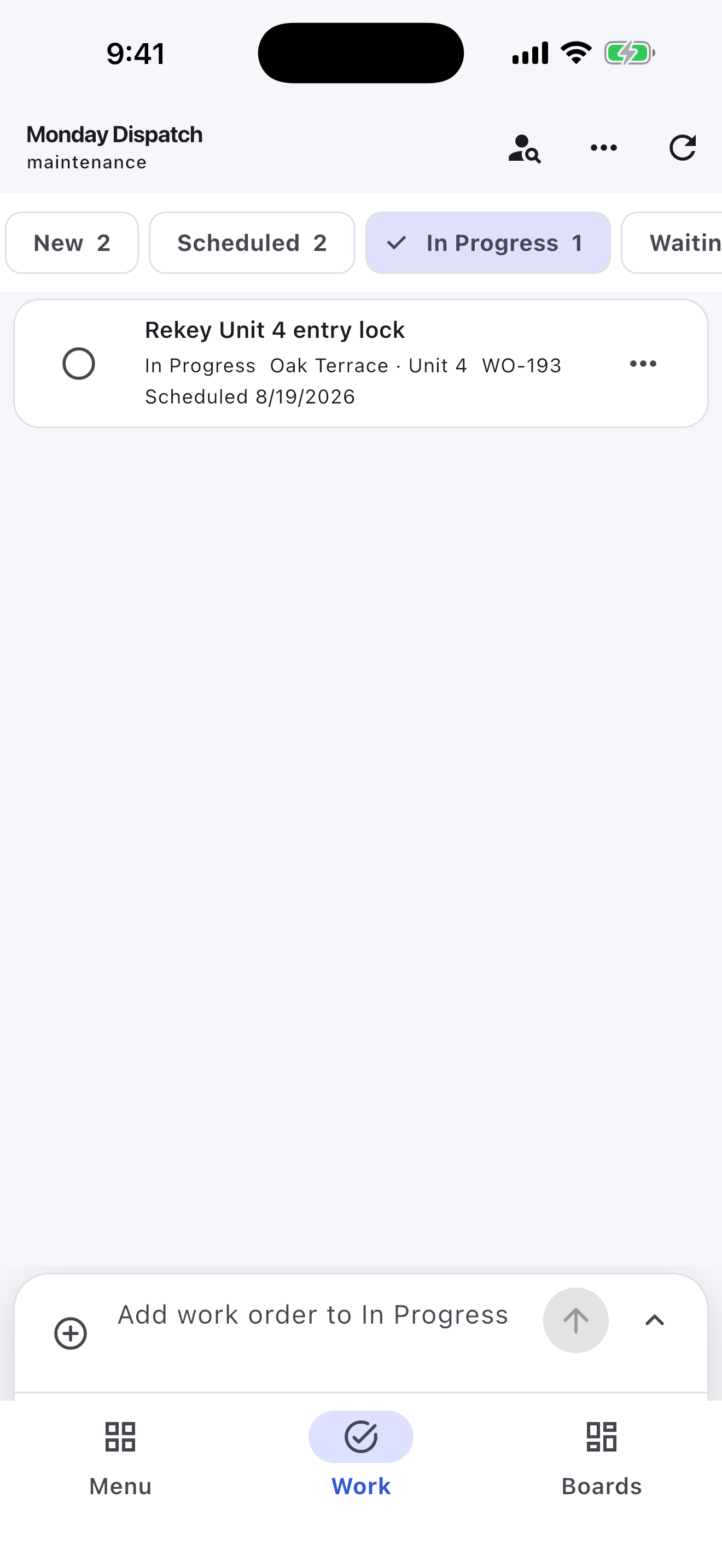
Move work from New to Scheduled, In Progress, Waiting Parts, and Complete.
Property maintenance gets difficult when every request, inspection note, vendor reminder, and tenant issue lives in the same inbox. Turnboards lets each property or unit have its own board.
Turnboards works like a lightweight rental property checklist app. Add repair items, cleaning tasks, inspection notes, and vendor follow-up so nothing gets lost between visits.
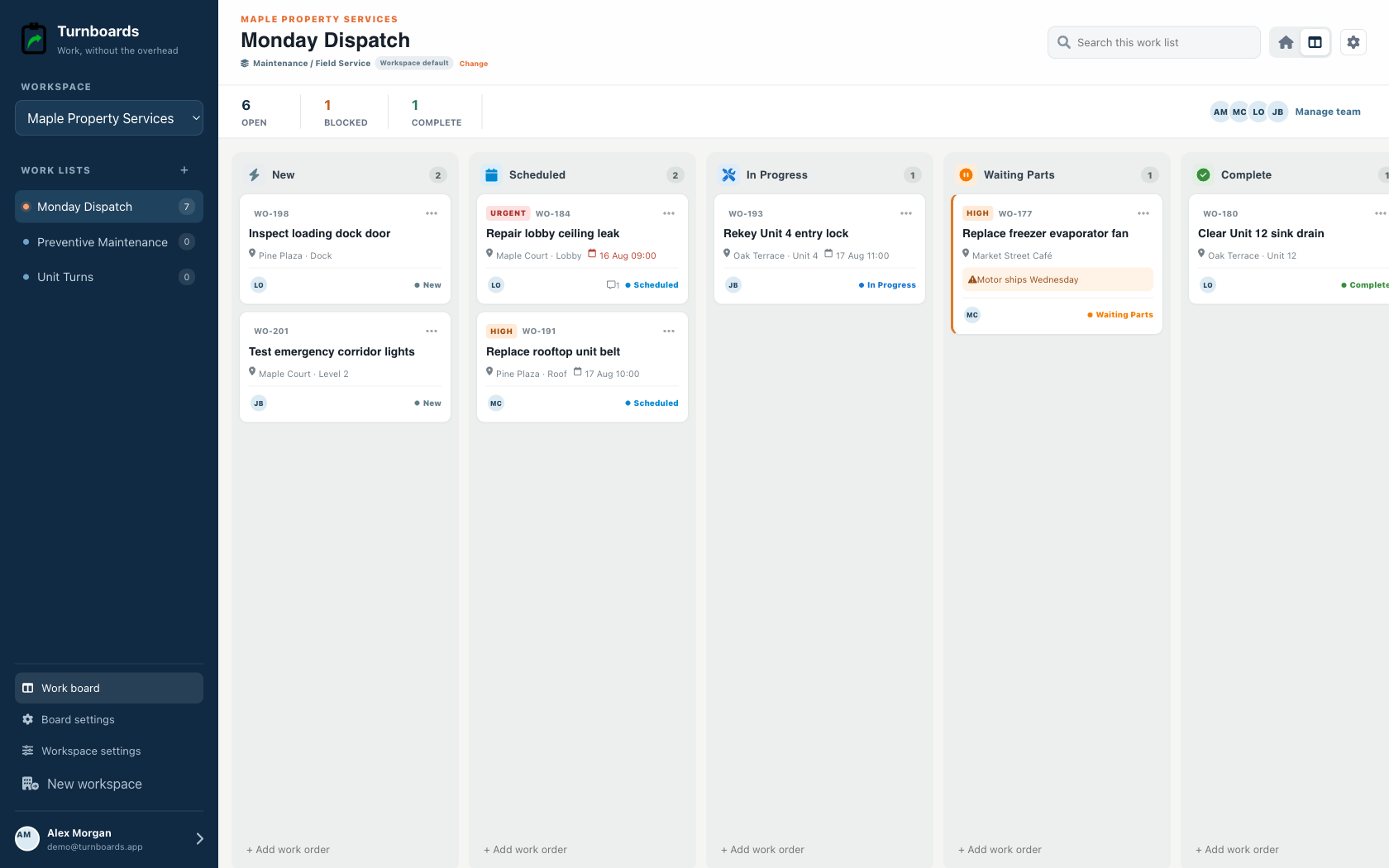
Maintenance work often depends on several people. Turnboards makes it easier to see who owns each next step.
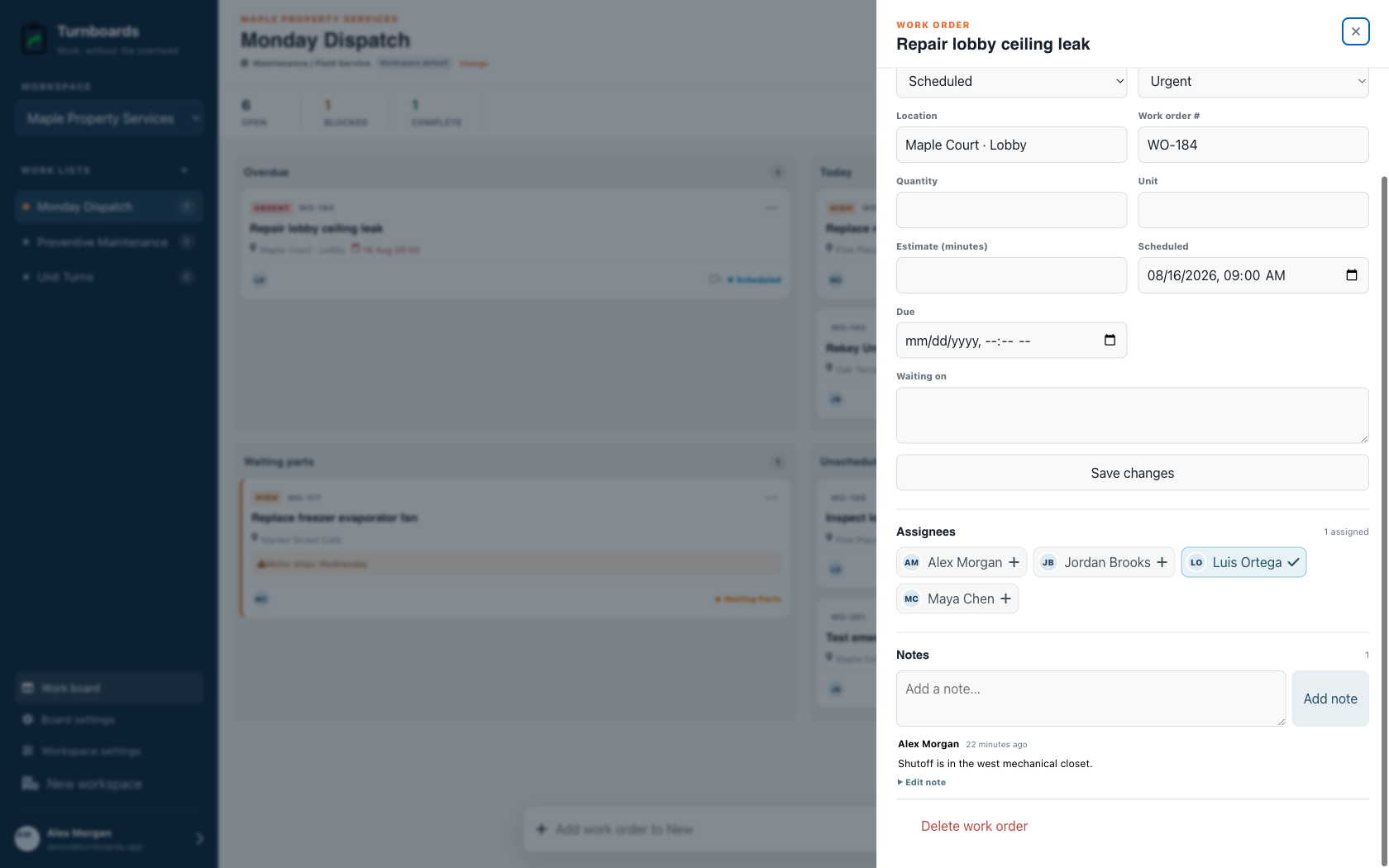
Property work changes when tenants report issues, vendors reschedule, parts arrive late, or inspections create new tasks. Turnboards keeps status simple with Backlog, Active, and Complete.
Put future work in Backlog, move current maintenance into Active, and mark completed items Complete so the next site visit starts with a clear list.
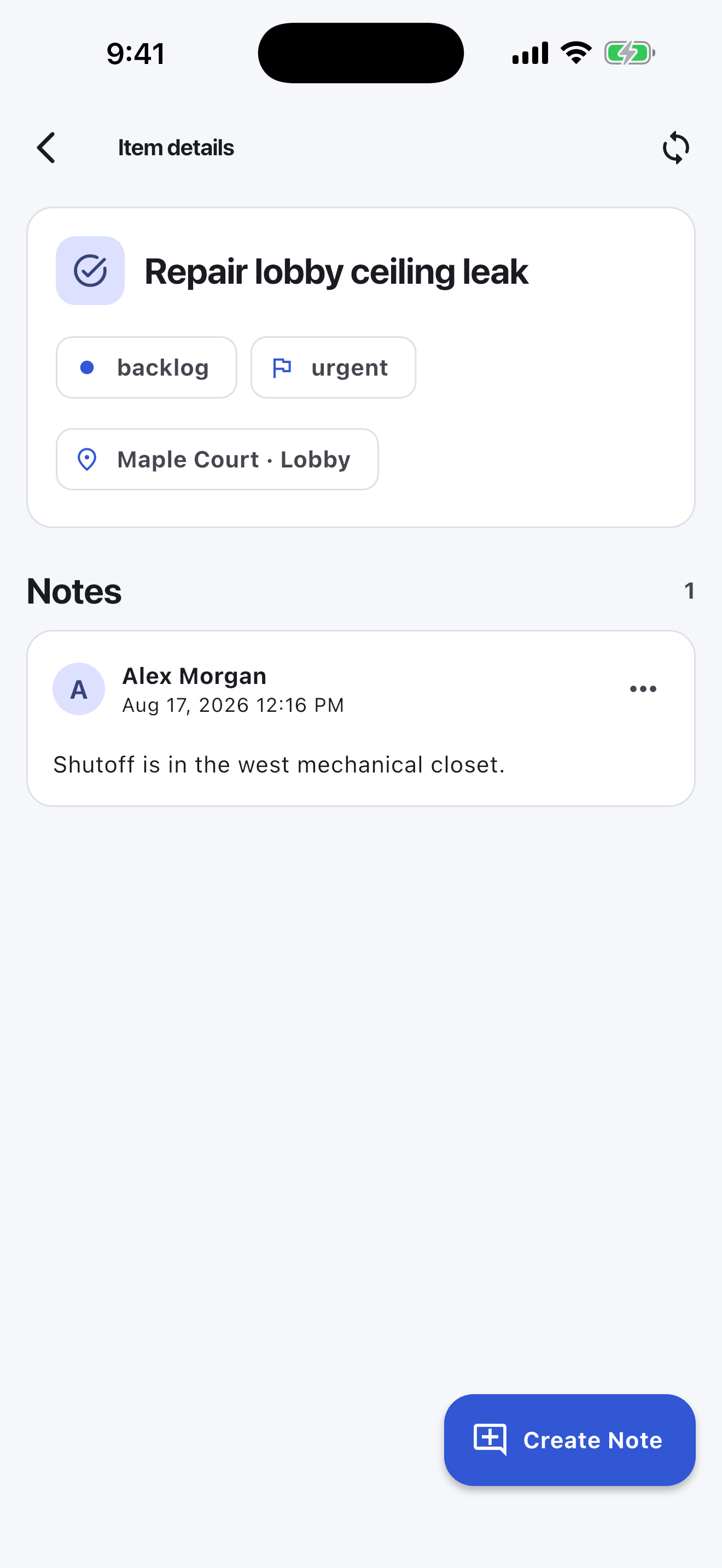
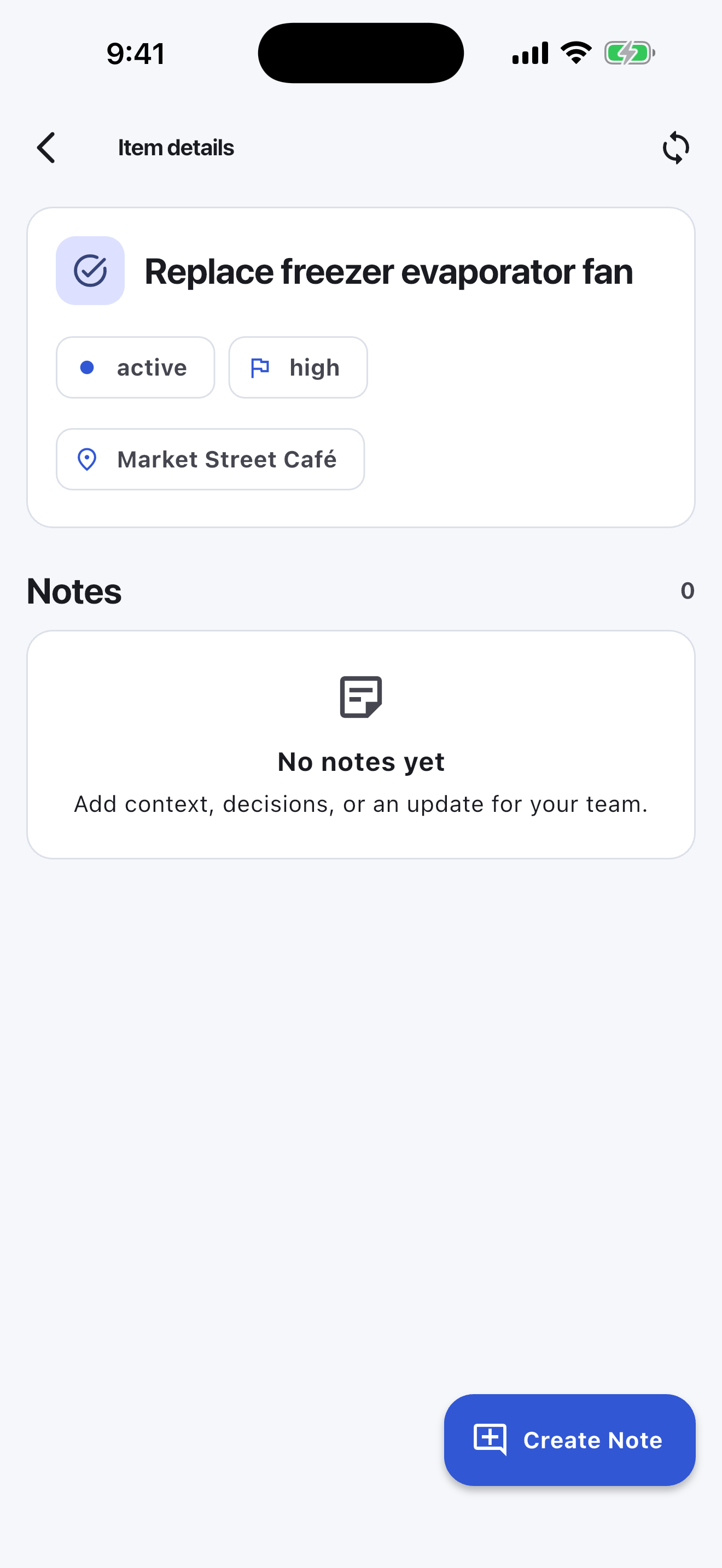
Some property tasks need context: a tenant note, door code, vendor estimate, appliance model, room location, or owner approval. Notes in Turnboards keep that information attached to the task.
The mobile app in action
These are real screens from the same industry workspace shown above, using realistic fictional work. Scroll through the complete App Store screenshot set.
Turnboards does not provide tenant portals, preventive-maintenance schedules, inspections, vendor accounting, cost histories, emergency dispatch, or compliance records. It is a lightweight shared task list.
Turnboards is not built to replace full property management software. It is for managers and small teams that need a simple way to organize maintenance work and follow-up.
Choose a dedicated turn or inspection platform when you need required photos, condition reports, vendor portals, cost controls, or portfolio dashboards.
If property tasks are spread across texts, emails, notebooks, and vendor calls, Turnboards gives your team a practical place to keep work moving.