Clear trade and vendor handoffs
Unit-Turn Vendor Coordination for Make-Ready Teams
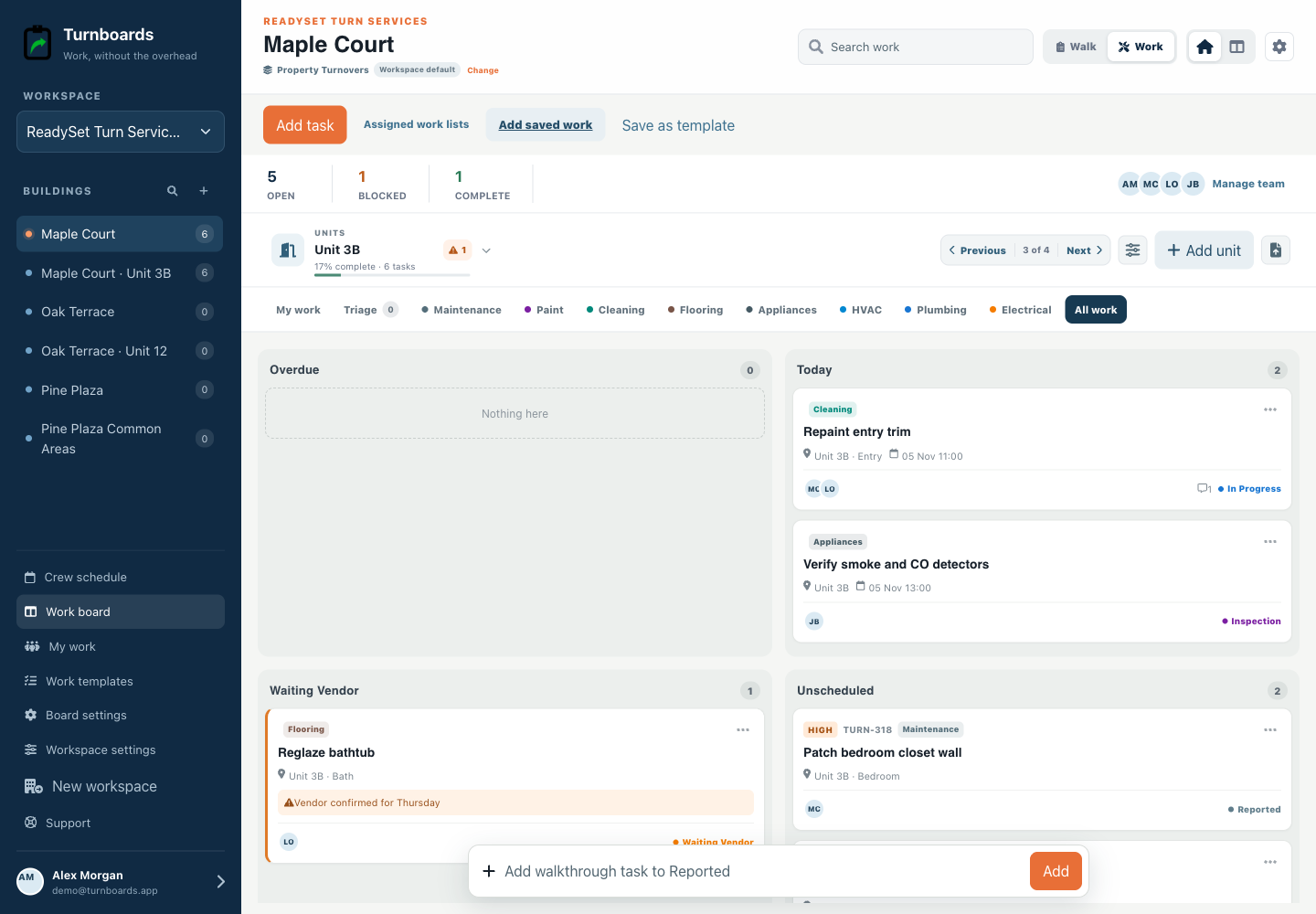
Vendor work often stalls because the request, unit, arrival window, prerequisite, and next owner live in different messages. Turnboards keeps the operational handoff on the task without pretending to become a vendor-management or payment platform.


What you will get
- Assign a responsible team member even when a vendor performs the work
- Use a trade category for batching and routing
- Move blocked items into Waiting Vendor with the reason attached
- Return verified work through Inspection before completion
Keep ownership inside the property team
A vendor hold should still have an internal owner responsible for the next check, access coordination, or verification. Assignment answers who follows up; the trade category answers what kind of work it is.
Record the smallest useful handoff
Keep the unit, area, requested action, reference, agreed window, prerequisite, and blocker with the task. Avoid storing sensitive resident information or contractual records in a task note.
- Unit 3B bathroom
- Reglaze tub
- Waiting on approved date
- Maintenance lead verifies after completion
Use Inspection as the return path
A vendor saying the work is finished does not have to close the item immediately. Move it to Inspection so the property team can verify the result against its own standard.
What Turnboards does—and does not do
Turnboards does not onboard vendors, restrict them to a vendor portal, verify insurance, issue purchase orders, approve invoices, process payments, capture signatures, or enforce contracts.
Put the next job on one clear board
Use Turnboards to organize your work. Create a board, add three real work items, and invite the person who needs the list next.