

Record the reported concern and asset reference
Starts in the board's intake stage
Loadable maintenance template
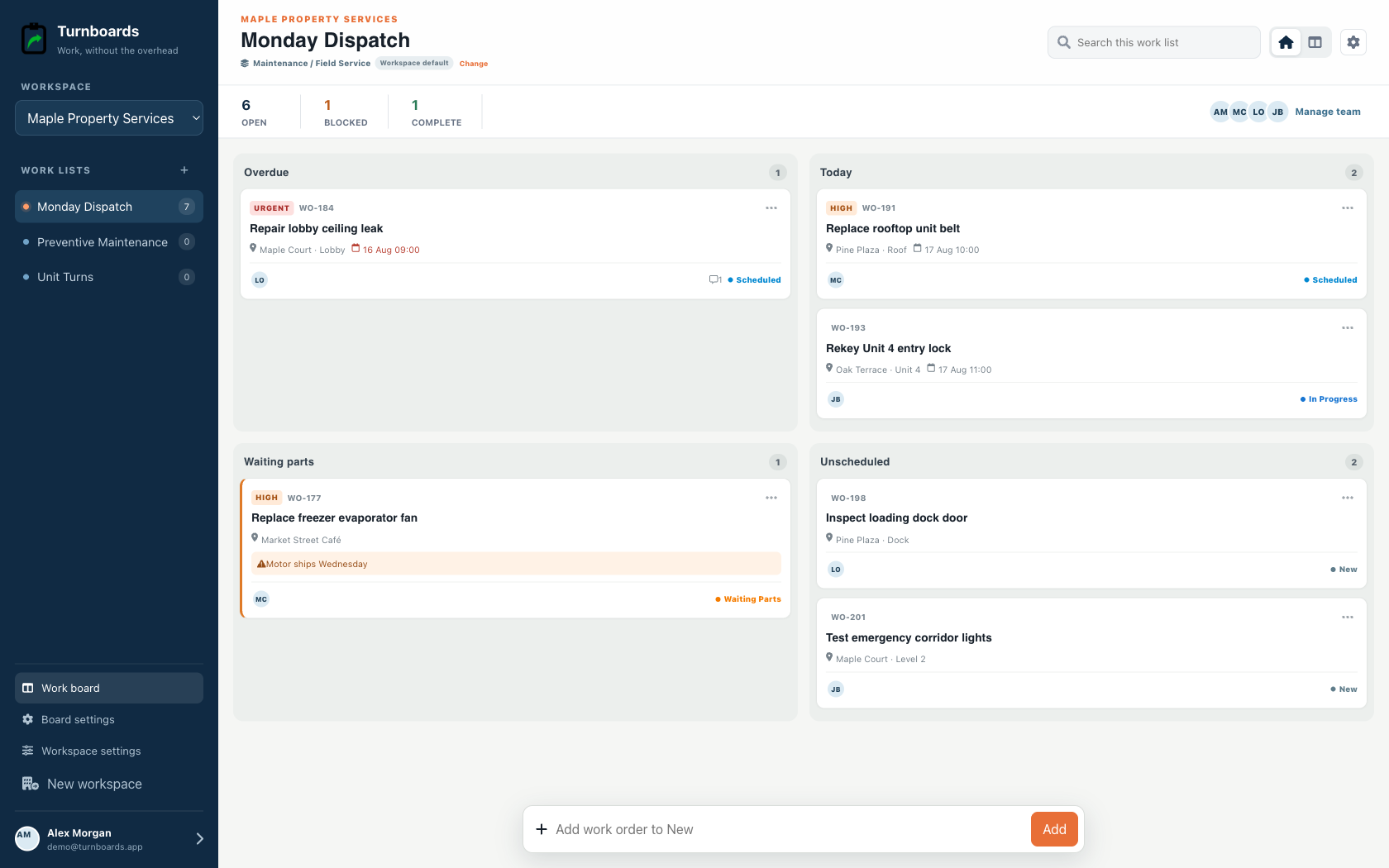
Use one repeatable service path for facilities, equipment, fleet vehicles, or vessels. Load the template into the appropriate board, add the asset reference and concern, and keep diagnosis, parts holds, authorized work, testing, and return visible.
Included in the Turnboards web dashboard and mobile app. Load the whole template or choose individual items.
Exact template contents
Review every item before loading. Existing board settings stay in place, and every loaded entry becomes an ordinary item.
Starts in the board's intake stage
Starts in the board's intake stage
Starts in the board's intake stage
Starts in the board's intake stage
Starts in the board's intake stage
In progress
In progress
From template to live work
Templates add work to a board. They do not silently switch the board's industry, rename its stages, or move existing items.
Select only the tasks that apply. Turnboards identifies matching items already on the target board or group.
If the workflow differs, map template stages and categories to the board. Admins can create a missing category or use Uncategorized.
The selected tasks appear immediately as editable work with the same assignments, notes, offline sync, and quick creation used everywhere else.
Capture what was reported and identify the asset. Inspection and diagnosis follow as explicit work so the team does not confuse a symptom with an approved repair.
Parts, authorization, and schedule constraints should remain visible. Map these items into the stages and categories already used by the service team.
Completing repair work is not the same as returning an asset to service. Test operation, resolve remaining concerns, and document what was performed before handoff.
This template coordinates service work. It does not provide preventive-maintenance scheduling, parts inventory, labor time, estimates, invoices, warranties, inspection forms, telematics, or regulated maintenance records.
Yes. It is recommended for maintenance, fleet-repair, and marine-service workspaces.
No. It makes the parts requirement and waiting state visible, but purchasing remains in your existing system.
Yes. Loaded tasks and new findings use the same one-line item creation flow.
Start in the web dashboard
Create a free workspace, open Work templates, review the mapping, and load only the items your team needs.