

Define audience, objective, channel, and call to action
Starts in the board's intake stage
Loadable content-production template
Give a small creative team a reusable path from audience and objective through production, review, approval, publication, and follow-up. Load it into a campaign board while keeping fast idea capture and the team's existing stages.
Included in the Turnboards web dashboard and mobile app. Load the whole template or choose individual items.
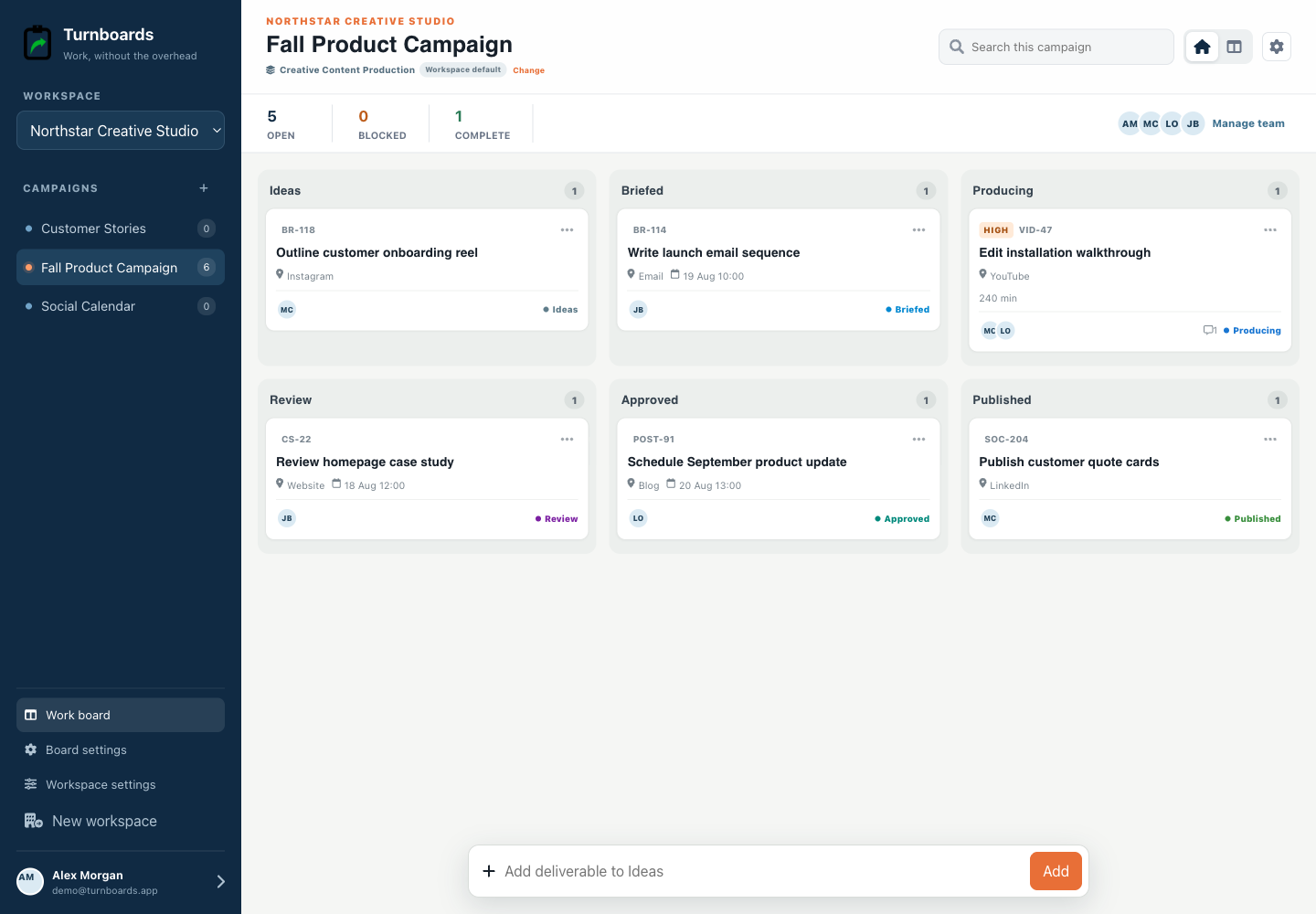
Exact template contents
Review every item before loading. Existing board settings stay in place, and every loaded entry becomes an ordinary item.
Starts in the board's intake stage
Starts in the board's intake stage
Starts in the board's intake stage
In progress
In progress
In progress
In progress
From template to live work
Templates add work to a board. They do not silently switch the board's industry, rename its stages, or move existing items.
Select only the tasks that apply. Turnboards identifies matching items already on the target board or group.
If the workflow differs, map template stages and categories to the board. Admins can create a missing category or use Uncategorized.
The selected tasks appear immediately as editable work with the same assignments, notes, offline sync, and quick creation used everywhere else.
Define the audience, objective, channel, and call to action before production begins. Approve the brief and references so creative work has a usable direction.
Drafting is not the whole workflow. Editorial review, brand review, feedback resolution, and approval remain clear actions with owners and due dates.
Schedule or publish the approved asset, confirm that it appears correctly in the intended channel, and record the next follow-up rather than treating the upload as the final outcome.
This template coordinates content deliverables. It does not provide digital asset management, proofing markup, social scheduling, analytics, ad buying, email delivery, brand governance, or marketing automation.
Yes. Load only the relevant items or use the whole sequence for a campaign.
No. Publishing and verification are tracked actions; delivery remains in your channel tools.
No. The template can be mapped to your board's existing workflow before loading.
Start in the web dashboard
Create a free workspace, open Work templates, review the mapping, and load only the items your team needs.