

Confirm venue access, contacts, and production schedule
Starts in the board's intake stage
Loadable event-production template
Create a shared event action list that survives the shift from advance preparation to show-day urgency. Load the sequence, add venue, call-time, vendor, cue, and ownership context, and keep holds and changes visible through strike.
Included in the Turnboards web dashboard and mobile app. Load the whole template or choose individual items.
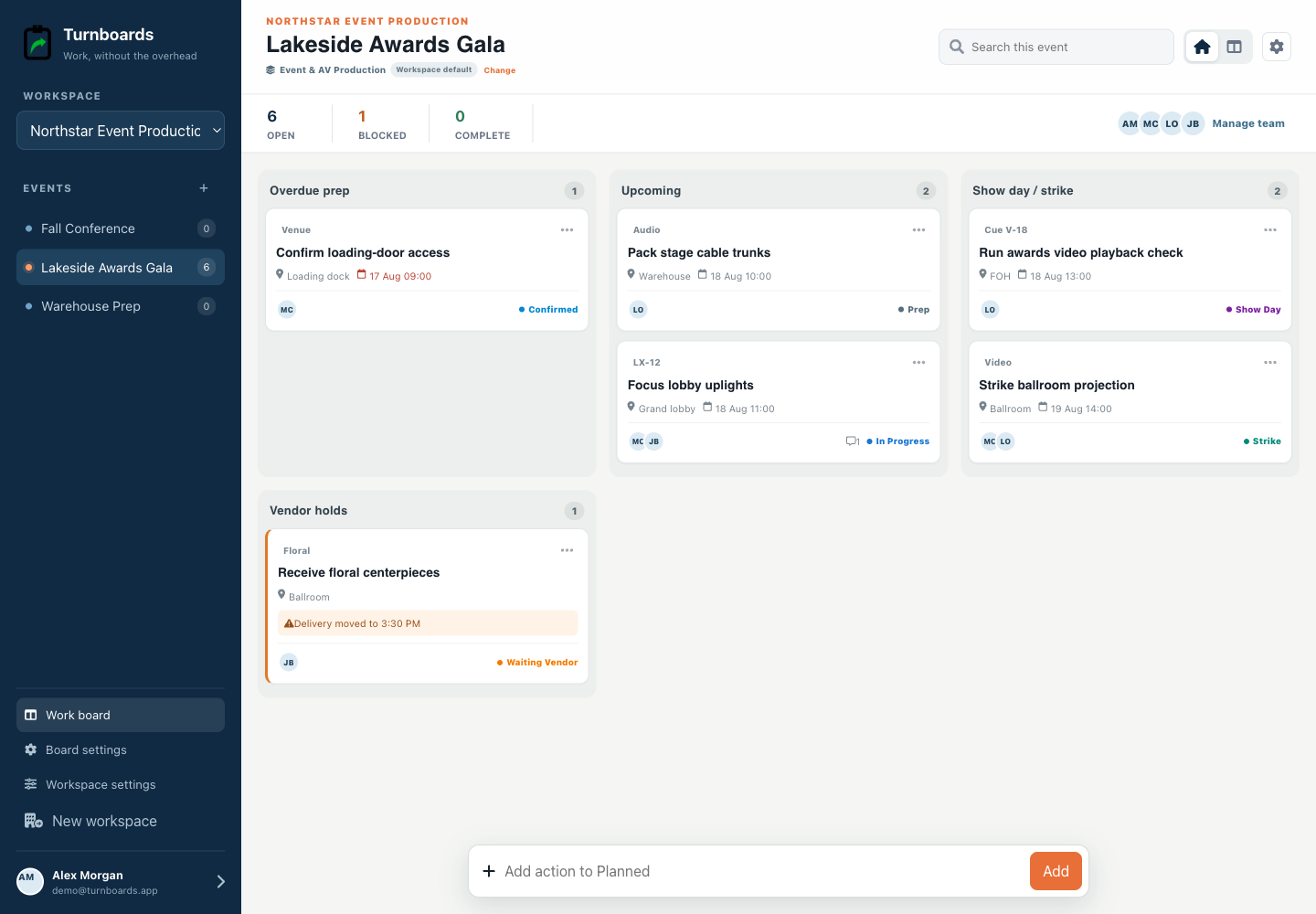
Exact template contents
Review every item before loading. Existing board settings stay in place, and every loaded entry becomes an ordinary item.
Starts in the board's intake stage
Starts in the board's intake stage
Starts in the board's intake stage
Starts in the board's intake stage
In progress
In progress
In progress
From template to live work
Templates add work to a board. They do not silently switch the board's industry, rename its stages, or move existing items.
Select only the tasks that apply. Turnboards identifies matching items already on the target board or group.
If the workflow differs, map template stages and categories to the board. Admins can create a missing category or use Uncategorized.
The selected tasks appear immediately as editable work with the same assignments, notes, offline sync, and quick creation used everywhere else.
Venue access, key contacts, production schedule, equipment, rentals, and vendor arrivals establish whether load-in can proceed. Give each unresolved detail an owner.
Prepare and label equipment, complete load-in and system checks, then run the final briefing and cues. Add venue area, call time, reference, duration, and assignee after quick capture when that context matters.
The job is not finished when the audience leaves. Track strike, rentals, returns, venue handoff, and unresolved follow-up as visible actions.
This template coordinates event actions. It does not provide ticketing, guest registration, budgeting, contracts, staffing, equipment inventory, cue playback, floor plans, safety documentation, or a formal production schedule.
It is a shared task workflow with optional scheduled times and references, not a cue-by-cue show-control document.
Yes. Text-only capture remains immediate, and additional context can be added afterward.
Yes. Review the stage mapping before loading it into an existing board.
Start in the web dashboard
Create a free workspace, open Work templates, review the mapping, and load only the items your team needs.