Welding shop workflow
How Small Welding Shops Track Jobs Without Complicated Software
A small shop usually does not need an enterprise production system to answer three questions: what is waiting, what is being worked on, and who owns the next step. A shared board can make those answers visible without slowing down the crew.


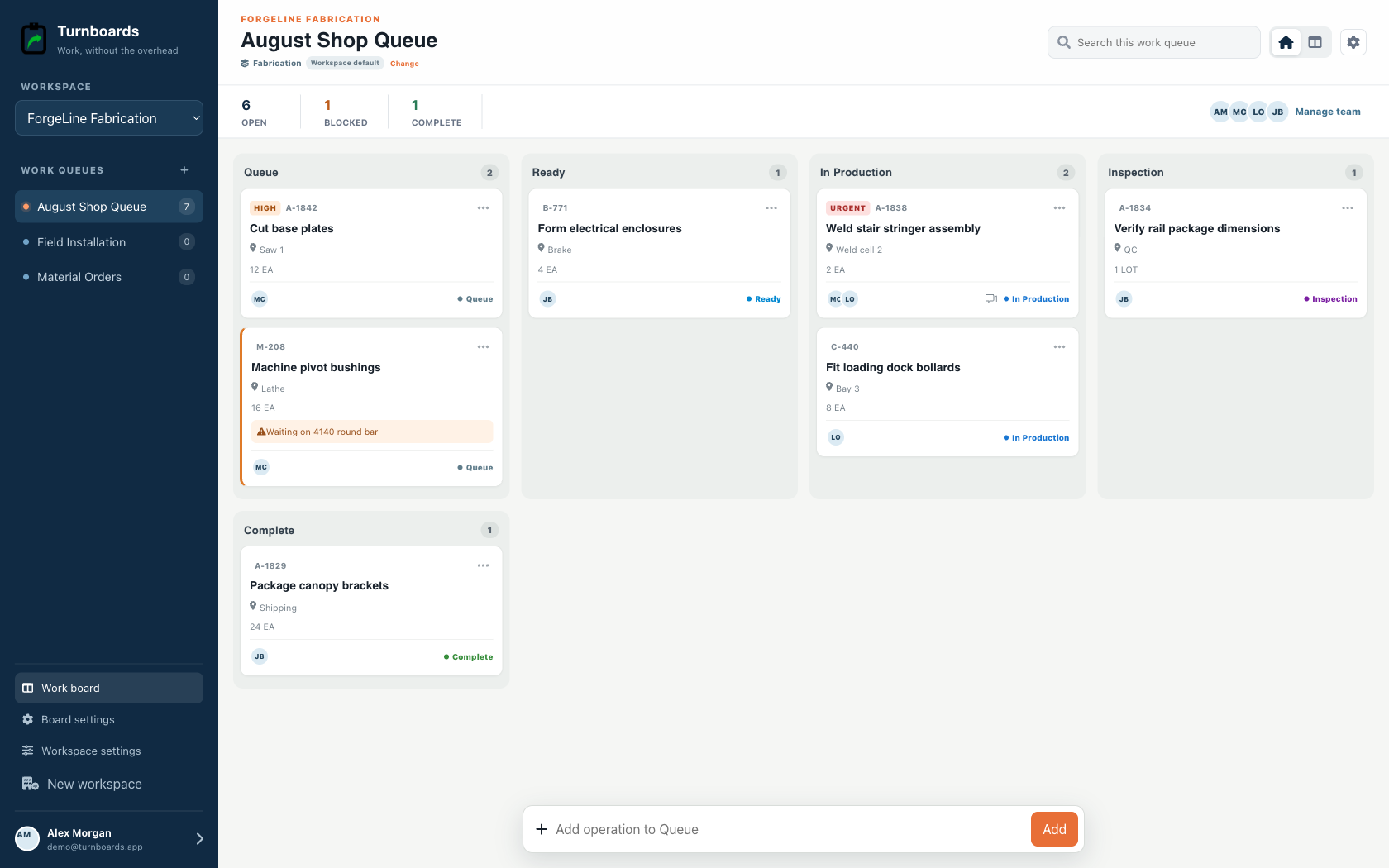
What you will get
- Create one board per customer job or shop area.
- Keep future work in Backlog and today's priorities in Active.
- Assign the next physical action, not a vague project outcome.
- Keep measurements, material notes, and customer changes attached to the task.
Start with the problem the whiteboard cannot solve
A whiteboard is fast, but it is only useful to the person standing in front of it. Text messages travel with the crew, but job details disappear into unrelated conversations. A shared task board keeps the same low-friction feel while making the current list available in the shop and in the field.
- Jobs waiting on material
- Work ready for layout, cutting, welding, finishing, or installation
- Questions that need a customer or supervisor answer
- Pickup, delivery, and final punch items
Use boards as job folders, not as departments
For project-based shops, create a board for each customer job. For high-volume repair work, a board per shop area or week may be easier. The useful rule is simple: a welder should be able to open one board and understand the work without sorting through unrelated jobs.
- Name the board with the customer and job
- Add short, observable work items
- Put supporting dimensions or finish requirements in notes
- Use due dates only when a real commitment exists
Run the day from one Active list
During the morning huddle, move only the work that can genuinely move today into Active. Assign each next step and leave blocked or future work in Backlog. As work finishes, mark it Complete so the shop can see progress without another meeting.
- Backlog: quoted, waiting, blocked, or future work
- Active: work the crew expects to touch today
- Complete: a finished and verified step
- Notes: measurements, changes, questions, and handoff context
What Turnboards does—and does not do
Turnboards is a fast shared work list with boards, assignments, notes, due dates, and offline updates. It does not provide invoicing, employee scheduling, GPS tracking, or formal inspection records.
Put the next job on one clear board
Try Turnboards free. Create a board, add three real work items, and invite the person who needs the list next.