Schedule people across jobs
Book named crews or individuals in a weekly planner. Review warnings when someone is booked on overlapping visits.
Explore crew scheduling →Shop-to-site work coordination
Assign reusable millwork work lists across shop and installation jobs. Coordinate crew visits and track each job through production, fit-out and handoff.
Start with the next job and the people doing it. Plan the visit, hand out the work, and keep each assignment’s progress visible.
Create your workspace and start with one job.


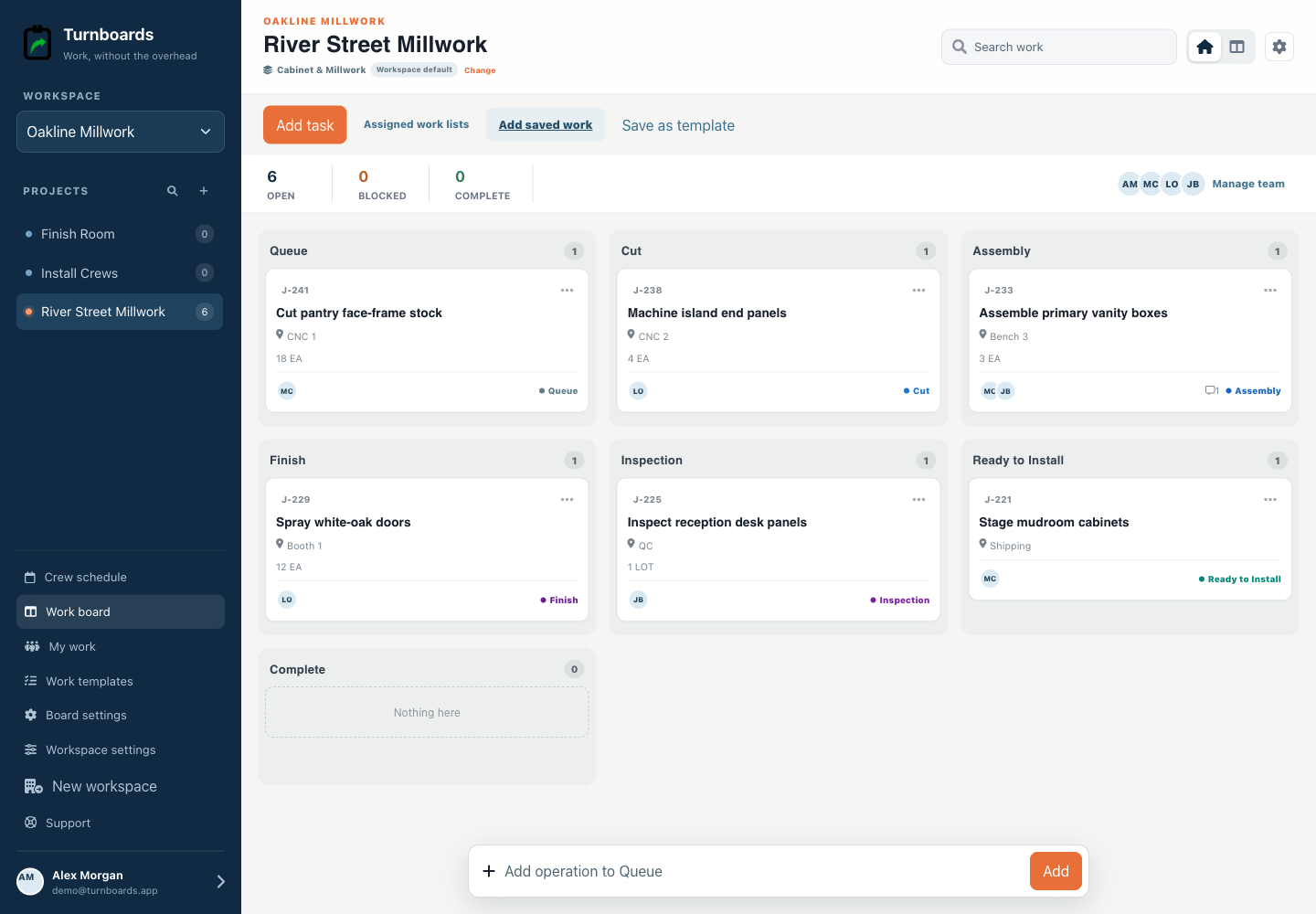
One plan for the visit and the work
See who is going to each job, give them a work list, and follow its progress through the handoff.
Book named crews or individuals in a weekly planner. Review warnings when someone is booked on overlapping visits.
Explore crew scheduling →Choose a reusable template and assign independent work lists to different jobs and crews. Each list has its own people and progress.
See reusable work templates →Add everyone to the roster by name. Email a personal work-list link when someone needs to complete assigned work without signing up.
See email work links →Start with the work you already have
Add the next few tasks, give them an owner, and keep the details beside the work. You can add more as the job moves forward.
Plan your next job →Illustrative tasks. Choose stages that fit your work.
Built for the shop floor
Fabrication workspaces emphasize the references and quantities a shop needs for a useful morning huddle without pretending to replace an ERP or quality system.
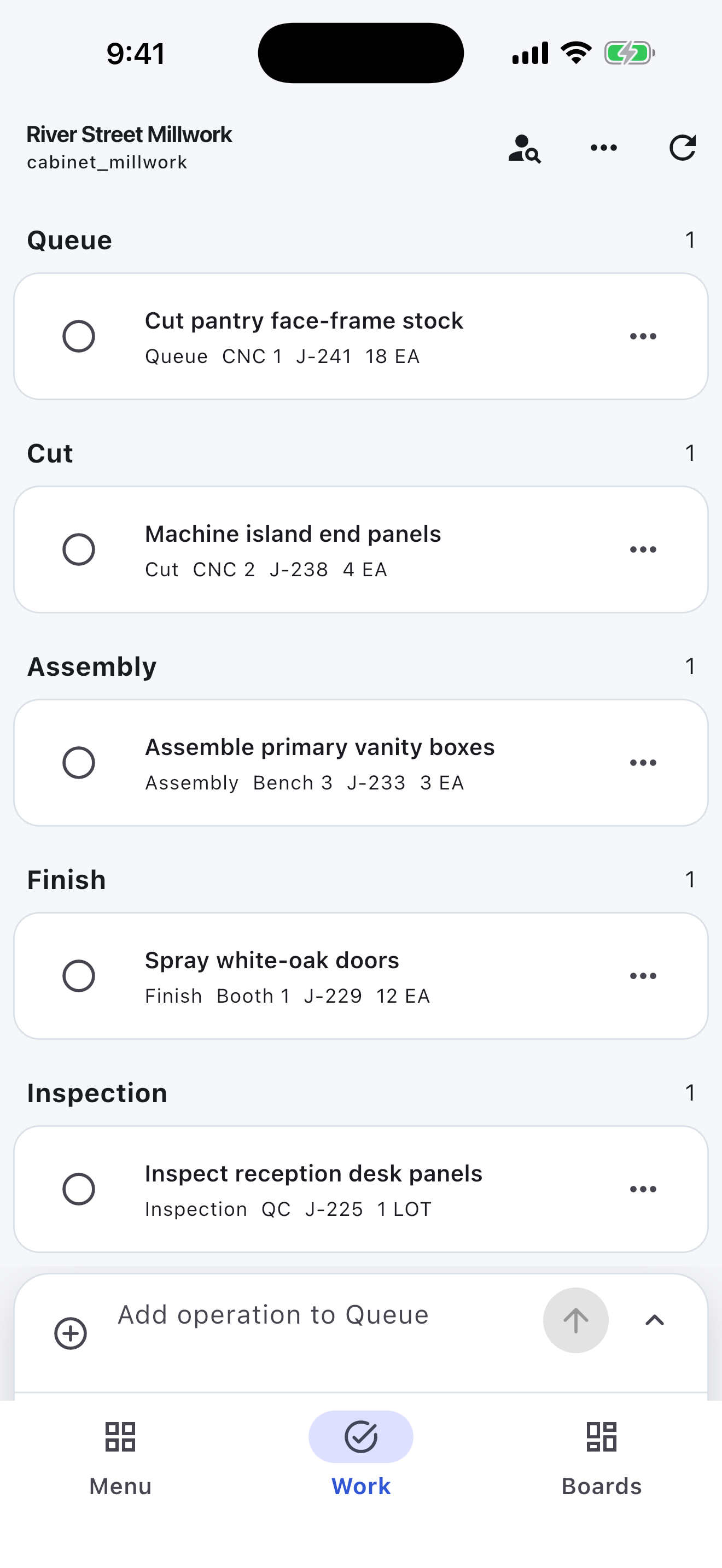
Scan Queue, Ready, In Production, Inspection, and Complete.
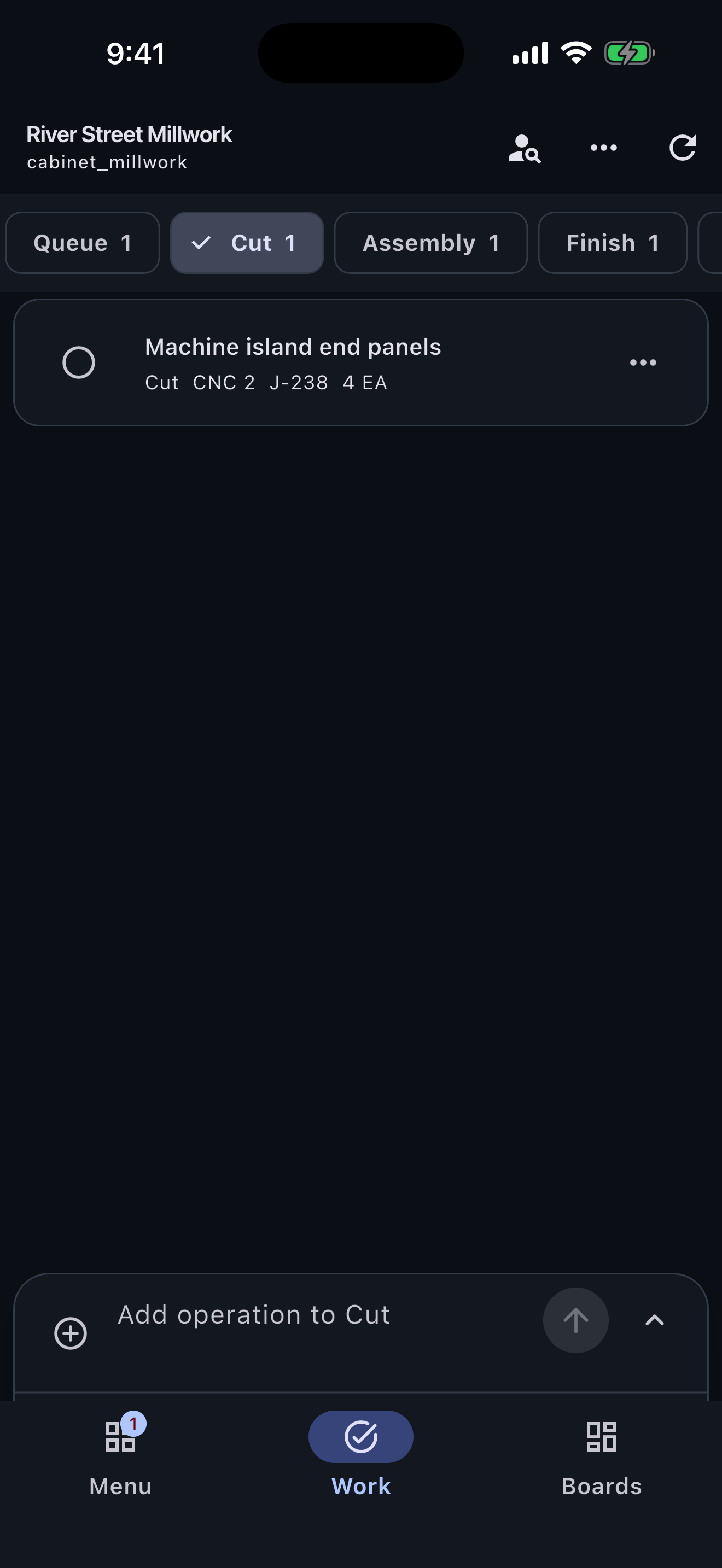
Show job or part number, work center, quantity, unit, and blocker.
Assign operations and carry notes from cutting through inspection.
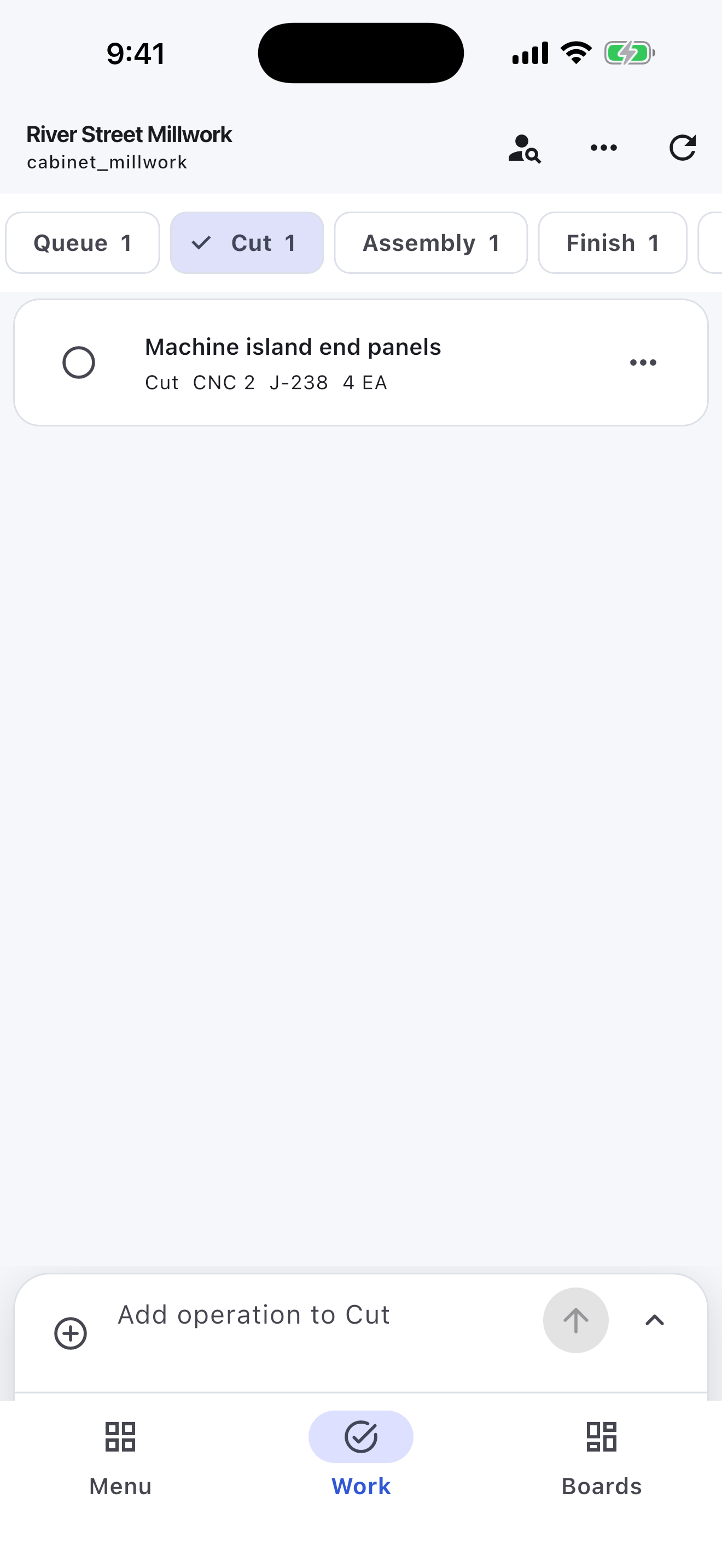
The Cabinet & Millwork workspace opens with Queue, Cut, Assembly, Finish, Inspection, Ready to Install, and Complete rather than a generic three-column board.
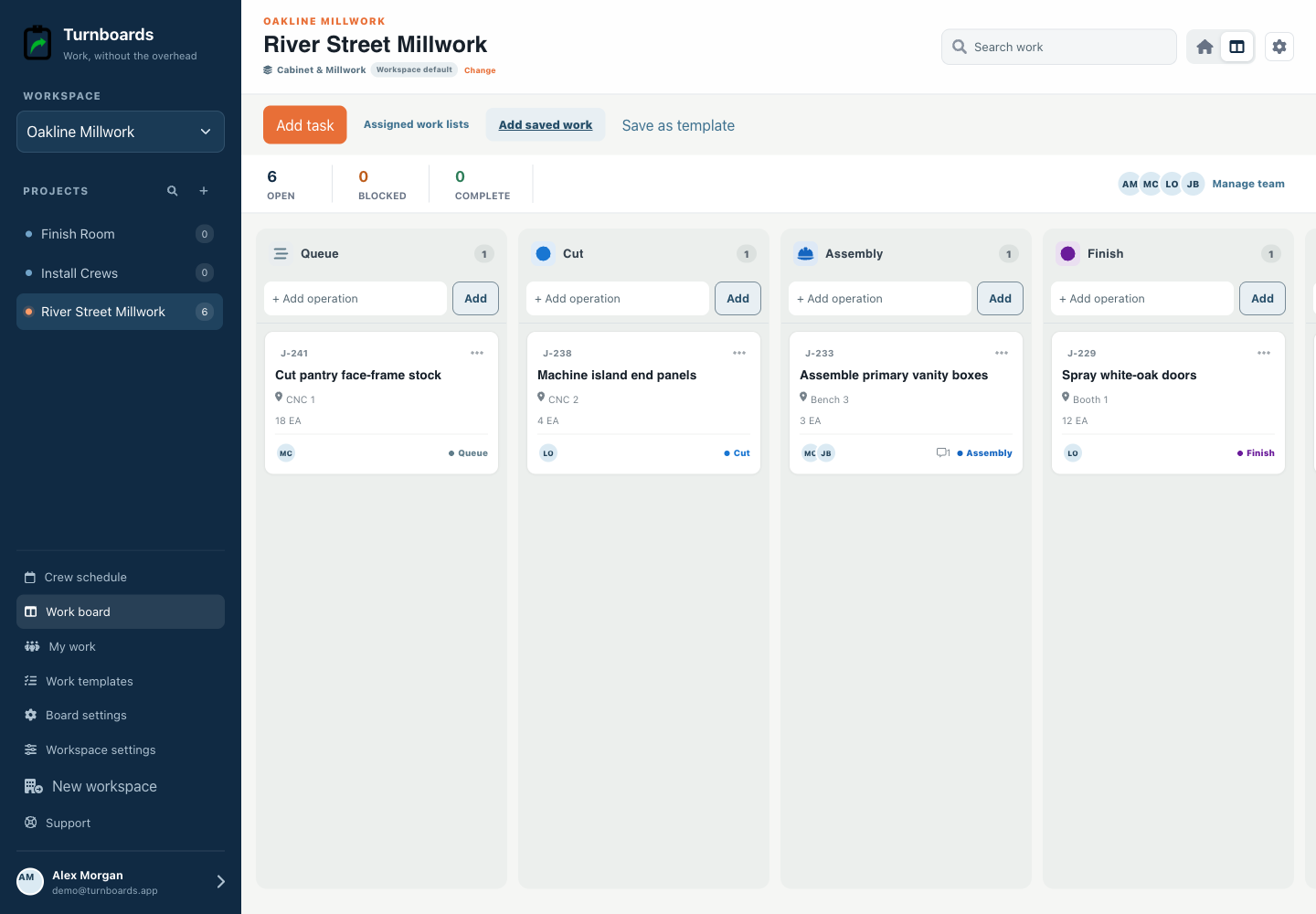
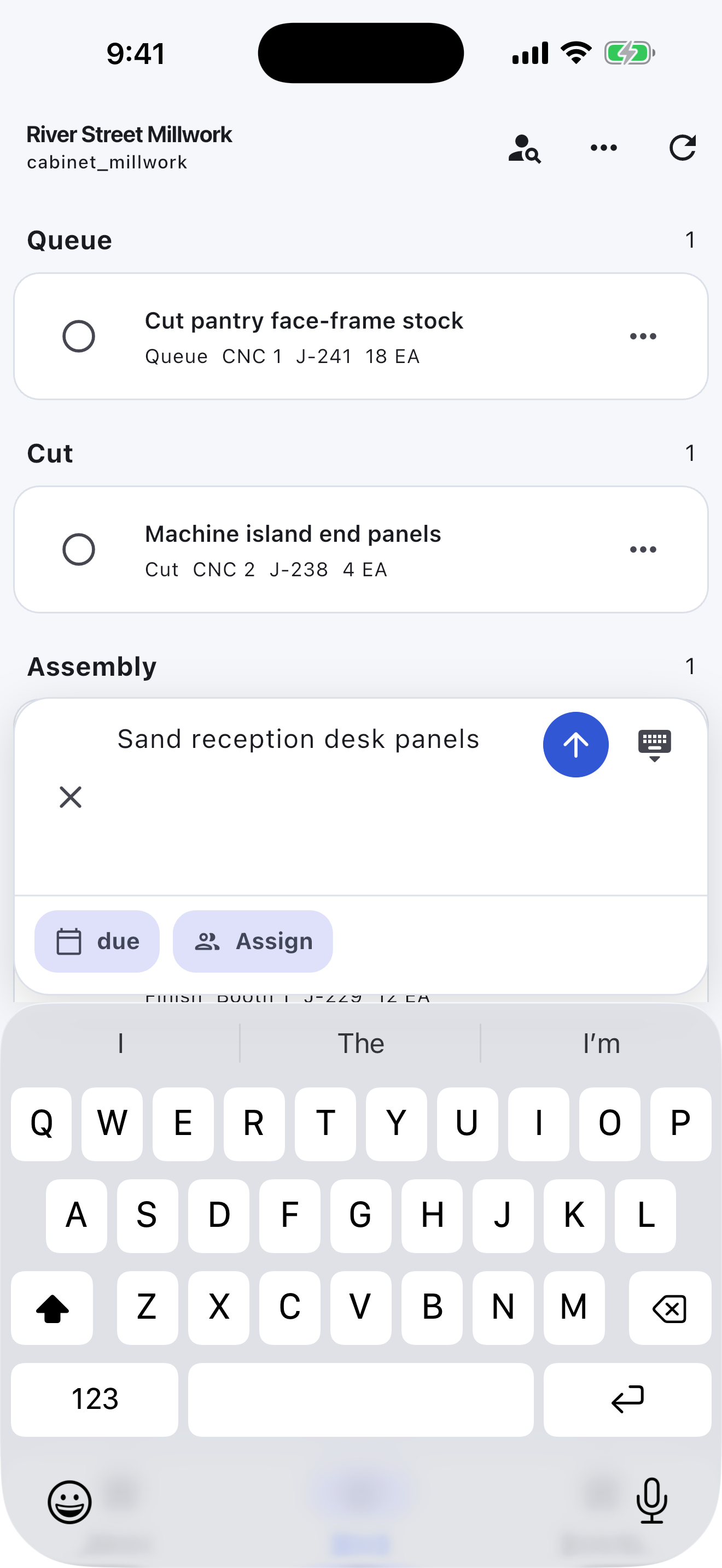
The persistent composer creates a operation immediately. Details stay optional so field and production teams do not have to complete a form before recording work.
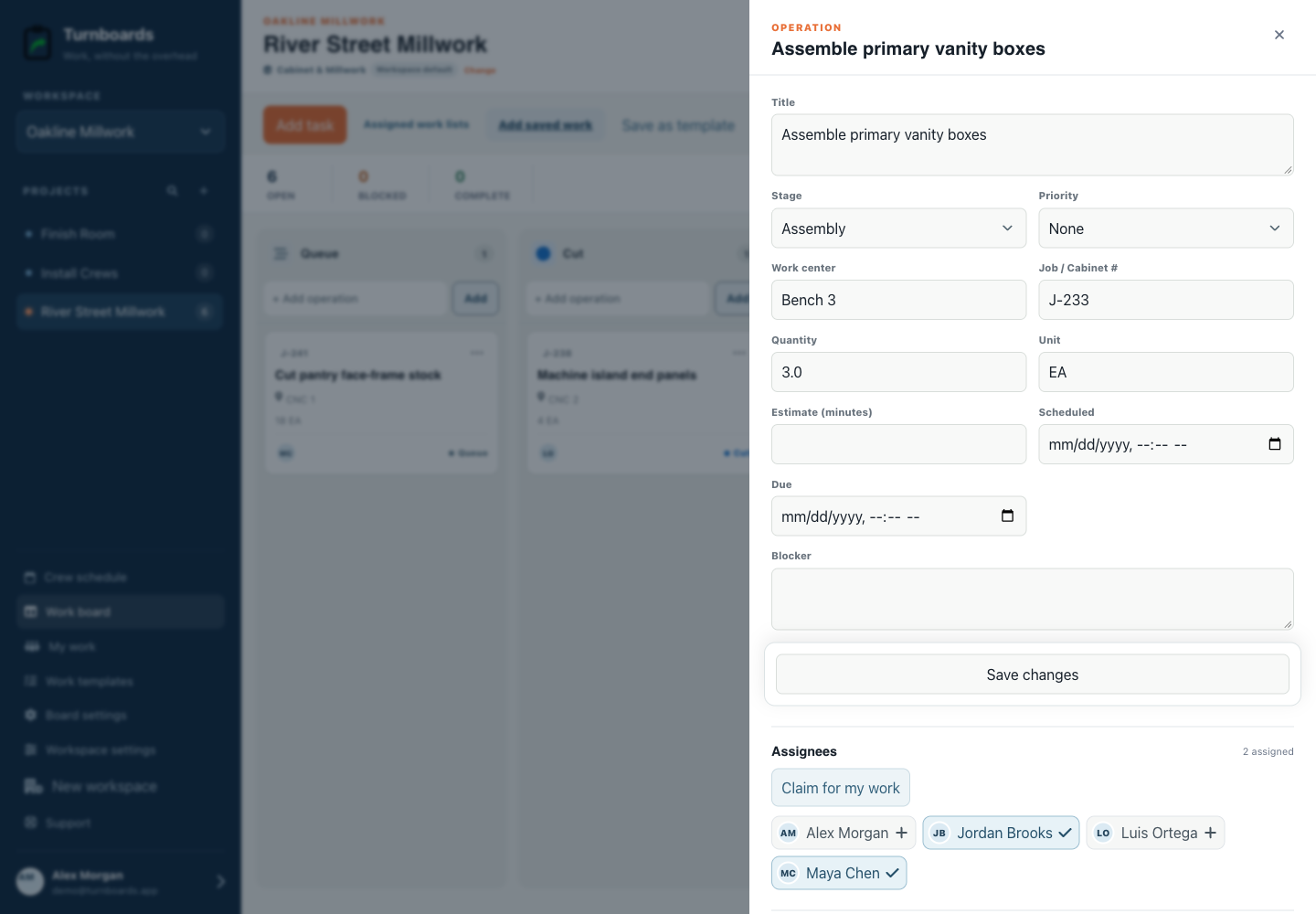
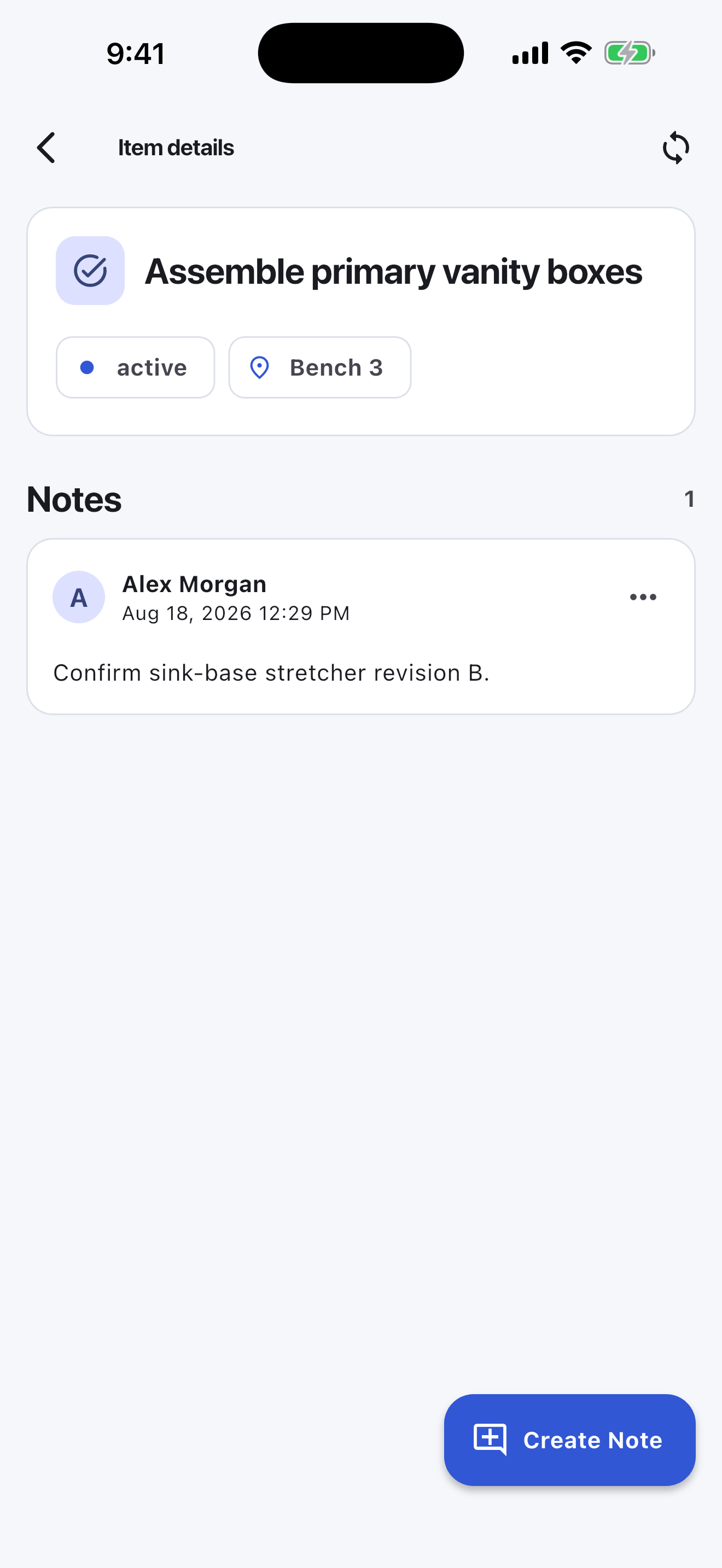
Assignments, notes, holds, and the current stage stay attached to each operation, giving the next person one place to look.
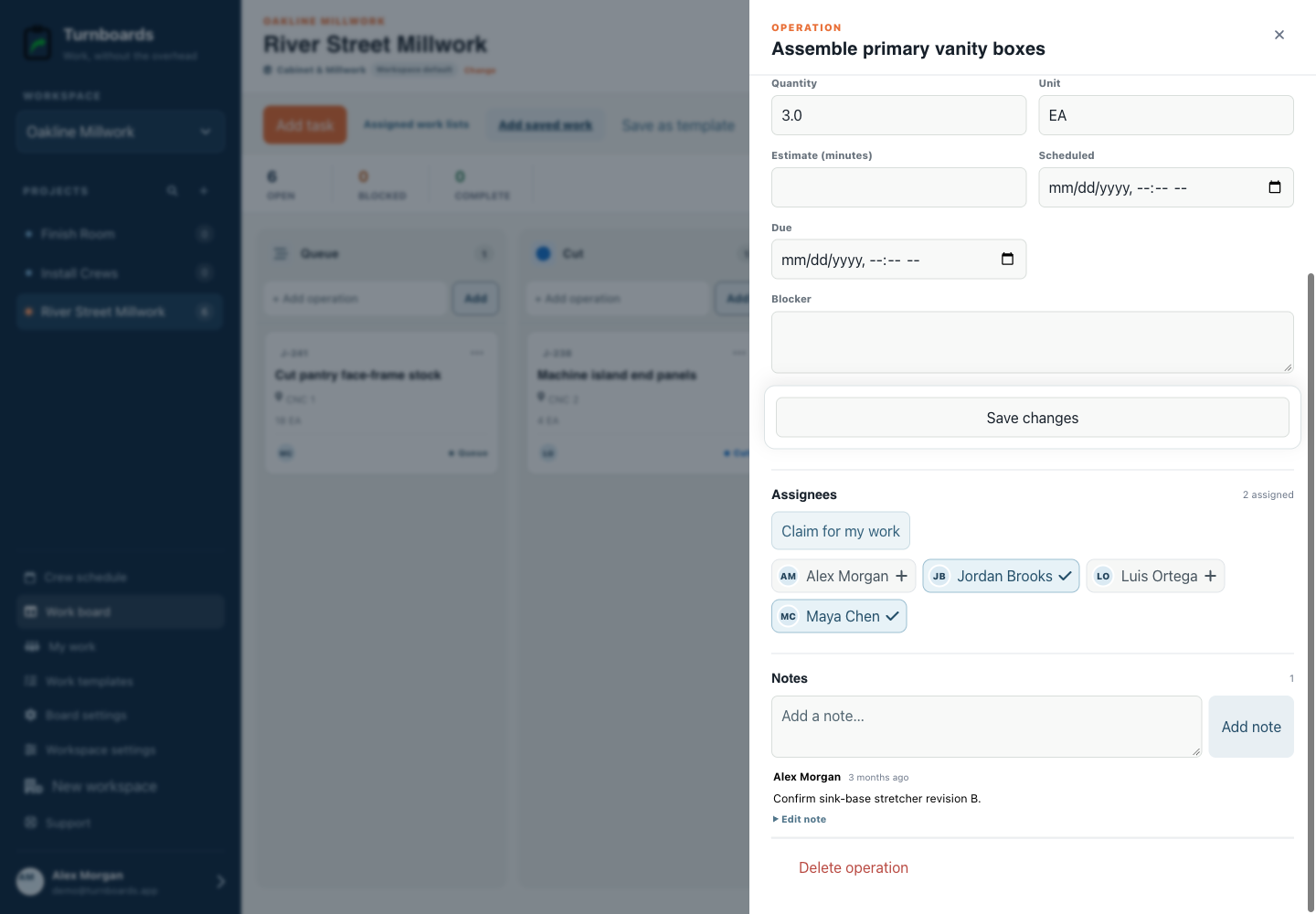
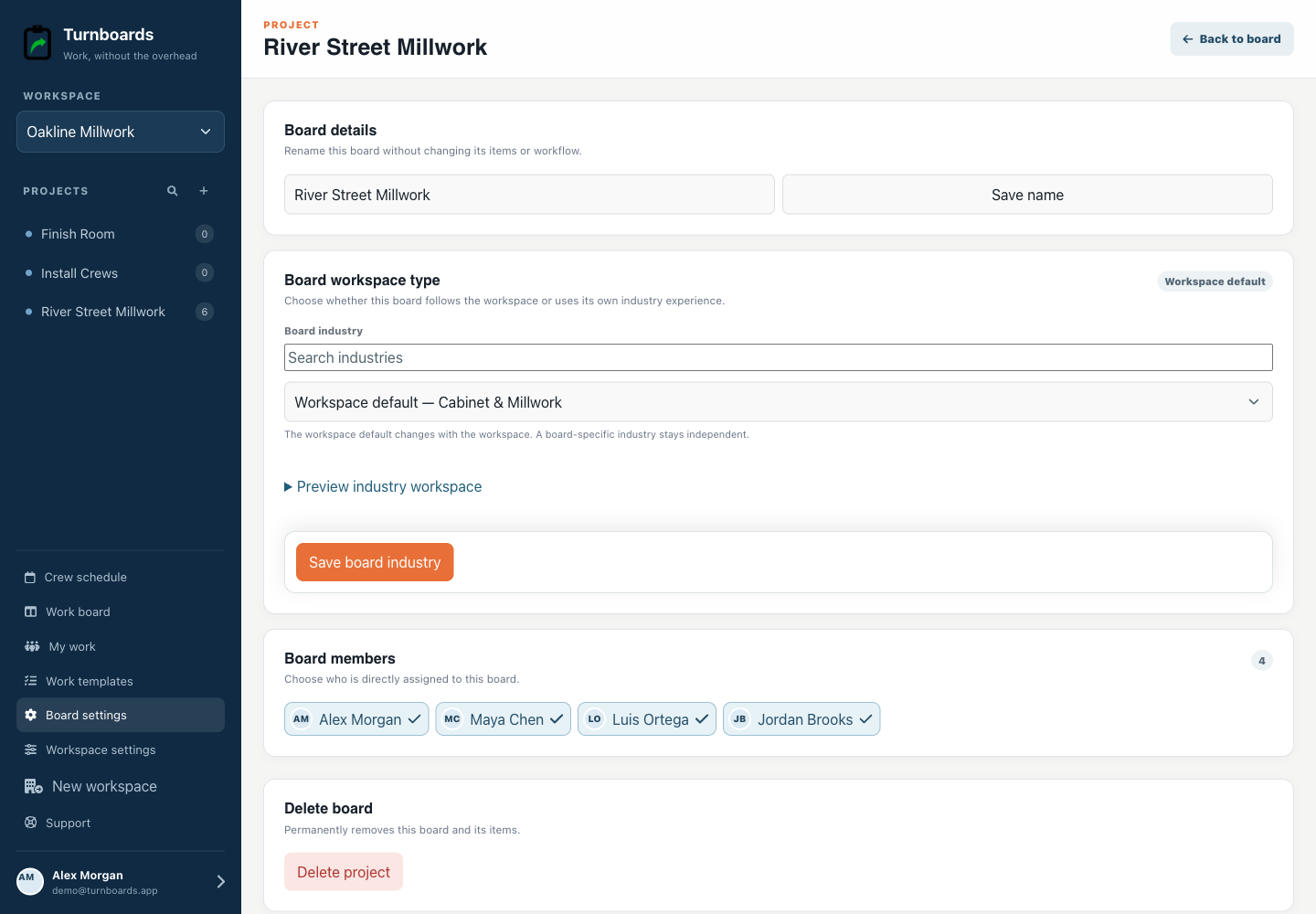
Administrators can use this workflow for the whole workspace or apply it only to River Street millwork.
The mobile app in action
These are real screens from the same industry workspace shown above, using realistic fictional work. Scroll through the complete App Store screenshot set.
Turnboards does not replace CAD/CAM, cut-list optimization, material inventory, purchasing, estimating, job costing, or CNC control.
Create your workspace, add the people you schedule, and start with one job. Reuse a work template when the next crew needs the same checks.