Schedule people across jobs
Book named crews or individuals in a weekly planner. Review warnings when someone is booked on overlapping visits.
Explore crew scheduling →Crew planning for business owners
Schedule people across jobs, hand out reusable work lists, and see what is finished. Give your crew a clear next step without chasing every handoff.
Start with the next job and the people doing it. Plan the visit, hand out the work, and keep each assignment’s progress visible.
Create your workspace and start with one job.


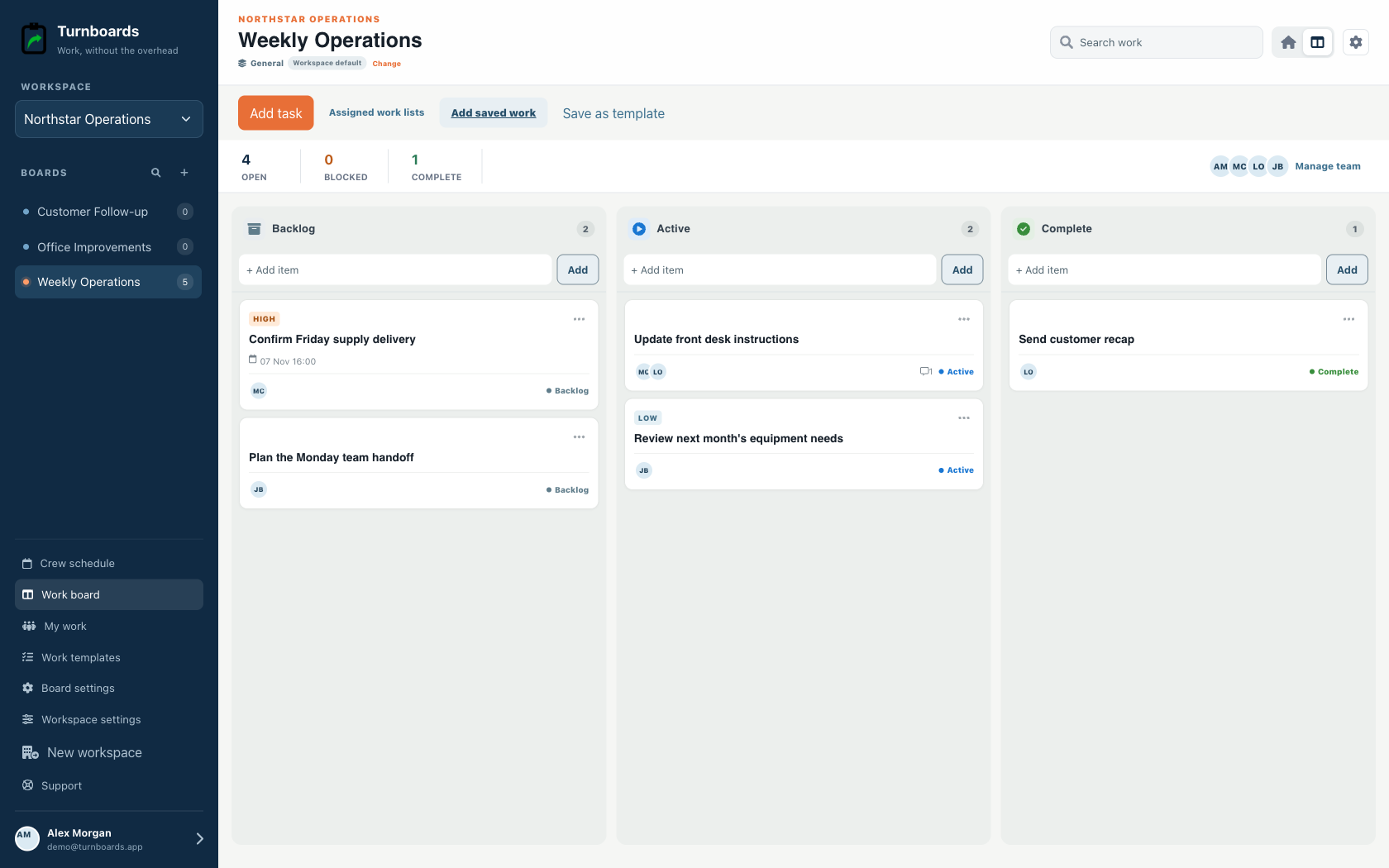
One plan for the visit and the work
See who is going to each job, give them a work list, and follow its progress through the handoff.
Book named crews or individuals in a weekly planner. Review warnings when someone is booked on overlapping visits.
Explore crew scheduling →Choose a reusable template and assign independent work lists to different jobs and crews. Each list has its own people and progress.
See reusable work templates →Add everyone to the roster by name. Email a personal work-list link when someone needs to complete assigned work without signing up.
See email work links →Start with the work you already have
Add the next few tasks, give them an owner, and keep the details beside the work. You can add more as the job moves forward.
Plan your next job →Illustrative tasks. Choose stages that fit your work.
A flexible starting point
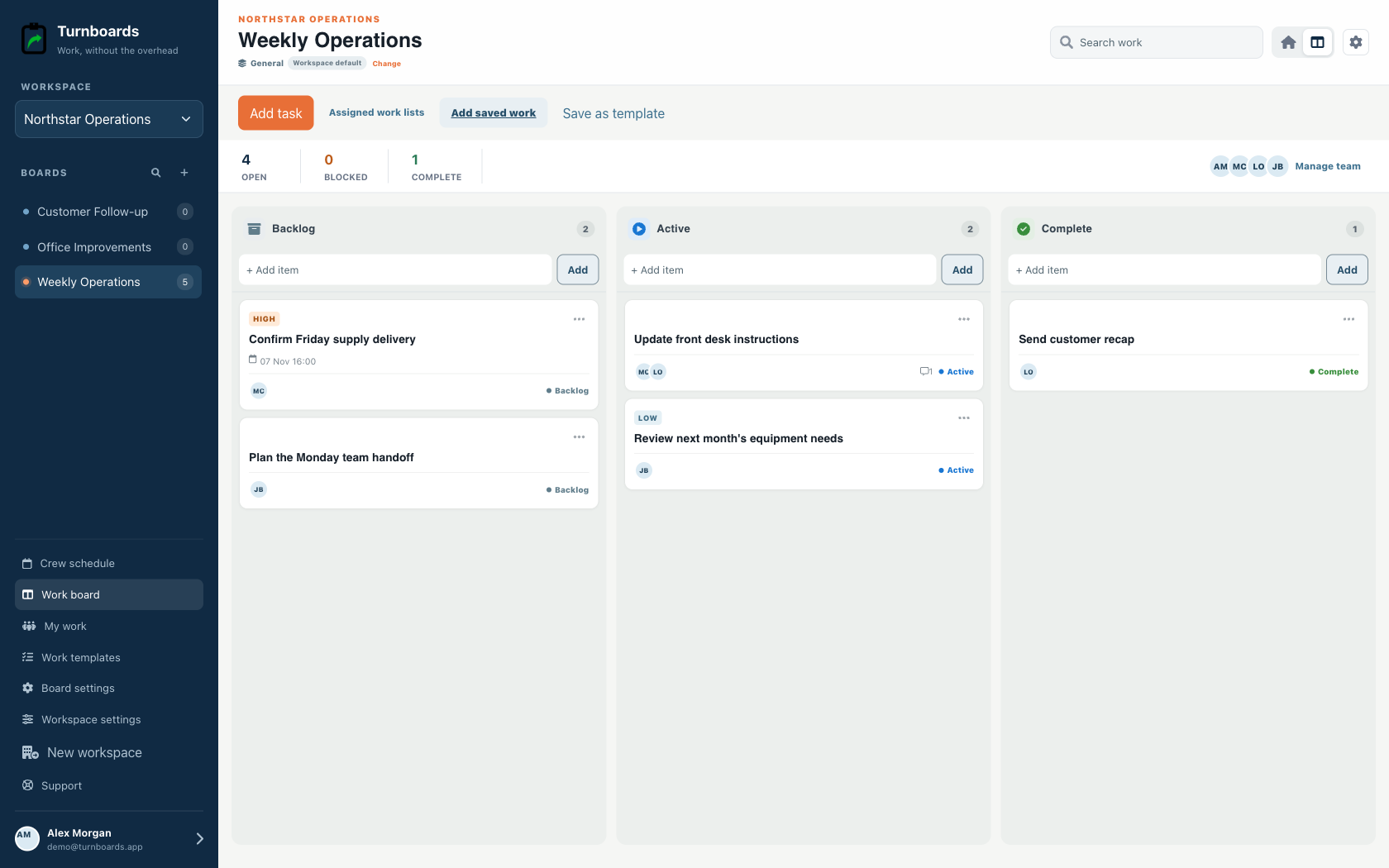
General workspaces keep the familiar Backlog, Active, and Complete flow while adding assignments, notes, due dates, and instant web access.
Start immediately without configuring a process.
Add the next item from any stage in one line.
Use boards for operations, customers, or internal projects.
The problem usually is not knowing that work exists. It is remembering the small follow-up at the exact moment you have time to do it. Turnboards helps business owners get those loose tasks out of their head.
Owner task lists can turn into a wall of everything. Turnboards keeps the workflow practical with Backlog, Active, and Complete.
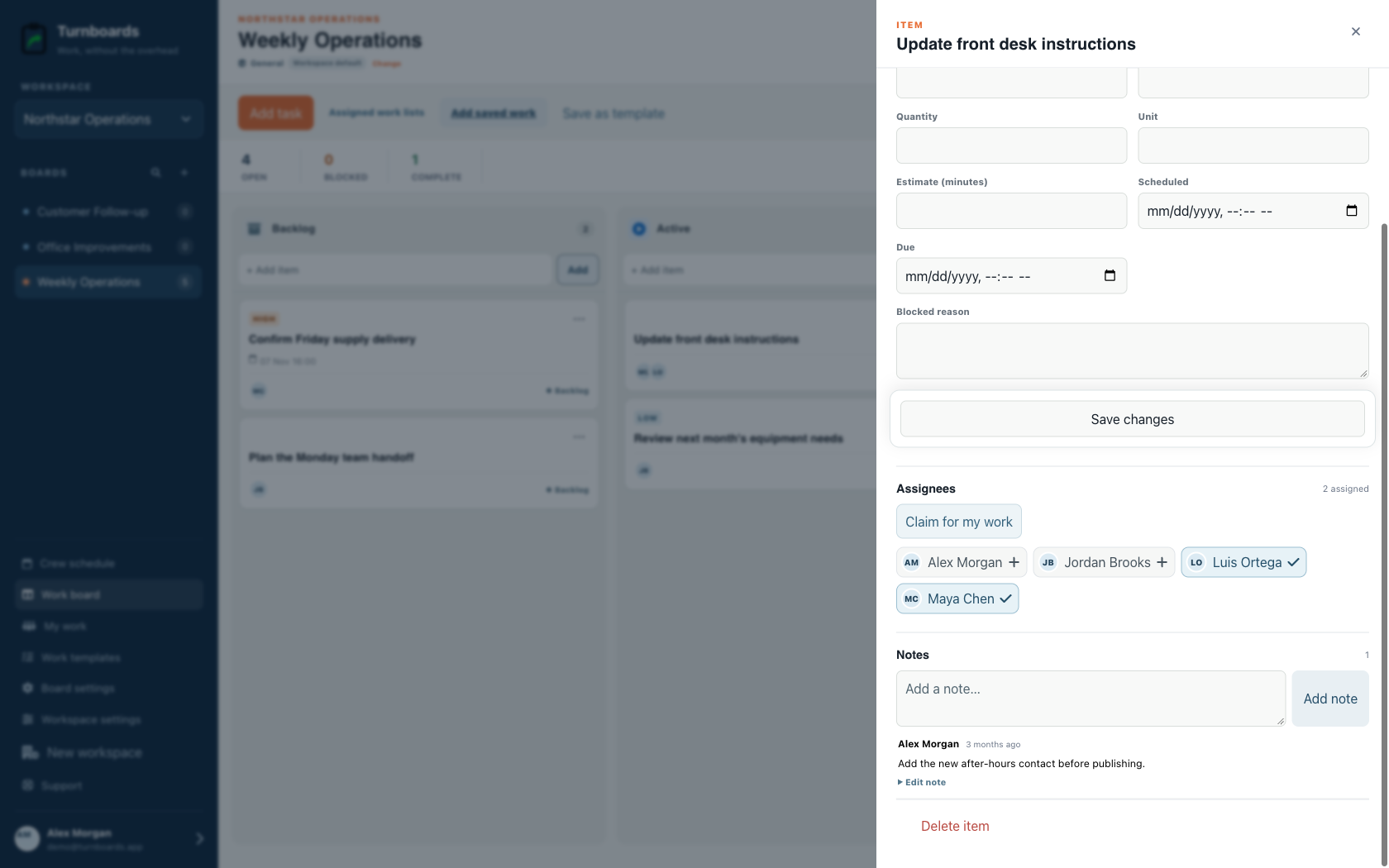
Business owner tasks often need context: a customer name, order detail, estimate note, phone number, meeting decision, or reminder about who is waiting. Notes keep that detail attached to the task.
Turnboards does not include email capture, calendar blocking, automations, dashboards, dependencies, or integrations. It is for quickly recording and sharing the next action.
Create your workspace, add the people you schedule, and start with one job. Reuse a work template when the next crew needs the same checks.