Field-first home
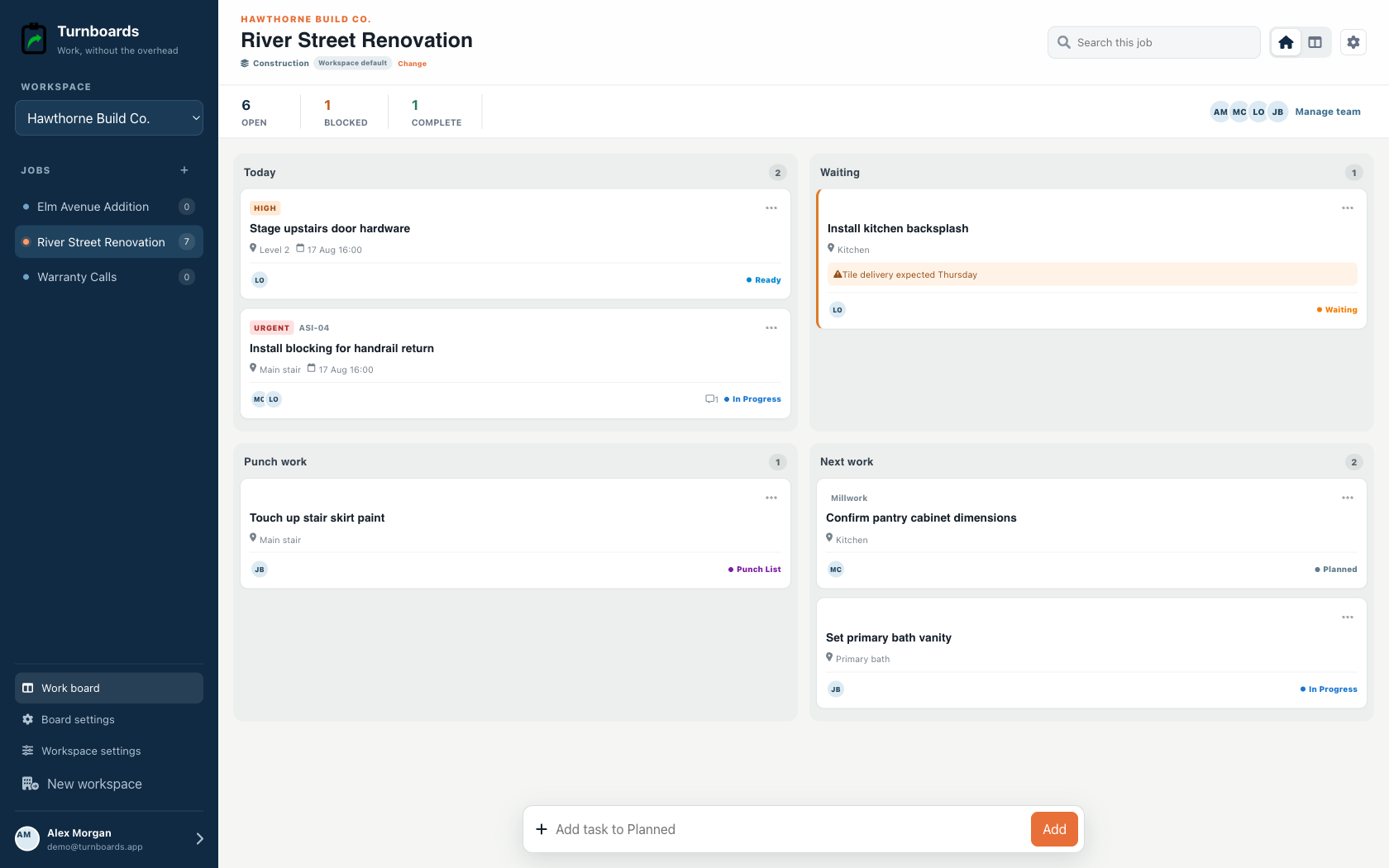
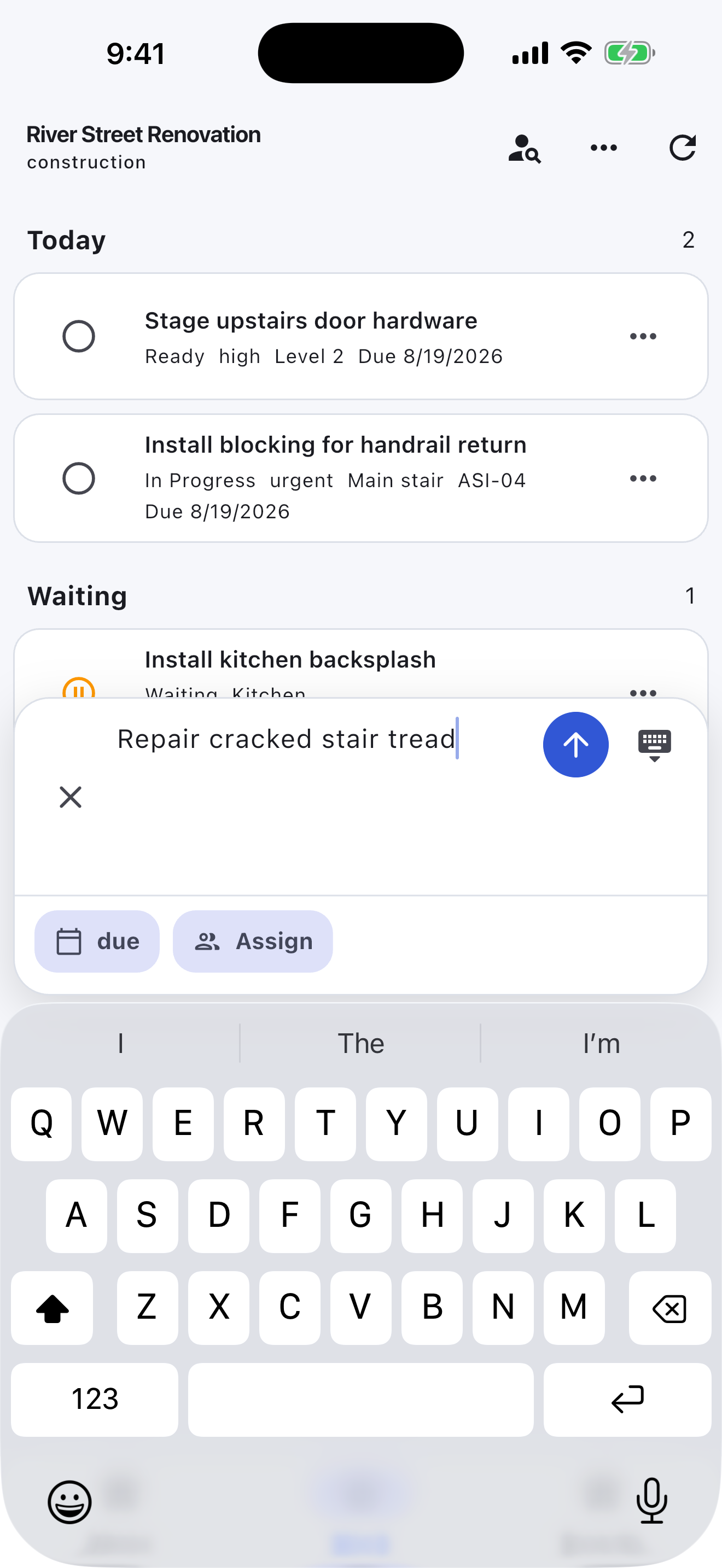
See Today, Waiting, Punch work, and Next work at a glance.
Shared home-project lists
Turnboards gives homeowners one shared place for the next repair, material run, and weekend project step.
Create a board for a room or project, add the next actions, and share it with the people helping. Future ideas stay in Backlog, current work stays Active, and finished tasks move to Complete.
No credit card. Create your first board in minutes.


Start with the work you already have
Add the next few tasks, give them an owner, and keep the details beside the work. You can add more as the job moves forward.
Try your own board →Illustrative tasks. Choose stages that fit your work.
Built for the field
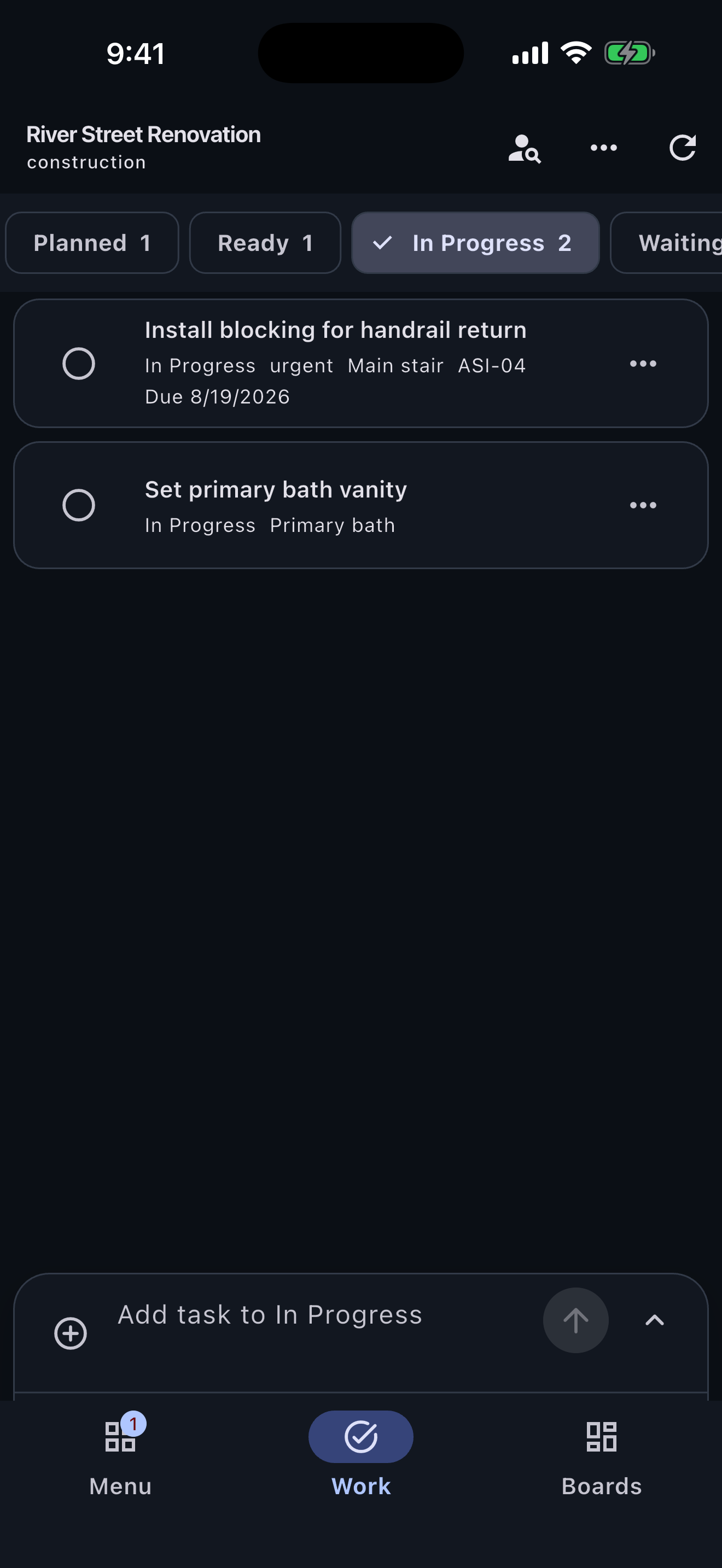
Construction workspaces surface location, urgency, job references, blockers, and punch work instead of forcing a crew into a generic task board.
See Today, Waiting, Punch work, and Next work at a glance.
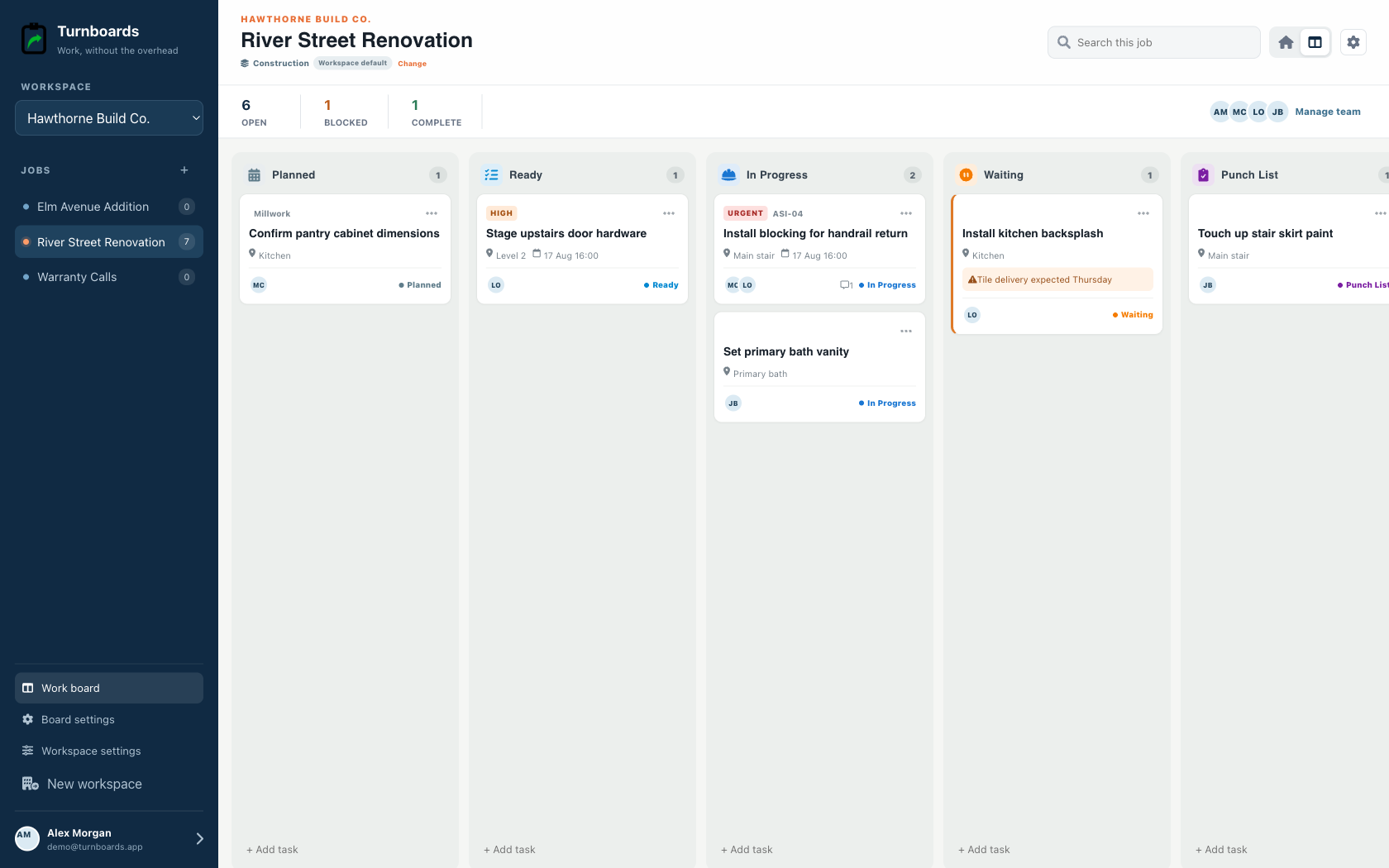
Keep room, phase, due state, and crew ownership on every task.
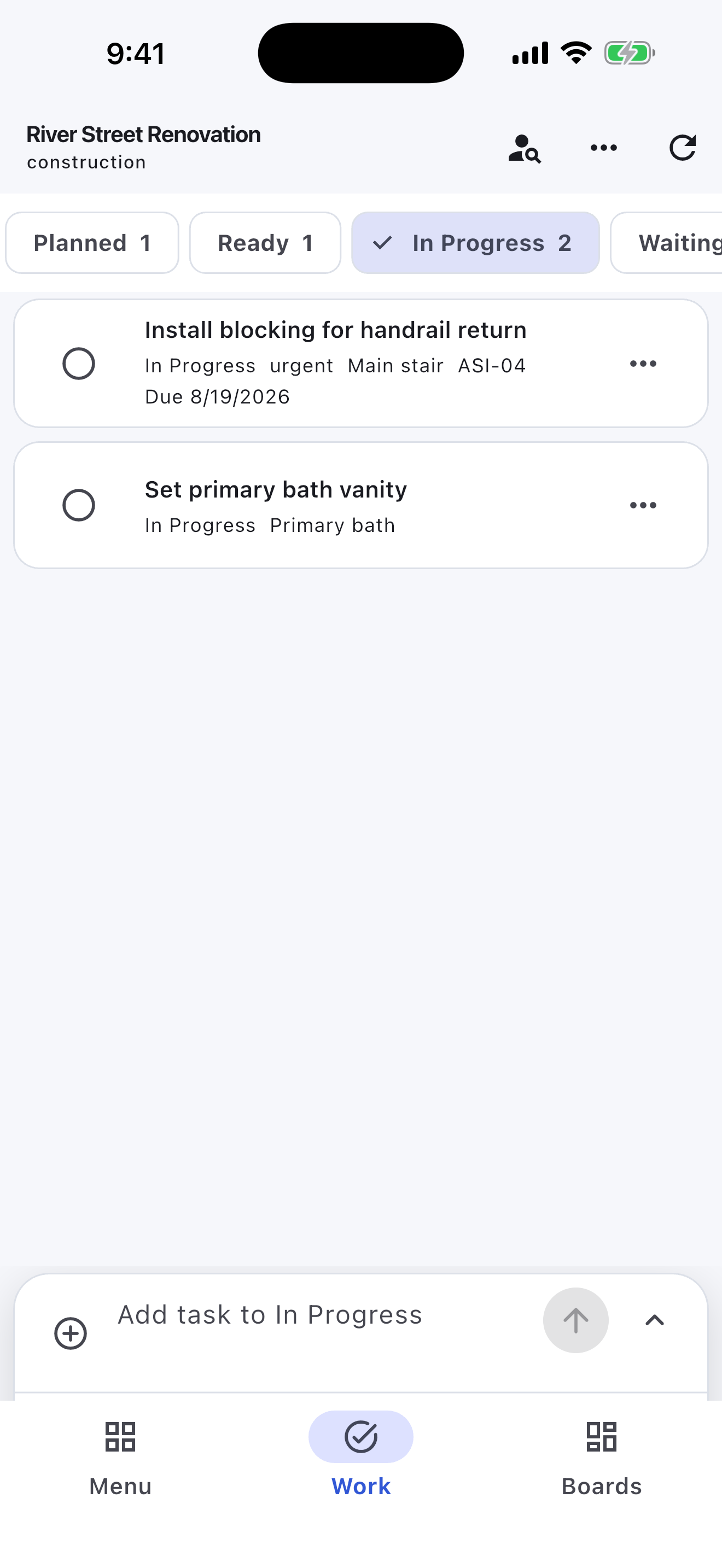
Move through Planned, Ready, In Progress, Waiting, Punch List, and Complete.
A kitchen repair, garage cleanup, and backyard build should not compete in one giant phone note. A board keeps each project's decisions and next steps together.
Break a project into actions that can actually be finished: measure, buy, prep, install, touch up, and clean.
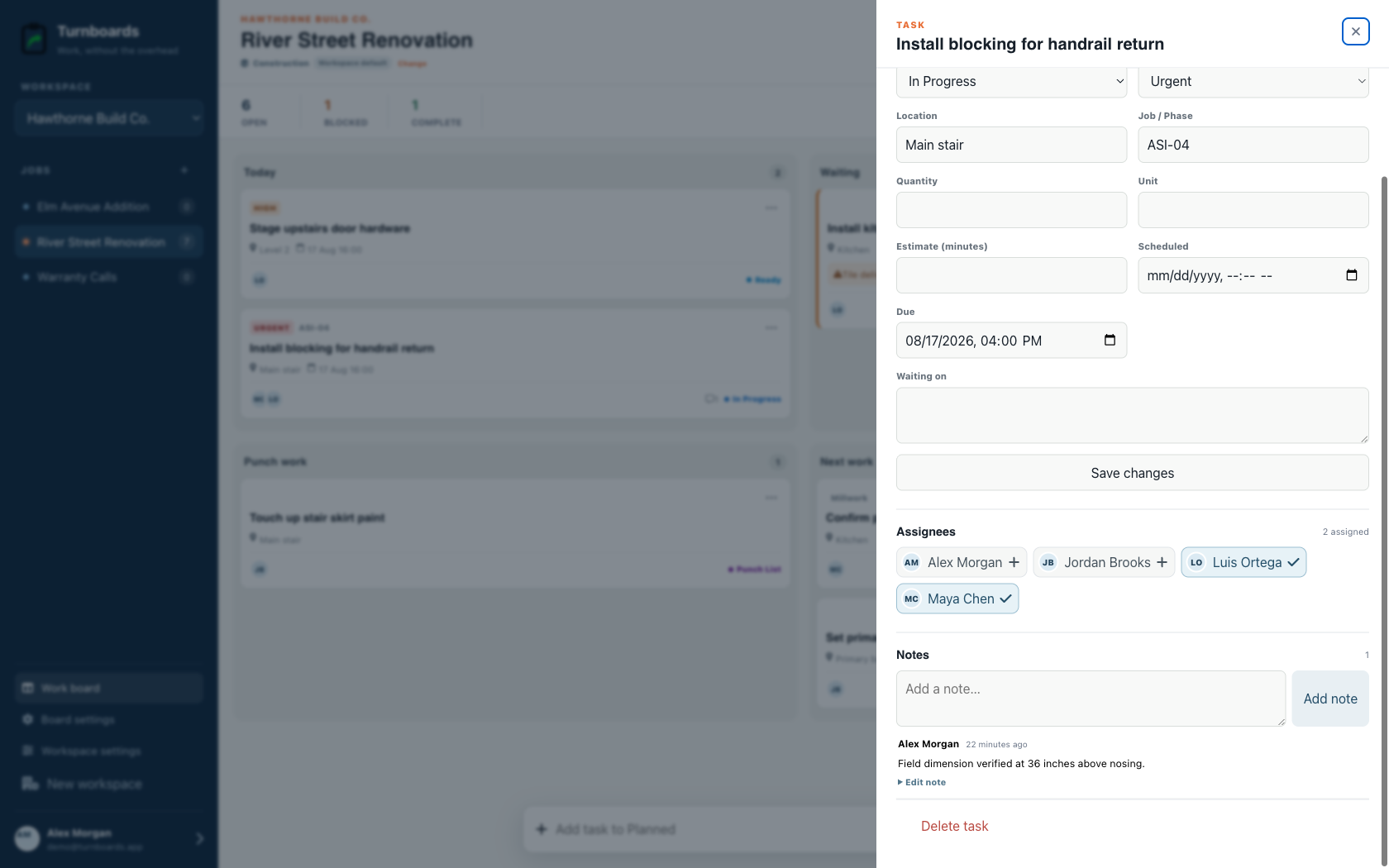
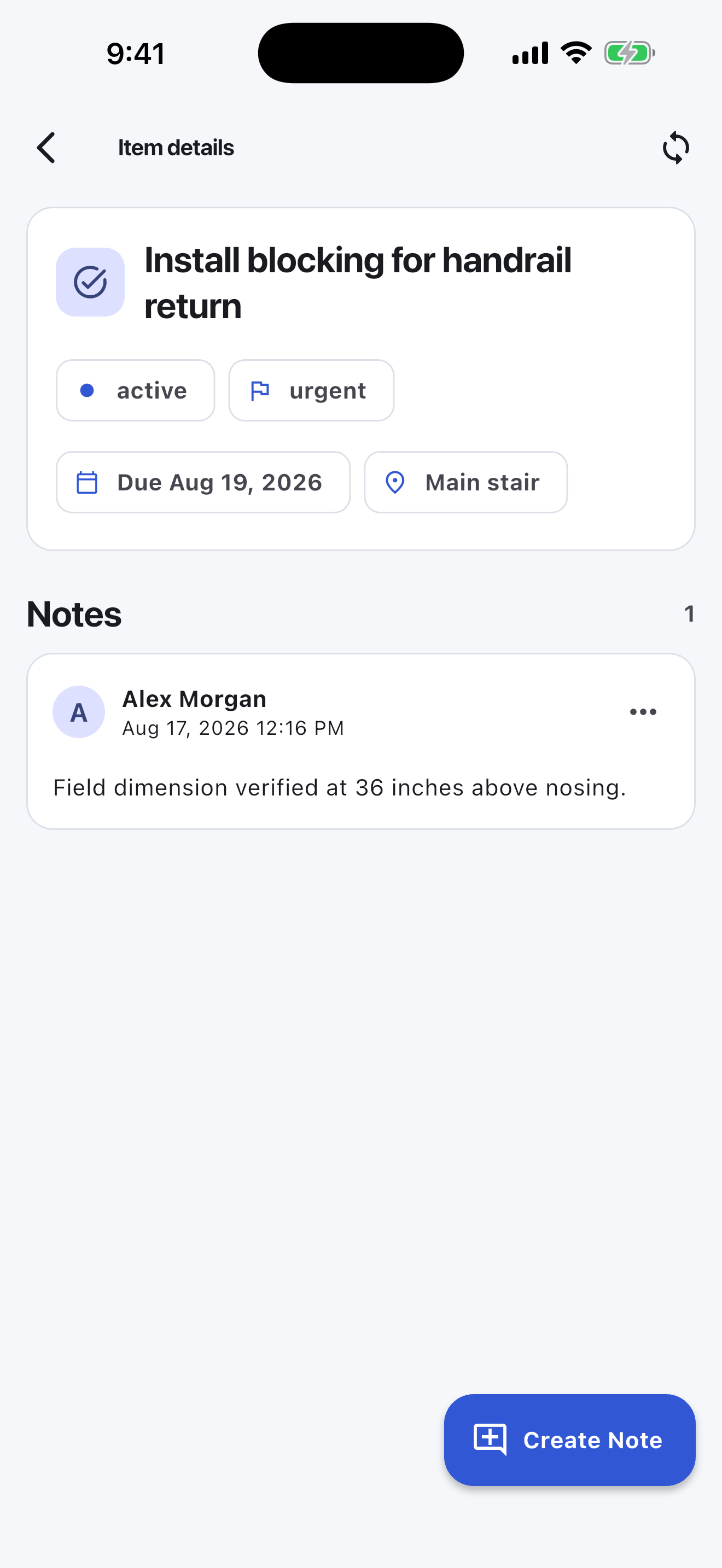
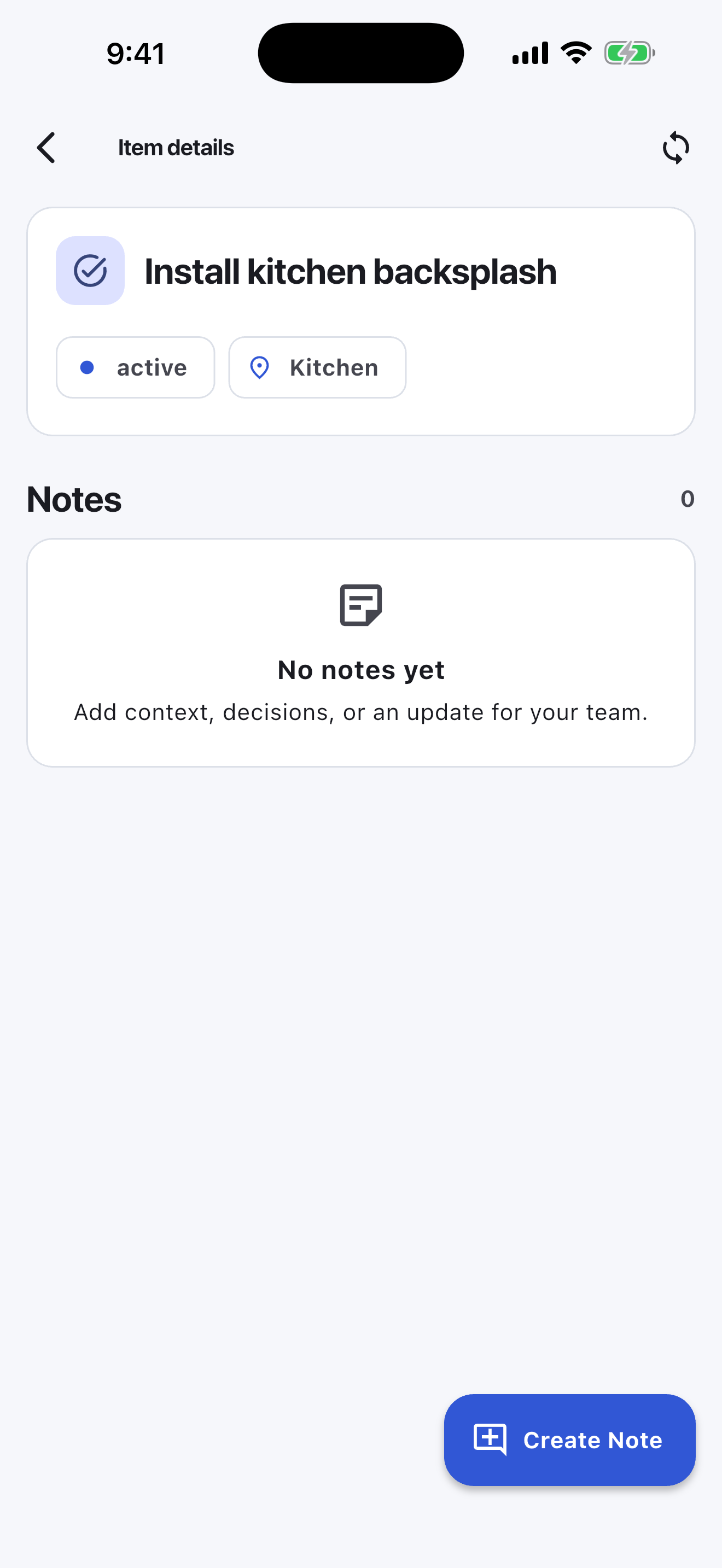
Notes keep the detail beside the task instead of across receipts, screenshots, texts, and memory.
The mobile app in action
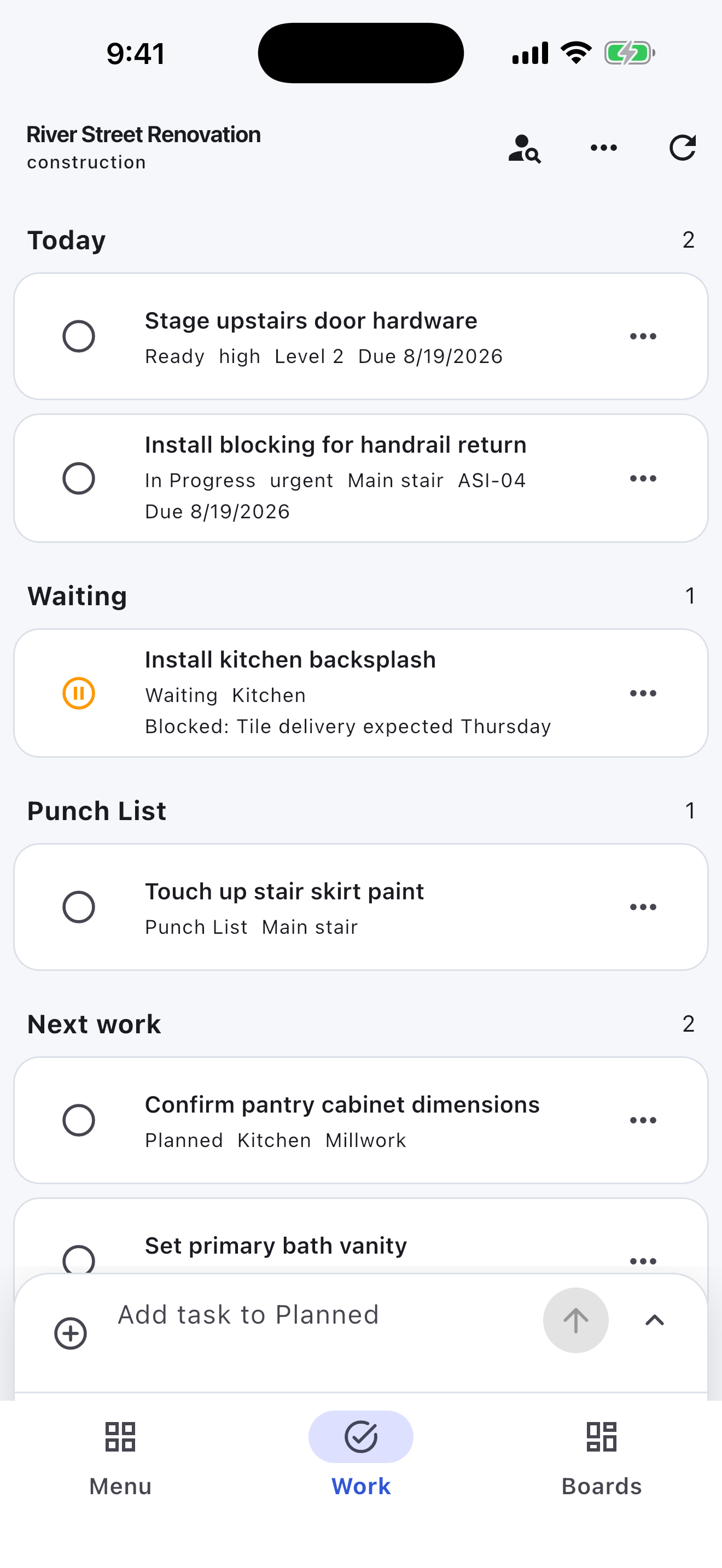
These are real screens from the same industry workspace shown above, using realistic fictional work. Scroll through the complete App Store screenshot set.
Turnboards does not manage plans, permits, bids, budgets, receipts, contractor schedules, or automatic recurring maintenance. It is a shared next-action list for one-off home projects.
Start with one room, add the next three actions, and share the board only if someone else is helping.
Turnboards stays intentionally smaller than construction or renovation management software.