Three clear stages
Start immediately without configuring a process.
Boards for builds, restorations, and creative work
Hobby projects rarely move in a straight line. Parts arrive late, ideas change, measurements need checking, and a project may wait weeks before the next free afternoon.
Turnboards keeps each hobby in a simple board so you can capture ideas quickly, remember the current state, and see the next useful action when you return.
No credit card. Create your first board in minutes.


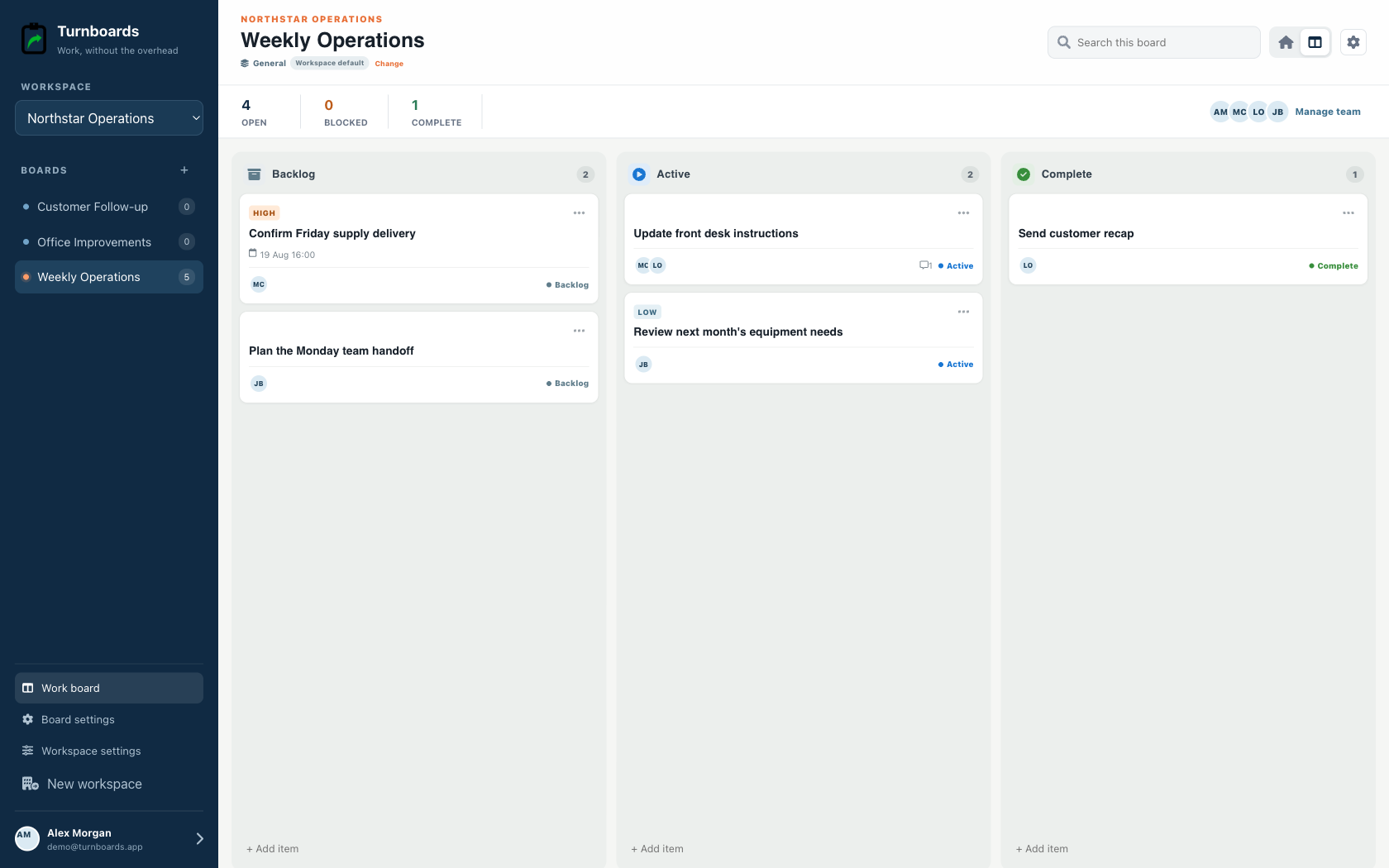
Start with the work you already have
Add the next few tasks, give them an owner, and keep the details beside the work. You can add more as the job moves forward.
Try your own board →Illustrative tasks. Choose stages that fit your work.
A flexible starting point
General workspaces keep the familiar Backlog, Active, and Complete flow while adding assignments, notes, due dates, and instant web access.
Start immediately without configuring a process.
Add the next item from any stage in one line.
Use boards for operations, customers, or internal projects.
Use the same lightweight workflow for hands-on, technical, and creative projects. The board name describes the outcome; the work items describe the next steps.
A hobby task often needs more context than a checkbox. Notes keep a supplier link, dimension, paint code, failed approach, or idea attached to the step it affects.
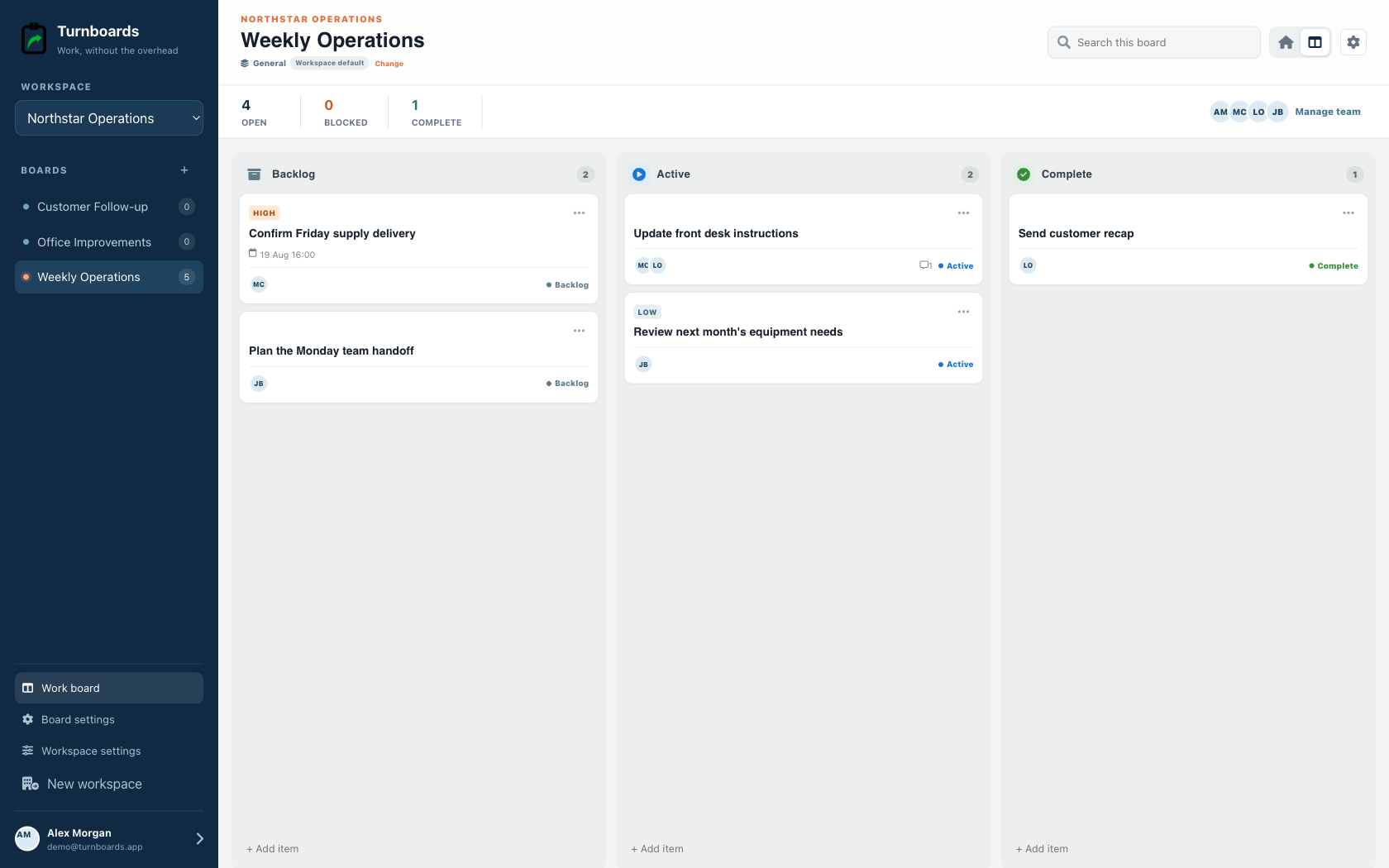
Backlog holds ideas and blocked work. Active holds the few things you can do during the current session. Complete shows visible progress without leaving finished tasks in the way.
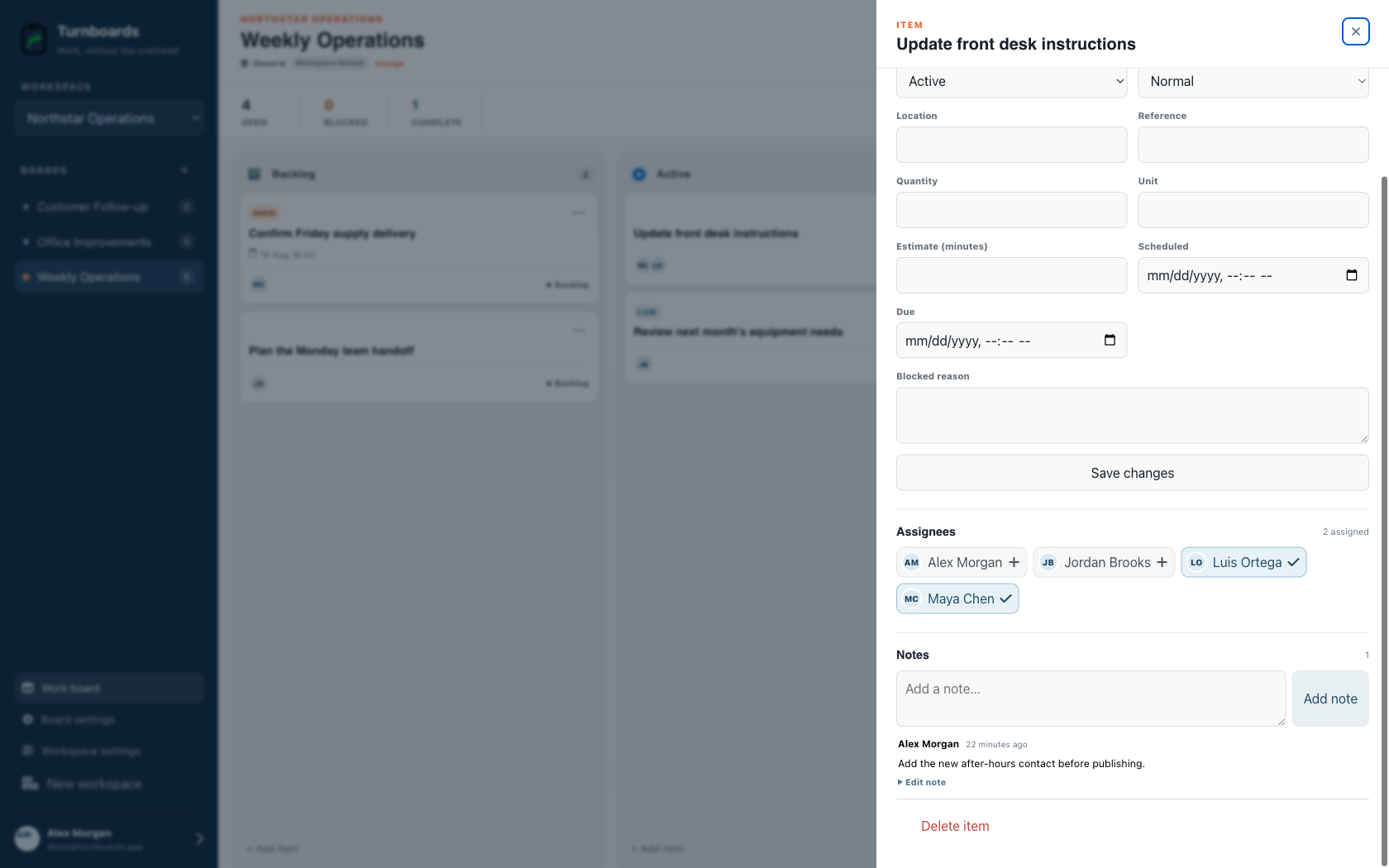
Turnboards does not store CAD files, calculate materials, manage inventory, track project spending, record time, publish build logs, or generate maintenance schedules. Keep those records in the tools designed for them.
Start with the project currently taking up space in your workshop, studio, desk, or imagination.
Turnboards does not manage project budgets, inventories, design files, build logs, habits, or automatic recurring reminders.