A practical system for many interests
How to Manage Multiple Personal Projects
Having several interests is not the problem. The problem is storing every idea, current task, blocked step, and someday project in one undifferentiated list. Separate projects first, then keep each Active list deliberately small.


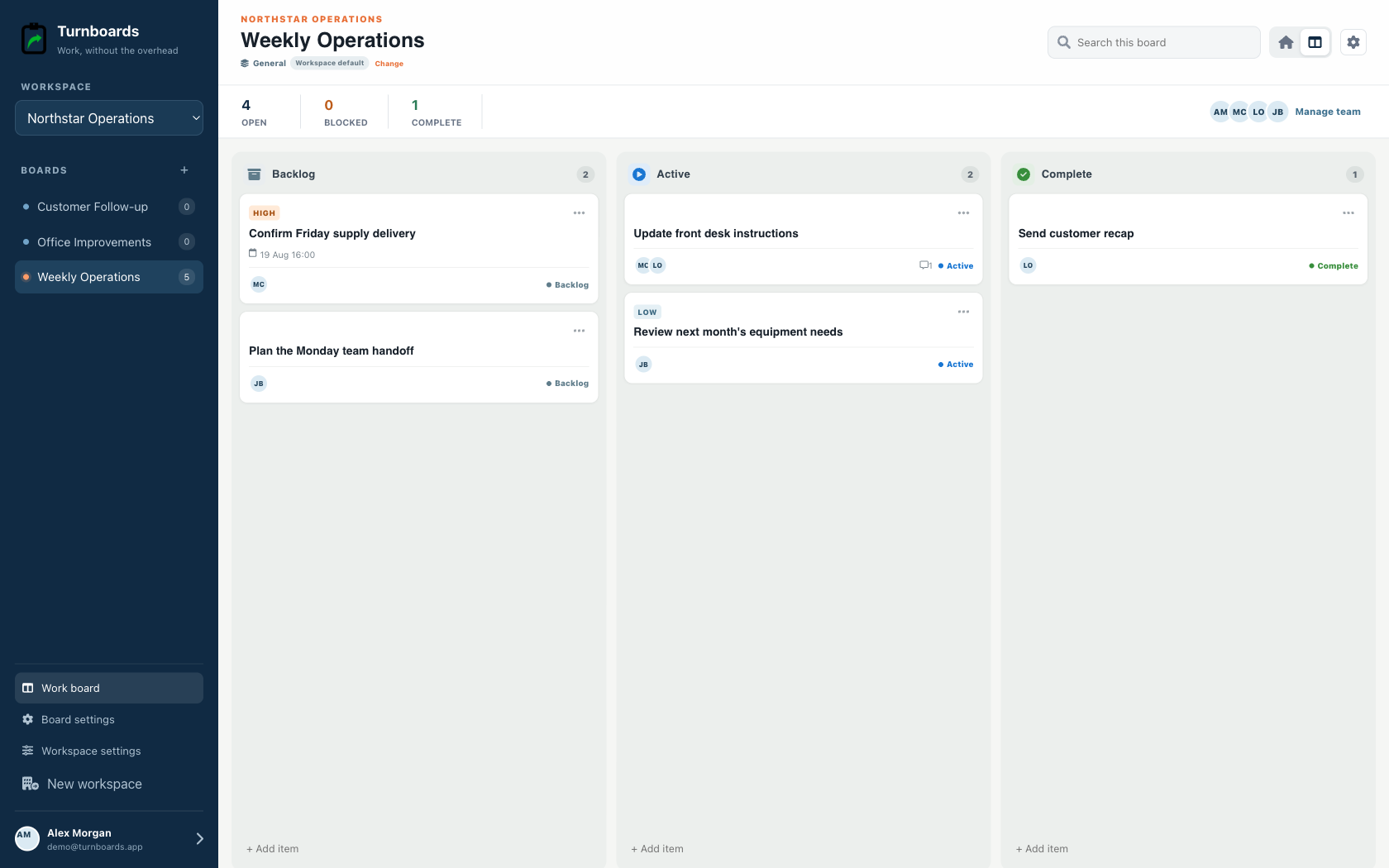
What you will get
- Create one board per project or finished outcome
- Keep possible and blocked work in Backlog
- Choose no more than a few current actions per project
- Leave a restart note before pausing
- Review the portfolio without forcing every project to stay active
Separate projects by outcome
A project should end with something recognizably finished: a restored motorcycle, planted garden bed, submitted manuscript, working app, or completed room repair. Give that outcome its own board instead of mixing it into a general personal list.
- Name the finished result
- Keep errands in a separate list
- Split projects only when each part has a different outcome
- Archive mentally by leaving inactive work in Backlog
Limit work in progress without deleting ideas
Backlog gives every useful idea a safe place without pretending it must happen now. Active should contain only the actions you could reasonably touch during the next work session or two.
- Move blocked work out of Active
- Choose a physical or observable next action
- Finish or pause before adding more current work
- Let some projects stay entirely in Backlog
Leave a restart point
Before putting a project down, add one note explaining what happened, what is blocked, and what should happen next. That small handoff to your future self reduces the friction of returning after days or months.
- Record the last completed step
- Name the missing part, answer, or decision
- Add the first action for the next session
- Keep supporting detail with the relevant task
Review projects without turning the review into work
Scan your boards weekly or whenever free time opens. Choose which project deserves attention, adjust its Active tasks, and ignore the rest until the next review. The system should protect project time, not consume it.
What Turnboards does—and does not do
Turnboards is a fast shared work list with boards, assignments, notes, due dates, and offline updates. It does not provide invoicing, employee scheduling, GPS tracking, or formal inspection records.
Put the next job on one clear board
Try Turnboards free. Create a board, add three real work items, and invite the person who needs the list next.