Three clear stages
Start immediately without configuring a process.
Simple planning for work you choose
Personal projects need more structure than a loose note, but they should not require the setup of workplace project-management software.
Turnboards gives every build, restoration, creative project, or finite goal its own board. Capture ideas in Backlog, choose the next few actions for Active, and keep finished work in Complete.
No credit card. Create your first board in minutes.


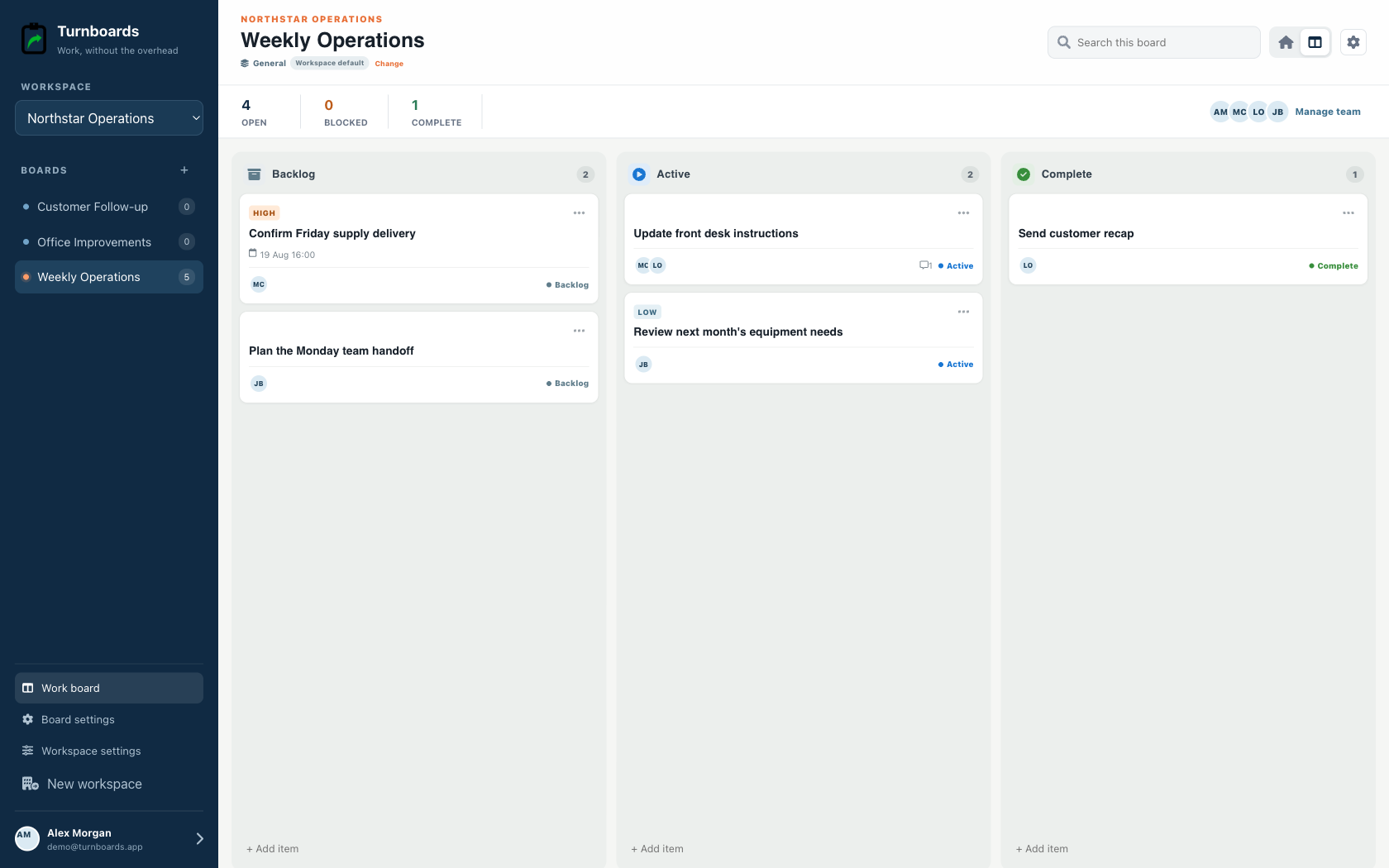
Start with the work you already have
Add the next few tasks, give them an owner, and keep the details beside the work. You can add more as the job moves forward.
Try your own board →Illustrative tasks. Choose stages that fit your work.
A flexible starting point
General workspaces keep the familiar Backlog, Active, and Complete flow while adding assignments, notes, due dates, and instant web access.
Start immediately without configuring a process.
Add the next item from any stage in one line.
Use boards for operations, customers, or internal projects.
A woodworking build, motorcycle restoration, book draft, garden plan, and mobile app should not compete in one giant notes file. A focused board keeps the tasks and context for one outcome together.
Personal projects often grow while you are away from them. Put possible features, materials, questions, and later improvements in Backlog, then move only the next actions into Active.
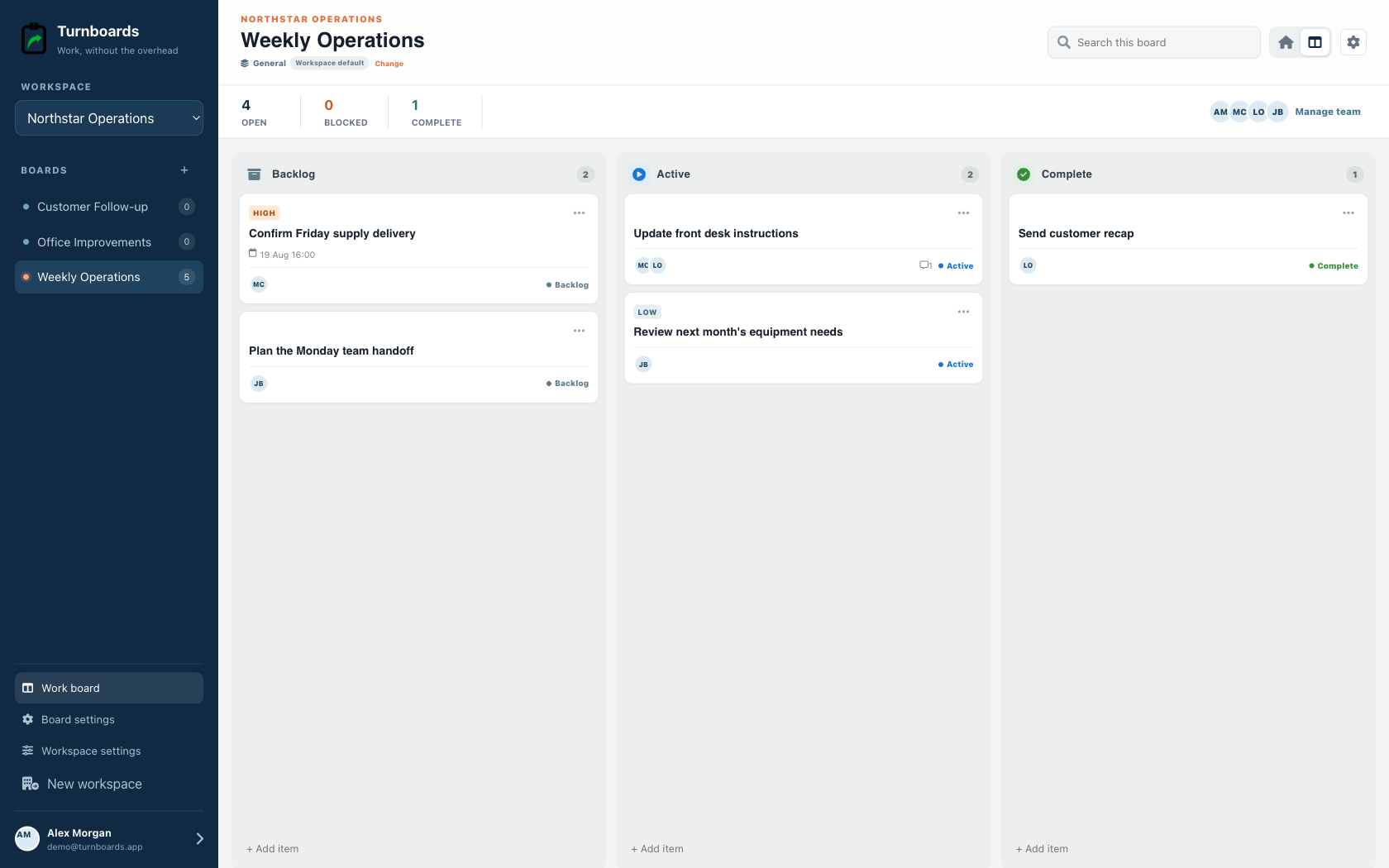
The hardest part of returning to a hobby project is reconstructing what happened last. Completed items and task notes preserve enough context to choose the next action when time becomes available again.
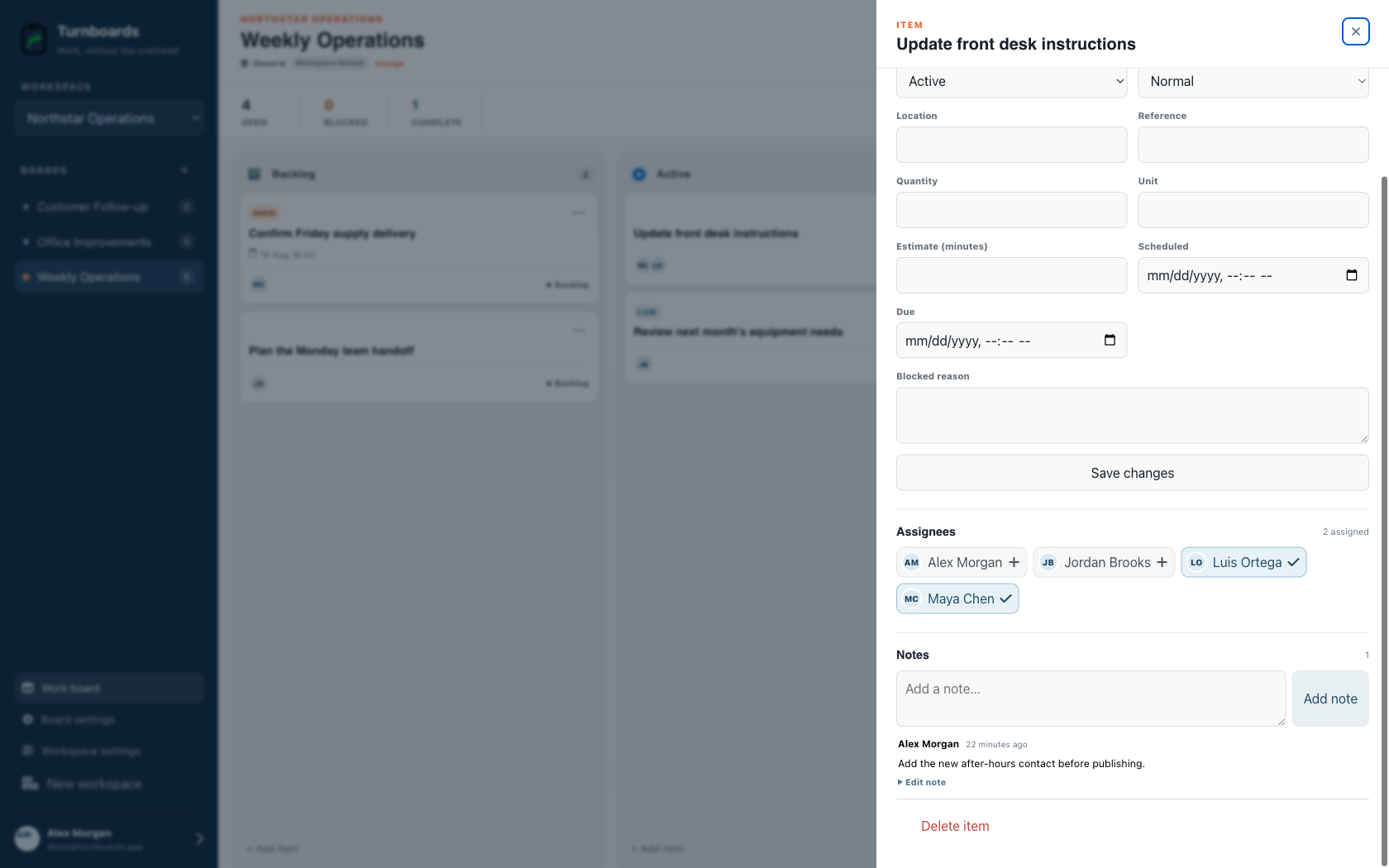
Turnboards does not provide streaks, daily habit prompts, calendar blocking, time estimates, budgets, dependencies, milestones, or automated coaching. It is for finite projects that can be broken into next actions.
Create one board, add the next three physical or creative actions, and leave the rest of the ideas in Backlog.
Turnboards is not a habit tracker, calendar planner, budget manager, time tracker, or automated goal coach.