Job details disappear in text messages.
How to Keep Job Details Out of Text Messages
The room name is in one text, the repair description is in another, and the person doing the work has neither. Give the job a shared home so the next handoff includes the details.
Turnboards keeps requested work, accepted tasks, locations, and task notes attached to the job. Your crew opens the work list instead of reconstructing instructions from a conversation.
Create your workspace and start with one job.
Prefer the mobile app?


A practical example
“The other kitchen door” becomes a clear work item
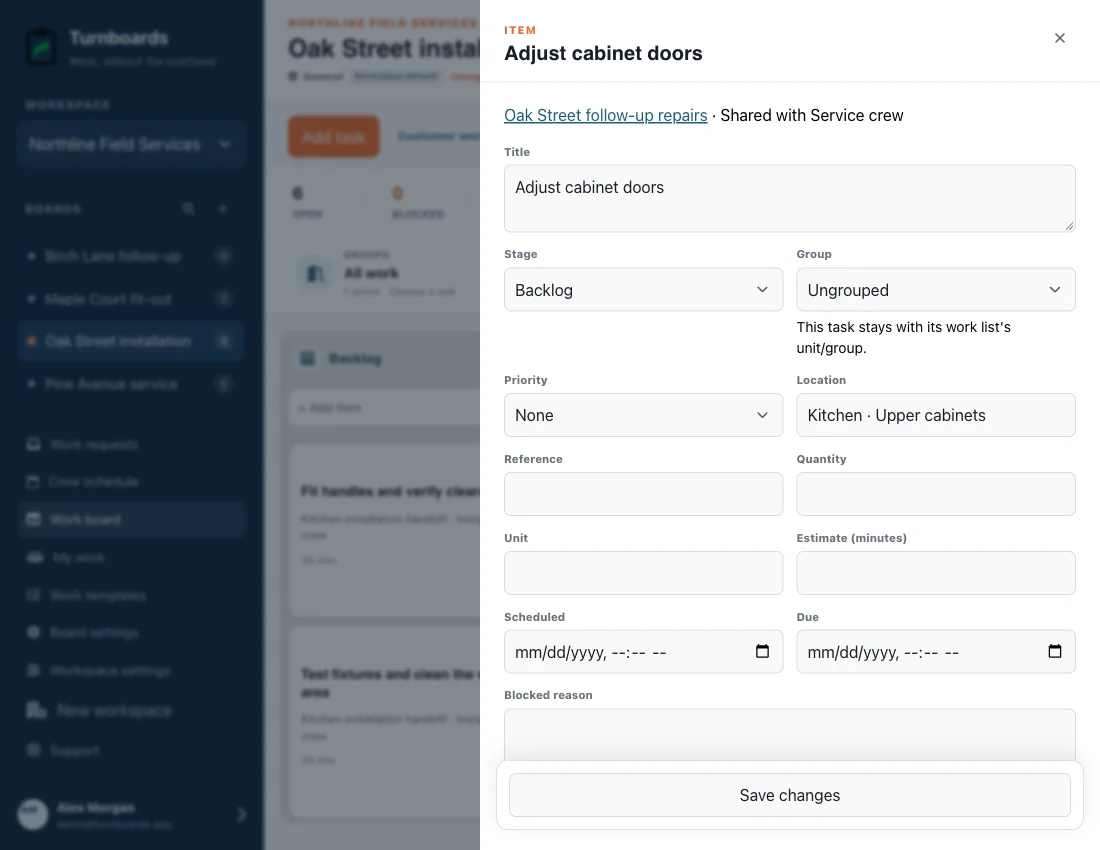
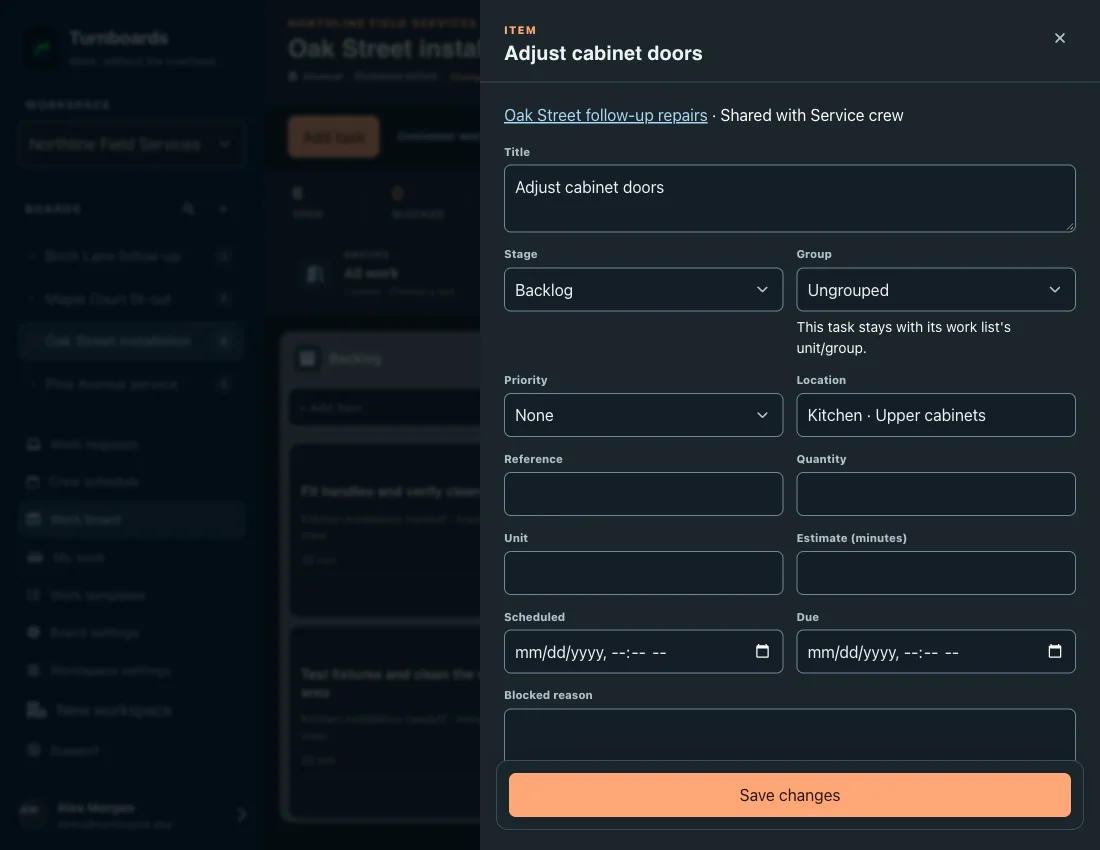
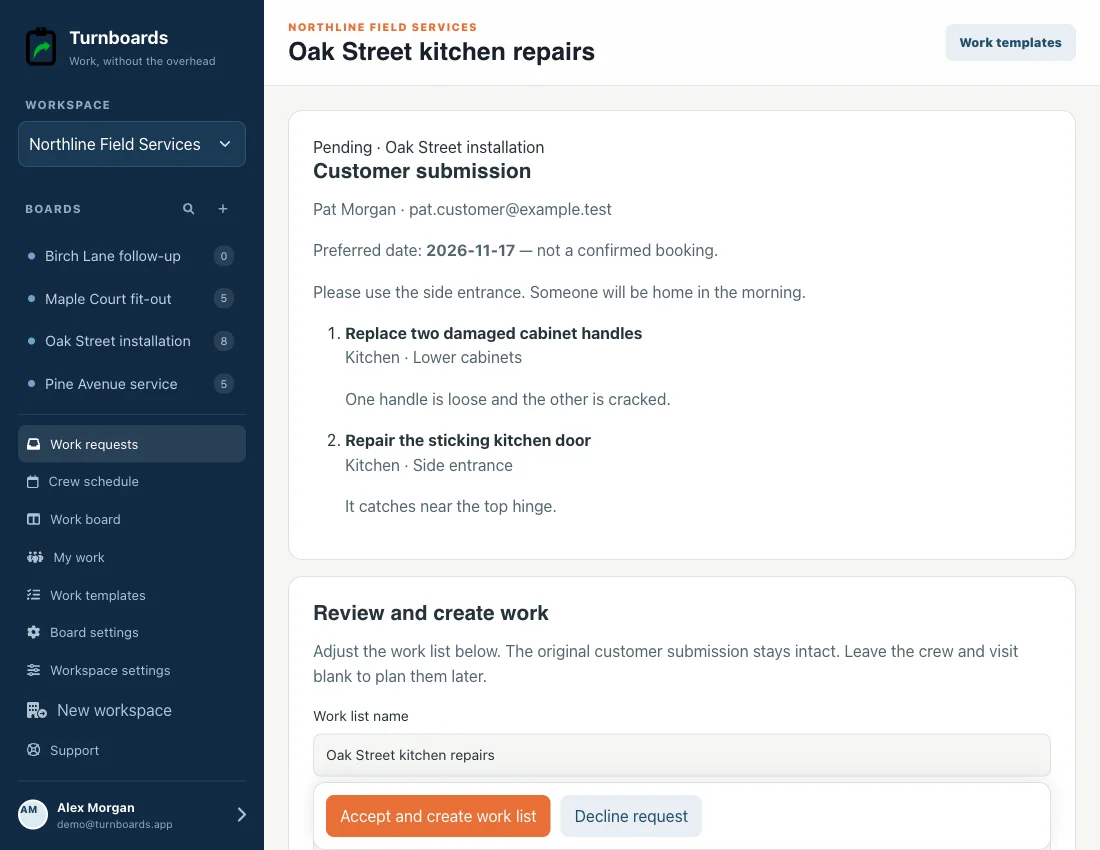
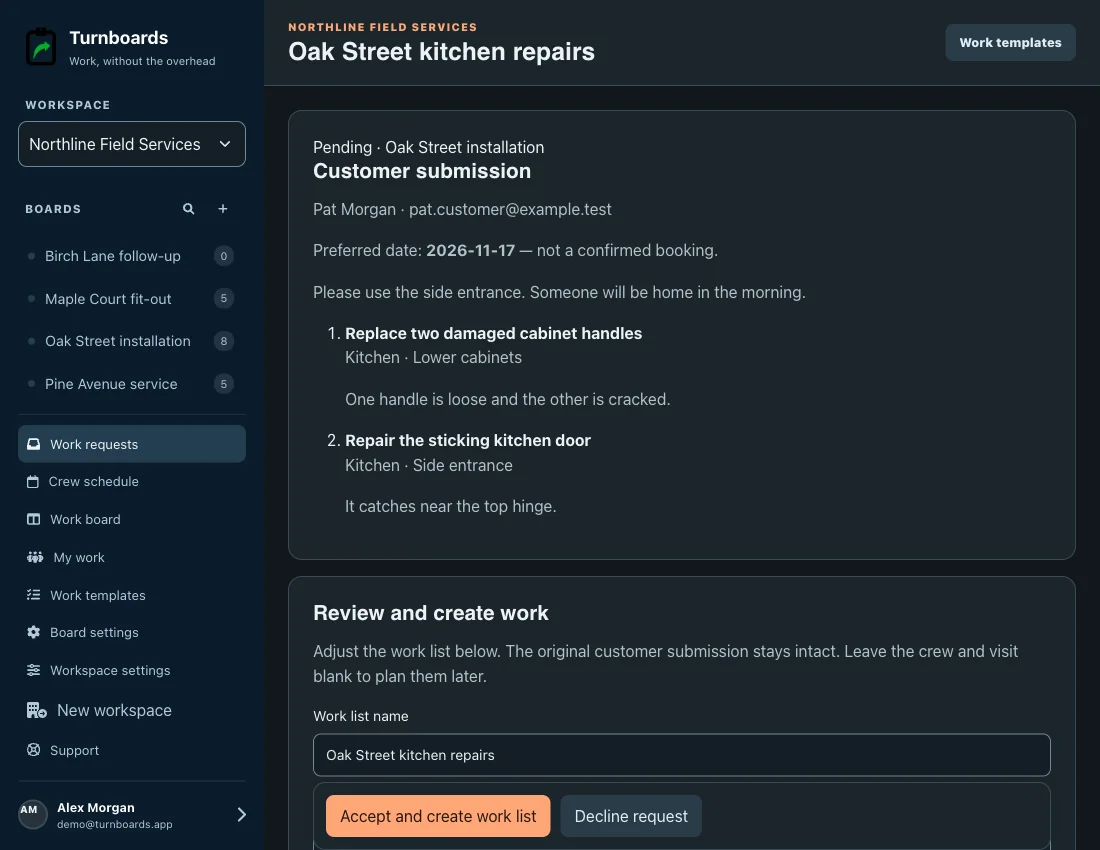
At Oak Street, a loose cabinet handle and a sticking side door are different repairs. Keep their locations and notes separate so the crew does not have to guess.
- Capture
- Use one work item for the damaged cabinet handles and another for the side door. Add the room and item notes.
- Organize
- Collect new customer requirements through the private job link, then review what should become crew work.
- Hand off
- Assign the resulting work list. Crew members can open each task and its notes from the same job.
Start with one job
Create your account and a board for one active customer job. Add clear work items with their locations and notes before handing the list to a crew.
Put it into practice
A workflow your team can follow
Use one board as the home for a job
Name it for the customer site or job so the crew can recognize it. Use an existing unit or group when that organization helps separate areas of work.
Write observable work, with its location
Replace vague instructions with specific tasks: “Repair the sticking kitchen side door.” Add notes where the work lives, rather than relying on a manager’s message history.
Collect additions through the customer link
Send a board-specific request form. Customers can list multiple items without an account; an admin reviews and accepts the work before it becomes a normal work list.
Review the work at each handoff
Open the board or assigned list with the next crew. Keep task status current, and make sure signed-in mobile members sync before working offline.
What to expect
Turnboards does not read, import, or synchronize SMS or WhatsApp conversations. Bring relevant details into the job yourself or have the customer submit them through the request form.
Questions before you start
Does Turnboards automatically import my text messages?
No. This workflow gives job details a shared home; it is not a messaging integration. Add the information yourself or send a customer request link.
Can customers add details without seeing the internal job board?
Yes. Their private link shows the job name, customer instructions, and that link’s submissions. It does not expose your internal notes, other jobs, or crew plan.
Will the crew have the details offline?
Signed-in mobile members can use supported synced work and task changes offline. They must sync the relevant work first. Browser guest links need internet access.
Connect the next part of the job
Put the workflow to work
Make the next job easier to hand off.
Create your account and a board for one active customer job. Add clear work items with their locations and notes before handing the list to a crew.