Three clear stages
Start immediately without configuring a process.
Client next-action lists
Client follow-up is easy to lose when it lives in email, calls, texts, and someone else's memory.
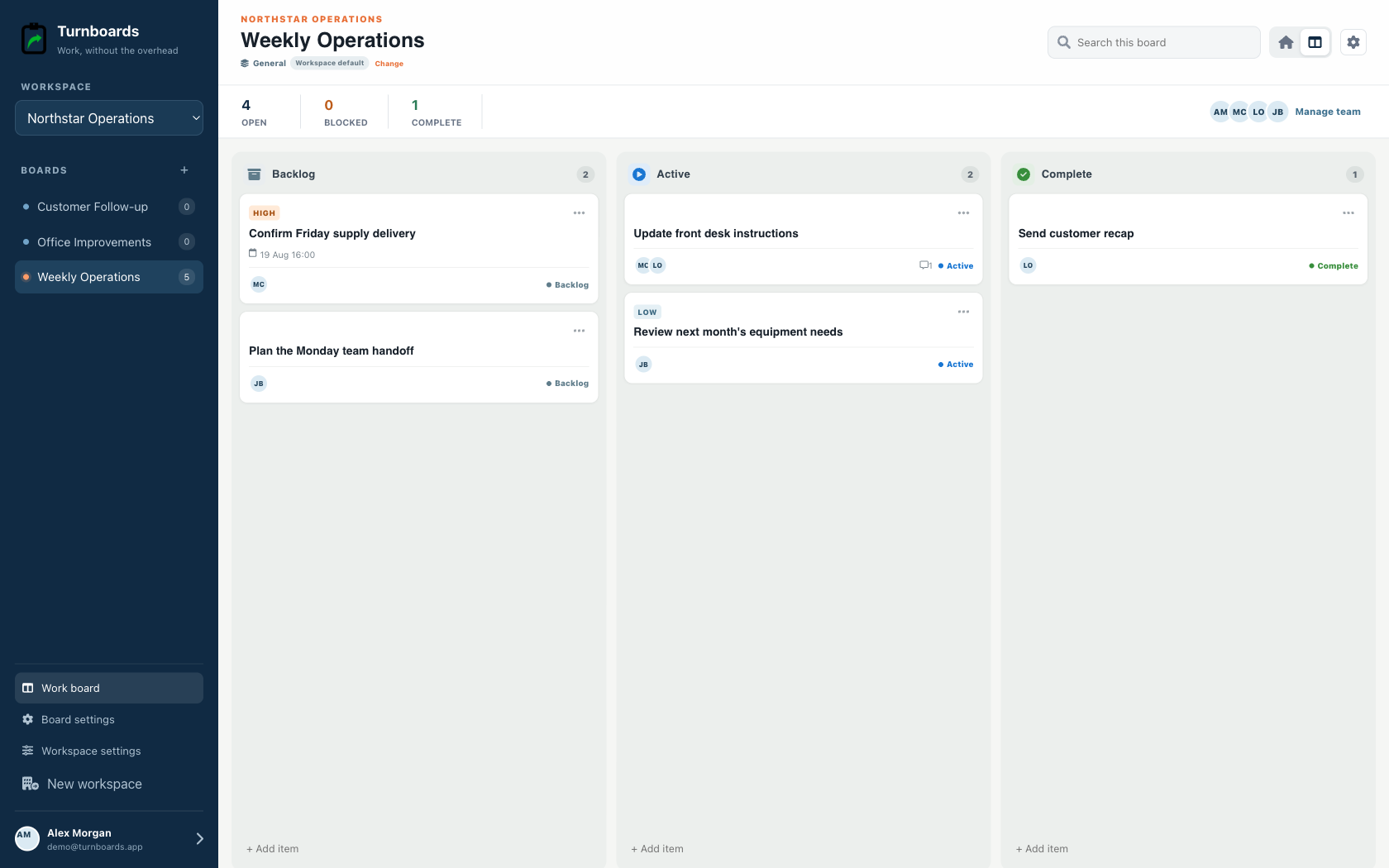
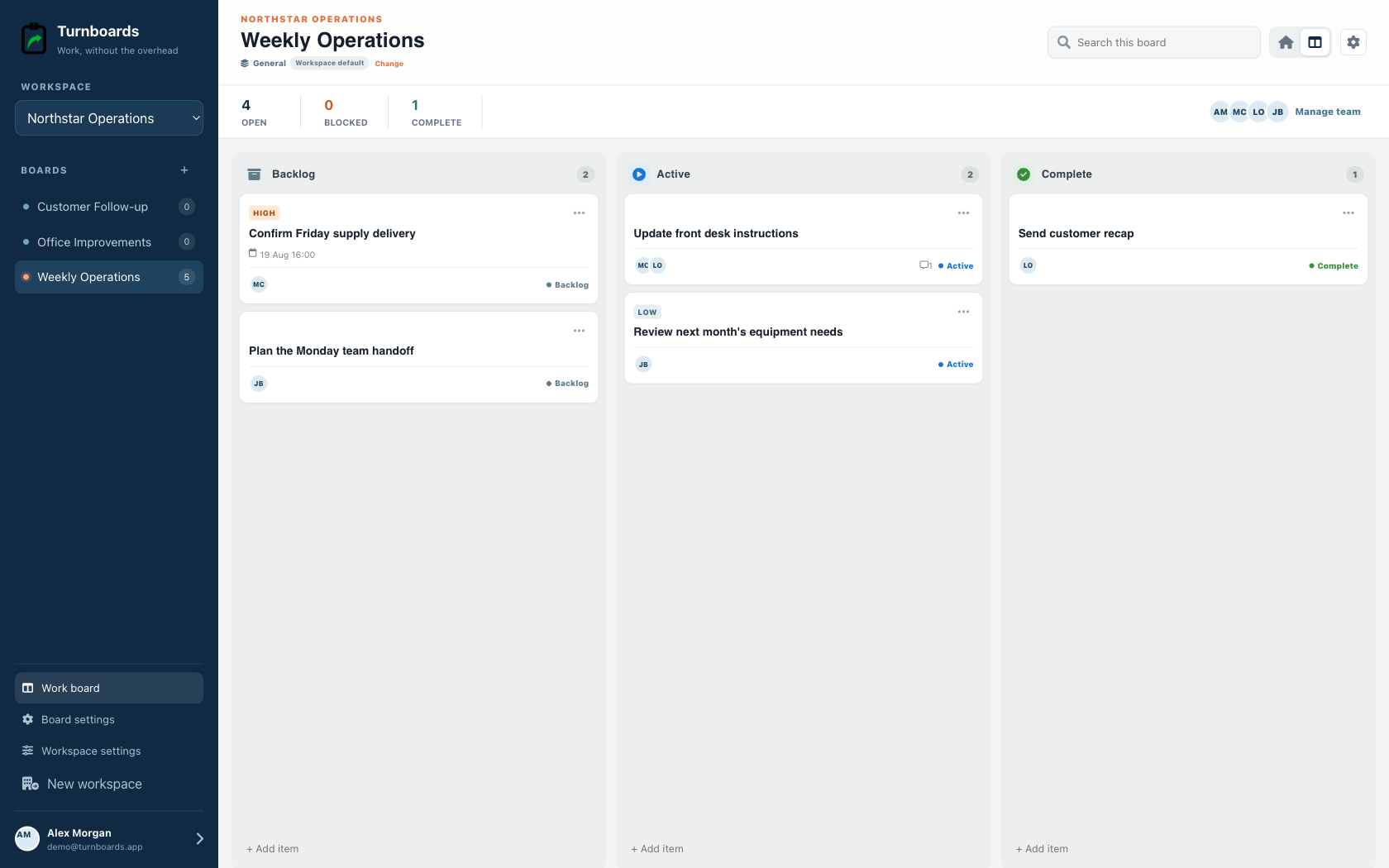
Turnboards gives client next steps a simple task list workflow: create a board, add the follow-up, assign an owner, and move tasks from Backlog to Active to Complete.
No credit card. Create your first board in minutes.


Start with the work you already have
Add the next few tasks, give them an owner, and keep the details beside the work. You can add more as the job moves forward.
Try your own board →Illustrative tasks. Choose stages that fit your work.
A flexible starting point
General workspaces keep the familiar Backlog, Active, and Complete flow while adding assignments, notes, due dates, and instant web access.
Start immediately without configuring a process.
Add the next item from any stage in one line.
Use boards for operations, customers, or internal projects.
Every client can have different next steps: send an estimate, confirm a detail, schedule a visit, check payment, order a part, or follow up after delivery. Boards keep those tasks grouped.
Not every client task needs attention today. Turnboards separates future follow-up from active work so your customer list stays manageable.
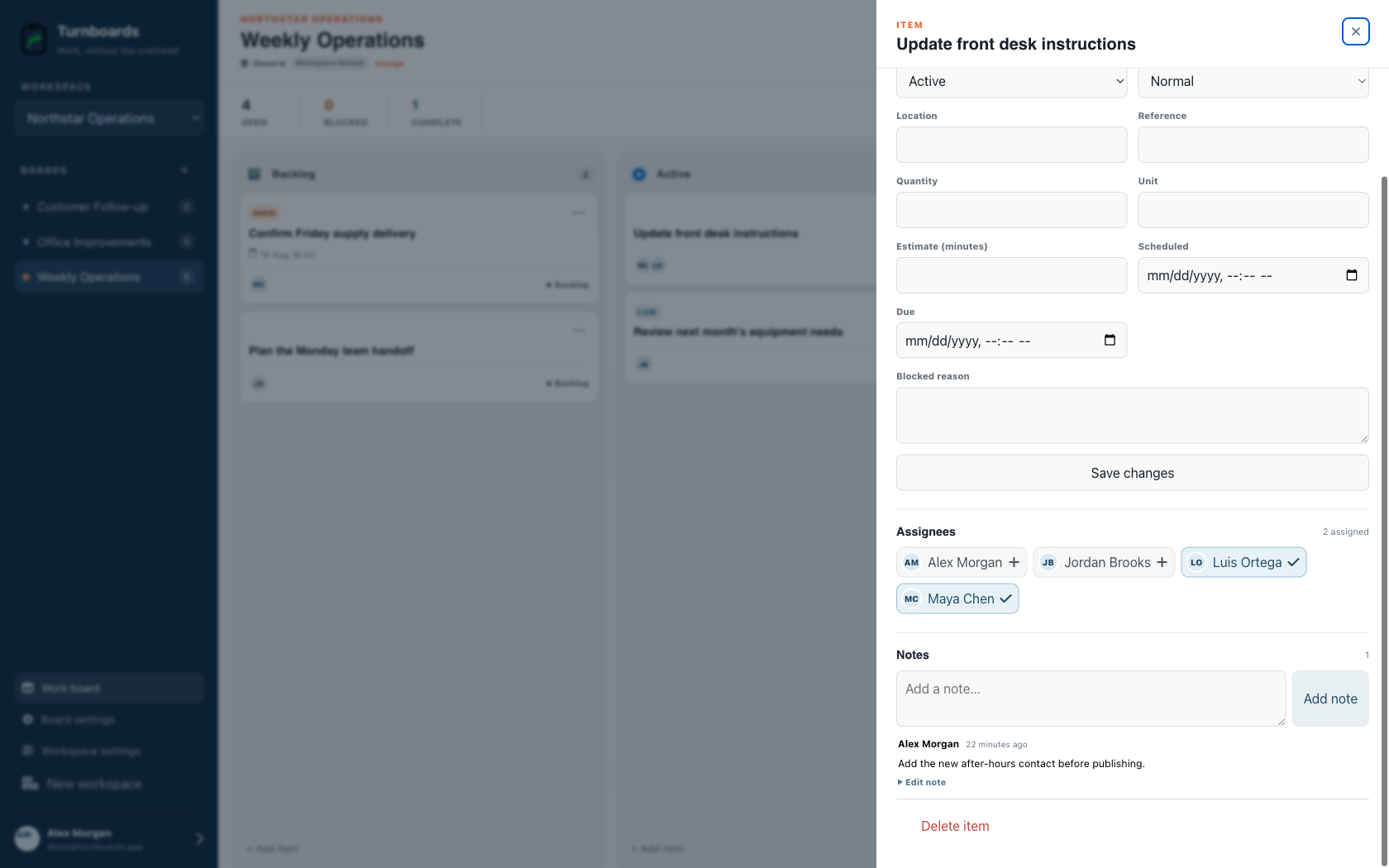
Client follow-up often depends on context: what was promised, what changed, who needs an update, and what should happen next. Notes keep that context inside the task.
Turnboards does not store a sales pipeline, sync email, send customer messages, create estimates, automate reminders, or report revenue. Use it only for internal next actions and notes.
Turnboards helps business owners and small teams keep client follow-up visible without building a sales pipeline or CRM process around every task.
Use it when you need a practical place for customer next steps, task owners, and follow-up notes.