Apartment make-ready board template
See which units are ready, which are waiting on work, and who owns the next step. Use one row per apartment turn and review the whole board with leasing and maintenance.
No account needed. Includes a blank board and a filled example.
What an apartment turn board looks like
| Property | Unit | Target ready | Owner | Stage | Blocker / next step |
|---|---|---|---|---|---|
| Maple Court | 101 | Dec 1 | Jordan | Scheduled | Confirm key handoff |
| Maple Court | 204 | Nov 29 | Casey | In progress | Paint before cleaning |
| Oak Ridge | 3B | Nov 30 | Riley | On hold | Waiting for faucet part |
The Excel file also includes dropdowns for repairs, paint, cleaning, and inspection. Mark a trade N/A when it isn’t needed. After the final walkthrough, mark the unit Ready and tell leasing.
From apartment walkthrough to crew work
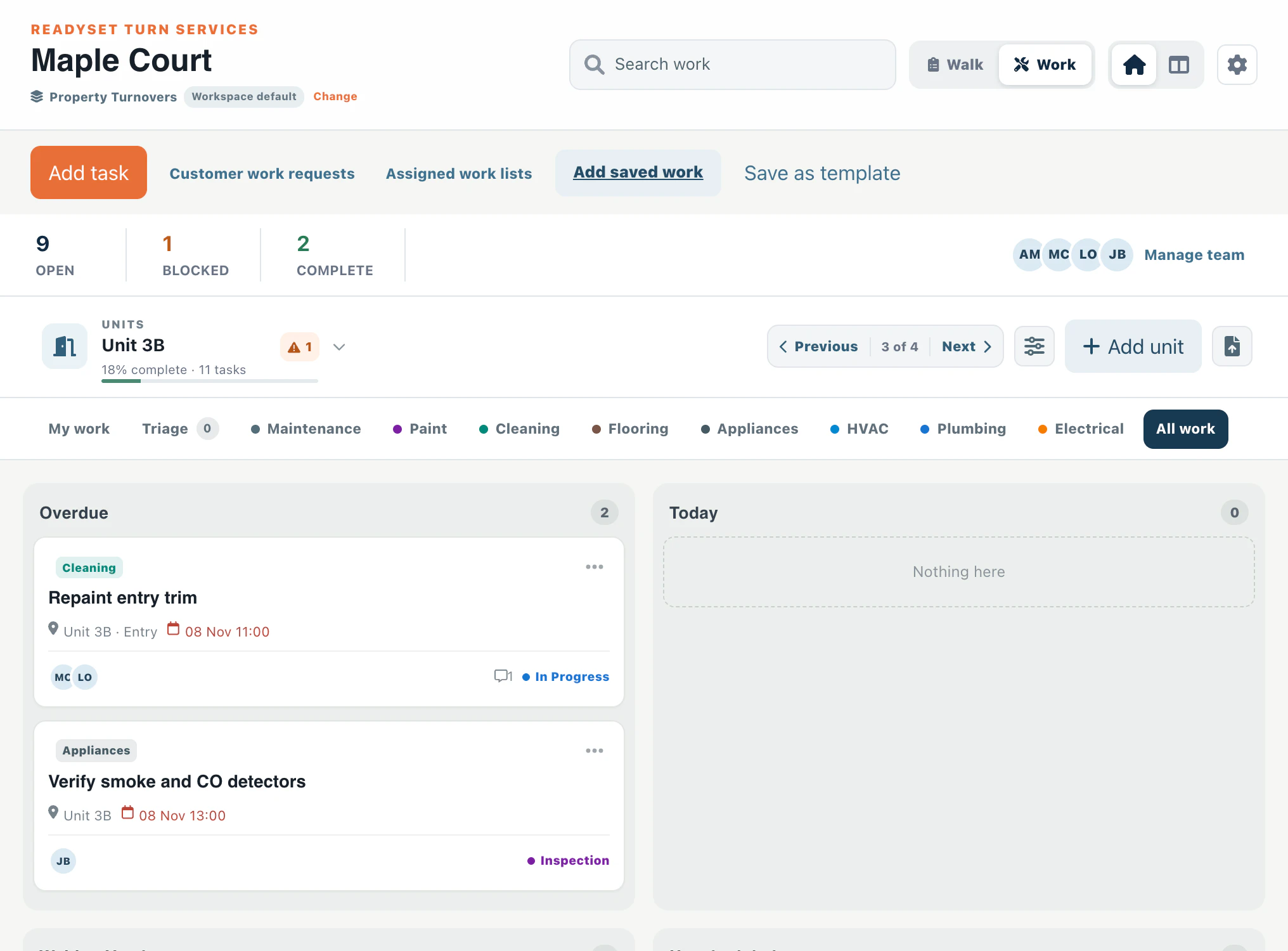
Use the Excel board to see where your units stand. Use Turnboards to capture and assign the individual jobs inside each apartment.
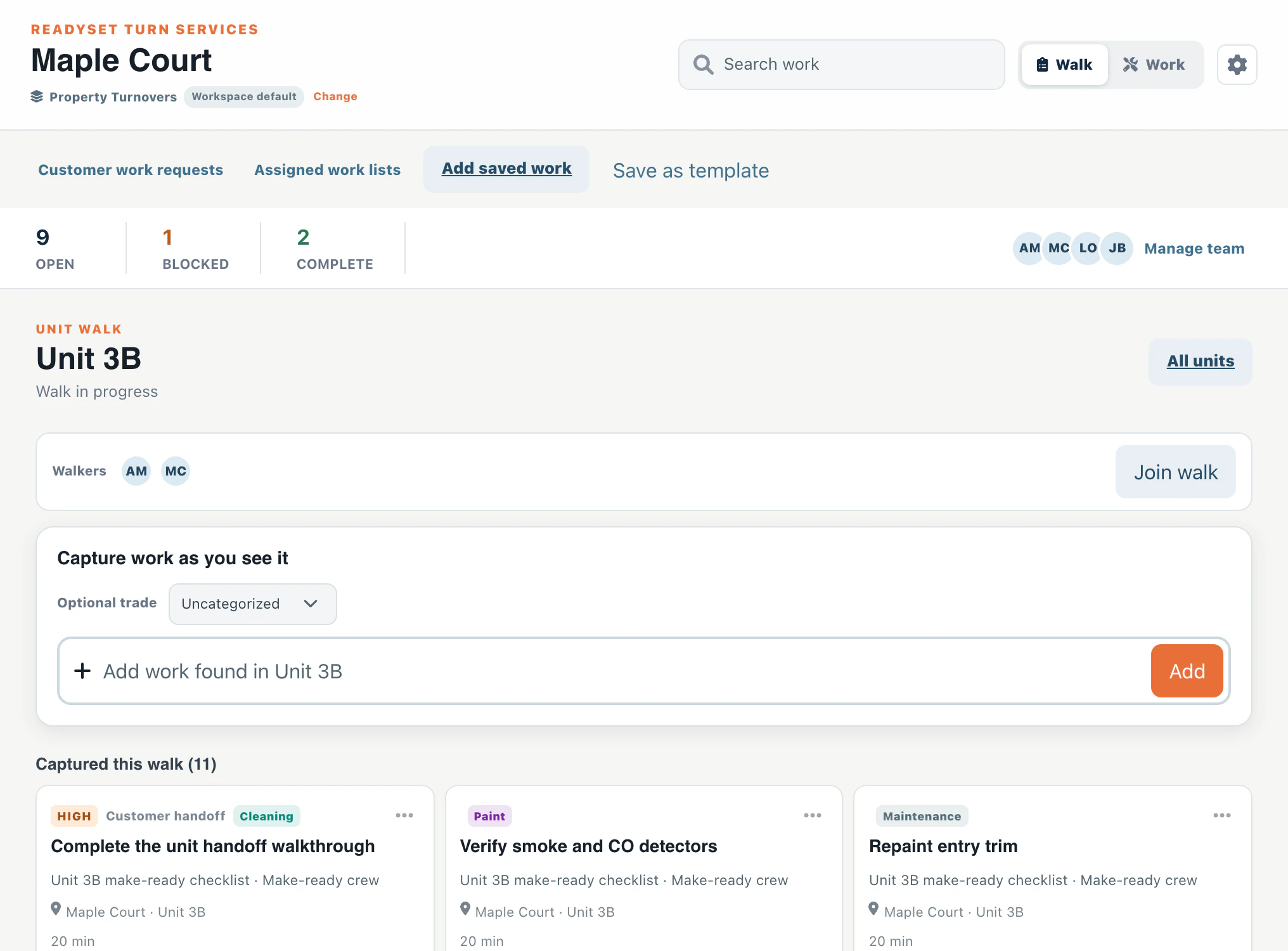
- Walk the unit. On the building’s Property Turnovers board, select Walk, choose an apartment, and start or join its walk.
- Capture what needs doing. Add each finding as a work item, such as “Replace the kitchen faucet cartridge.” Choose a trade if you know it.
- Hand it off. Select Finish & next unit to record the walk, even when there’s nothing to fix. In Work, assign the open items and track them through inspection and completion.