

Check gate access and property instructions
Starts in the board's intake stage
Loadable lawn care checklist
Give each property visit a clear mowing, trimming, edging, and cleanup plan. Load this checklist into a board, or select Lawn mowing visit in Crew schedule to create independent checklists for recurring visits.
Use this checklist in Turnboards
Included in the Turnboards web dashboard and mobile app. Load the whole template or choose individual items.
Exact template contents
Review every item before loading. Existing board settings stay in place, and every loaded entry becomes an ordinary item.
Starts in the board's intake stage
Starts in the board's intake stage
Starts in the board's intake stage
Starts in the board's intake stage
Starts in the board's intake stage
Starts in the board's intake stage
From template to live work
Templates add work to a board. They do not silently switch the board's industry, rename its stages, or move existing items.
Select only the tasks that apply. Turnboards identifies matching items already on the target board or group.
If the workflow differs, map template stages and categories to the board. Admins can create a missing category or use Uncategorized.
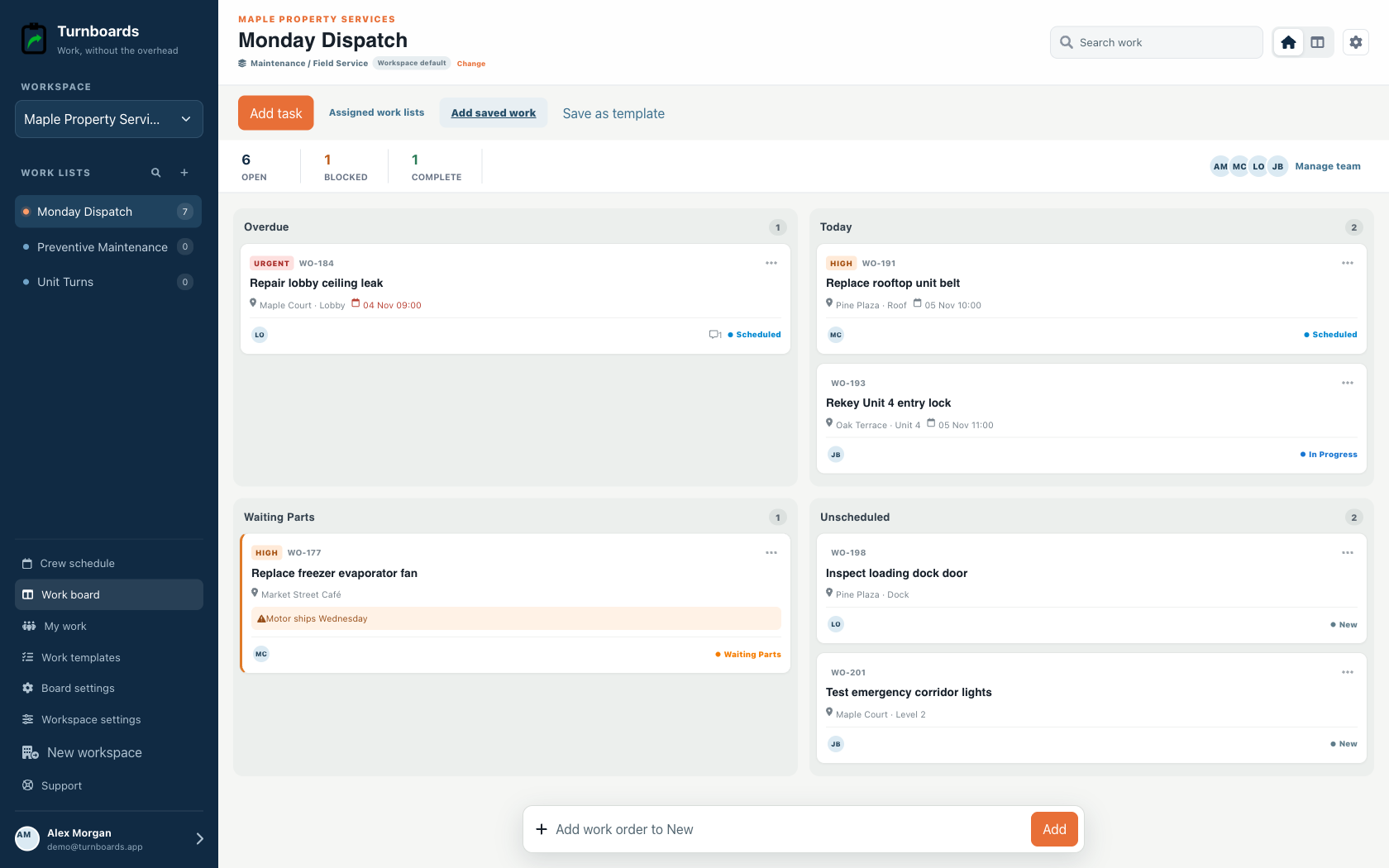
The selected tasks appear immediately as editable work with the same assignments, notes, offline sync, and quick creation used everywhere else.
Confirm access and agreed service areas. Edit the checklist for the lawn, fences, obstacles, and cleanup needed at this property.
Create a booking in Crew schedule, choose the property board and crew, select a fresh checklist, and set Repeat and an end date. Review visit and task counts before saving.
Open the work list from the visit. Complete its tasks and record follow-up work. Future visits retain their own incomplete checklists.
Loading this template into a board creates one list of tasks. For independent recurring visit checklists, use the fresh-checklist option in Crew schedule. Route optimization, estimates, billing, and automatic customer notifications are not included.
No. Fresh checklists created through Crew schedule are independent.
An administrator can select unfinished visits in Reschedule rain delays, choose a new date, and review overlaps before saving.
Yes. Use the built-in checklist as a starting point or save your own work template.
Start in the web dashboard
Create a workspace, open Work templates, review the mapping, and load only the items your team needs.